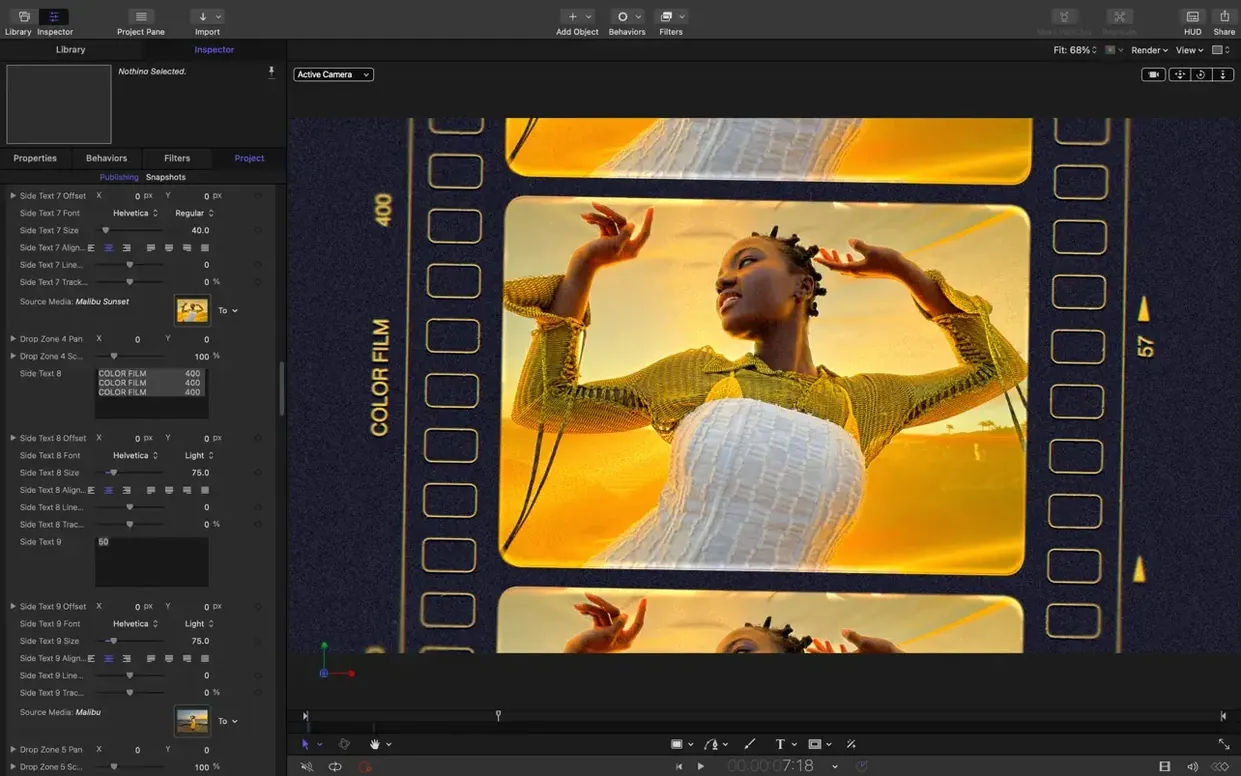
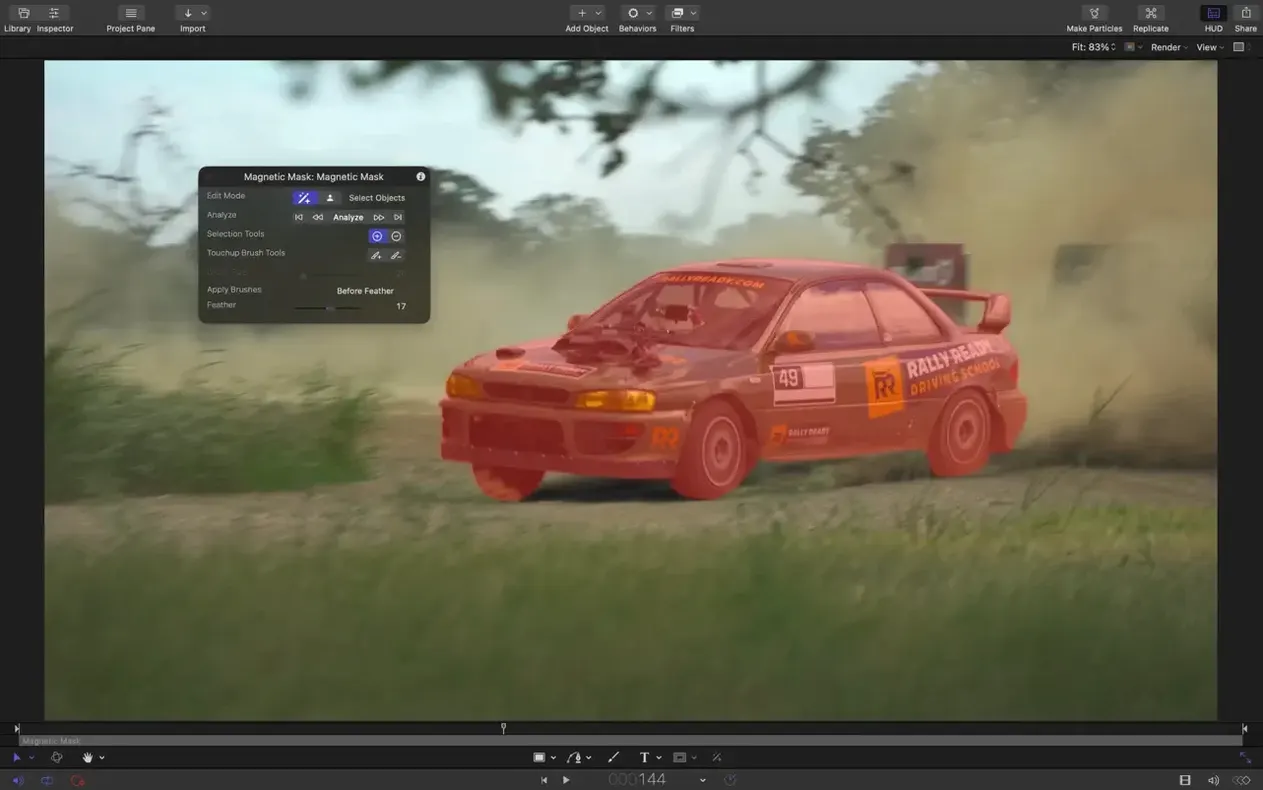
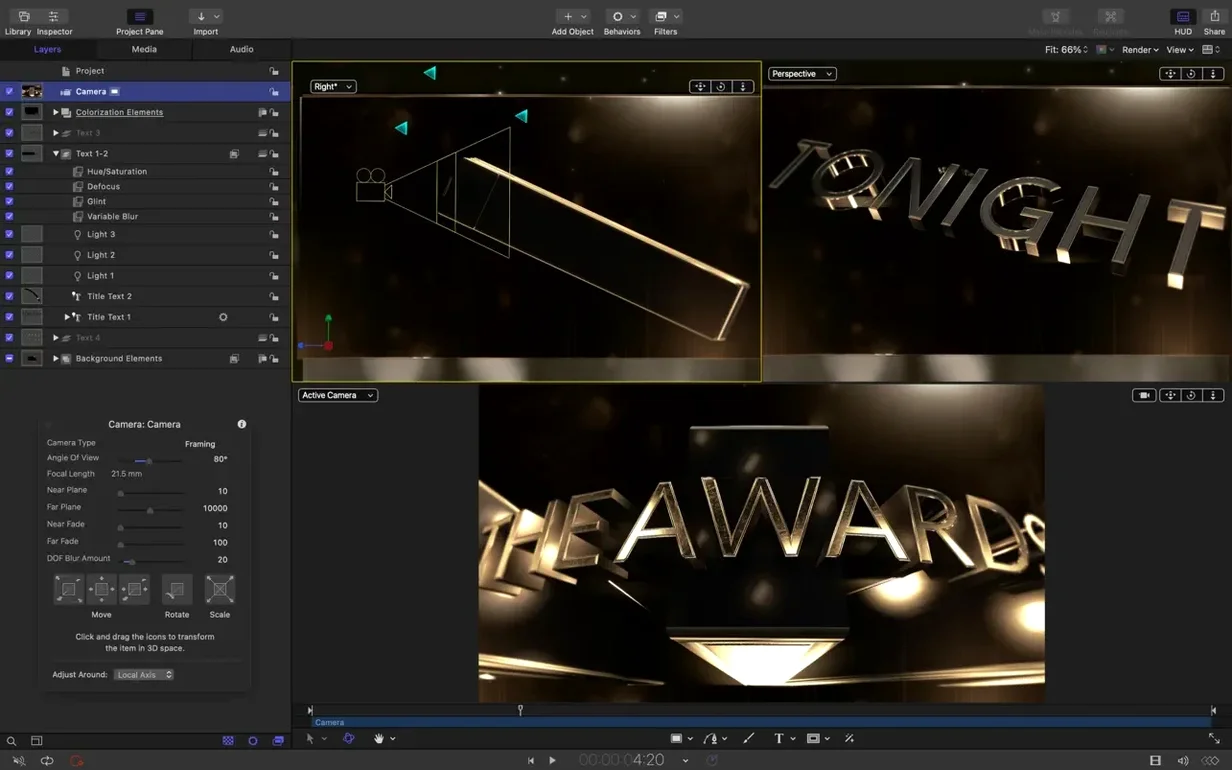
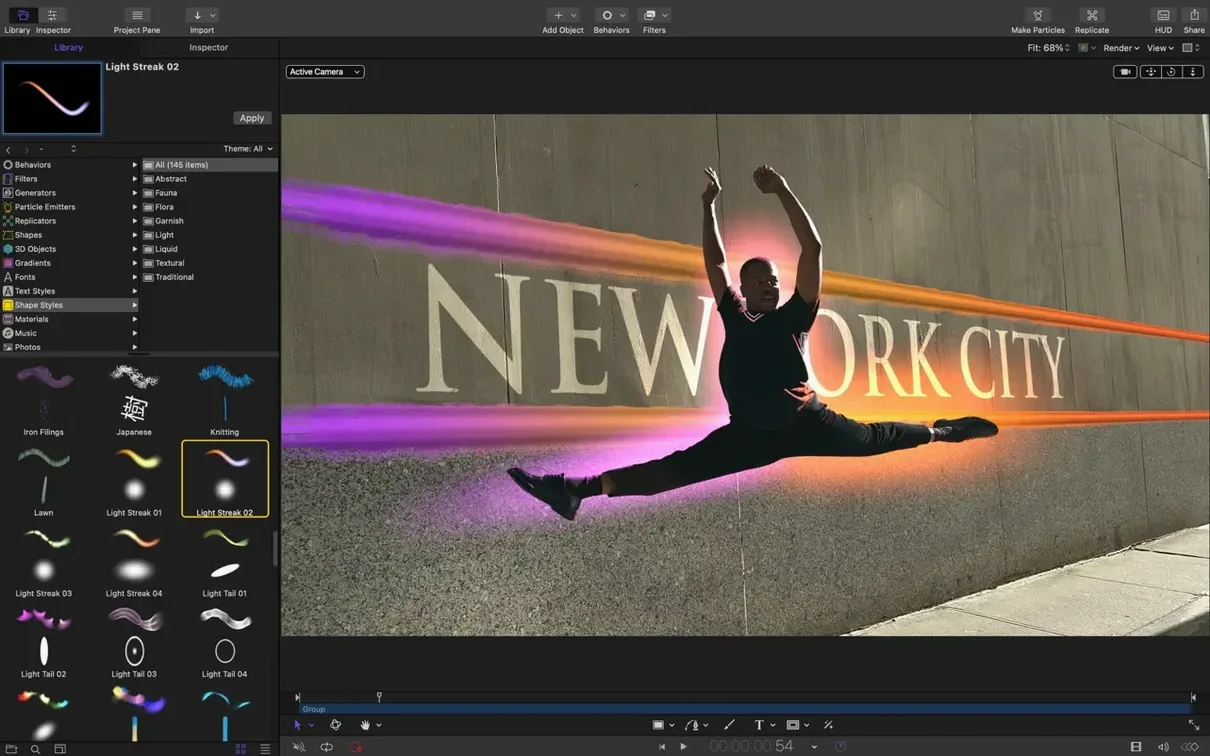
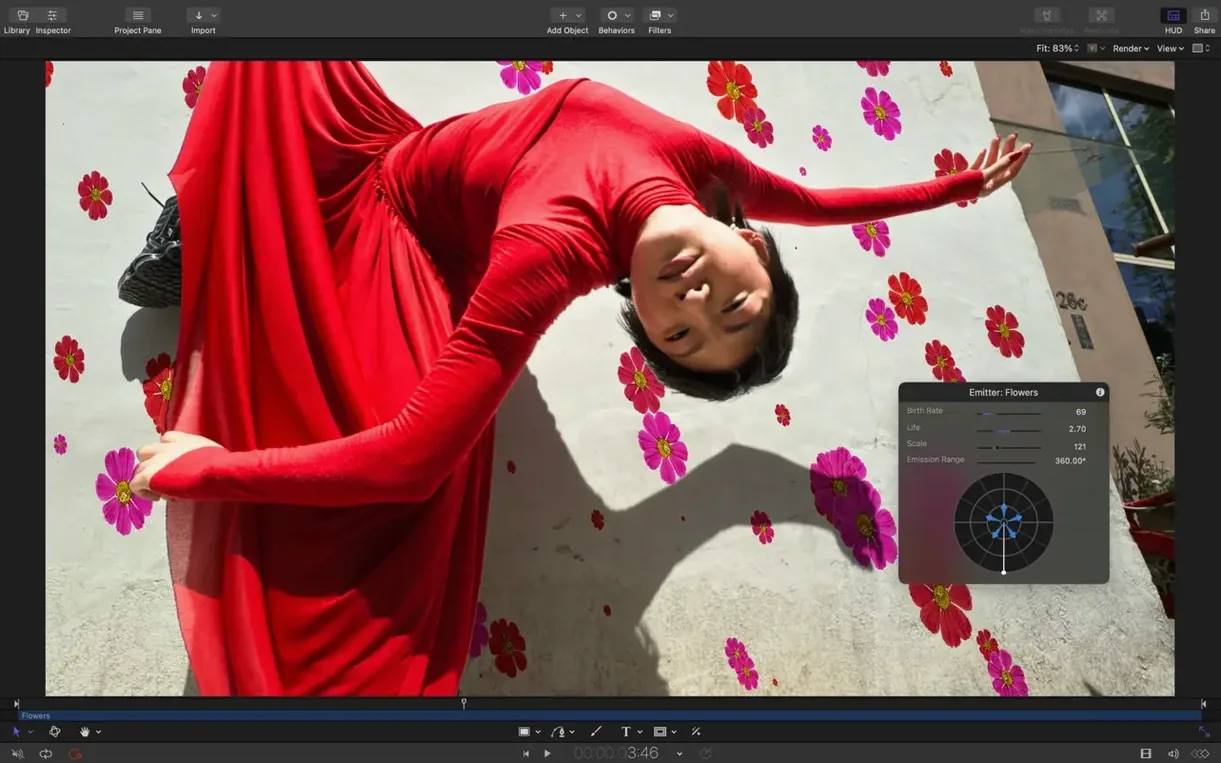
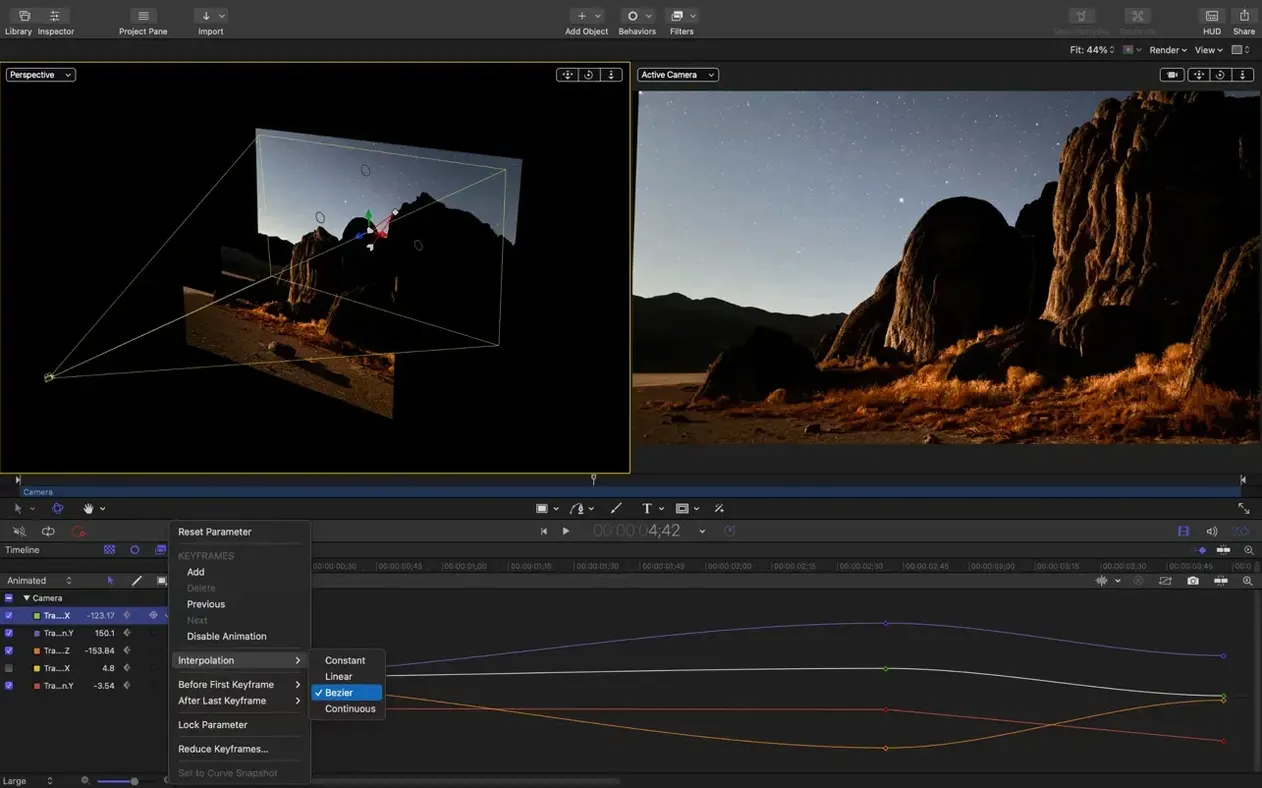
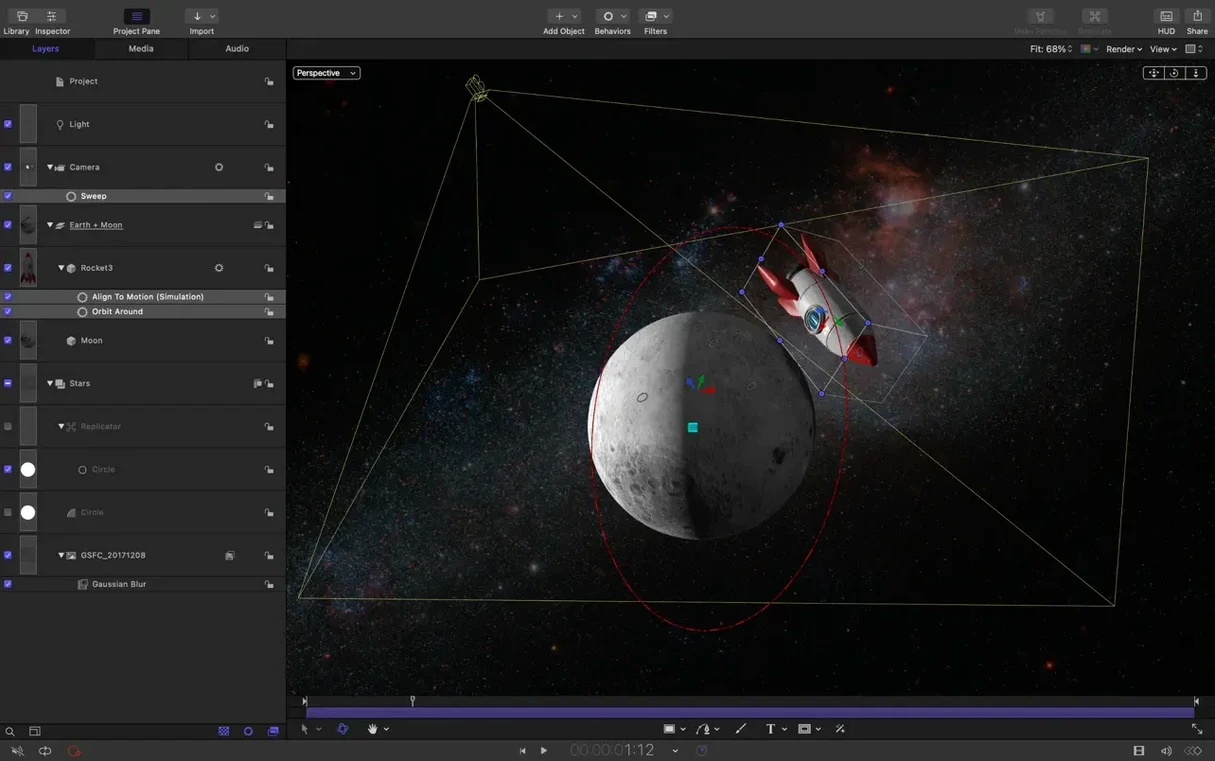
If you've ever dropped a slick title template into a Final Cut Pro timeline and customized it on the spot, you've already used Motion without opening it. Motion is where those templates get built. It's the design side of the Apple Creator Studio, sharing a render engine with Final Cut so what you build here looks identical when it lands in your edit.
Does Motion Demand Final Cut Pro or Break Old Templates?
- Do I need Final Cut Pro to use it? No. Motion runs standalone for creating artistic video works, presentations, or anything that needs animated text and shapes.
- Will my old templates break? Unlikely. Version 6.3 keeps compatibility tight, and SVG import now means vector logos scale clean at any resolution without raster headaches.
- Is it demanding on hardware? It requires macOS 15.6 or later and runs on both Intel and Apple Silicon machines. Performance updates in this release keep playback responsive even with 3D text emitters.
Where a Lower Third Moves From Canvas to Client Browser
Motion sits between design and delivery. You build a lower third with staggered text reveals, save it as a template, and it appears inside Final Cut Pro's browser ready for a client review. Compressor integration means export presets are already dialed in. For editors moving fast, that roundtrip matters more than any single feature.
Why SVG Import Finally Keeps Logos Razor-Sharp at Any Scale
The headline feature is SVG import, and it's about time. Drop a vector logo onto the canvas and it stays sharp no matter how far you push the scale. No more pre-rendering a giant PNG in Illustrator just to cover a slow zoom. The file lands as a group you can animate immediately — individual paths, fills, and strokes are all there.
The stagger, cascade, and reverse controls speed up the kind of thing editors build constantly. Select a stack of clips or text layers, drag a control, and the timing spreads out. You used to keyframe that manually, offsetting each layer by a few frames and hoping it felt right. Now it's a single parameter. Cascade pushes the effect in sequence; reverse flips the order. It works on behaviors too, so a fade-in ripples across twelve layers without a single extra keyframe.
Also fixed: Bezier Mask vertices that ignored drag selections, 3D text and particle emitters that sometimes grabbed the wrong texture during playback, and a color correction oddity on macOS 26 where certain filters rendered brighter than intended. Not glamorous, but the kind of thing that breaks a render check at 2 a.m.
Building a Title Card from Scratch
Say a client needs a show open — a logo reveal over a particle background, five seconds, with their brand colors. Here's how the timeline looks.
Start with a new Motion project at the delivery resolution. Set the background color to something neutral so the particles read clearly. Import the SVG logo. It lands at its native size; scale it to fill roughly sixty percent of the frame. Drop a Fade In behavior on the logo group and set the duration to 20 frames.
Now the particles. Add an emitter, set the shape to Circle, and drag the birth rate down to 15. Pick a color from the brand palette for the particles and set the blend mode to Add. The emitter radius should push particles past the frame edges so nothing pops in mid-animation. Add a slight rotation parameter to the emitter so the whole field drifts slowly.
With the timing controls new in 6.3, select the logo group and the emitter group, then apply a Cascade behavior. Push the stagger to 10 frames. The particles fire first, the logo fades in behind them, and the whole thing feels deliberate instead of simultaneous.
Wrap it by dropping a Gaussian Blur on an adjustment layer at the tail, keyframing it from 0 to 8 over the last 15 frames. Save as a Final Cut template — include a drop zone for the logo so the editor can swap it later. The whole build takes under ten minutes once you know the moves.
Drag a Bar in the Keyframe Editor Instead of Opening an Inspector
The timing pane in the Keyframe Editor deserves more attention than it gets. You can drag the duration of any behavior or filter numerically right there, without opening a separate inspector. If a glow decays too fast, pull the bar longer and watch it in real time.
Option-dragging a layer in the timeline creates a copy with all keyframes and behaviors intact. Useful when you've dialed in a text animation and need the same treatment on a second line. The copy offsets automatically, so you just adjust the stagger.
The Match Move behavior works on more than footage. Apply it to a shape, point it at a tracking point in your clip, and the shape sticks. Great for highlighting a product in a commercial without roundtripping through a dedicated tracker.
And if you're using Replicators, the Pattern pop-up lets you cycle through grid, circular, and line arrangements without rebuilding anything. Switching from a grid to a spiral changes the entire feel of a background in seconds.
Can It Open After Effects Files, or Is It Built for Speed Instead?
Can I open After Effects files? No, and Motion doesn't try to be that. It's built for speed, not layer-stack complexity. If your work needs hundreds of precomps and expressions, you already know your tool. If it needs a lower third, a logo sting, and a transition built before lunch, Motion's the one.
Does it handle 3D models? It handles 3D text and 3D transforms on 2D layers — cameras, lights, depth of field — but it's not a modeler. You can import USDZ files for reference, but don't expect to rig a character.
What's the template workflow actually like? You build in Motion, publish parameters (text strings, color wells, drop zones), and save. The template appears in Final Cut's Titles, Generators, or Transitions browser. Editors adjust only what you let them. It's the same engine rendering, so gamma and color stay consistent across both apps.
Will older Macs struggle? If it runs macOS 15.6, it runs Motion. Apple Silicon machines chew through particle simulations noticeably faster, but Intel Macs with decent GPUs still turn in usable performance for broadcast work. The 6.3 performance updates helped specifically with playback responsiveness during 3D text edits.
A Tuesday Sizzle Reel, an SVG Logomark, and a Thursday Deadline
A corporate editor in Austin gets a Tuesday morning brief: a three-minute sizzle reel for a tech conference, due Thursday. The client's brand kit includes an SVG logomark and a specific hex blue. She already has the rough cut assembled in Final Cut Pro.
She opens Motion, imports the SVG, and builds a five-second animated sting — the logomark scales in with a bounce, particles in brand blue burst from behind it, and the company name fades up staggered by 8 frames. She uses the new Cascade control on the text layers so the reveal ripples left to right.
Back in Final Cut, she drops the template onto the intro and outro of the reel. The client wants a lower third for speaker names, so she builds that next — clean, with a thin blue line that animates below the text — and publishes the name and title fields. The edit wraps Wednesday afternoon. She exports a master file and an H.264 directly from Final Cut, using Compressor presets she hasn't touched in months because they just work.
Motion didn't do the editing. It handled the five percent of the project that makes it look finished.
SVG import arrives — drop in vector files that scale to any size and stay sharp at any resolution. New clip controls let you stagger, cascade, or reverse timing across layers without manual keyframe juggling. Performance updates smooth out the rough edges.
Also fixed: Bezier Mask vertex selection that ignored drags, incorrect texture media during playback for some 3D text and particle emitters, and color correction filters that rendered too bright on macOS 26.
- macOS 15.6 or later
- Apple Silicon or Intel Mac
Notes from the edit bay · 0
Sign in or get an edit-bay pass to leave a note.
No notes from the edit bay yet. They go up after I read them.