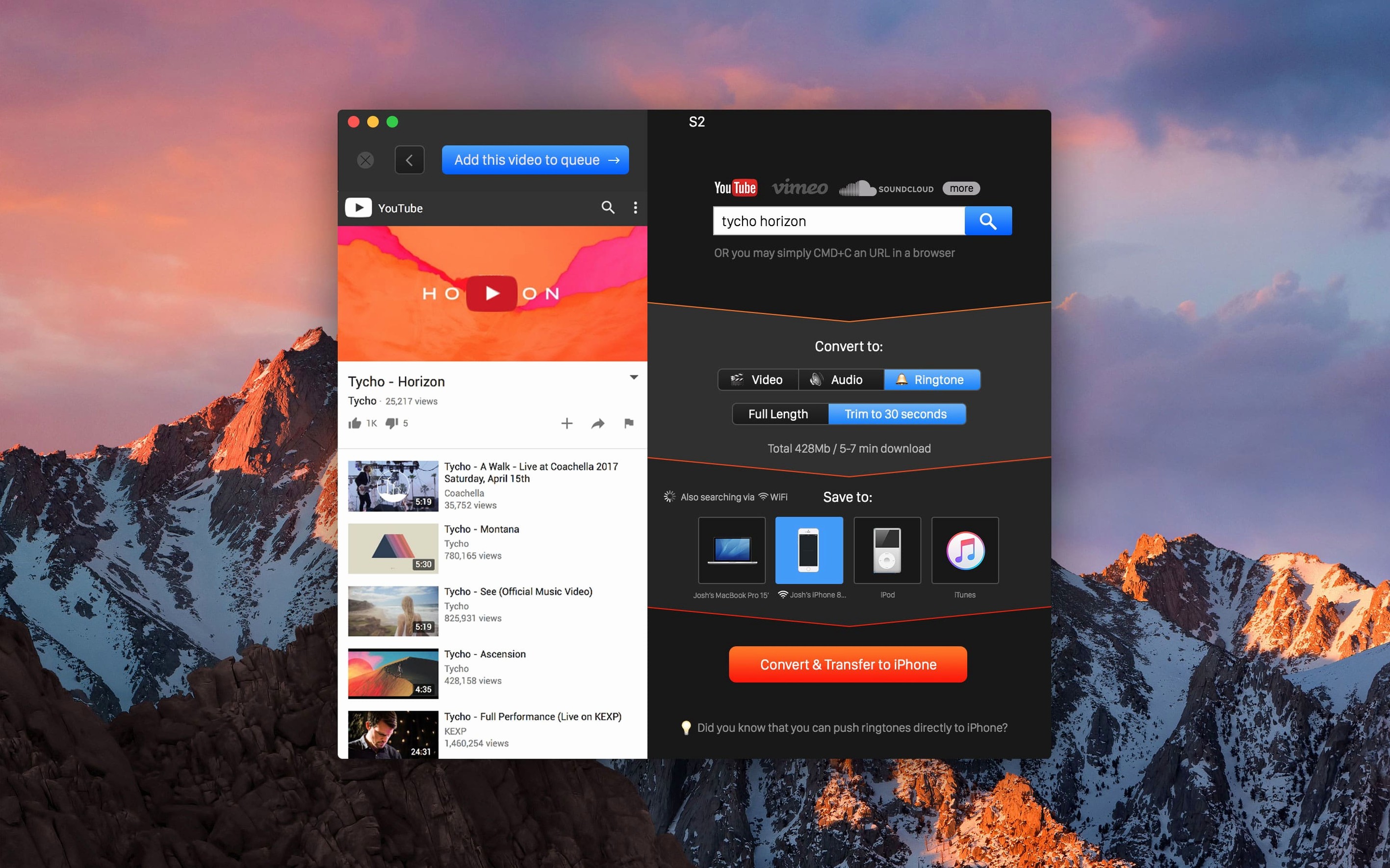
YouTube Converter PRO from Softorino is built around a "grab a link and go" instinct: copy a URL from YouTube, Vimeo, Dailymotion, VK or SoundCloud, and the app takes it from there.
Clipboard detection — The app watches for a copied video URL and pulls it in automatically.
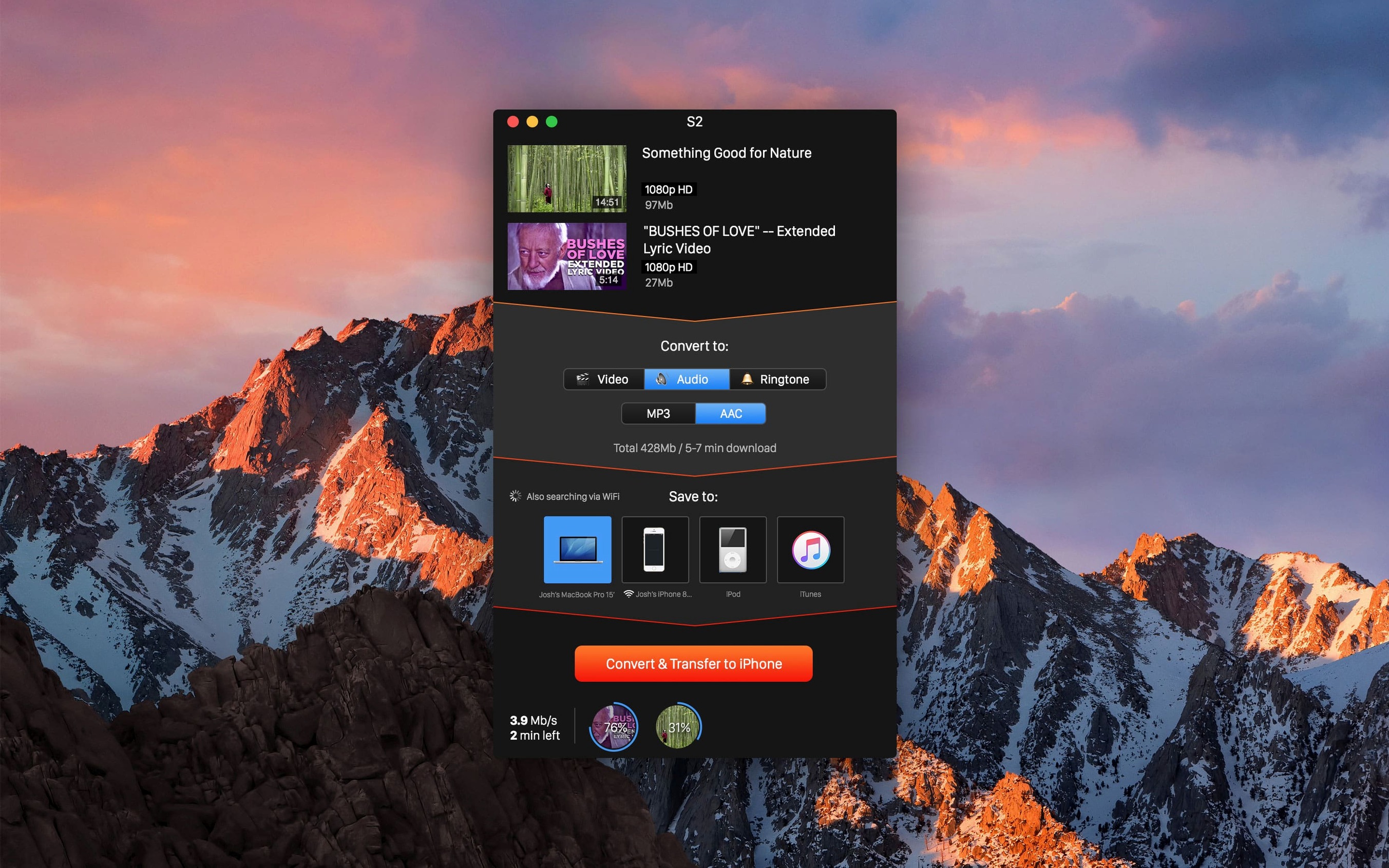
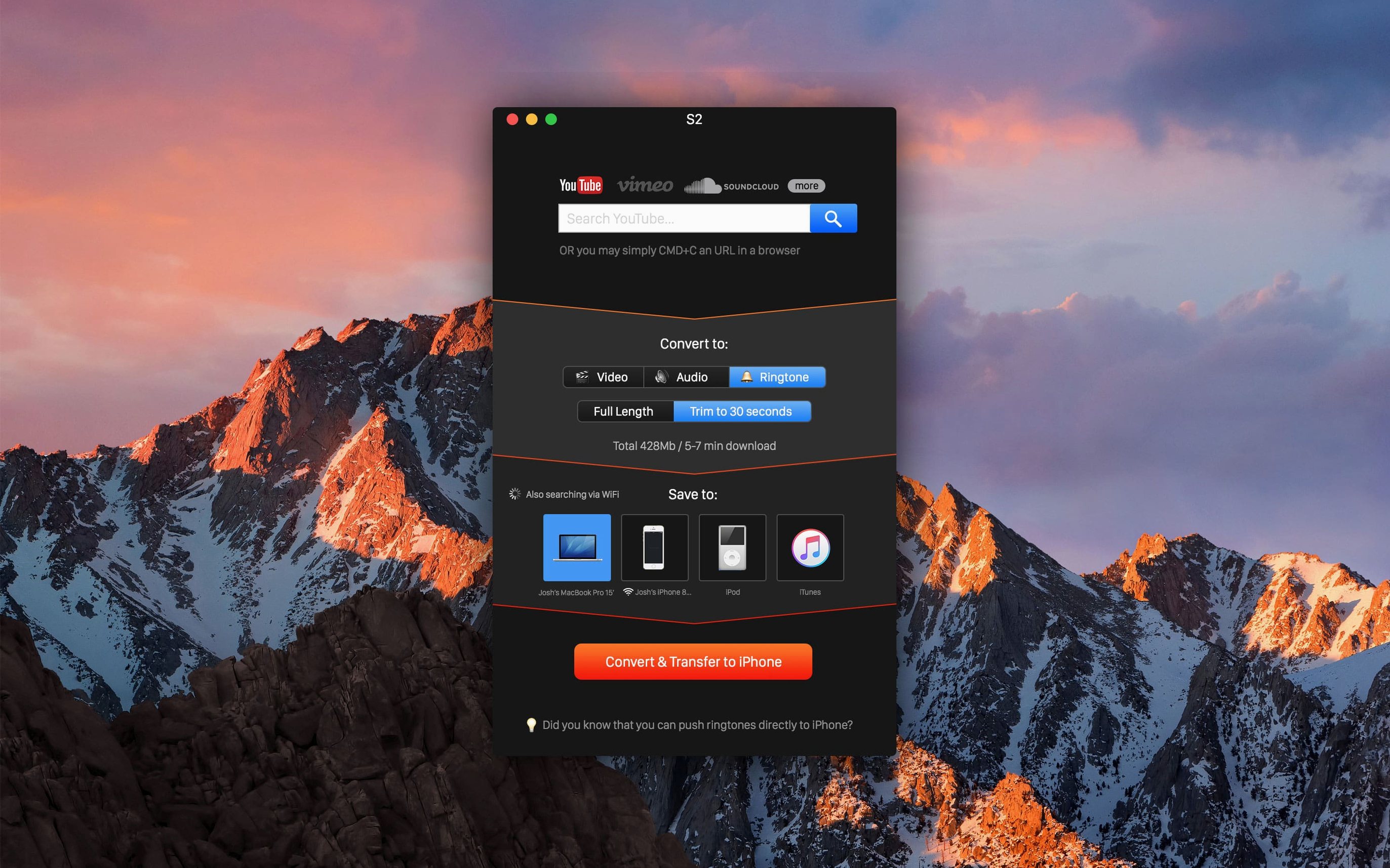
Format picker — Choose video, audio, or ringtone output: MP4 video, MP3 or AAC audio.
Quality ceiling — Resolutions run from 360p up to 4K, with 480p, 720p and 1080p in between.
Convert & Transfer — One action handles the download, any necessary conversion, and delivery to an iPhone, iPad or iPod. With wireless iTunes sync set up, no cable is needed.
Save location — Files can land in a folder you specify instead of the default dump.
Mac floor — Requires macOS 10.15 Catalina or later, Intel silicon. No Apple Silicon native binary listed, so it runs under Rosetta.
Turning a Private Vimeo Clip Into Desktop MP3 Before Your Episode Deadline
Imagine you're cutting a weekly interview podcast. Your guest sent over a killer archival clip — but it lives inside a private Vimeo link, and the raw audio needs to be an MP3 on your desktop before the episode goes live in two hours. You copy that link, the app grabs it the moment your fingers leave the keyboard, you tap MP3 at 320 kbps in the format picker, and hit Convert. Minutes later the file sits in your project folder, already named sensibly. No browser extensions, no ad-riddled converter sites, no digging through a Downloads folder full of random strings. For anyone who builds radio segments, sound design beds or video scratch tracks from found online material, that clipboard-to-folder speed is the whole game.
Two Moves New Users Blow Right Past
Picking a resolution without checking the source. The quality menu lists 4K like it's a given, but the actual ceiling is whatever the uploader delivered. If the original topped out at 720p, asking for 1080p won't conjure pixels — it'll just waste time. Always glance at the video page's own quality selector first so you know what's realistic.
Letting the save location drift. The app can dump files wherever you tell it, but plenty of people never change the default. A week later they're spelunking through folders trying to remember where that one interview ended up. Set a project-specific folder before you start a batch; your future self will stop swearing at you.
Clipboard Watcher Missed Your Link? Paste and Restart
Link not detected. Sometimes the clipboard watcher just doesn't fire — often because the URL was copied before the app finished launching, or something else grabbed focus. Manually paste the link into the app window if needed. Restarting the app is the blunt instrument that almost always works.
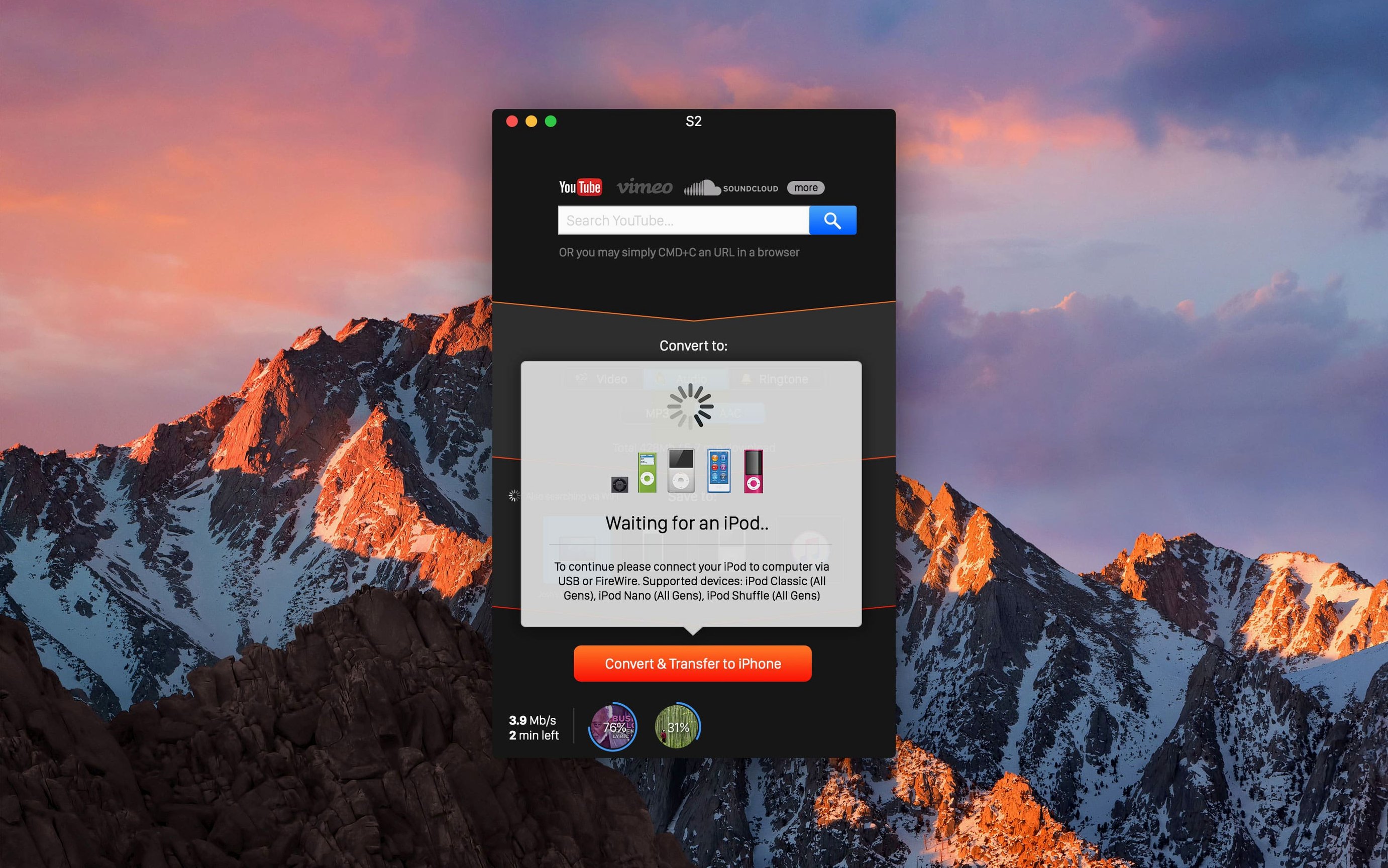
Wireless transfer won't wake up. The cable-free delivery to an iPhone or iPad is slick when it works, but it leans on iTunes sync being already configured and awake on the same network. If the device isn't showing, toggle Wi-Fi off and on, make sure "Sync with this iPhone over Wi-Fi" is checked in Finder, and give it thirty seconds. Plugging in a cable once often re-establishes the handshake.
Rosetta stumbles on first launch. Since this is an Intel binary, macOS will prompt for Rosetta 2 on Apple Silicon Macs. If that dialog gets dismissed by accident, the app icon will bounce once and quit. Head to the app's Get Info panel and tick "Open using Rosetta" manually. After that, subsequent launches behave.
For anyone hunting a youtube converter pro macos free workflow that skips browser tabs and connects straight to an Apple device library, the app's clipboard-to-iPhone pipeline is the feature that keeps it on a dock. Just don't expect it to out-think a low-res source file, and give the wireless sync setup five minutes of love upfront.
- macOS 10.15 or later
- Intel processor (Apple Silicon runs via Rosetta)
Questions I actually get
Can this save just the audio from a YouTube video?
Yes, pick audio output and it saves the track as MP3 or AAC.
Notes from the edit bay · 0
Sign in or get an edit-bay pass to leave a note.
No notes from the edit bay yet. They go up after I read them.