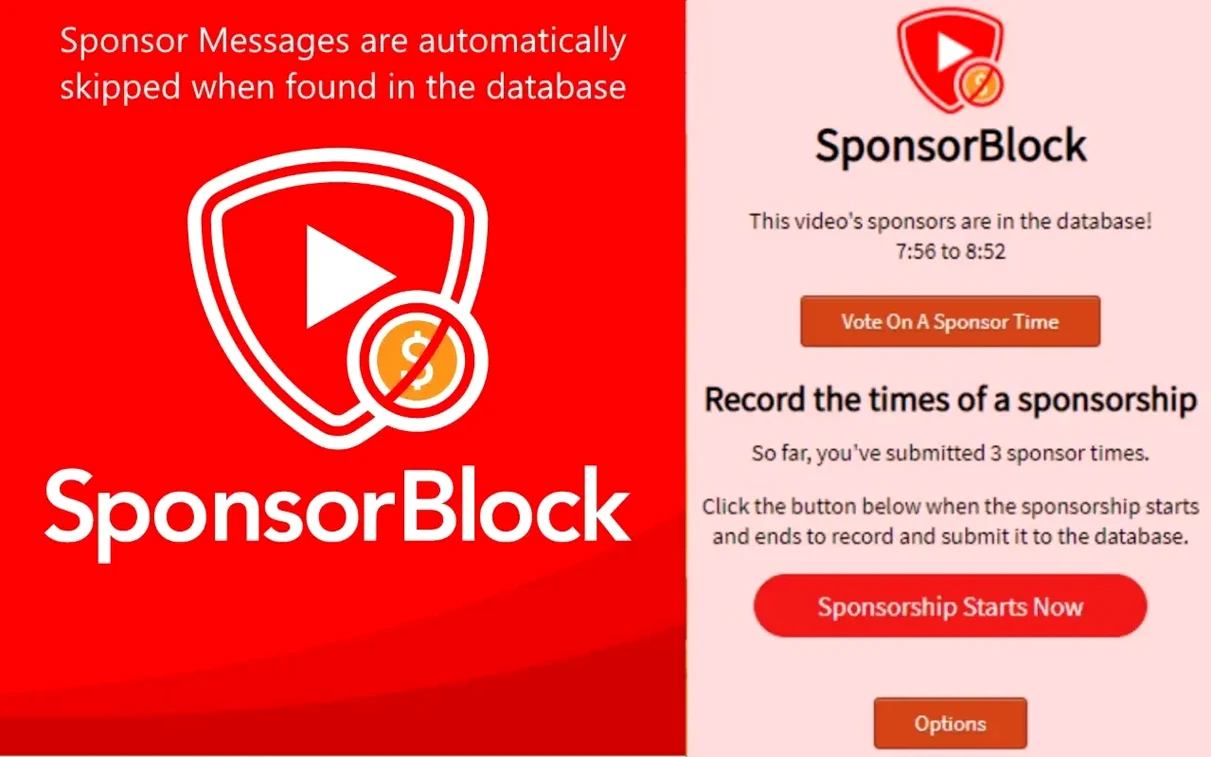
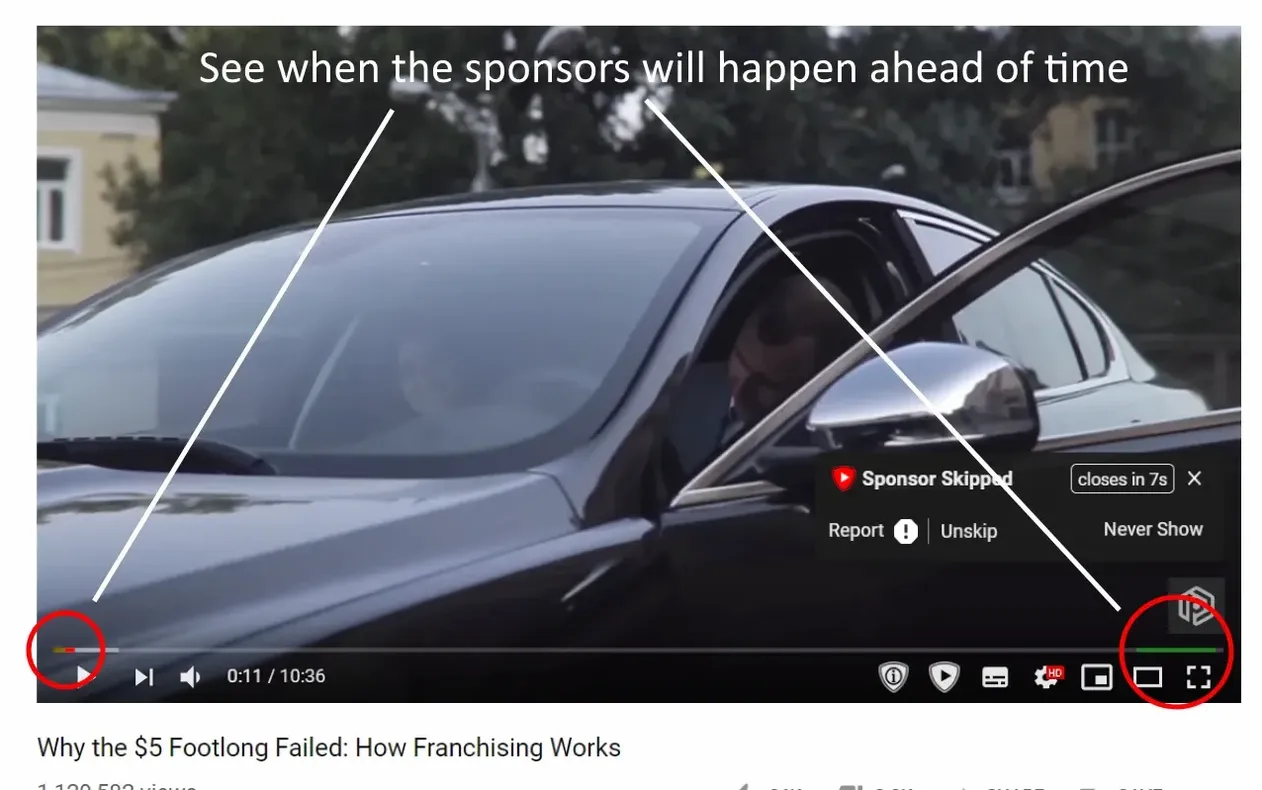
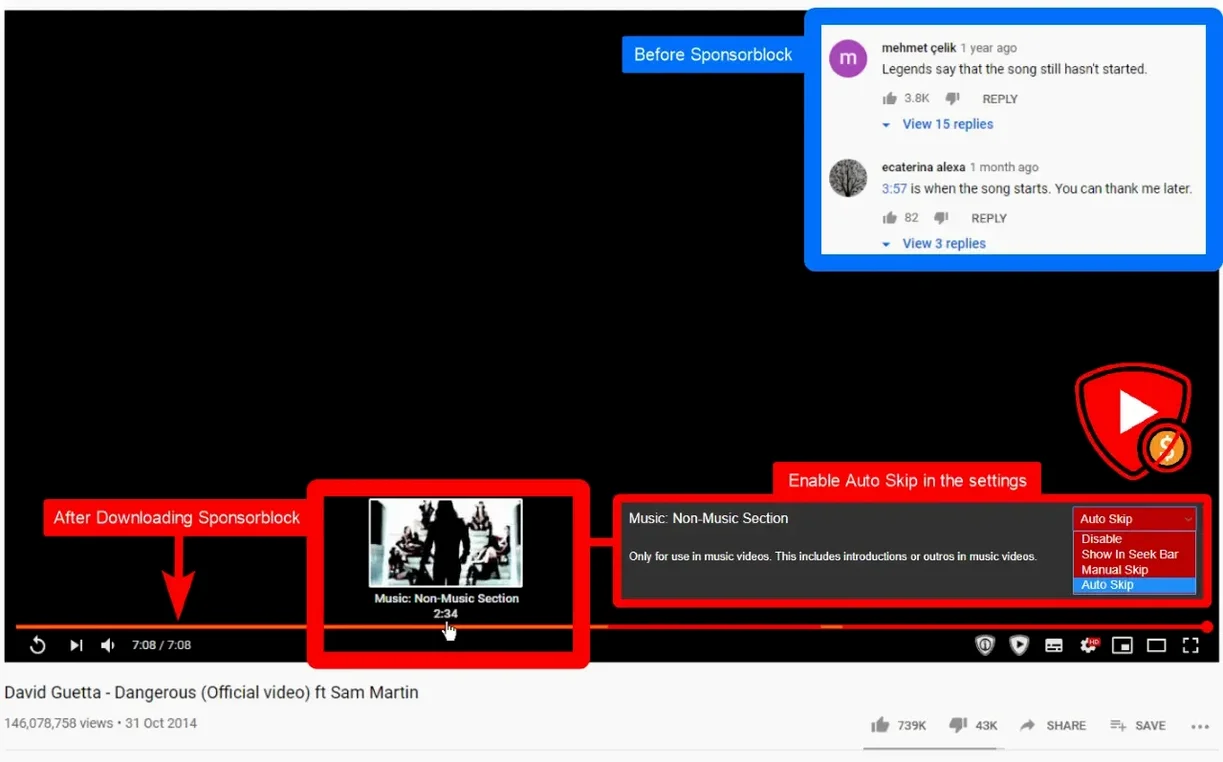
Sponsor reads, intros, outros, subscribe reminders — SponsorBlock skips them because the skip button is crowd-sourced. One person marks a segment, and the extension jumps it for everyone else. On the Mac it lives in your browser and taps into the shared SponsorBlock database of timestamps, so you rarely have to touch the scrubber during a long listening session or a playlist run.
A Browser Filter That Edits Out the Ads, Not a New YouTube App
It's a playback filter, not a downloader or a separate player. It's an open-source browser extension for YouTube that needs macOS 11 or later and runs on both Intel and Apple Silicon Macs.
What Gets Skipped?
Out of the box, it zaps sponsored segments. It can also jump past intros, outros, subscription reminders and the non-music sections of music videos.
How Does a Segment Land on Your Mac?
- Someone watching before you submits the start and end of an ad read.
- The extension checks the SponsorBlock database when you load the video.
- If a match exists, the player jumps that chunk automatically.
Skips the Mid-Interview Ad Break in Long Podcasts and Keynotes
If you treat YouTube like a podcast machine — long-form interviews, tech deep dives, panel discussions — SponsorBlock saves you from the rhythm-killer of a mid-sentence ad break. I've watched editors scrub through hour-long keynotes just to find the three minutes of actual information; this does that work silently.
Music listeners who build playlists of full albums will appreciate the non-music skip. No more sitting through a two-minute skit that's fun once and annoying the fortieth time. Students cranking through lecture recordings or tutorial marathons benefit too. The extension trims the fat across dozens of tabs without you touching a slider.
Casual viewers who only watch a video or two a day might not feel the difference. The real win is volume — if your Mac has twenty YouTube tabs brewing while you cut a project, every skipped sponsor read is five to ninety seconds back in your pocket.
Faster Segment Loads After macOS Tightened Background Network Rules
Version 6.1.6 tightened how the extension talks to the SponsorBlock database after a few macOS updates shifted how background network calls behave. In daily use, that means segments load a beat faster when you open a video cold, and the pop-up that lets you submit your own timestamps feels snappier on Apple Silicon Macs.
Earlier builds introduced the ability to fine-tune which categories you skip without diving into a settings file. You can toggle intros, outros, and self-promo reminders independently right from the extension's panel. That change alone made it stop jumping the ten-second logo sting at the start of a channel you actually like, while still zapping the four-minute sponsorship stretch ten minutes in.
Fix a Sloppy Timestamp by Submitting Your Own Correction
Skipping feels aggressive or misses by a second. The database relies on human-submitted timestamps, and humans are sloppy. If you catch a segment that starts a beat late or cuts off early, you can submit corrected times yourself. The extension's pop-up lets you adjust the markers before sending. More people fine-tuning means tighter skips for everyone.
No segments load on a fresh upload. Give it a few hours. Someone has to watch, mark, and submit before the database has anything to serve. If you're the first viewer at 2 a.m., congratulations — you're the scout. Hit the submit button and the next person gets a clean ride.
The extension goes quiet after a macOS update. Sometimes Safari or your browser buries the enable switch. Check your browser's extension list and make sure SponsorBlock is still toggled on. Re-launching the browser usually shakes it loose if the database connection dropped.
Keeping the app updated matters here because YouTube occasionally tweaks its player structure. A version lagging behind can mean segments stop matching until you pull the update. The sponsorblock for youtube mac full version build stays current with those player changes, so your skip queue keeps working through YouTube's constant tinkering.
The database is community-maintained, so a brand-new upload might not have skips yet.
- macOS 11 or later
- Apple Silicon or Intel 64-bit
Questions I actually get
Is it a separate player?
No. SponsorBlock is a browser extension that works inside YouTube playback.
Can I skip the non-music parts of a music video?
Yes. Non-music sections of music videos are one of the segment types it can skip.
Notes from the edit bay · 0
Sign in or get an edit-bay pass to leave a note.
No notes from the edit bay yet. They go up after I read them.