
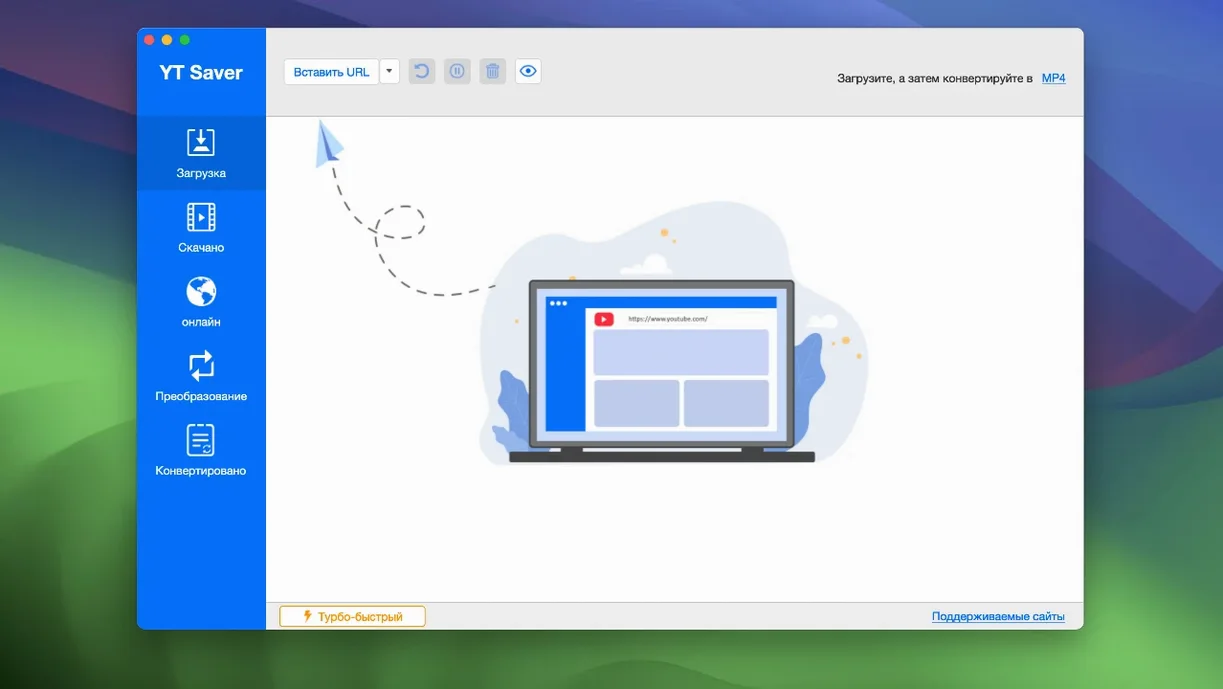
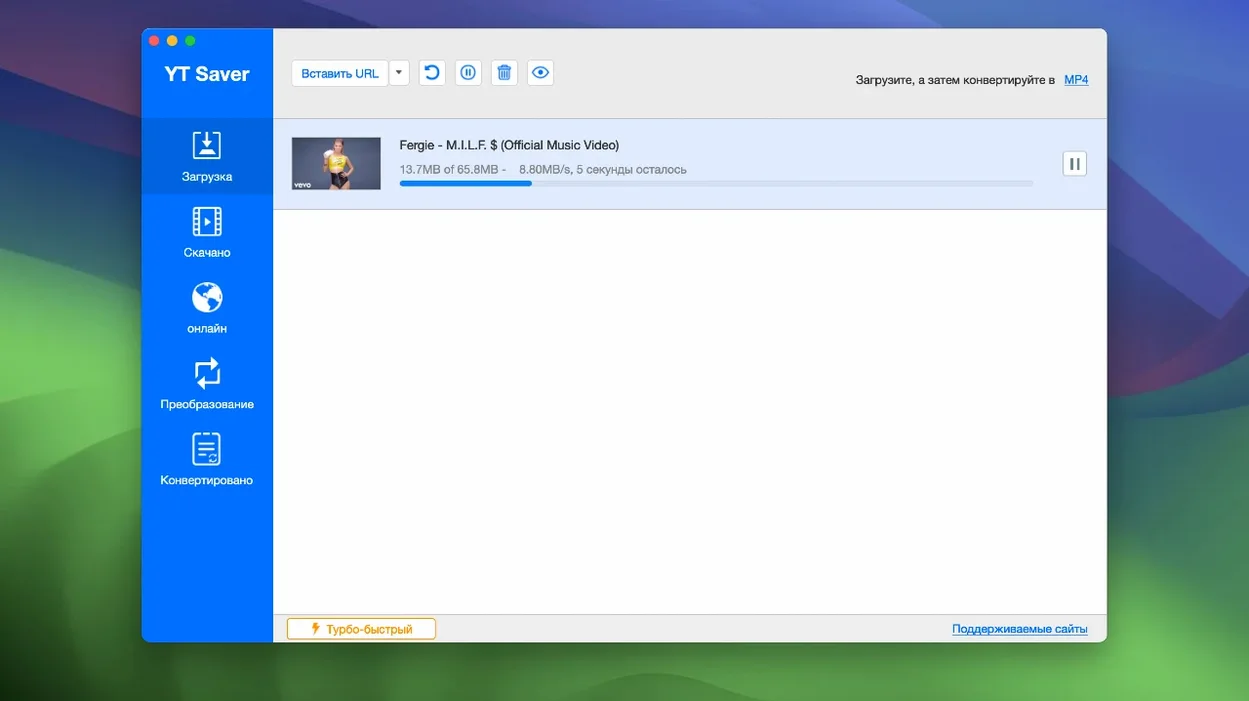
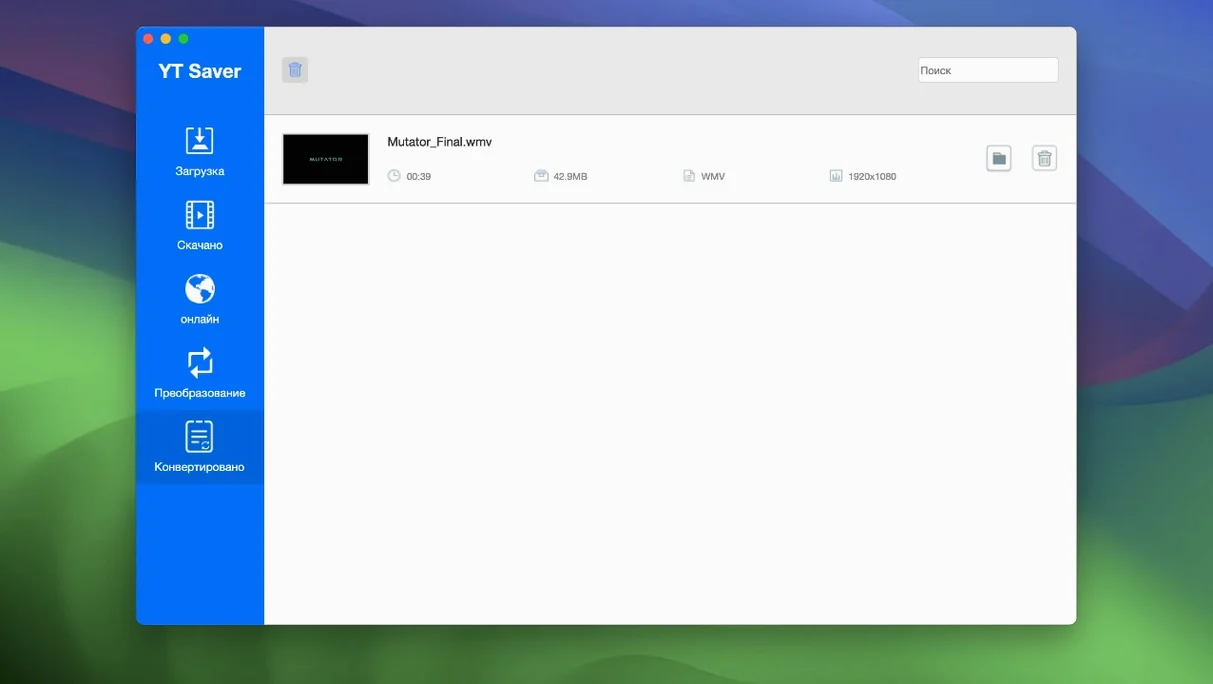
The built-in browser is the part that surprises people. YT Saver doesn't just parse a link you paste in — it lets you walk into a video site, find the content, and pull it down without switching apps. That's the workflow in a nutshell: browse, grab, convert.
| Detail | Info |
|---|---|
| Current version | 10.15.0 |
| Architecture | x86 64-bit |
| Minimum macOS | OS X 10.10 |
People usually land here with two questions. First, does it handle playlists? Yes — entire playlists come down as a batch, not one-at-a-time clicking. Second, what about weird formats? Input support is broad, from common MP4 and MKV to older VOB and RMVB files. On the way out, video exports to MP4, HEVC MP4, MOV, MKV and device-specific presets for iPhone, iPad and Android. Audio lands as M4A, FLAC, WAV, OGG, AAC and a few others. The private mode is another detail worth knowing: downloaded files can sit in a password-protected folder, which matters when a shared Mac is part of the equation.
Pulling Clean Audio from a Conference Playlist via the Built-In Browser
Yesterday a client needed clean audio from a 45-minute panel discussion buried in a conference playlist. Here's how it actually played out.
Opened YT Saver. Didn't paste a link. Hit the browser button instead, typed the conference name, and landed on the playlist page. The app spotted nineteen videos immediately — thumbnail grid, durations, the works. Ticked three of them and hit download. The queue panel showed simultaneous grabs kicking off, two at a time, with a progress bar that actually moved faster than the real-time playback length suggested.
While they pulled, I switched to the format panel and set the post-download action to extract audio as WAV. No waiting, no re-importing. Ten minutes later I had three WAV files sitting in a folder, named sensibly, no timestamps mangled. Dragged them straight into Logic. The client had reference audio before lunch.
That's the pattern: the built-in browser cuts out the copy-paste dance, the queue handles bulk work, and the converter catches what the downloader leaves behind.
ClipGrab Lacks Playlist Support and a Browser
Three names come up in the same conversation.
ClipGrab. Free, simple, does one thing. Paste a link, pick MP4, go. But no playlist support, no built-in browser, and the conversion presets stop at basic MP4. Fine for a single YouTube clip. Frustrating the moment you need WAV audio or a batch of videos from a channel.
Downie. The Mac darling. Polished interface, great browser extensions, handles a huge site list. Where YT Saver pulls ahead is the private folder option and the audio format spread — Downie's audio extraction options are narrower. Downie also doesn't ship with a built-in browser that lets you roam a site; it relies on extension-based link detection or drag-and-drop.
4K Video Downloader. Solid playlist handling, smart format parsing. But the free tier limits playlist length, and the Mac version has lagged behind the Windows build on some codec support. YT Saver's input format list — including VOB, RMVB, AMR, APE — covers edge cases that 4K's parser sometimes stumbles on.
Where YT Saver fits: you want one tool that browses, downloads playlists, converts to an unusually wide audio palette, and locks results behind a password. Nobody else in this bracket ticks all four.
Point the Output Folder at Your NLE’s Watched Directory
Out of the box it works. A few tweaks make it yours.
- Default output folder. The preferences panel has a path picker. Point it at your media drive or a watched folder that feeds your NLE. Saves a drag step every single time.
- Simultaneous download count. Defaults to two. On a decent connection, bump it to four or five. The app doesn't choke — tested this on an older Intel iMac pulling from three different sites simultaneously.
- Private mode toggle. Off by default. Turn it on if anyone else touches your Mac. The password prompt appears on app launch, not per-file, so set it once and forget it.
- Post-download action. The "convert after download" checkbox and format dropdown are easy to miss. Set your most-used output format here — mine sits on WAV for audio and HEVC MP4 for video — and the queue handles the rest without a second click.
- Audio bitrate. Hidden in the format settings submenu. Defaults to 192 kbps for lossy formats. Push it to 320 if the source supports it; the difference is audible on music and clean speech.
Workflow: Grabbing a Music Playlist as FLAC
A common request: pull a 40-track playlist from a streaming site and land clean FLAC files for a DJ set.
Step 1. Launch YT Saver and open the built-in browser. Navigate to the playlist page. The app scans and lists every track with a checkbox beside it.
Step 2. Tick "Select All" at the top of the list. The queue populates instantly — forty items, no manual entry.
Step 3. Before hitting download, open the format panel. Set output to FLAC. Check "Convert after download." Bitrate is irrelevant for lossless, so that's done.
Step 4. Hit download. Walk away. The queue chews through two at a time, downloading first, then converting. An hour later, forty properly tagged FLAC files sit in the output folder.
Step 5. Import into Serato or Rekordbox. No transcoding, no format surprises. The files are ready to beat-grid.
This same flow works for WAV, AAC, or M4A. The only variable is the format dropdown. For video, swap FLAC for HEVC MKV and you've got the same hands-off pipeline. YT Saver does the heavy lifting between the URL and the usable file — which is exactly what a downloader should do.
- OS X 10.10 or newer
- Intel 64-bit Mac
Questions I actually get
Can it download several videos at once?
Yes. It supports simultaneous downloads of multiple videos, and whole playlists come down as a batch.
Will it run on Apple Silicon Macs?
The app is built for Intel Macs, so an Apple Silicon machine would run it through Rosetta 2.
Notes from the edit bay · 0
Sign in or get an edit-bay pass to leave a note.
No notes from the edit bay yet. They go up after I read them.