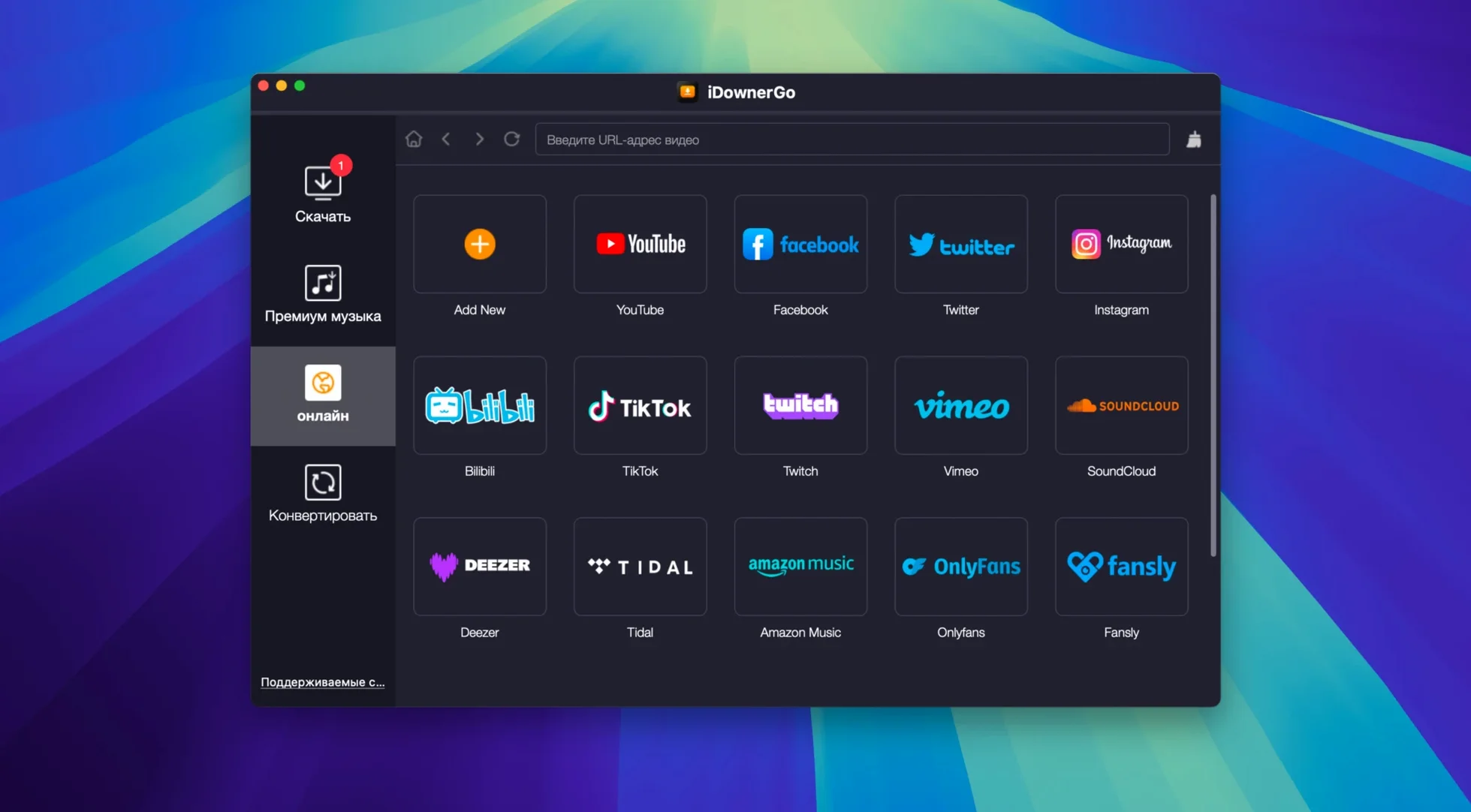
10,000+ supported sites, one app window. iDownerGo for macOS opens up a lot of ground on day one. For an editor who lives by the render bar, a downloader earns its keep the moment it pulls a clean clip or an MP3 without fuss. Here’s where to point it first.
How do I grab a video that’s streaming right now?
iDownerGo can save streaming video in real time — handy for live events or long-form talks you don’t want to miss. Quality goes up to HD, 4K Ultra HD or 8K when the source has it.
Drop a Link, Get an MP3 Instantly
Drop a URL from TikTok, Facebook, or Bandcamp into the main window and choose MP3 as the output format. iDownerGo extracts the audio for you, so you skip a separate conversion step.
Can I save a whole playlist in one go?
Paste a playlist link and the app queues every clip. You pick the format once — MP4, MP3, or a handful of others — and it rips through the list while you get back to your timeline.
Editors Grabbing Social Clips on Deadline
Editors cutting together social clips, reaction videos, or event recaps. The kind of person who gets a Dropbox link at 10 a.m. and needs a clean MP4 on the timeline by noon. iDownerGo sits in the background grabbing assets while you stay in Final Cut or Premiere — no browser extensions, no sketchy web converters, no waiting for a client to “find the original file.”
Music supervisors and podcast producers find a different sweet spot. Pulling an MP3 straight from a Bandcamp playlist or a live-streamed set means you can audition tracks in your session immediately. The audio extraction bypasses the usual round-trip through a separate transcoder, which matters when you’re building a rough cut and the director wants to hear three options in the next ten minutes.
Archivists and researchers benefit too. If you’re collecting reference footage from Dailymotion, Instagram, or smaller niche sites, iDownerGo handles the grab without forcing you to learn a new ritual for each platform. The interface doesn’t change whether you’re pulling from a major video hub or an obscure blog with an embedded player.
Casual users who just want to save a family video from Facebook or a recipe clip from TikTok get in and out fast. The app’s real value, though, shows up when downloading is a daily production step rather than a once-in-a-while errand.
Wednesday Morning, a Client Wants a Highlight Reel
Say it’s Wednesday morning. A client wants a highlight reel from a two-hour panel discussion that streamed live on a conference site the night before. The stream archive just went up. You fire up iDownerGo.
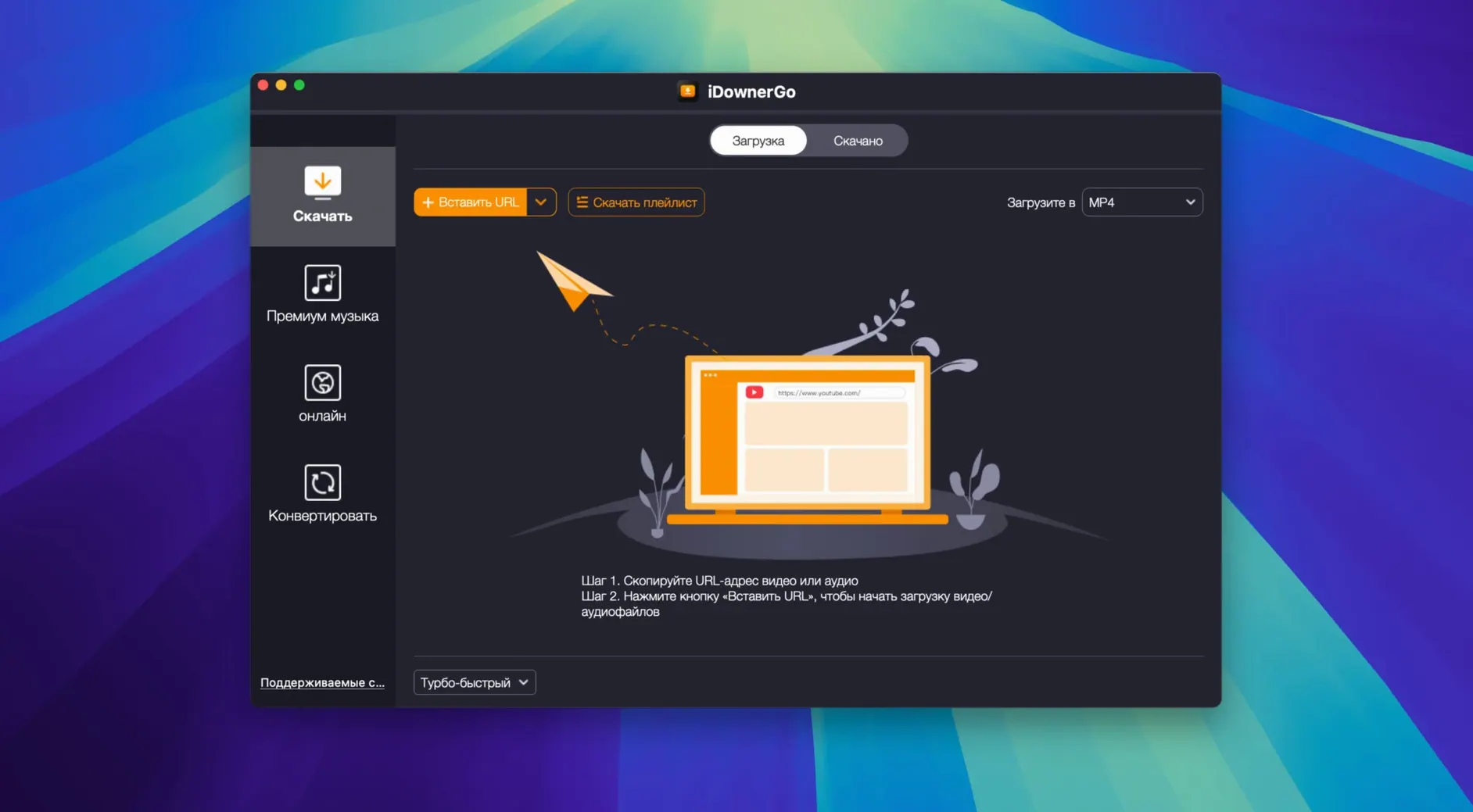
Step one: Copy the URL from the conference page. Paste it into the iDownerGo window. The app sniffs the link and populates the format options — MP4, with quality settings showing the source topped out at 1080p. You select HD and hit download. The status bar kicks in, and you minimize the window. No babysitting required.
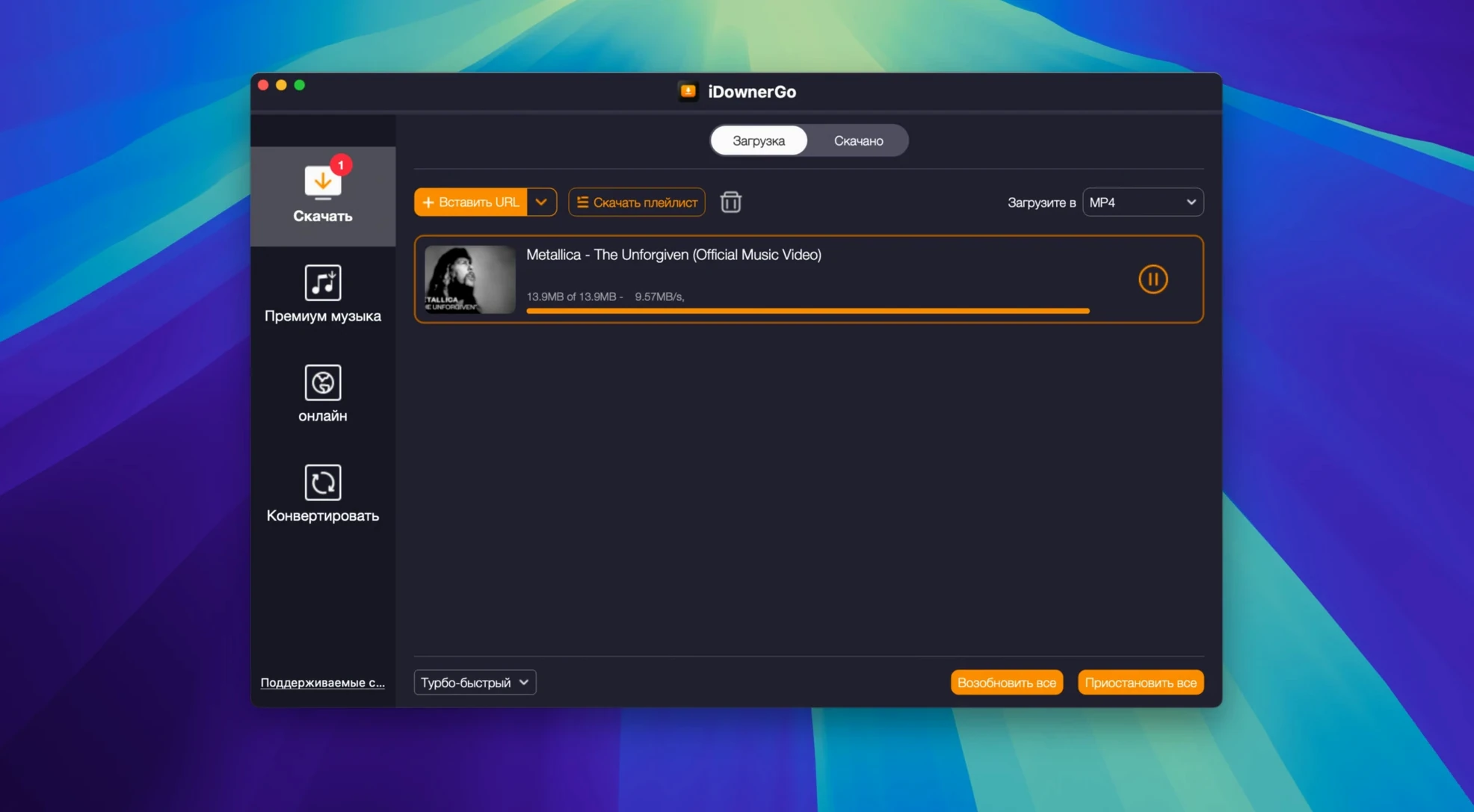
Step two: While the panel downloads, you remember the client also sent three Instagram Reels as reference for pacing. You grab those URLs from the email, paste them one after another. iDownerGo queues them. You choose MP4 for each — no audio extraction needed this time — and let the queue run.
Step three: The panel finishes. You locate the file in your designated download folder and drag it straight into your NLE. While it conforms, iDownerGo is still chewing through the Instagram queue in the background. You’re already scrubbing the timeline, marking in and out points, before the Reels even land.
Step four: Late in the edit, the client asks for a clean MP3 of a song that played during the panel Q&A. You re-paste the panel URL, switch the output to MP3, and tell iDownerGo to extract audio only. Thirty seconds later you have the track in your music library, synced under the closing montage. No screen recording, no routing audio through a virtual device, no extra conversion pass.
The whole session runs without a browser tab staying open. That’s the quiet win: the downloader becomes a utility, not a destination.
Streaming Protocols Shuffle, Extraction Still Works
Version 10.15.0 tightened the core extraction engine. Sites that shuffle their streaming protocols every few weeks — Instagram and TikTok are repeat offenders — stay functional without waiting for a separate patch. The real-time stream capture also got smarter about handling buffering hiccups mid-download, so a momentary dip in bandwidth doesn’t kill a long grab.
Interface refinements are subtle but practical. The queue management feels snappier when you’re stacking ten or fifteen items, and the format picker remembers your last choice per session instead of resetting to a default. For editors who pull the same type of file all morning, that cuts a click on every paste. Also fixed: a handful of edge cases where certain Bandcamp embeds weren’t parsing the full tracklist correctly.
Can an Older Intel Mac Run This?
Does it work on an older Intel Mac? Yes. The build is x86 64-bit, and the system requirement is OS X 10.10 or later. If you’re still running an older Mac Pro or a pre-Retina MacBook Pro that won’t see another macOS update, iDownerGo runs without demanding Metal or a recent OS. That’s increasingly rare among actively maintained downloaders.
Will I need to mess with Terminal every time? Only for the Gatekeeper bypass during the initial install. The process is straightforward: mount the disk image, run the Terminal command, press Enter, then drag the app into your Applications folder. After that, iDownerGo launches like any other app. No ongoing Terminal involvement.
How does it handle 8K sources? If the website serves an 8K stream and your connection can pull it, iDownerGo saves it without recompression. The file lands at the source resolution. On an Intel Mac, playback of 8K files will depend on your specific hardware and codec, but the download itself doesn’t transcode anything you don’t ask it to.
Is there a difference between the standalone iDownerGo and the site-specific siblings? The developer makes targeted downloaders for individual platforms, but iDownerGo rolls them into one app that covers the 10,000+ site range. If you need only Instagram, a single-purpose tool might feel leaner. If you source media from five different sites every week, the universal approach saves juggling multiple utilities.
- macOS 10.10 or later
- Intel processor
Questions I actually get
Which macOS versions does iDownerGo run on?
This build needs OS X 10.10 or later and is made for 64-bit Intel Macs.
Which sites work best for a first test?
Facebook, Instagram, Dailymotion, TikTok and Bandcamp are all on the supported list, so any of them makes a quick first test.
Notes from the edit bay · 0
Sign in or get an edit-bay pass to leave a note.
No notes from the edit bay yet. They go up after I read them.