
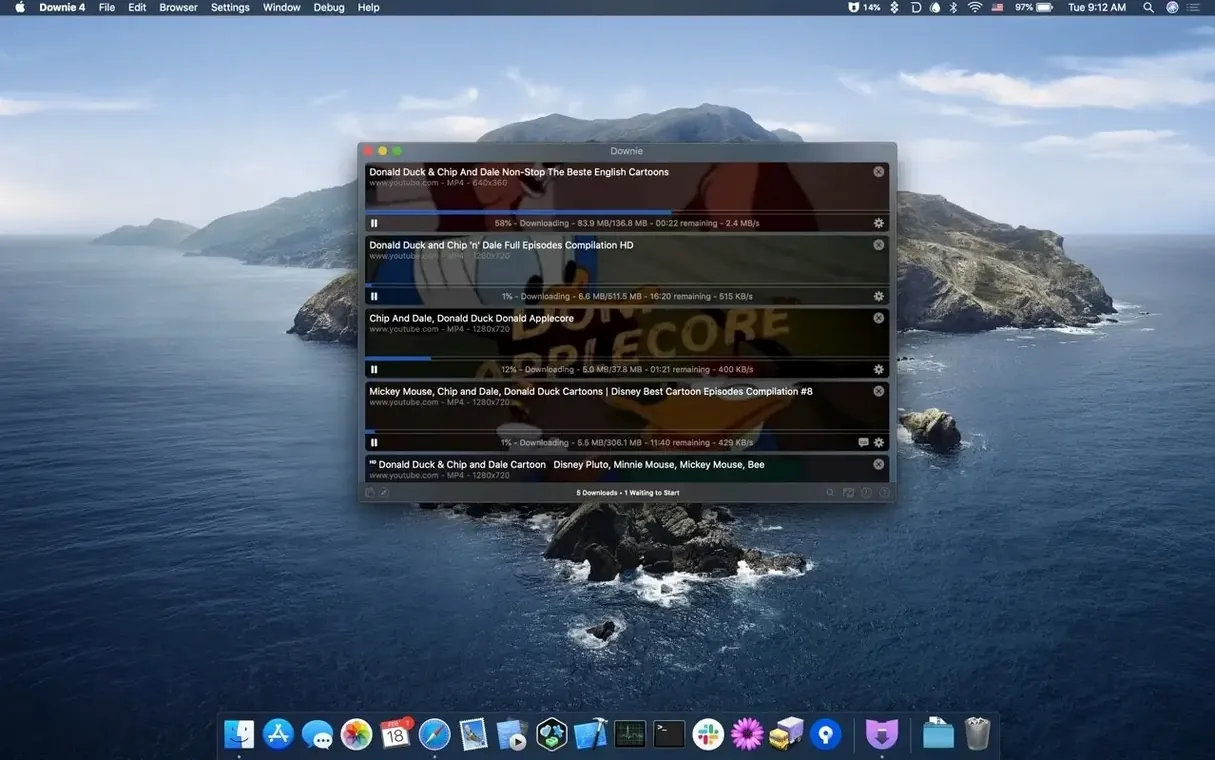
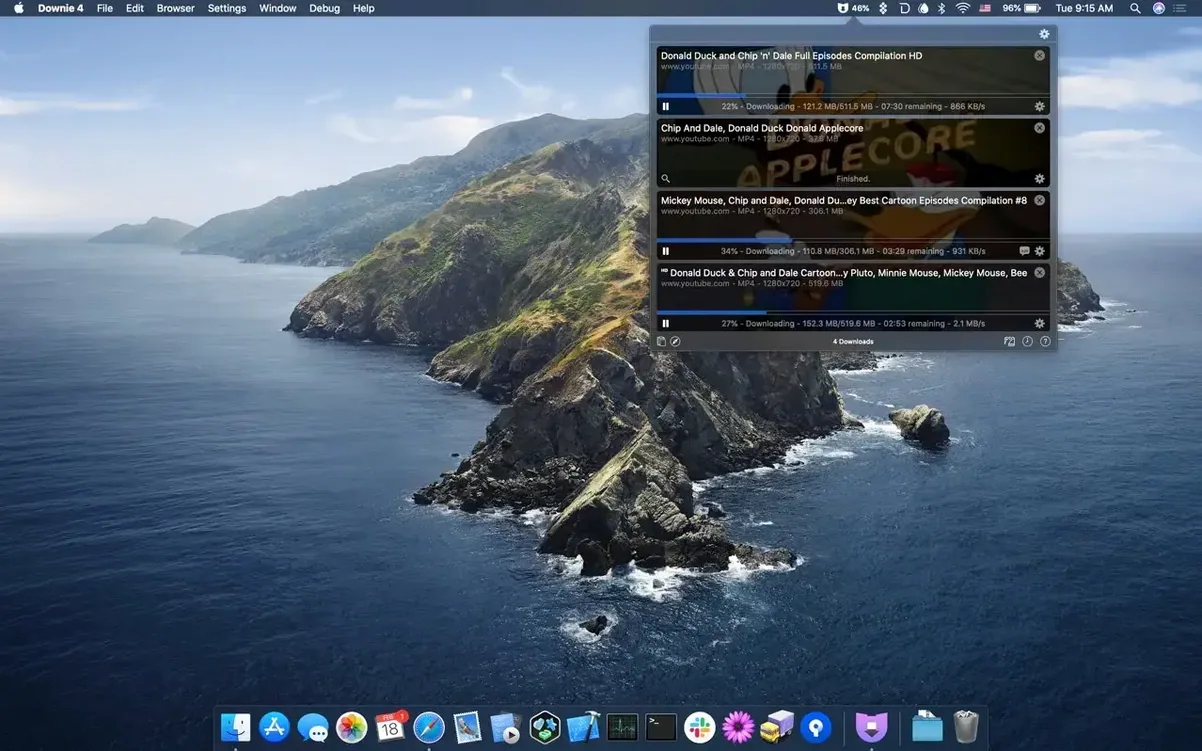
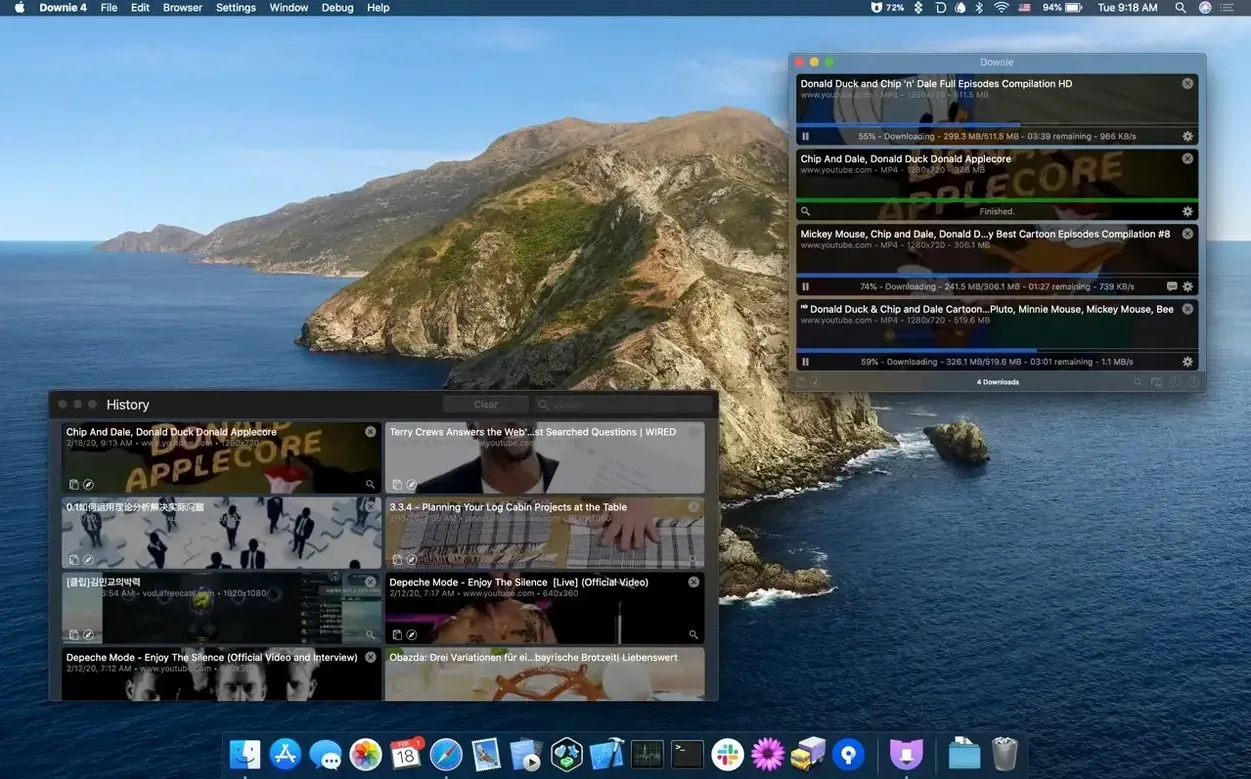
More than 1,200 supported sites — YouTube, Vimeo, Facebook, Instagram and a long tail beyond them. Downie 4 is a Mac video downloader from Charlie Monroe Software that starts a download the moment you paste or drag a URL into its window.
The browser extension passes links directly to the app, but the real time-saver for batch work is import: feed Downie a CSV or XML file of downloads and it processes the list with custom titles. A spreadsheet of reference links from a client becomes a download session with zero renaming later.
Post-processing ties it together. Downloads can be converted to MP4 automatically, and the Permute integration handles format conversion and joins the parts of a downloaded video into one file. For editors pulling reference footage, that skips opening a separate encoder for something a utility should handle on its own.
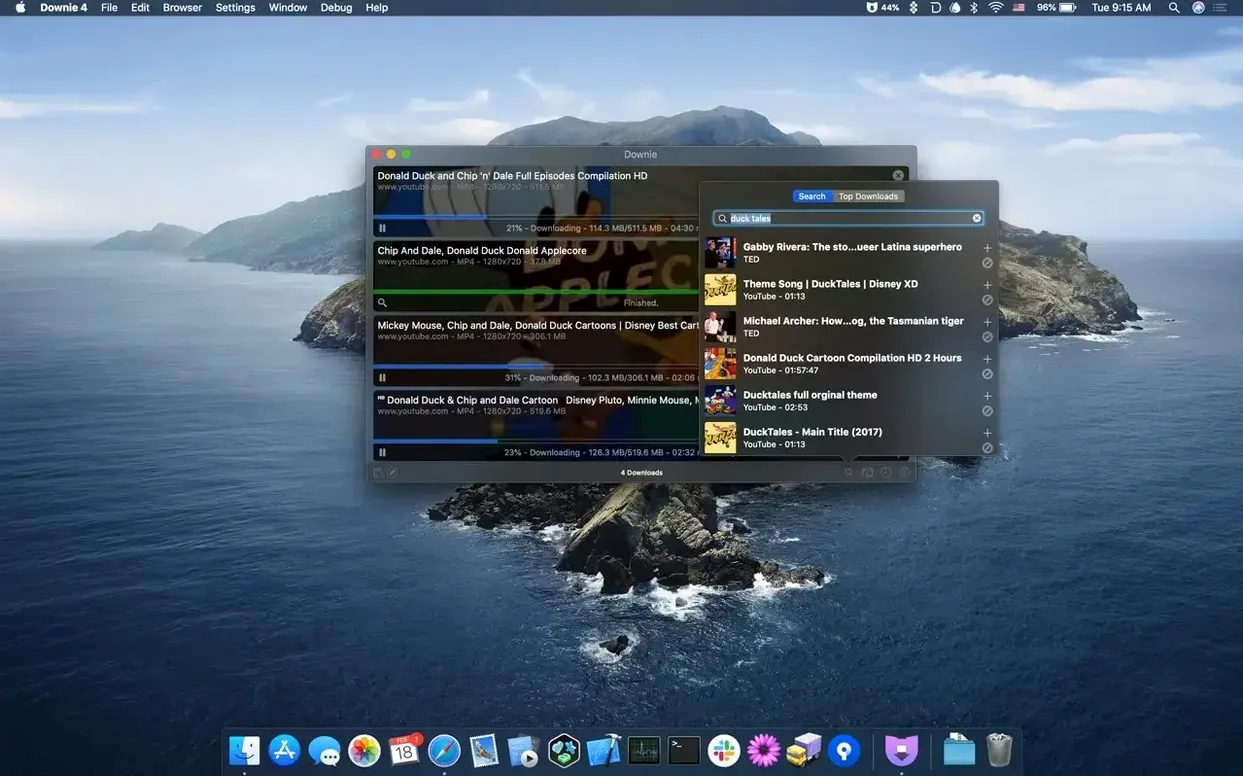
YouTube downloads go up to 4K, and when you only need the soundtrack, Downie saves just the audio track. There's an in-app search for video content as well, and the interface is translated into 32 languages.
CPU Stays Quiet Until Post-Processing Kicks In
Downie doesn't drag. A single 4K video pulls at whatever your connection gives it, and the app stays out of the way while it works. CPU use sits low during a straight download — the heavy lifting only kicks in when post-processing converts to MP4, and even then it's efficient enough that I keep editing while a queue runs in the background.
Memory hovers around 200–300 MB with a handful of items in the queue. That's negligible on any Apple Silicon Mac and perfectly comfortable on an older Intel machine. I've left it running overnight with 40-plus videos queued and came back to a finished list, no beachballs, no crashes. Stability on 4.13.1 is solid on both architectures.
The one thing that trips people up: the default destination folder. Downie writes to ~/Downloads unless you tell it otherwise, and that folder turns into a landfill fast. Change it immediately in Preferences > Save to something project-specific, or better yet, set it to prompt every time if you're hopping between jobs.
Toggle MP4 Conversion Before Your First Real Download
Spend ten minutes in Preferences before you download anything serious. The defaults work, but a couple tweaks turn Downie from a grabber into a silent pipeline.
First, toggle Post-processing > Convert to MP4 on. Most editors don't want webm or mkv files showing up in a project bin, and this spares you a batch conversion step later. If you own Permute, flip that integration switch too — it hands off the file automatically and lets Permute handle the encode, which gives you finer control over codecs and resolution.
Next, install the browser extension. It's not required, but clicking a toolbar button in Safari or Firefox to send a link beats copy-paste every time, especially when you're pulling reference from a dozen tabs. The extension respects the site-specific settings you've already configured in the app, so a Vimeo link downloads at the same quality profile you picked in preferences.
Last, test the audio-only extraction on something disposable. Right-click any queued item and choose Extract Audio Only. That's the move for pulling interview clips to transcribe, grabbing music references, or saving a podcast episode without the video bloat.
A Producer's Afternoon
Picture a mid-level video producer prepping a corporate testimonial shoot. The client sent a Google Doc with fifteen YouTube links — competitor spots, past internal videos, a couple Vimeo references from a director they like. She copies the list into a CSV with two columns: URL and custom filename. Drops it on Downie's icon.
The app parses the file and queues all fifteen. She set the destination to a project folder called Research_Footage and already toggled MP4 conversion, so by the time she finishes lunch, the folder has fifteen cleanly named, ready-to-preview MP4 files. No browser tabs hanging open, no screen recording workaround, no manual renaming. She scrubs through them in QuickTime, drops selects into a Final Cut Pro library, and moves on.
That's where Downie earns its keep — not in downloading one video, but in making a bulk research pull feel like a single step.
Editors Pulling Reference Clips Straight Into a Timeline
Editors and motion designers pulling reference material from multiple platforms. The 4K support and automatic MP4 conversion mean downloaded clips drop straight into a timeline without format headaches.
Musicians and podcast editors who regularly extract audio from video sources. The audio-only save skips ripping through a separate converter, and the Permute handoff lets you dial in a specific bitrate or sample rate when the job calls for it.
Researchers and archivists building reference libraries. The CSV import turns a spreadsheet of links into a structured download session, and custom titling keeps files coherent months later when you're digging through an archive drive.
Language learners and educators saving clips for offline use. With 32 interface languages and support for sites across multiple regions, Downie fits into workflows where a stable internet connection isn't a given — classrooms, flights, field work.
Casual users who grab the occasional YouTube video will find it overbuilt but dead simple. The power isn't in the one-off download; it's in the queue, the automation, and the fact that you don't babysit it. If you've ever kept a browser window open just to hold a video tab, Downie for Mac resolves that habit permanently.
- macOS 11 or later
- Apple Silicon or Intel 64-bit Mac
Questions I actually get
Can Downie combine separate video and audio files during download?
It can hand off to Permute after downloading to merge streams and convert the result into a single file, so you don't have to sync them manually.
Notes from the edit bay · 0
Sign in or get an edit-bay pass to leave a note.
No notes from the edit bay yet. They go up after I read them.