
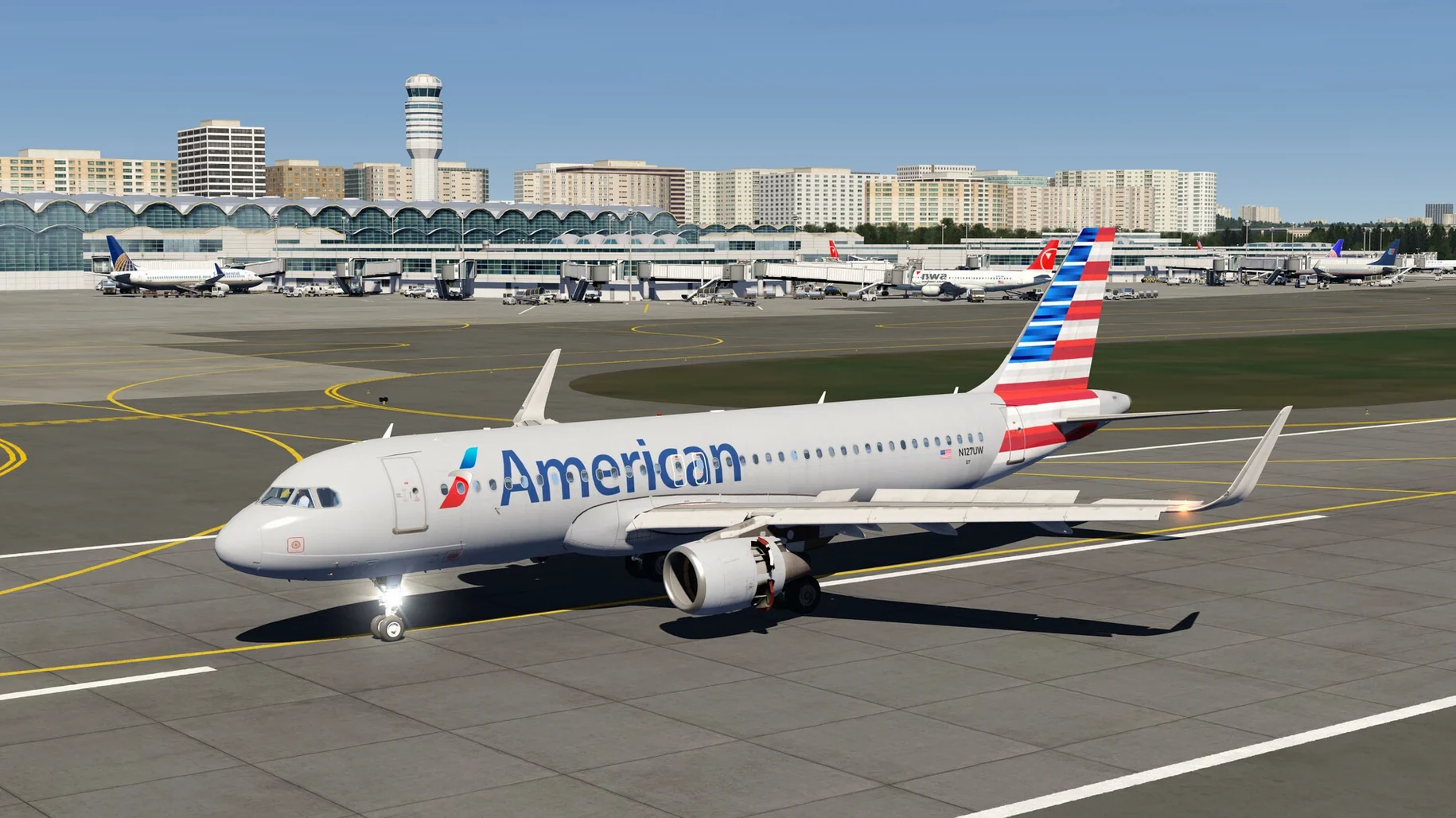
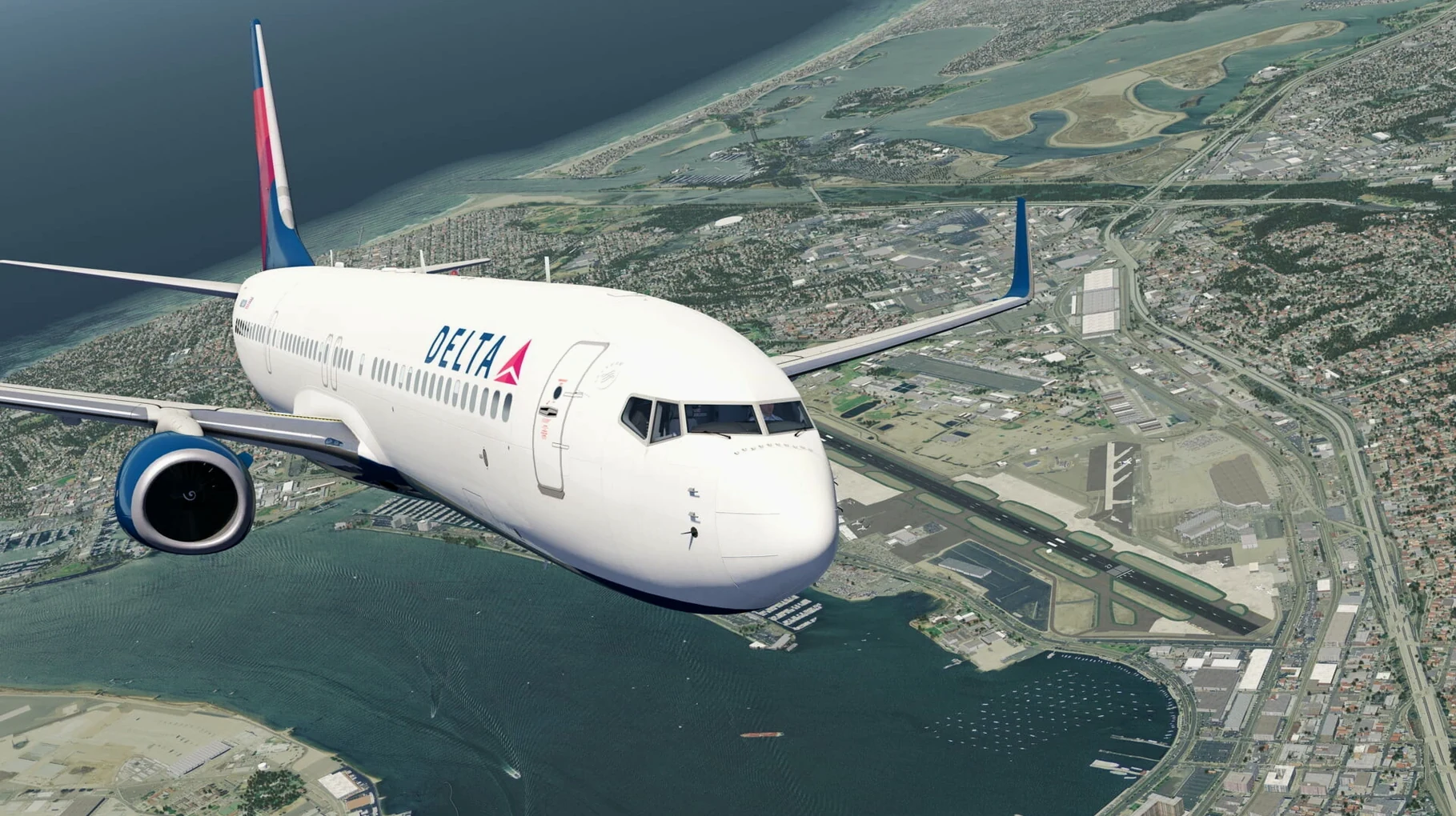
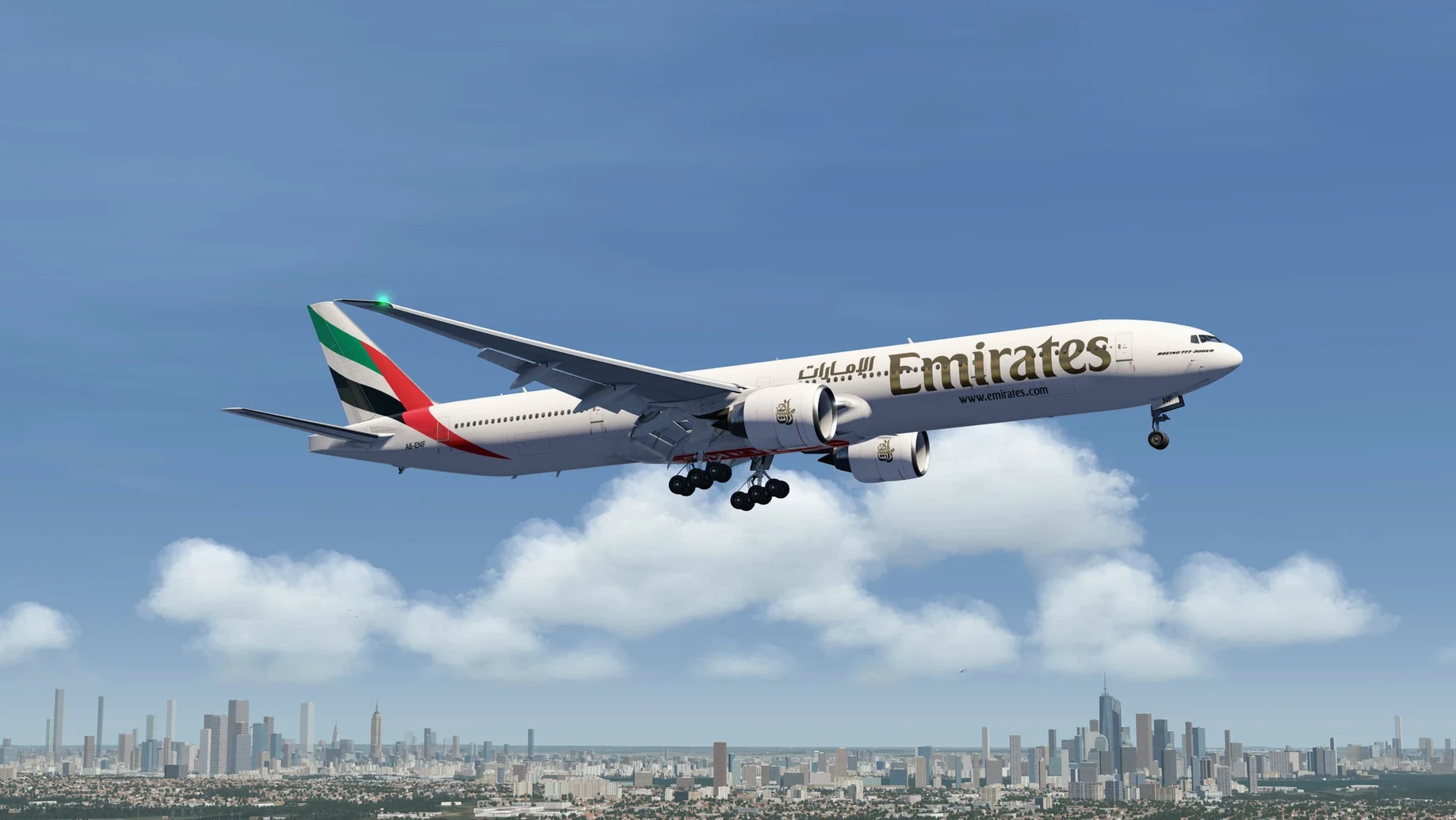
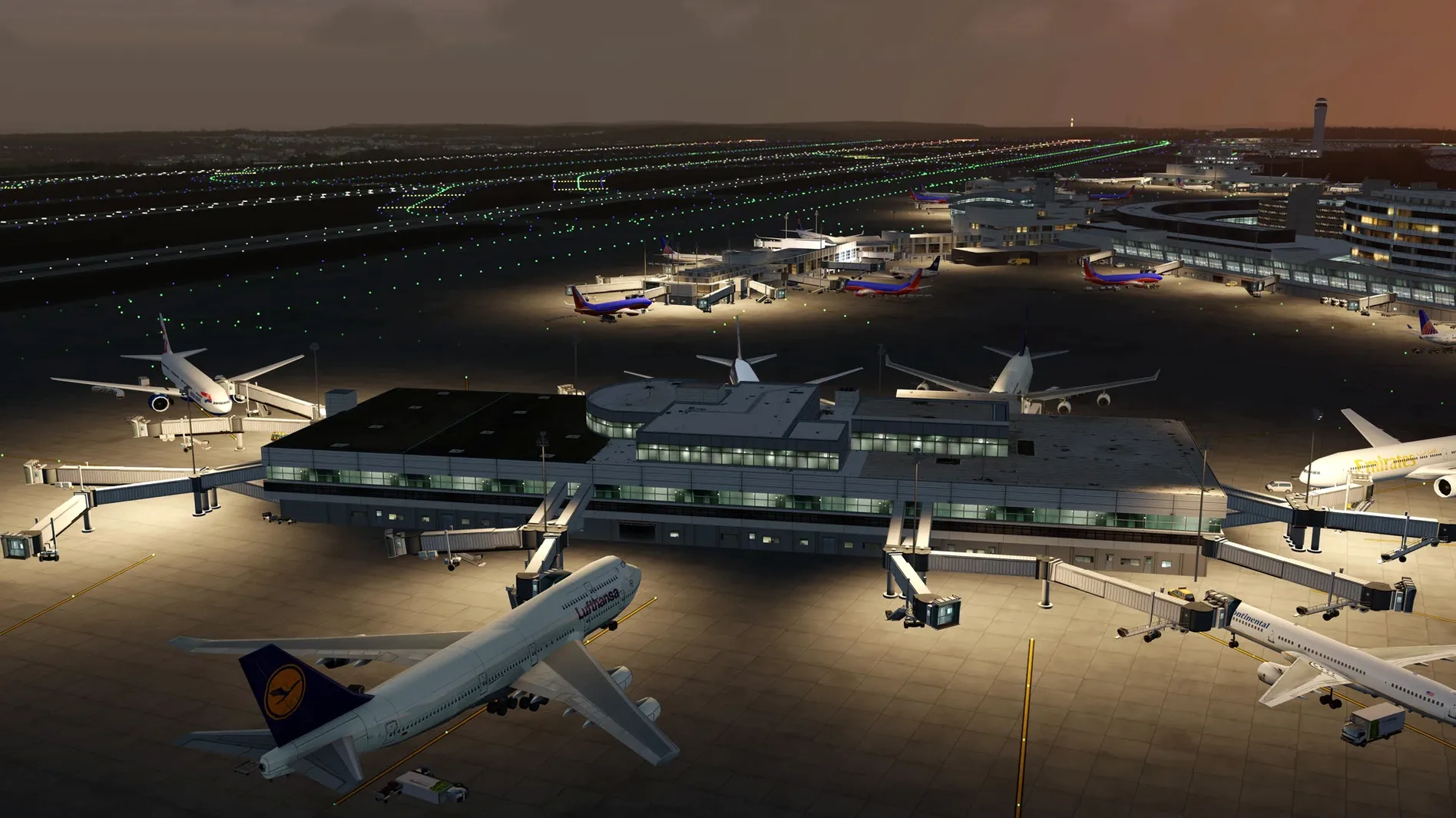
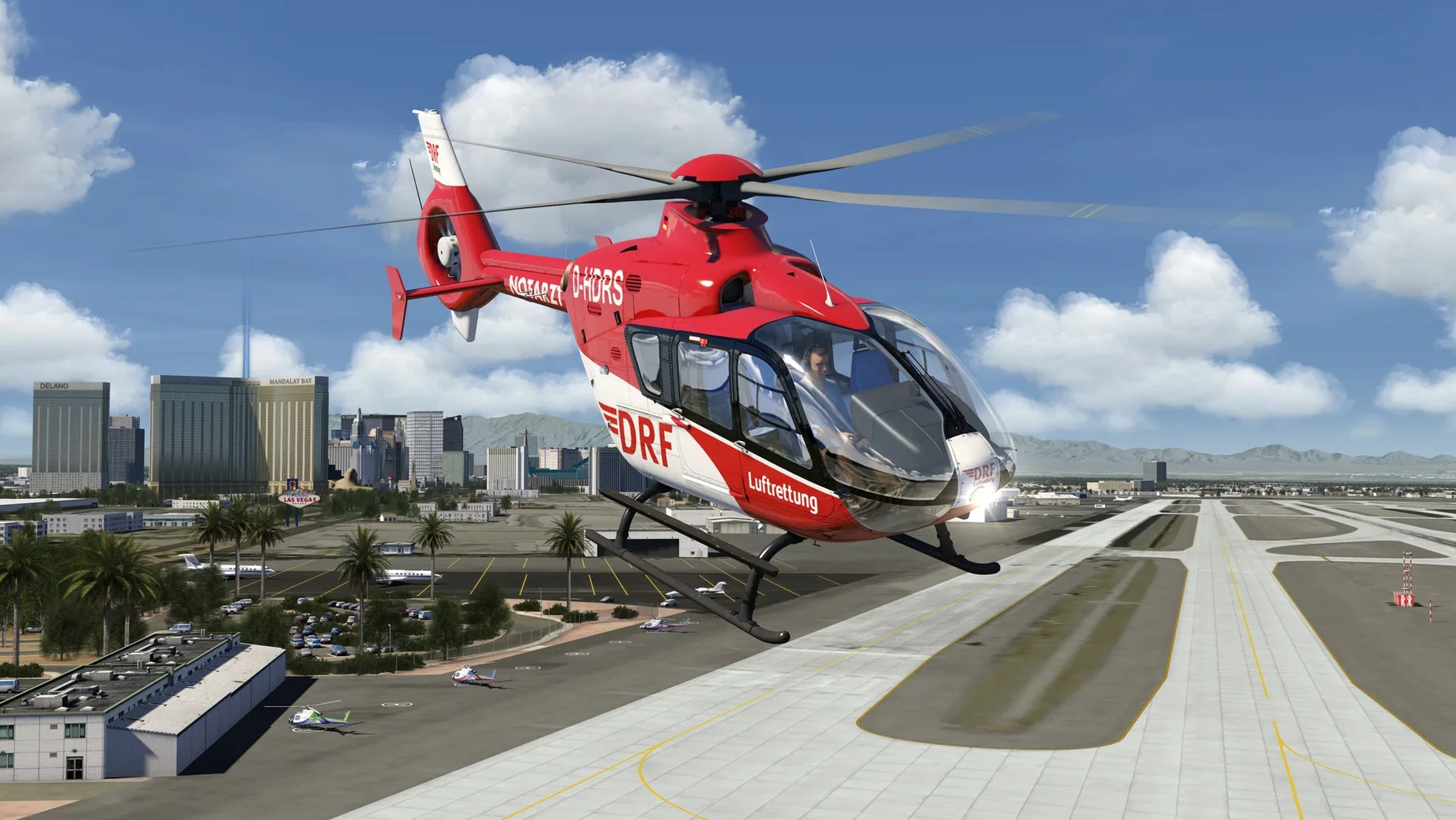
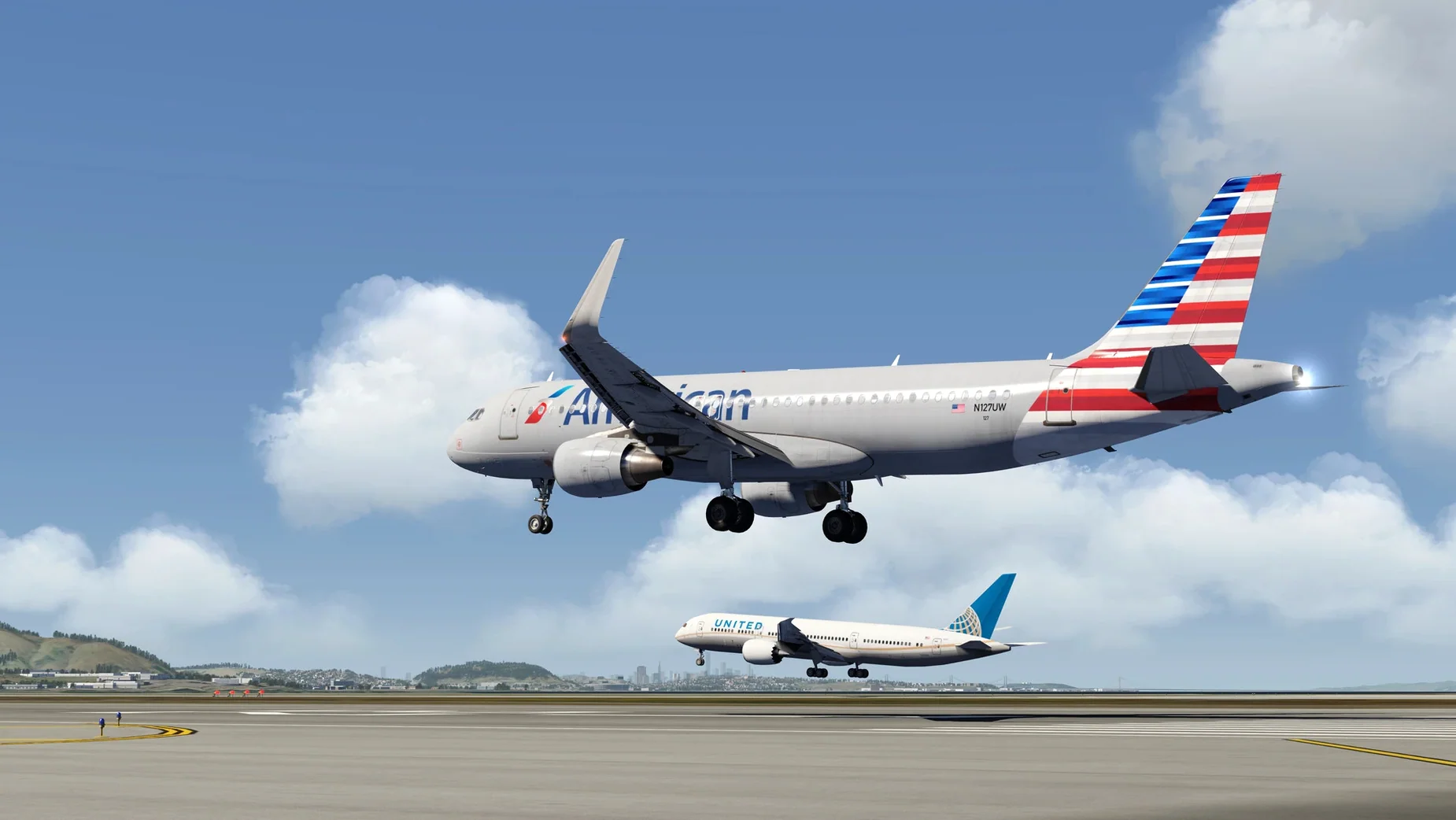
One sim, three pilot levels. That's the promise, and it sets a specific expectation: you can climb into an Extra 330 for aerobatics, pre-flight a business jet, or log Cessna hours, all from the same launcher. The fleet is genuinely large, and the scenery leans on photorealism rather than procedural guesswork.
Building a Flight Log Without a Rigid Campaign
- The career-minded intermediate. A flight log tracks your progress, so you're not just burning virtual fuel — you're building a record. If you want structure without a rigid campaign, this clicks.
- The aircraft collector. General aviation, aerobatic planes, and business jets sit side by side. No DLC scavenger hunt required.
- The graphics-first pilot. Vulkan support on a modern Mac (tested on an M4 mini) means the photoreal scenery streams without turning your machine into a space heater.
Who Should Taxi Elsewhere
If you crave deep systems simulation — circuit breakers, failure modeling, study-level airliner logic — this isn't that sandbox. Aerofly FS 4 leans toward accessible fidelity: the cockpit feels alive, but it won't quiz you on the electrical bus. It's also not a globe-spanning world map. The scenery is hand-crafted and gorgeous where it exists, but you won't find your hometown if it's off the beaten path.
Twenty-Minute Stick Time Between Setups
A freelance colorist I know keeps a trimmed-down MacBook Pro for onset work. Between lighting setups, she unwinds with twenty minutes of stick time — nothing heavy, just pattern work in a Cessna 172 or a quick valley run in an ASG 32 glider. Aerofly FS 4 fits that gap perfectly. She double-clicks the app, picks a familiar airfield from the photoreal scenery, and is airborne before the coffee cools. The 3D cockpit is clickable enough to run a plausible preflight flow — magnetos, mixture, lights — without burying her in EFIS menu layers. When the director calls, she quits the sim; no background services linger, no launcher keeps phoning home. That session-and-done rhythm is what makes the sim stick on a working Mac. It’s a flight sim that behaves like a utility, not a service.
Will My Mac Sound Like a Jet Itself?
Will my Mac handle it without sounding like a jet itself? The short answer: yes, if you’re on Apple Silicon. The build is a universal binary, and on an M4 Mac mini the fans barely twitch even after an hour of dense scenery streaming. Intel Macs with discrete GPUs still get a solid ride — Vulkan keeps draw calls efficient — but integrated graphics from the pre-M1 era will struggle above medium settings.
Is this a scenery demo or a proper flight sim? The physics run in real time, and you feel the difference when you bank a fighter jet versus float a glider into ridge lift. Mass, lift, drag — it’s all calculated per frame. The flight log and mission system give you a reason to fly, not just gawk at mountain textures. That said, the terrain model is uneven: hand-crafted regions look stunning, but the global base layer is just elevation data and aerial imagery. Know where the eye-candy lives before you plan a cross-country.
Does VR actually work on macOS? Mac VR support has always been sparse, and while Aerofly FS 4 carries the VR flag, the experience hinges on Apple’s Metal and headset compatibility. Test it with your specific hardware combination. Some pilots run it smoothly; others stick to the crisp 2D cockpit view and call it a day.
No Beachballs After 90-Minute Airliner Circuits
After a week of daily use — quick hops, full airliner circuits, a few botched landing challenges — the app never beachballed. Memory pressure under 90-minute sessions stayed flat at around 3.2 GB of RAM on an M-series Mac. Launch time from an internal SSD is under four seconds. The multithreaded architecture means scenery tiles load in parallel, so popping is rare once you’re a thousand feet up. Frame pacing holds steady even when an Aerofly FS 4 Flight Simulator Mac torrent of data — terrain mesh, ortho imagery, AI aircraft — piles in around a busy airport. Quitting the app returns every megabyte; there’s no memory creep after repeated launches. For a sim that juggles photoreal tiles and real-time aerodynamics, the resource footprint is remarkably polite. It won’t elbow your other pro apps off the RAM when you switch over to After Effects or Logic.
- Apple Silicon or Intel 64-bit Mac
Notes from the edit bay · 0
Sign in or get an edit-bay pass to leave a note.
No notes from the edit bay yet. They go up after I read them.