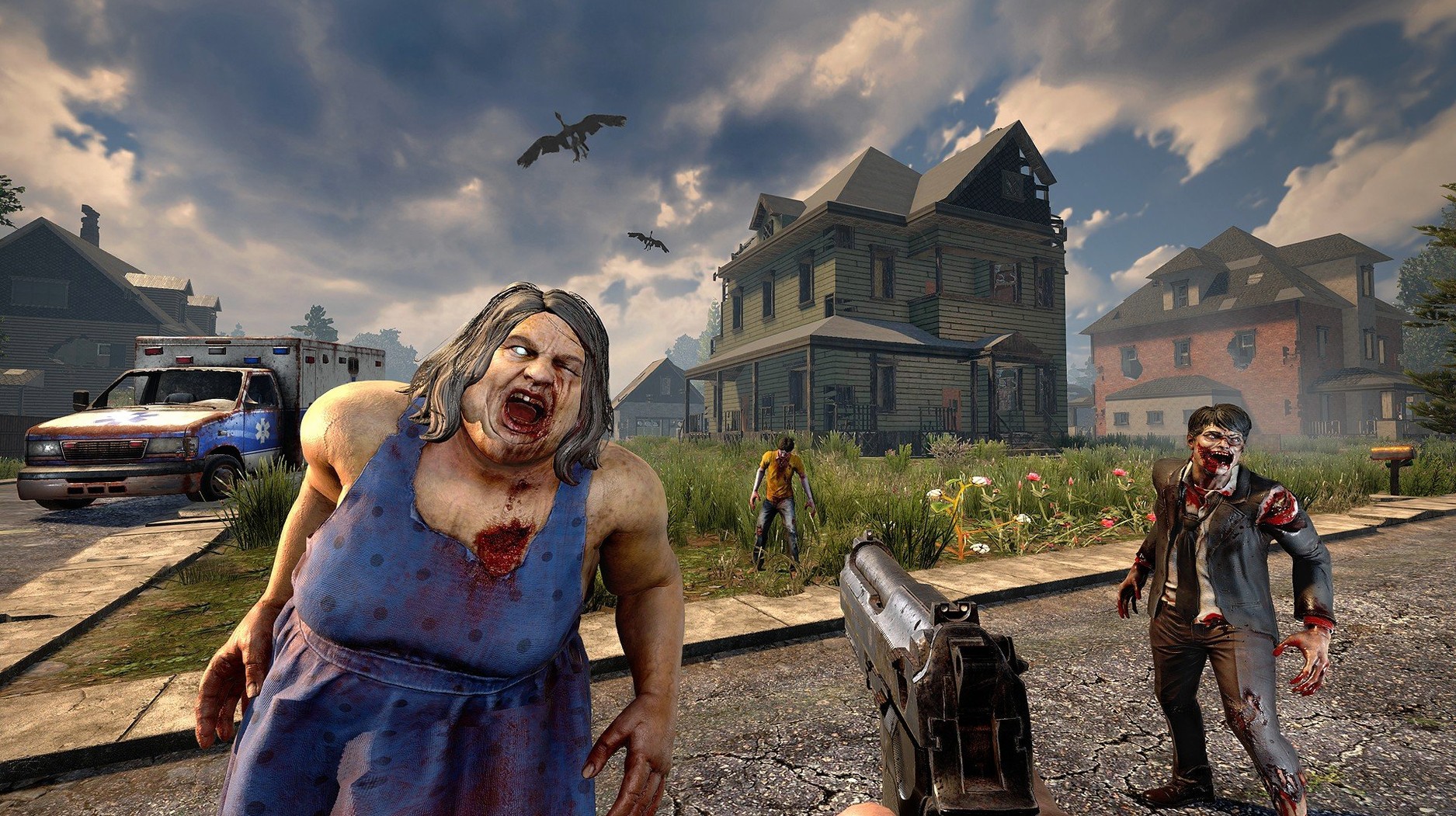
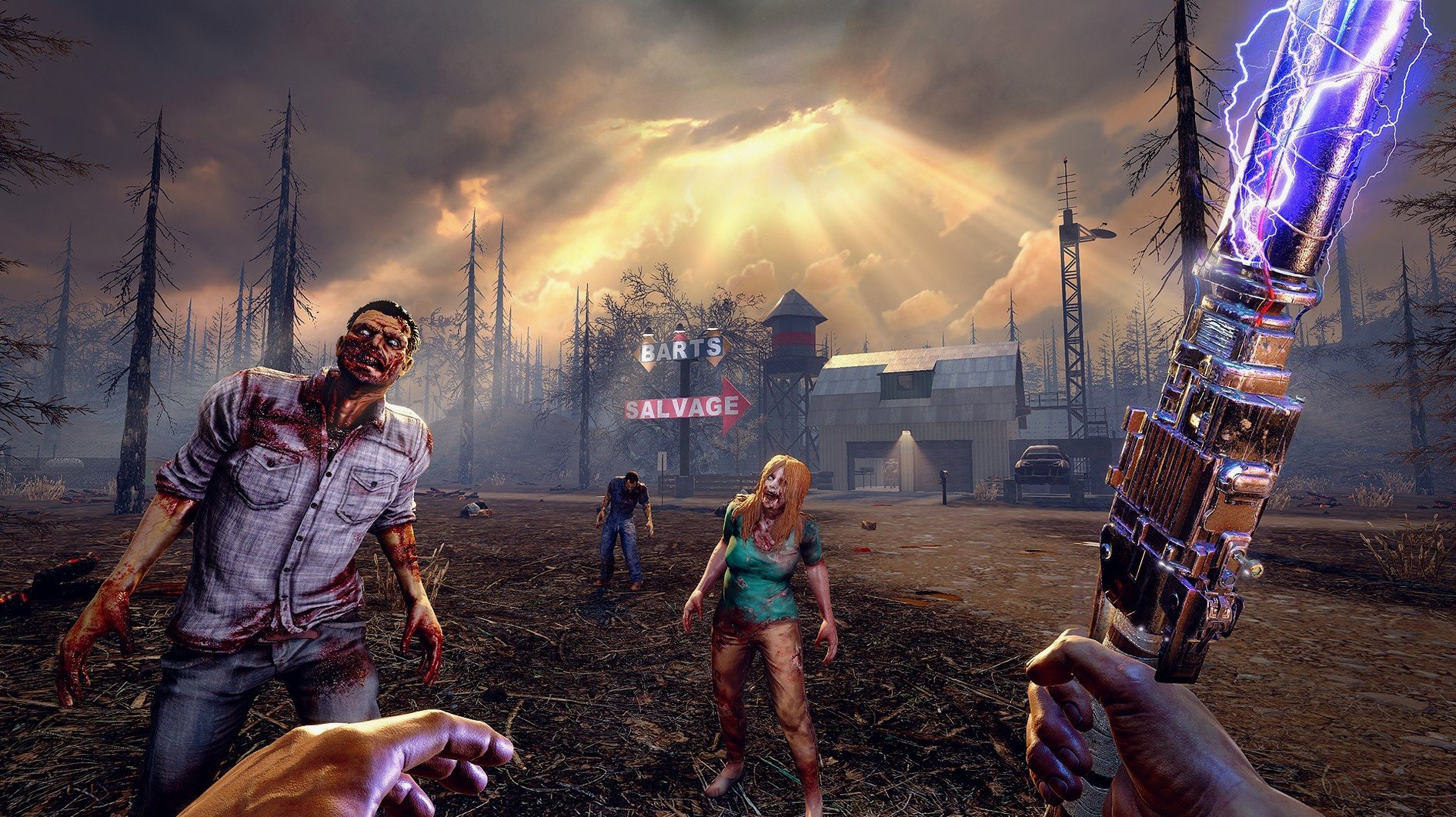
Version 3.2.0 sneaks in a detail that’s pure 7 Days to Die: you can now blast a vehicle horn to pop open a trader’s door. No more fumbling for keys while a horde breathes down your neck. The combine station UI got a cleaner layout, and a few player gear textures stopped hogging memory. Small stuff, but in a game where every frame counts when night falls, it matters.
Apple Silicon, Intel, and a Tahoe-Ready Port
The Mac build is a straight port, tested on macOS Tahoe with an M4 Mac mini. It runs on both Apple Silicon and older Intel machines, so long as you’re on 10.13 or later. You’ll want 8 GB of RAM, 15 GB of free disk space, and a GPU with at least 2 GB of dedicated memory. On an M-series chip, expect smooth framerates at medium settings out of the box. A fan might kick in when you’re deep into a blood moon horde with a hundred torches flickering, but that’s the cost of doing business.
100 km², a Stone Axe, and 500+ Recipes
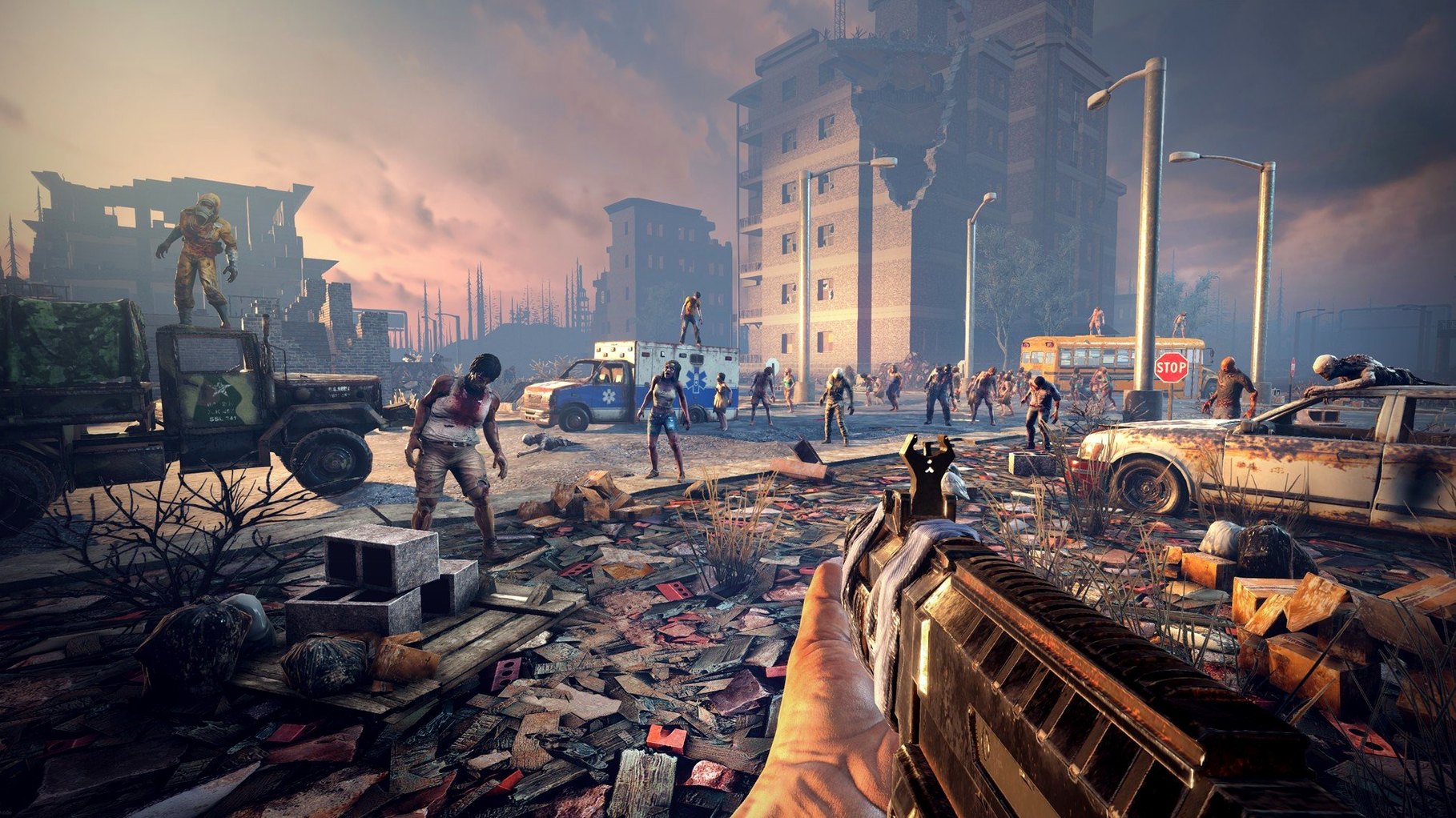
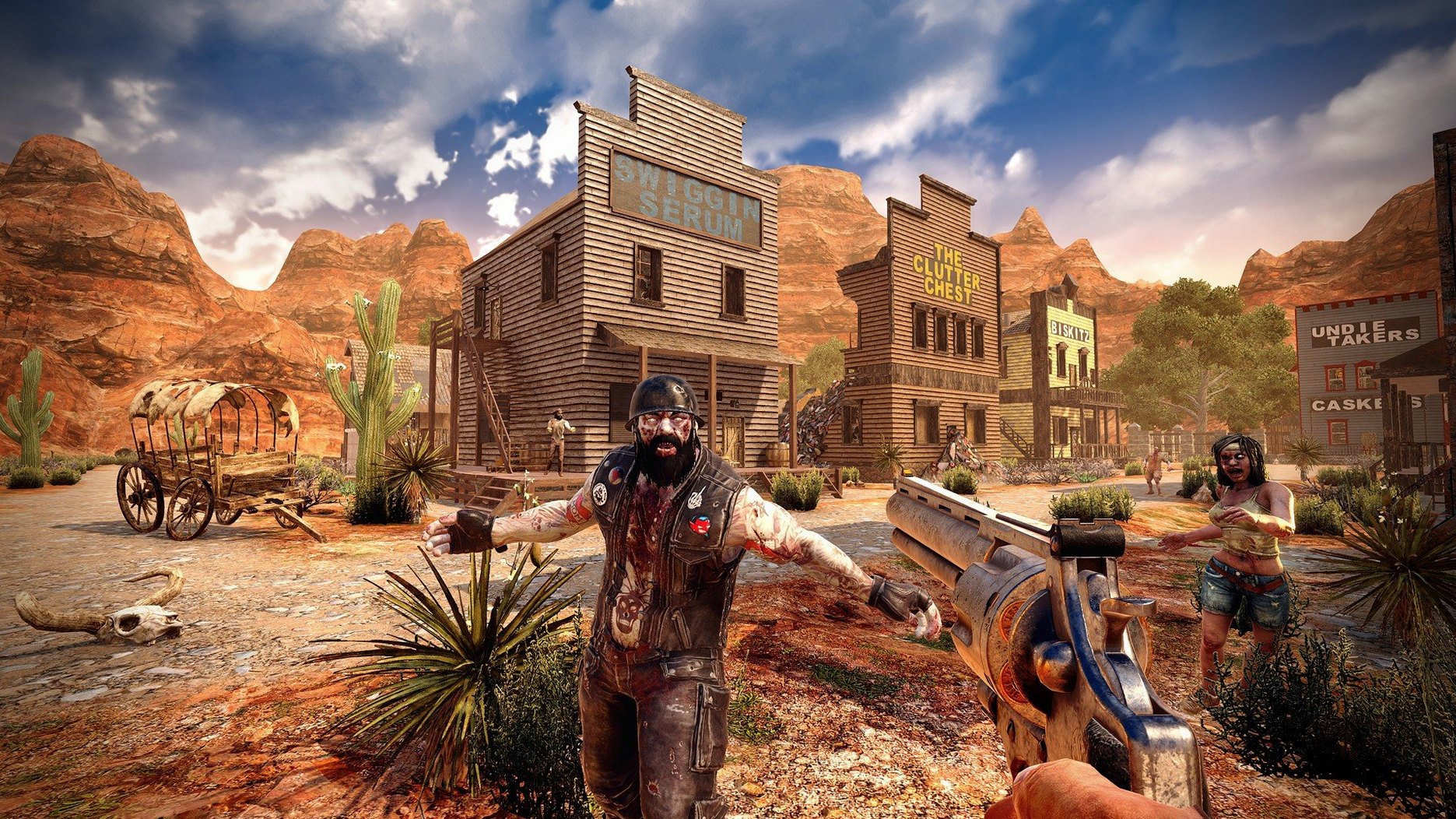
This isn’t a run-and-gun. You land in a world up to 100 square kilometers—hand-crafted or randomly generated—and you start with a stone axe and a prayer. First-person combat feels weighty and desperate. Crafting pulls from over 500 recipes and more than 1,300 building blocks. Character growth comes from doing, plus poring through a library of over 100 skill books. There’s farming, hunting, six quality tiers for your gear, and a multiplayer layer that lets you cooperate or compete. It’s a time sink in the best way, and the Mac version keeps up.
Fan Curves You’ll Want Before Your First Horde
7 Days to Die doesn't live in a vacuum. On my editing rig, I run it alongside a few utilities that keep things sane. Macs Fan Control is almost mandatory — set the fans to ramp earlier than macOS defaults, because the game will push thermals during blood moon nights. I keep Activity Monitor pinned to a second desktop; when the game's eating 12 GB of RAM after four hours, I know it's time for a restart before the next session.
If you're using Steam Overlay, the Mac build plays nice with screenshot capture, but I turn off in-game notifications from other apps. Focus modes in macOS Ventura or later are your friend — one accidental Slack ping mid-horde and you're zombie chow. The game also coexists surprisingly well with Discord screen sharing on Apple Silicon, which makes co-op coordination less of a guessing game. On Intel Macs, I'd skip the streaming unless you've got dedicated encoding hardware.
One friction point: the game writes saves and world files to your user library. If you're backing up with Time Machine, those massive world folders balloon snapshots fast. Add the saves directory to your exclusion list, or use a manual backup script that runs when you're done playing. It's not glamorous, but neither is losing a 60-hour fortress because a backup ate your disk space.
Speed, Stability, and Your RAM Budget
The M4 Mac mini test build was a good sign, but on my daily driver M1 Pro with 16 GB, the game settles into a comfortable rhythm. Medium settings, 1440p, and I'm locked above 50 fps in most biomes. The desert biome is oddly heavier — something about the particle system for sandstorms asks more of the GPU. Large cities with lots of prefabs can dip into the 30s, but that's consistent with the PC version's behavior.
Memory is the real story. The release notes mention fixing some gear textures that were memory hogs, and it's noticeable. Before 3.2.0, I'd see the game creep past 10 GB after two hours. Now it hovers around 7-8 GB on the same world. That leaves breathing room for QuickTime screen recordings or a browser with a wiki tab open. Stability-wise, I've had one crash in about 40 hours of play on 3.2.0 — during a gyrocopter dismount near a trader outpost. Autosaves are hourly by default, so the setback was minor.
Intel Macs with older GPUs will struggle more. The 2 GB VRAM minimum isn't a suggestion; below that, textures fail to stream and you get the pink checkerboard of shame. If you're still on a 2017 MacBook Pro with a Radeon Pro 555, stick to low textures and 900p.
Beginner Traps That'll Get You Killed
New players gravitate toward the biggest building they can find and claim it as a base. That's mistake number one. Those pretty hardware stores and apartment blocks are structural nightmares — remove one load-bearing block and the whole thing pancake-collapses on your storage chests. Build your first base from scratch, or reinforce an existing structure with frames before you start knocking holes in walls.
Here's another: ignoring the trader quests. They're not side content; they're your early-game lifeline for food, first-aid bandages, and bicycle parts. A lot of folks treat them like optional fluff and then wonder why day seven arrives and they're starving with a wooden club. Do the buried supplies quests. The shovel you get from one pays for itself in loot.
And for the love of everything, don't put off the farming mechanic. Seeds are everywhere. A small garden of corn and potatoes behind your base solves food forever, but only if you plant it by day three. I've watched co-op partners spend every daylight hour looting houses and then scramble to cook rotten meat on a campfire while vomiting from dysentery. That's not a survival strategy; it's a slow suicide with extra steps.
One more: animal fat. Never burn it as fuel. Turn it into torches early, and save the rest for glue. Nothing hurts more than realizing you torched your duct tape supply when you need repair kits for a shotgun.
Trader doors now respond to a vehicle horn—no more dismounting during a loot run. The combine station interface was reworked for a faster workflow. Also fixed: a handful of player gear textures that were pulling more memory than they should.
- OS: macOS 10.13 or later
- Architecture: Apple Silicon and Intel
- RAM: 8 GB minimum
- Disk space: 15 GB
- Graphics: 2 GB dedicated memory, DirectX 11
- Internet: Broadband connection
Questions I actually get
Can I play 7 Days To Die with friends on a Mac?
Yes. The game supports both cooperative and competitive multiplayer, and the Mac build connects to the same servers as the PC version.
What languages does the Mac version include?
It ships with thirteen languages: English, Russian, German, Spanish, Italian, French, Polish, Portuguese, Turkish, Japanese, Korean, and both Traditional and Simplified Chinese.
How big are the worlds?
You can play on pre-built campaign maps or random worlds that stretch up to 100 square kilometers.
Notes from the edit bay · 0
Sign in or get an edit-bay pass to leave a note.
No notes from the edit bay yet. They go up after I read them.