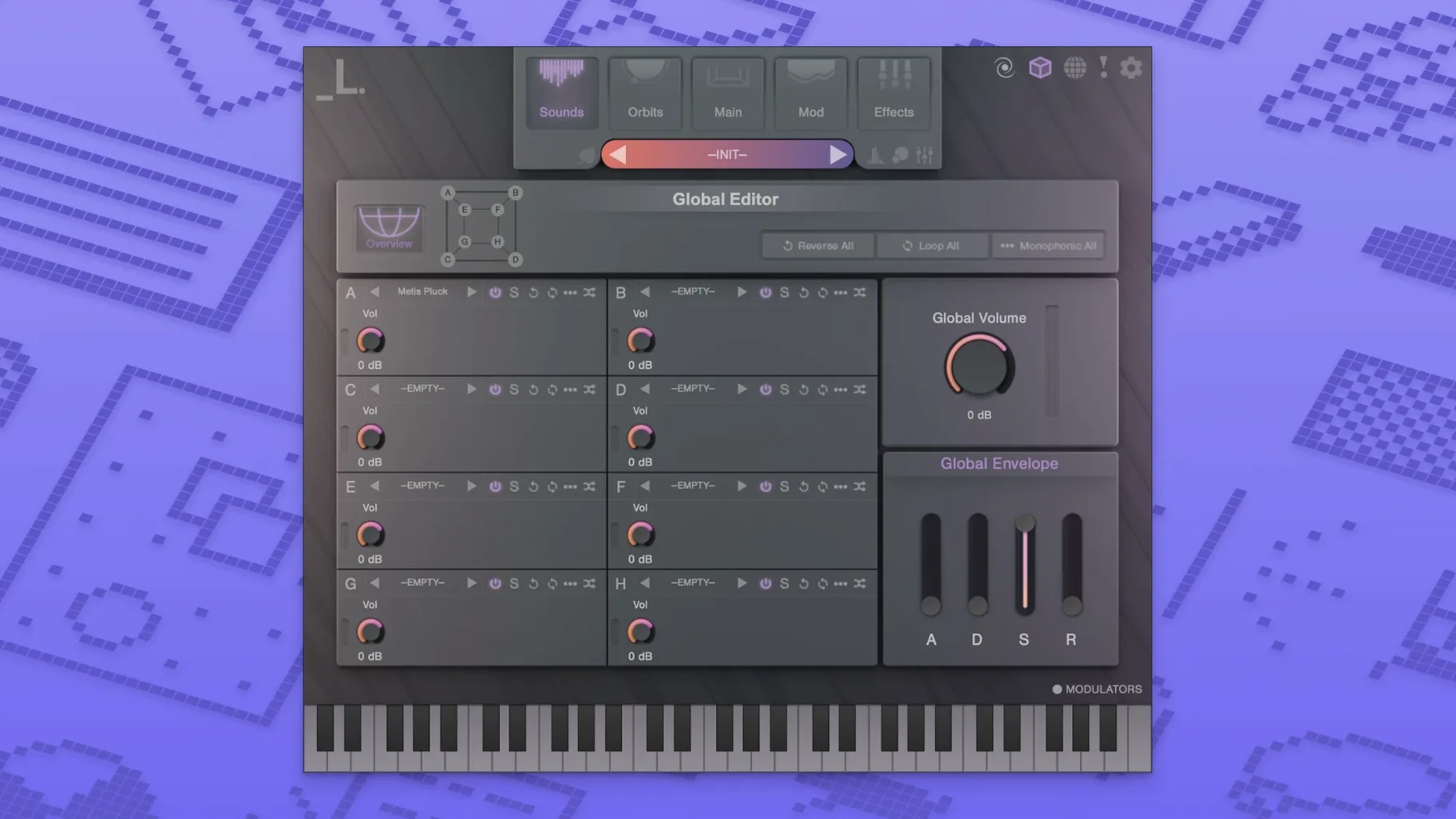
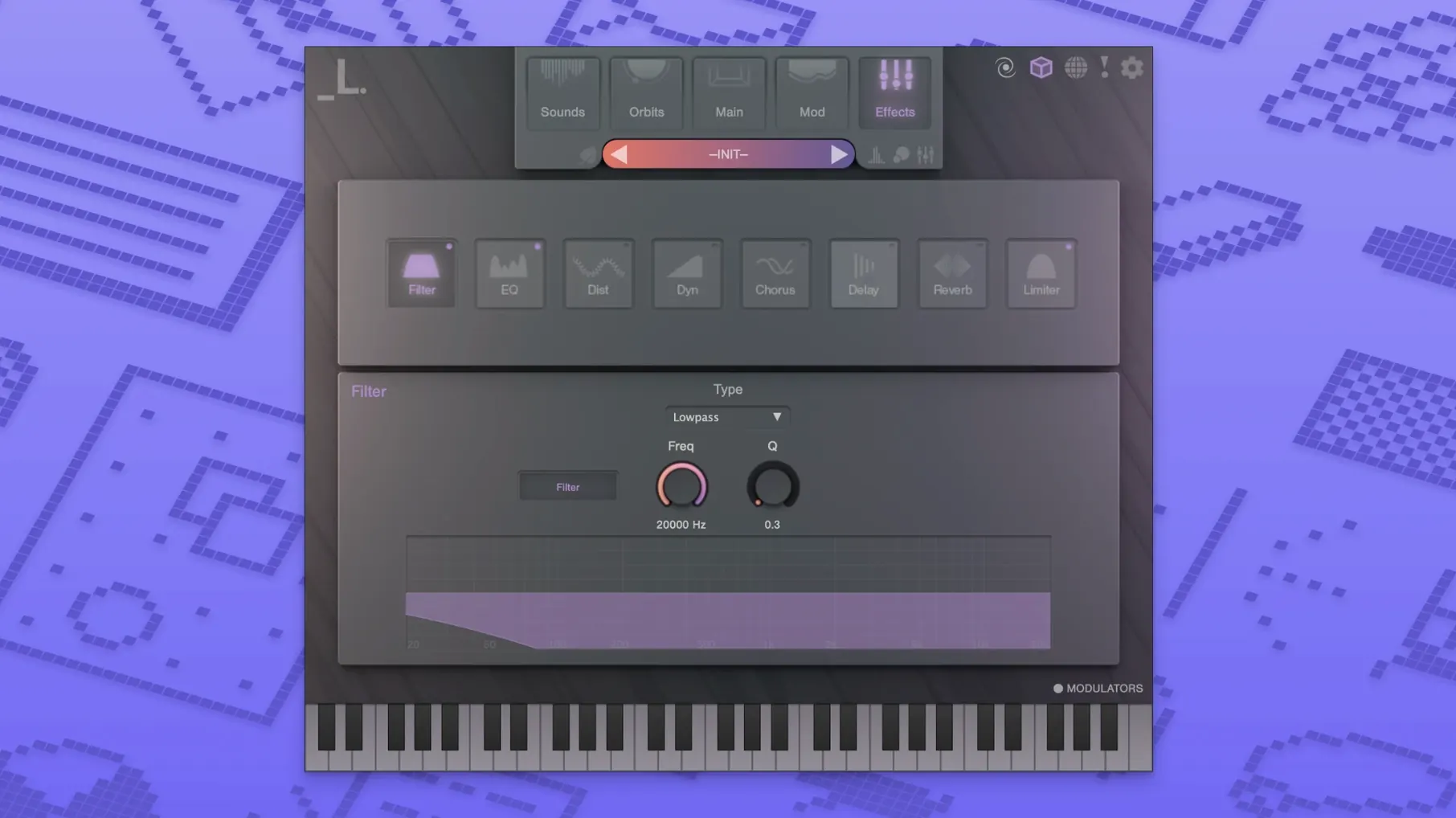
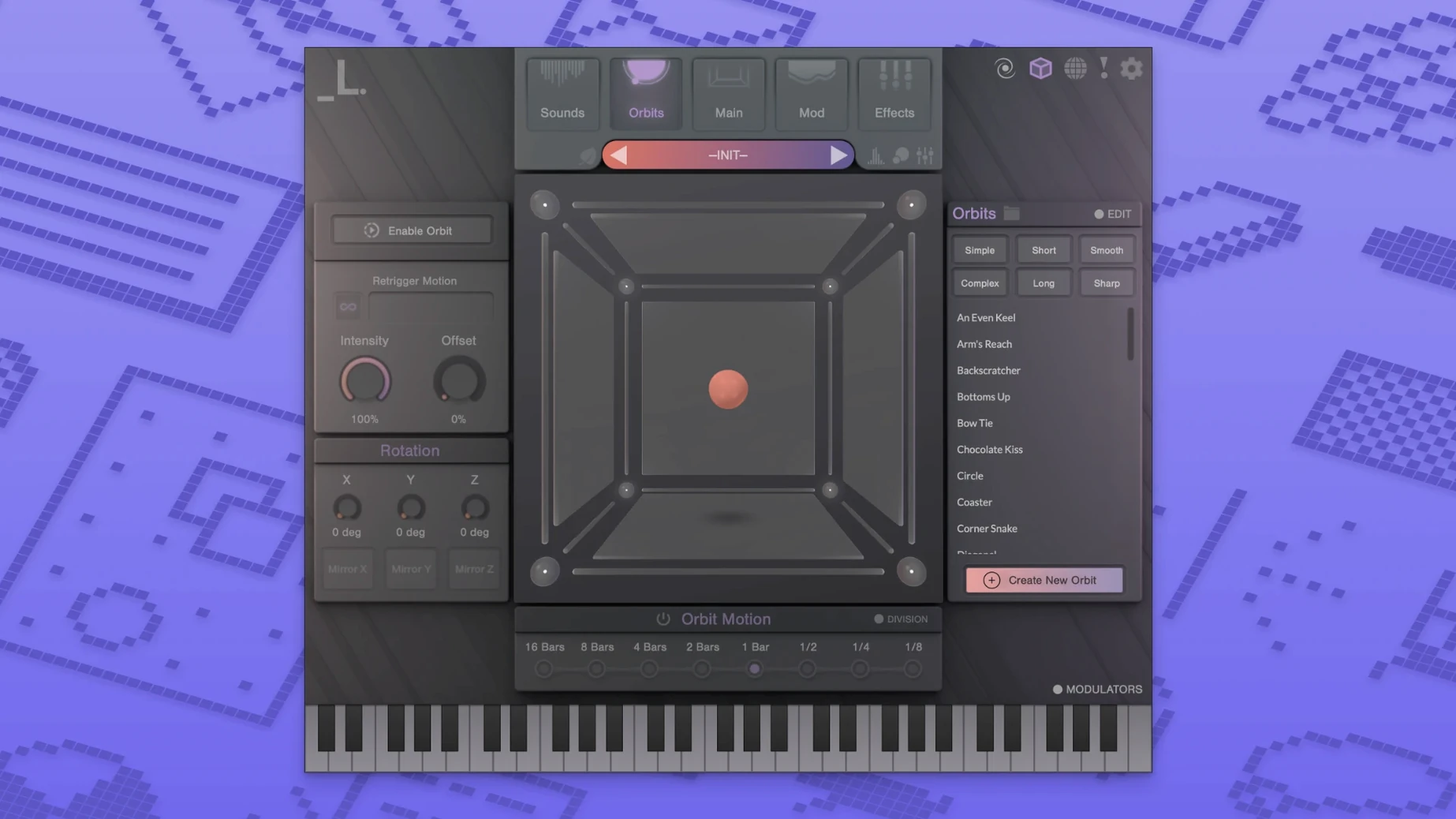
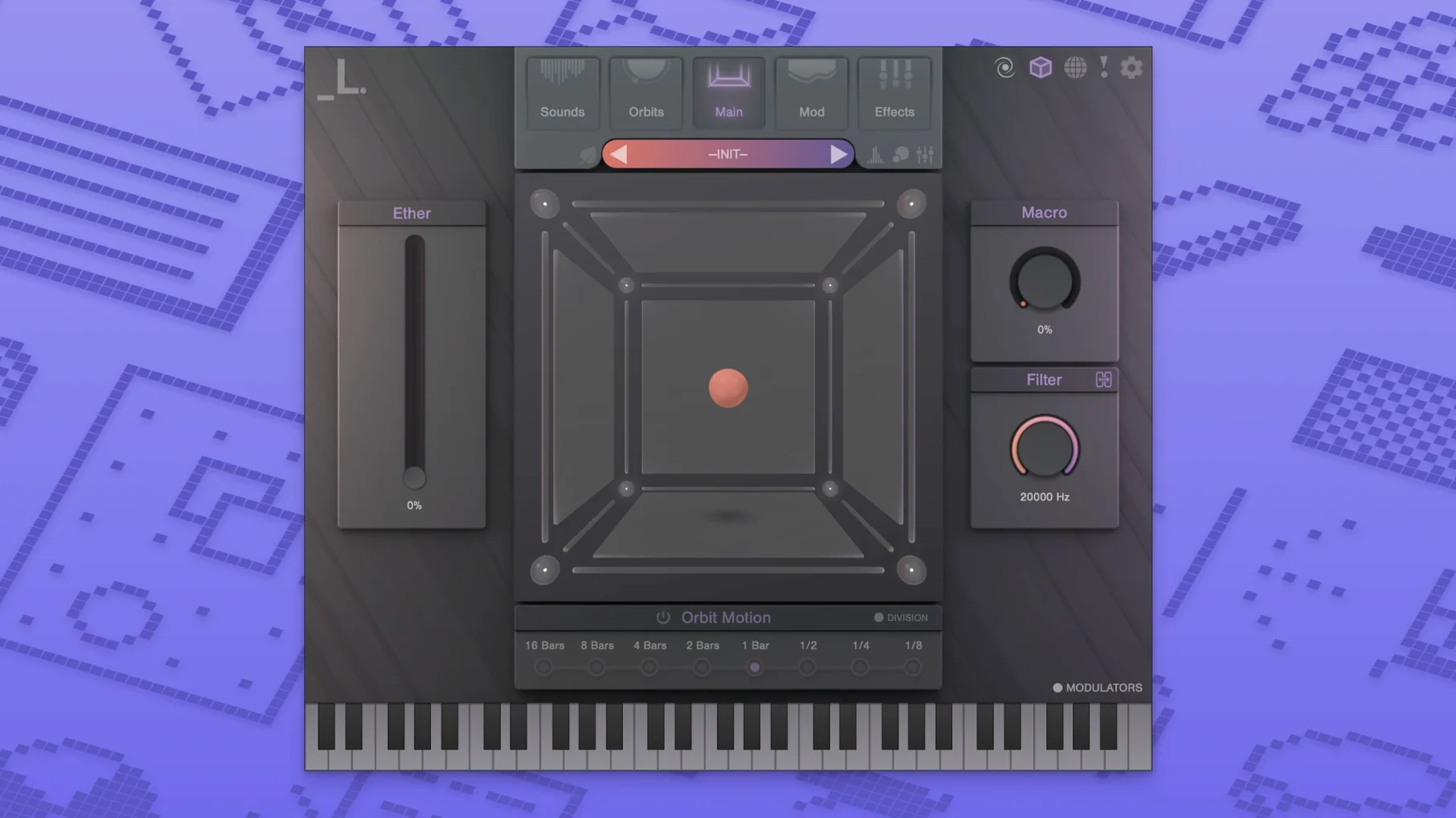
Three dimensions, eight sound sources, and a single point you drag between them. That is the core of CUBE, a sampler built for motion, not static playback. It loads a set of samples onto the vertices of a cube, then lets you morph across its faces or orbit through its volume in real time. The result is a sound that breathes, shifts, and resists the predictable.
Filling the Midrange with Evolving Pads and Textural Leads
Drop it on an instrument track as a primary pad, a textural lead, or a riser. The morphing engine turns what would be a static chord into movement that fills the middle of a pop arrangement or the backdrop of a hip-hop beat without extra automation lanes.
Does it cover its own mixing?
Mostly, yes. The built-in effects rack gives you distortion, reverb, and delay right on the channel, so you can shape a patch from cinematic wash to gritty pulse without leaving the plugin. When you need to glue it into a bus, the dry/wet control on each effect keeps routing flexible.
What kind of sessions call for it?
Electronic, pop, and hybrid scoring sessions where a static pad or a one-shot sample chain would flatten the energy. Genre experimenters get a lot of mileage here because the eight-slot architecture lets you blend a bowed texture with a synth stab and a field recording, then sweep between them with a single fader.
Plugin Found, No Sound? Run the Separate Sample Installer
The most frequent head-scratcher after install: the DAW scans for plugins and finds nothing. Nine times out of ten the plugin installer finished but the sample installer never ran. CUBE splits the engine from the content on purpose, so you get a small .component or .vst3 file in the usual spot but an empty browser until the samples land. Run the sample installer second, pick your drive, and rescan. It shows up immediately after that.
Another one trips up users who load a custom sample, hear silence, and assume the file is incompatible. The layer’s gain knob defaults to zero when you drop fresh audio in. Crank it up and the waveform appears. Stereo files work fine; CUBE just does not auto-level imports.
On Apple Silicon machines, a few DAWs running under Rosetta will see the plugin but refuse to load it until you switch the host to native mode. Logic Pro users are clear here, but Ableton Live and Pro Tools setups sometimes need the toggle flipped in Finder’s Get Info panel.
Custom Sample Import Turns Vocal Chops into Orbiting Textures
Sound designers who build their own sample pools find the custom import feature indispensable. Drag in a vocal chop, a field recording from a phone, and a synth tail, assign each to a corner, then draw a slow orbit. The result is a signature texture nobody else has, and it takes under a minute to set up.
Beatmakers working in hip-hop and trap gravitate toward the low-power mode. They can stack a sub-heavy 808 layer against a glassy pad and a distorted lead without the CPU meter spiking, then morph through the cube during a breakdown. The automatic motion systems handle the fader moves while they focus on drum programming.
Scoring composers benefit from the sheer range of the factory library. Over a hundred instruments and three thousand samples mean a cue that needs a tense, evolving drone at minute one and a bright, plucky arpeggio at minute three never forces a plugin swap. The same instance can cover both with a preset change and a quick corner reassignment.
Learn Morphing Instantly by Slowing Down an Orbital Preset
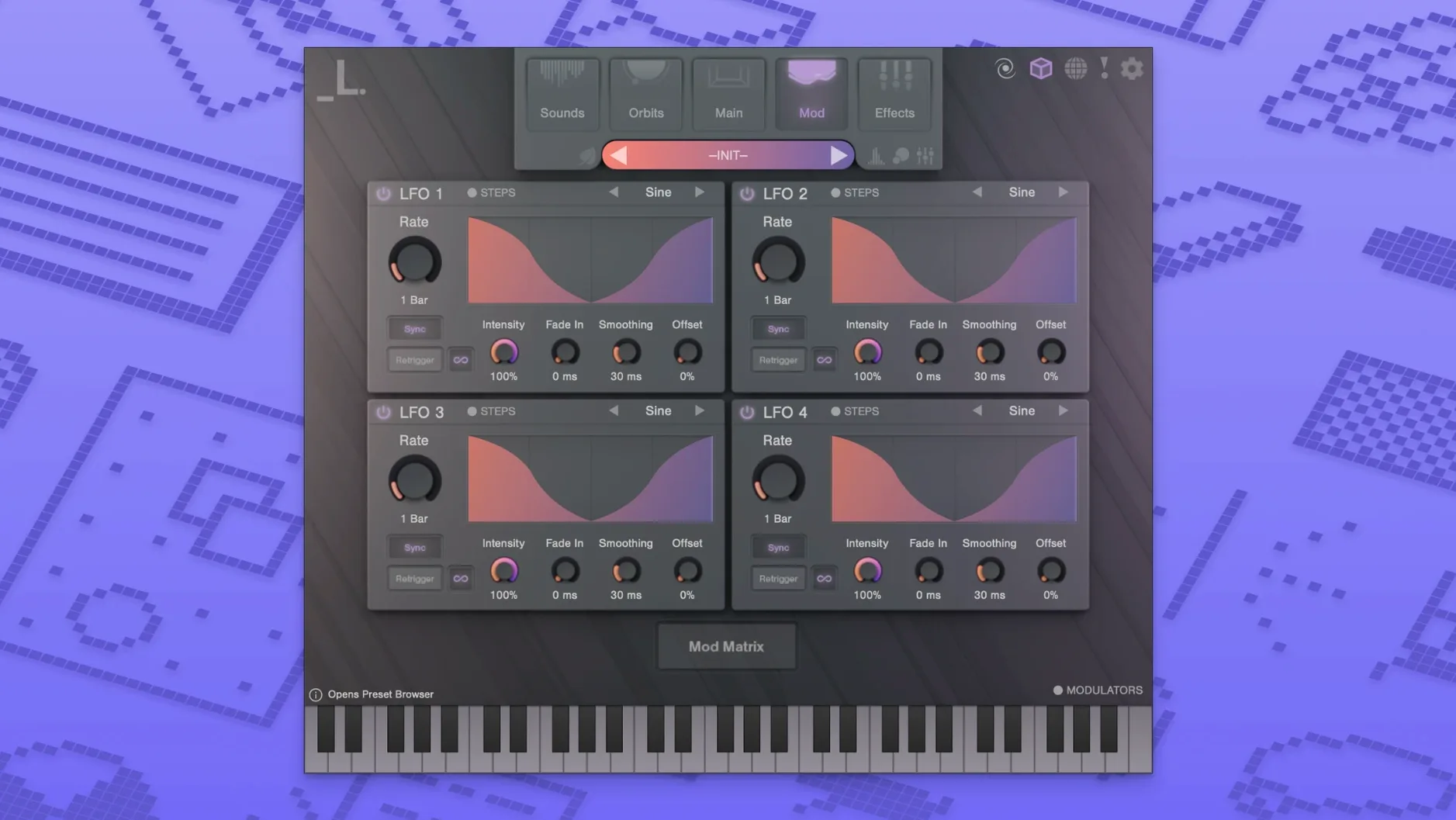
Start with a preset that already moves. Open the Orbital category, hold a chord, and watch the orbit speed knob. That teaches you more about the morphing engine in thirty seconds than reading the manual does. Once you hear how the crossfades work, swap one of the eight layers for your own sample and keep the same motion path.
Set up a custom sample location on an external SSD right from the start. The sample installer asks where you want the library, and picking a fast drive now saves you from relocating gigabytes later. CUBE streams from disk, so a cheap USB stick will choke on layered presets; a decent T7-class drive keeps the orbiter smooth.
Map the XY pad to a MIDI controller on day one. An inexpensive pad controller or even a phone running a MIDI app turns the cube from a mouse-driven curiosity into an expressive instrument. Assign the two axes, record a pass of freeform movement, and watch the automation lane fill with curves you would never draw by hand.
- macOS 10.15 or later
- Apple Silicon or Intel processor
- AU, VST3, or AAX host
Questions I actually get
Does CUBE run natively on Apple Silicon?
Yes, the developer lists M1 and M2 as recommended, and the AU, VST3, and AAX formats cover native Apple Silicon hosts on macOS 10.15 and later.
Can I move the sample library to an external drive?
Absolutely. The sample installer lets you choose a custom location, so you can point it to an external SSD and keep your internal drive lean.
Notes from the edit bay · 0
Sign in or get an edit-bay pass to leave a note.
No notes from the edit bay yet. They go up after I read them.