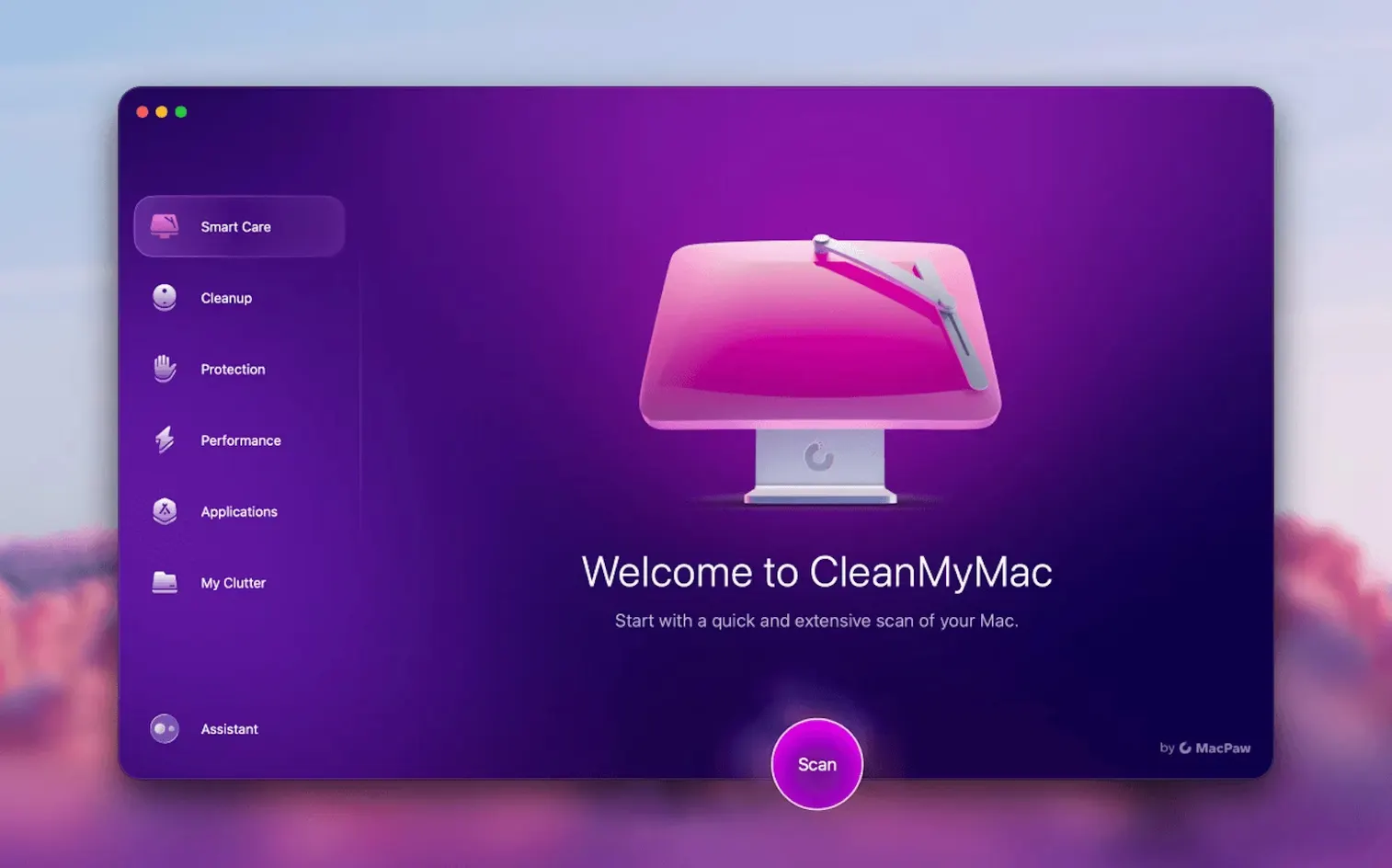
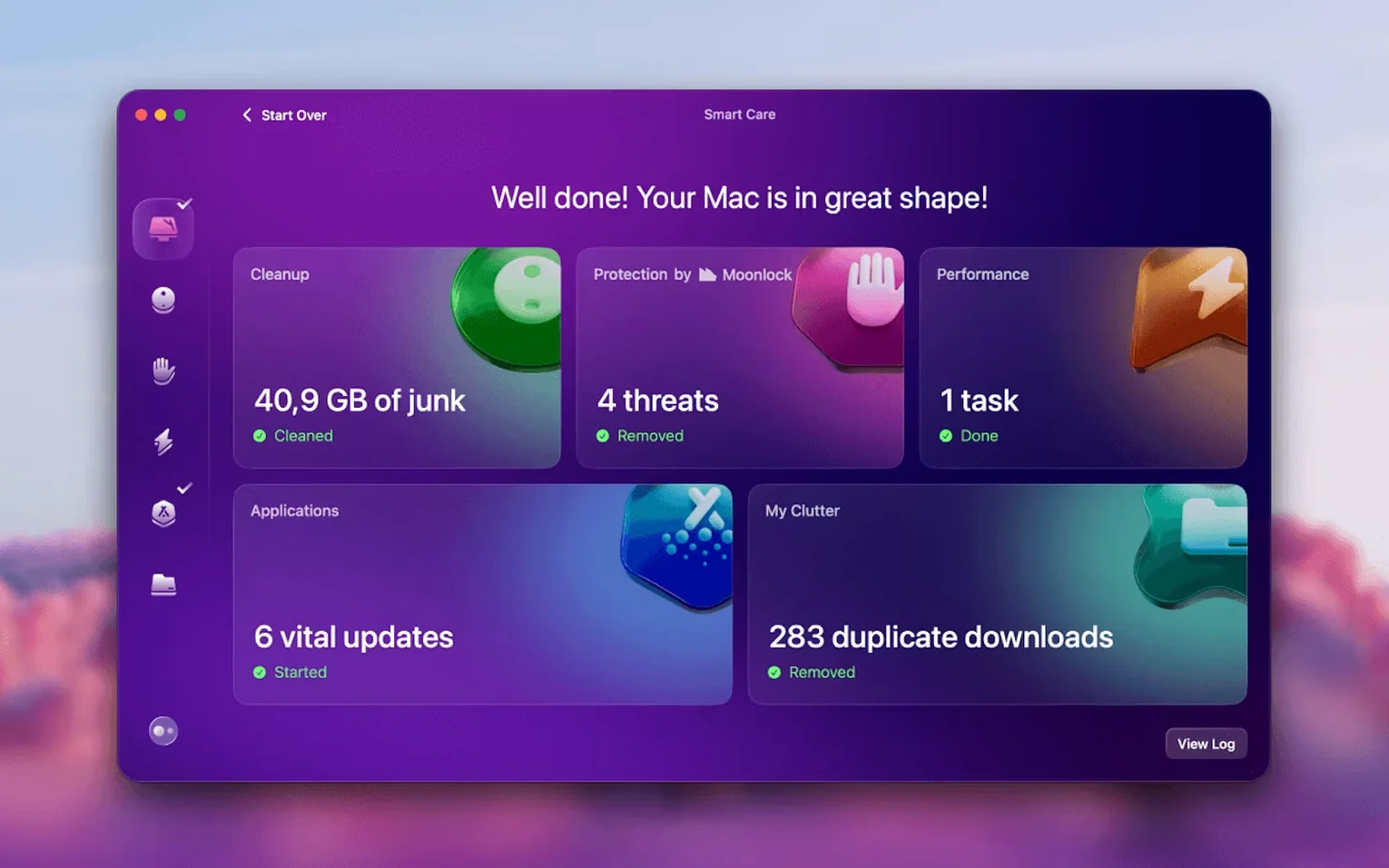
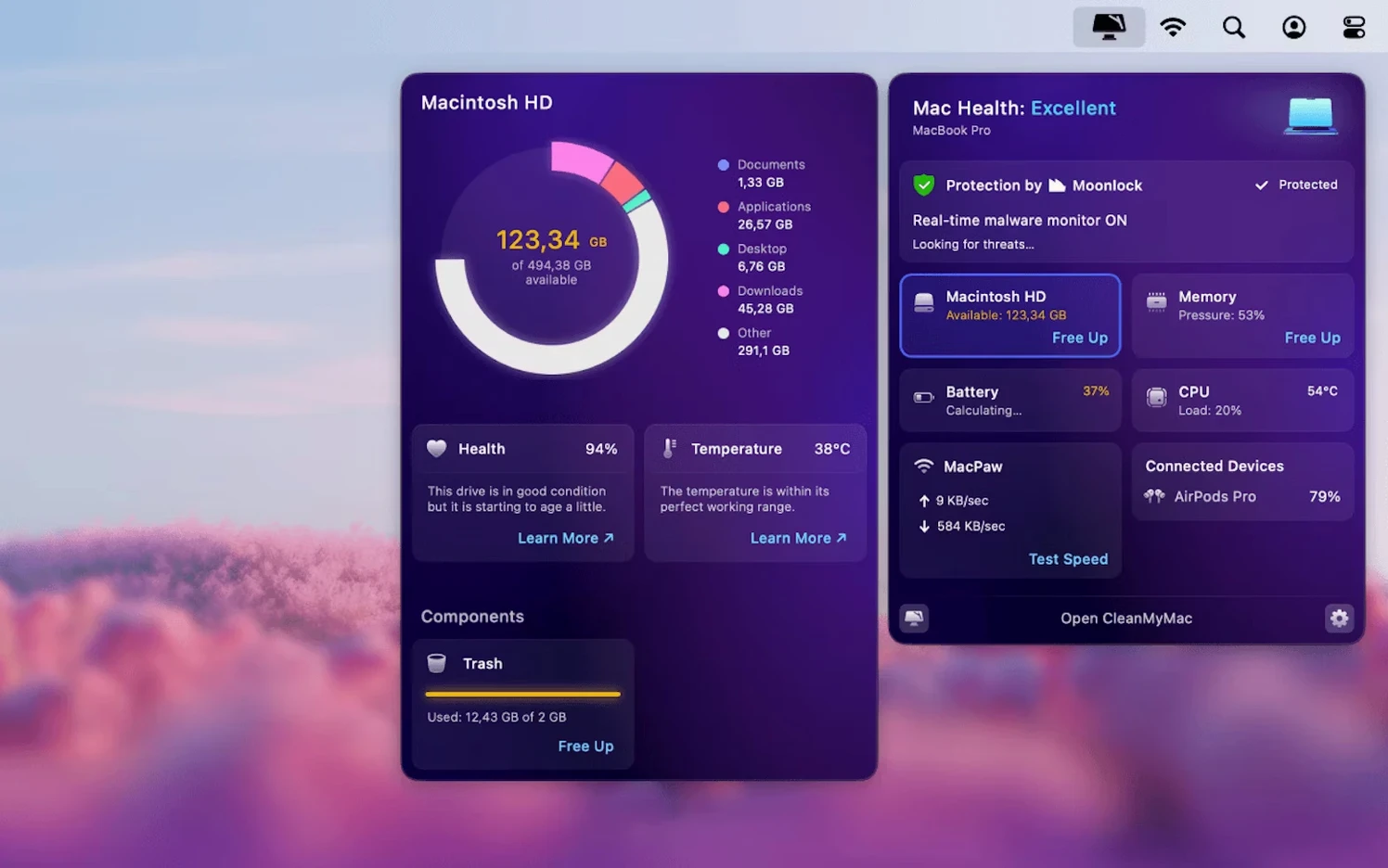
Think of it as the one-window route to a cleaner Mac. Where a dedicated uninstaller zeroes in on app removal, CleanMyMac spreads out — tackling junk files, app updates, and a quick system scrub from one window. It's the broad-spectrum tool in MacPaw's lineup, built for anyone who wants a single launch point for the maintenance jobs that pile up between edits.
What Does the Cleanup Scan Catch?
The headliner is a one-click scan that digs through user cache files, broken downloads, and log data, then hands you a clear report. You decide what goes. It's the first thing I reach for when a project drive is gasping for air and I need usable space without hunting through Library folders manually.
Can It Handle Apps Too?
CleanMyMac also folds in an updater that checks your installed apps against current versions, flagging anything that's fallen behind. The uninstaller works differently from a simple drag to Trash — it follows the app's support files into containers and preferences, pulling the whole footprint in one pass.
Email Cleanup: A Full Run-Through
Version 5.7.0 added a Gmail module that's worth its own walkthrough. Fire up the app and click Mail in the sidebar — it'll ask for read-only access to your Gmail account the first time. Grant it, and the scan breaks down attachments by size, spotlights ancient threads you've ignored since 2019, and flags newsletters you never open. Pick a heavy attachment, hit Remove, and CleanMyMac trashes the email wrapper — the file itself never lands on your Mac. After that, swing back to the Smart Scan tab and let the system cleanup take a second pass. The whole sequence takes maybe four minutes and often frees more space than deleting apps ever did.
“It Flags My Browser Extensions” and Other Friction Points
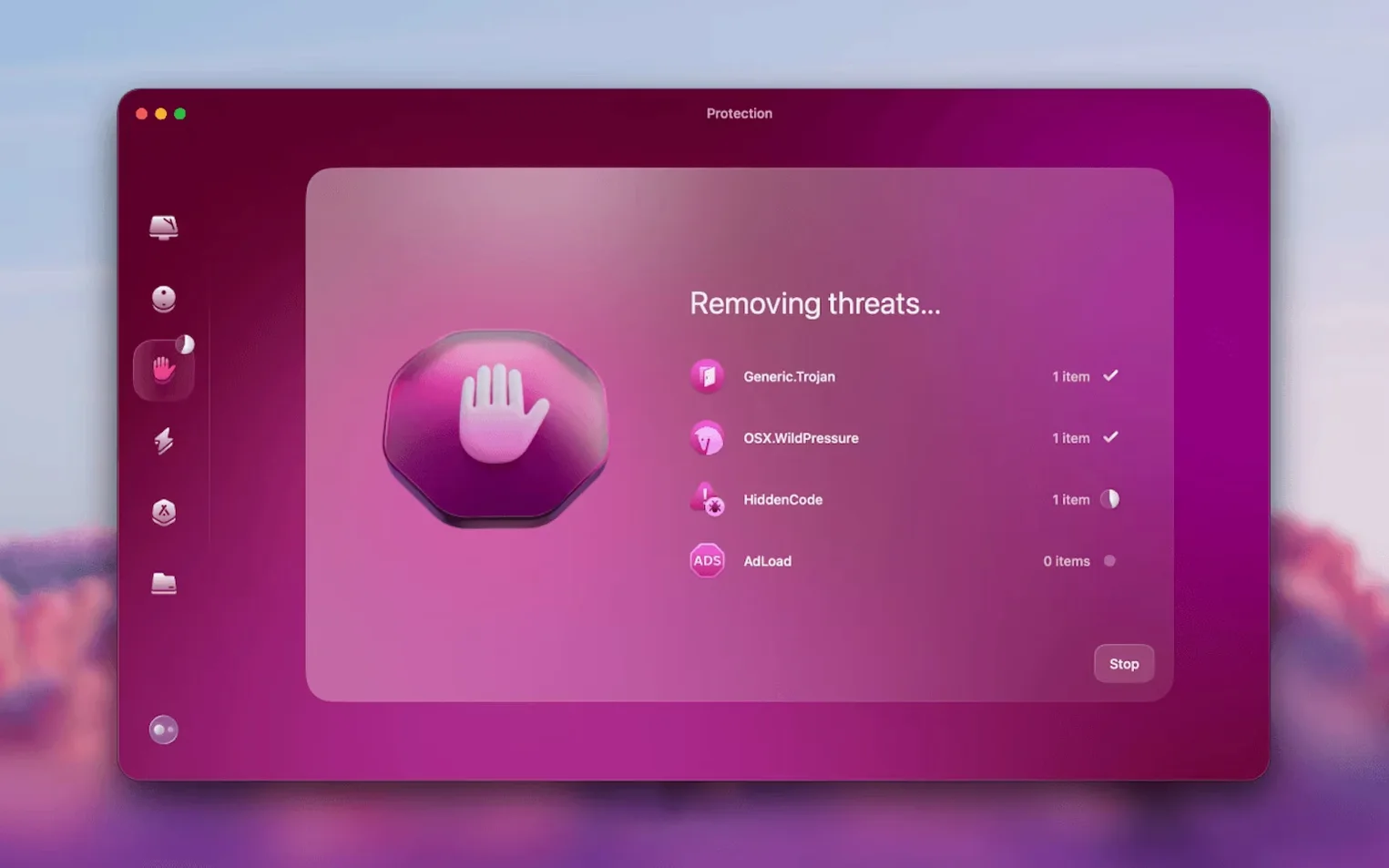
One recurring headache: the malware module flags browser extensions it doesn't recognize, particularly niche developer tools. It's not wrong — they're unsigned — but it's noisy. If you trust the extension, just click the eye icon next to the alert and add it to the ignore list. Another common stall happens when the app claims it "can't complete" a large-file scan because a volume is mounted over a slow network share. Eject the share, relaunch the scan, and it'll zip through.
On Apple Silicon Macs, first-launch permissions can trip people up. The prompt for Full Disk Access sometimes appears behind the main window. If the scan sits at zero for more than ten seconds, check System Settings > Privacy & Security — the toggle is probably waiting for you there. And if Mail cleanup reports zero items when you know your inbox is a disaster, it's almost always because you're signed into a Google Workspace account where the admin has disabled third-party app access. Nothing CleanMyMac can fix there — it's a domain policy issue.
A Music Producer's Monday Morning
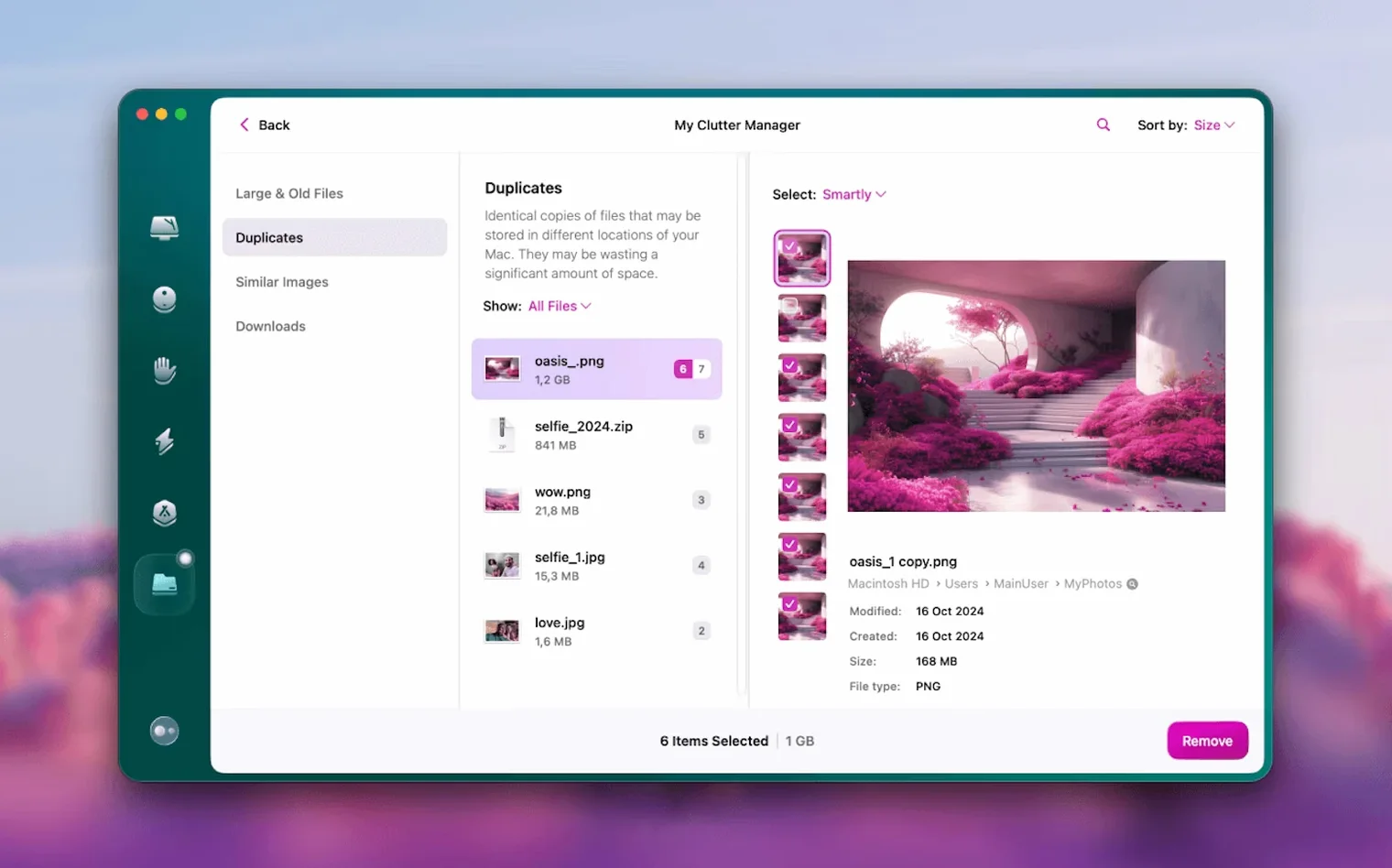
Imagine a producer in a home studio who just wrapped a six-track EP. The project folder is 80 GB, Logic's audio files are scattered across three drives, and the system drive has 12 GB free. They open CleanMyMac, run the Smart Scan, and immediately nuke 8 GB of system junk — old audio unit caches from plugins they uninstalled months ago. Then they hit the Large & Old Files tab, sort by size, and spot a 22 GB screen recording of a mixing session they forgot to delete. Two clicks, gone. A quick check in the Updater module patches a crusty version of a saturation plugin that's been crashing validation. Fifteen minutes, no Terminal, no manual Library spelunking. They're back in Logic with a drive that's not choking.
Skip the Full Scan — Start With System Junk Alone
Right after dragging the app to Applications, skip the temptation to run every module at once. Start with System Junk on its own — it's the safest scan and gives you a feel for what CleanMyMac considers expendable. Day two, run the Large & Old Files module with the "Downloads" filter on. That folder hides 4K reference clips and zip bombs you forgot existed. Day three, turn on the real-time malware monitor. It sits in the menu bar and stays quiet until something actually drops, which is exactly how a background guard should behave.
One tip that saves headaches later: before you run the uninstaller on anything you might need again, use the built-in File Scope view to trace what the app actually touches. It maps file paths in a collapsible tree — useful for spotting plugin presets or license files you'd rather keep. Toss those into a backup folder, then let the uninstaller do its full sweep. And if you're using the new Gmail cleanup alongside the system scanner, run the mail module first. Attachment deletions in Gmail can take a minute to propagate, and you'll want that dust settled before the Smart Scan counts your free space.
If you've grabbed a version via a mac torrent clean my mac search, double-check that the disk image mounts cleanly and that the app bundle shows version 5.7.0 in the Finder's Get Info panel before you grant permissions. Some older builds floating around, particularly a cleanmymac 5.1.1 torrent or a cleanmymac 5.5.2 torrent, won't include the Gmail tools — and they'll nag you with update prompts that lead nowhere. The current clean my mac full package includes every module from the jump, so you're not left chasing missing pieces later. A cleanmymac torrent that's properly seeded should open to that clean single-window dashboard with all twelve modules lit up and ready.
A new set of tools lands for cleaning and managing mail attachments right inside Gmail, so web-based inbox clutter is now in scope. Also fixed: the email cleanup module gets its own dedicated functionality, keeping local and online mail junk under control.
- macOS 11 or later
- Intel or Apple Silicon Mac
Questions I actually get
What macOS version does CleanMyMac need?
It requires macOS 11 or later and runs natively on both Intel and Apple Silicon Macs.
Does CleanMyMac do more than cleanup?
Yes. Besides junk cleanup it has an uninstaller, an app updater, a malware protection module, a large-file finder and a tool for permanently deleting files.
Notes from the edit bay · 0
Sign in or get an edit-bay pass to leave a note.
No notes from the edit bay yet. They go up after I read them.