
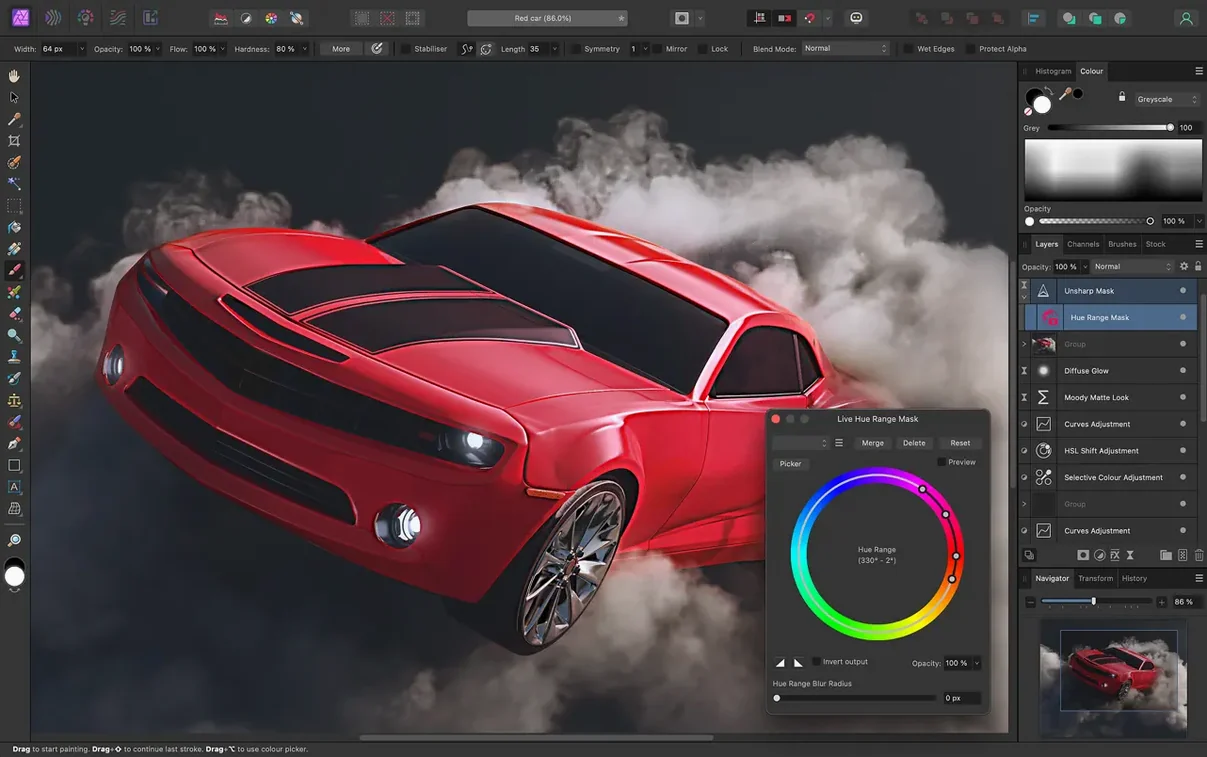
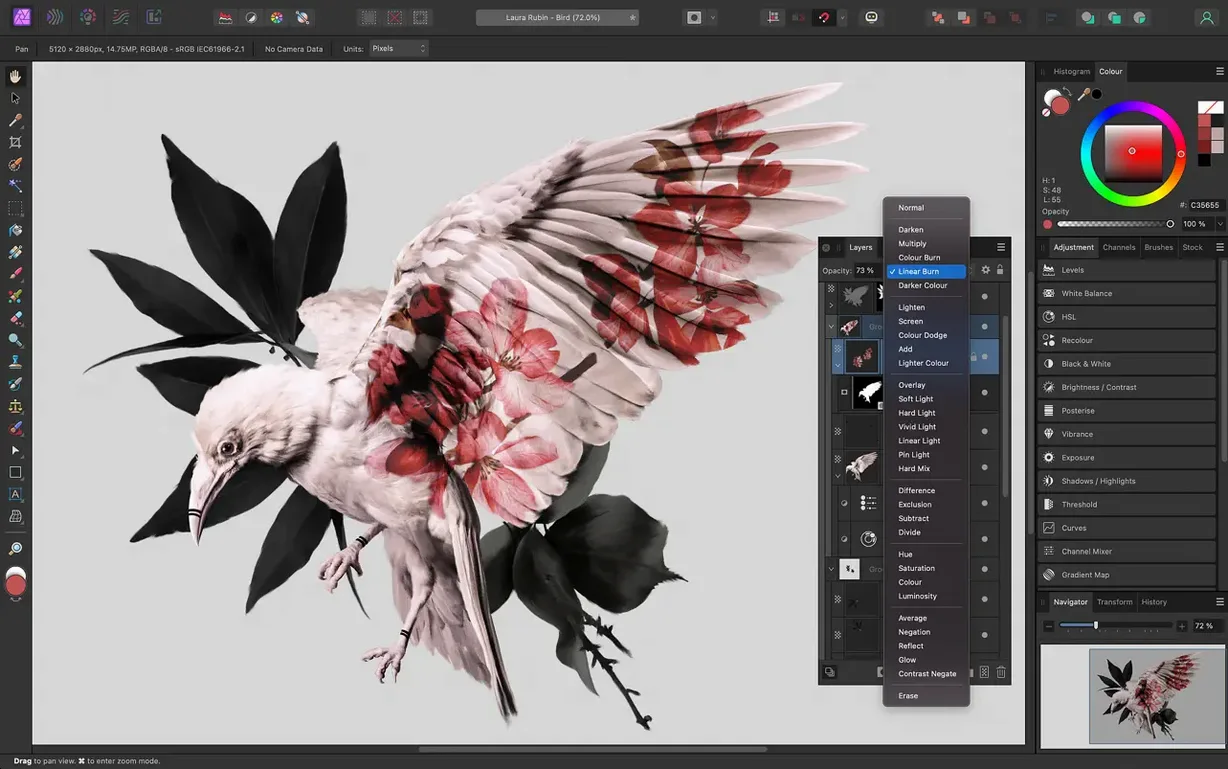
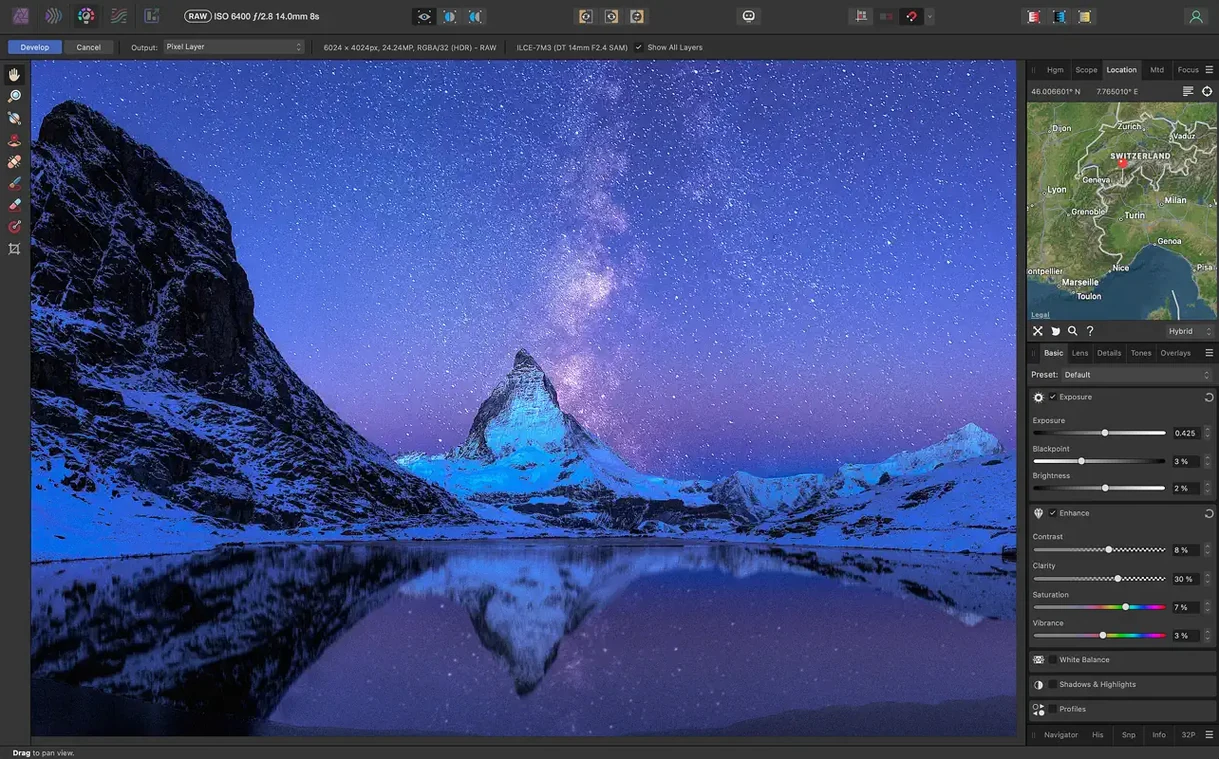
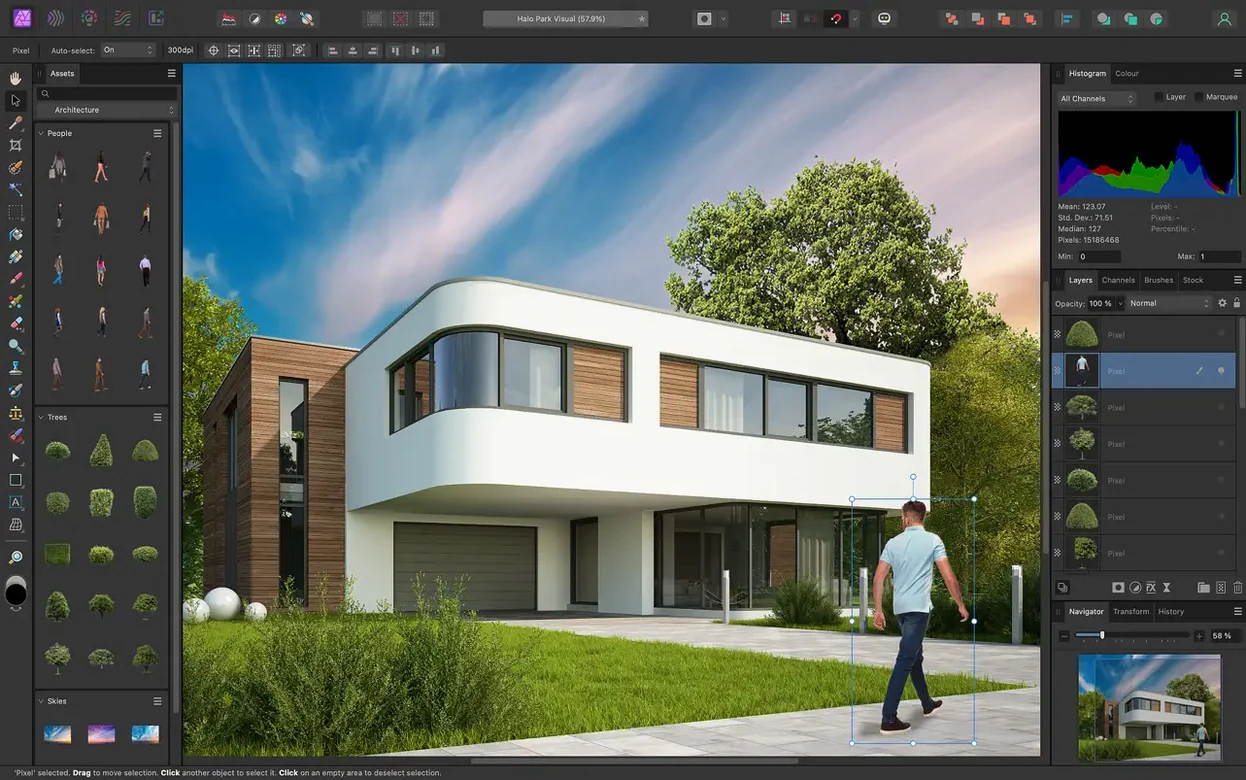
Affinity Photo is a professional photo editor built to handle everything from quick color corrections to deep multi-layer composites without burying your Mac's CPU. Version 2.6.5 keeps the same toolset editors have relied on for retouching and compositing work, running on Catalina and later.
1. Start with the Raw Data
Open a RAW file or a high-bit TIFF, and the Develop persona gives you direct controls for exposure, black point, clarity, vibrance, white balance, shadows, and highlights. Edits are nondestructive, so you can push tones around and pull them back later. Files stay at 16-bit or 32-bit per channel through the whole pipeline.
2. Stack and Merge
Focus stacking, HDR merging, and tone mapping live right in the app. Shoot a burst for depth of field or bracket for exposure, then let Affinity align and blend the frames. The results land as a single layered document, not a baked JPEG.
3. Build the Edit with Layers
Unlimited layers, layer groups, adjustment layers, and live filter layers mean you never have to flatten early. Every blend mode, mask, and effect stays editable. Add a blur, distortion, tilt-shift, or lighting effect as a live filter and tweak it minutes or days later without redoing work.
4. Refine with Tablet Pressure
Grab a Wacom or other graphics tablet and the brush tools respond to pressure, tilt, and shortcut buttons. Masking edges and dodging shadows feel direct, not like you're fighting a mouse.
5. Automate the Repetitive Stuff
Record a macro for resizing, sharpening, and exporting a batch, then play it back on a folder of PNGs or JPGs. The same macro engine handles common export prep while you grab coffee.
Affinity Photo reads and writes PNG, TIFF, JPG, GIF, SVG, EPS, EXR, HDR, and PDF. It shares a familiar engine with the Affinity design and publishing apps, so moving assets between them keeps layers and effects intact.
How RAW Files Finally Stopped Hogging Memory
Version 2.6.5 didn't rewrite the rulebook — it sanded down the rough edges that editors trip over on a deadline. The biggest shift is how the app handles RAW pre-processing memory. If you regularly open 45-megapixel files, the Develop persona now holds its frame rate steady while you drag the clarity or shadow sliders. No beach ball, no stutter. That matters at 2 a.m. when you're batch-correcting a wedding gallery.
Layer stack performance got a quiet bump too. Documents with 80-plus live filter layers — the kind you build when a client asks for "just one more version" — redraw faster. Panning across a 32-bit EXR with multiple blur and glow filters no longer feels like wading through syrup. Also fixed: an edge case where certain Wacom tilt curves would reset after switching personas, and a PDF import glitch that dropped layer masks on multi-page documents.
Print-Ready CMYK Exports Without a Subscription
Three groups live inside Affinity Photo daily and rarely open anything else.
Photographers who hate subscriptions. Wedding shooters, portrait artists, and event photographers who need frequency separation, batch RAW development, and honest-to-god CMYK exports for print shops. They value that the .afphoto file format remembers every adjustment layer and live filter, so a client revision six months later takes ten minutes instead of an hour.
Compositors and matte painters. The people building a single image from six stock plates, three gradient maps, and a hand-painted depth pass. Unlimited layers aren't theoretical here — they're already using 120 of them. The selection refinement tools for hair and fine edges save them from round-tripping to a dedicated masking app.
Designers who wear too many hats. The freelancer who lays out a poster in Affinity Designer, corrects the hero photo in Affinity Photo, then assembles the brochure in Publisher. Copy-pasting between the three apps keeps layers, masks, and blend modes intact. No export dance, no flattened intermediates.
A Retoucher's Tuesday Morning
Mia shoots headshots for corporate clients in Austin. A law firm sends over 14 portraits — mixed lighting, a few shiny foreheads, one partner who wants their shirt color changed from navy to charcoal.
She drags the folder onto Affinity Photo's dock icon. The first RAW opens in the Develop persona. White balance from the off-white conference room wall, a touch of clarity, shadow lift for the underexposed side. She hits Develop and the image lands as a 16-bit layer stack.
Frequency separation takes thirty seconds. Low-frequency layer gets a gentle blur brush on the forehead and under the eyes. High-frequency layer stays untouched — pores and texture remain intact. The clone tool stamps out a stray hair across the collar. She paints the shirt with a hue/saturation adjustment layer masked to the fabric area, and the navy shifts to charcoal without touching skin tones.
She records a macro once: resize to 2400 pixels wide, apply a mild unsharp mask, export as high-quality JPEG. The other thirteen portraits get the same RAW treatment, then she plays the macro as a batch job. Forty minutes total, all files in the client's Dropbox, every adjustment layer still editable if the firm comes back with changes.
Cutting a Musician Out of a Parking Lot
Let's walk through a composite that might actually land on your desk. The brief: a poster for a music festival, one headline act, dramatic sky, no usable background in the supplied photo.
1. Develop the hero shot. Open the RAW in the Develop persona. Pull highlights down to keep detail in the singer's white shirt, push clarity to +12, set black point so the stage shadow stays rich. Hit Develop. The file opens as a Background layer with all edits baked into the pipeline but fully reversible in the Develop persona if you double-click later.
2. Cut out the subject. Switch to the Selection persona. Use the Selection Brush with the "Snap to Edges" option on. Paint roughly over the singer — the brush tightens around hair edges and the guitar neck without manual refinement. Switch to the Refine tool for the flyaway hair, brush along the edge, and Affinity spits out a mask with sub-pixel transparency. Output as a new layer with mask.
3. Drop in the sky. Drag a sunset stock photo from Finder onto the canvas. It lands as an Image layer below the cut-out singer. Add a Levels adjustment clipped to the sky layer, crush the midtones slightly so the stage lighting feels cohesive. Add a live Gaussian Blur filter to the sky layer, blur radius around 4 px, so the background recedes and the singer pops.
4. Atmosphere and light. Create a new pixel layer above the singer, set blend mode to Overlay. Paint with a soft turquoise brush at 8% flow where the stage lights would hit the left side. Add a live Lighting filter — point source, warm amber, positioned off-canvas top-right — and it casts a directional glow across the whole composition.
5. Final color grade. Add a Curves adjustment at the top of the stack. Pull a gentle S-curve. Add a Vibrance adjustment, push it to +18. The whole thing stays 16-bit, every filter remains tweakable, and the document saves as an .afphoto file that the designer can place directly into Affinity Publisher for the poster layout without rasterizing anything.
- macOS 10.15 Catalina or later
- Intel or Apple Silicon Mac
Notes from the edit bay · 0
Sign in or get an edit-bay pass to leave a note.
No notes from the edit bay yet. They go up after I read them.