
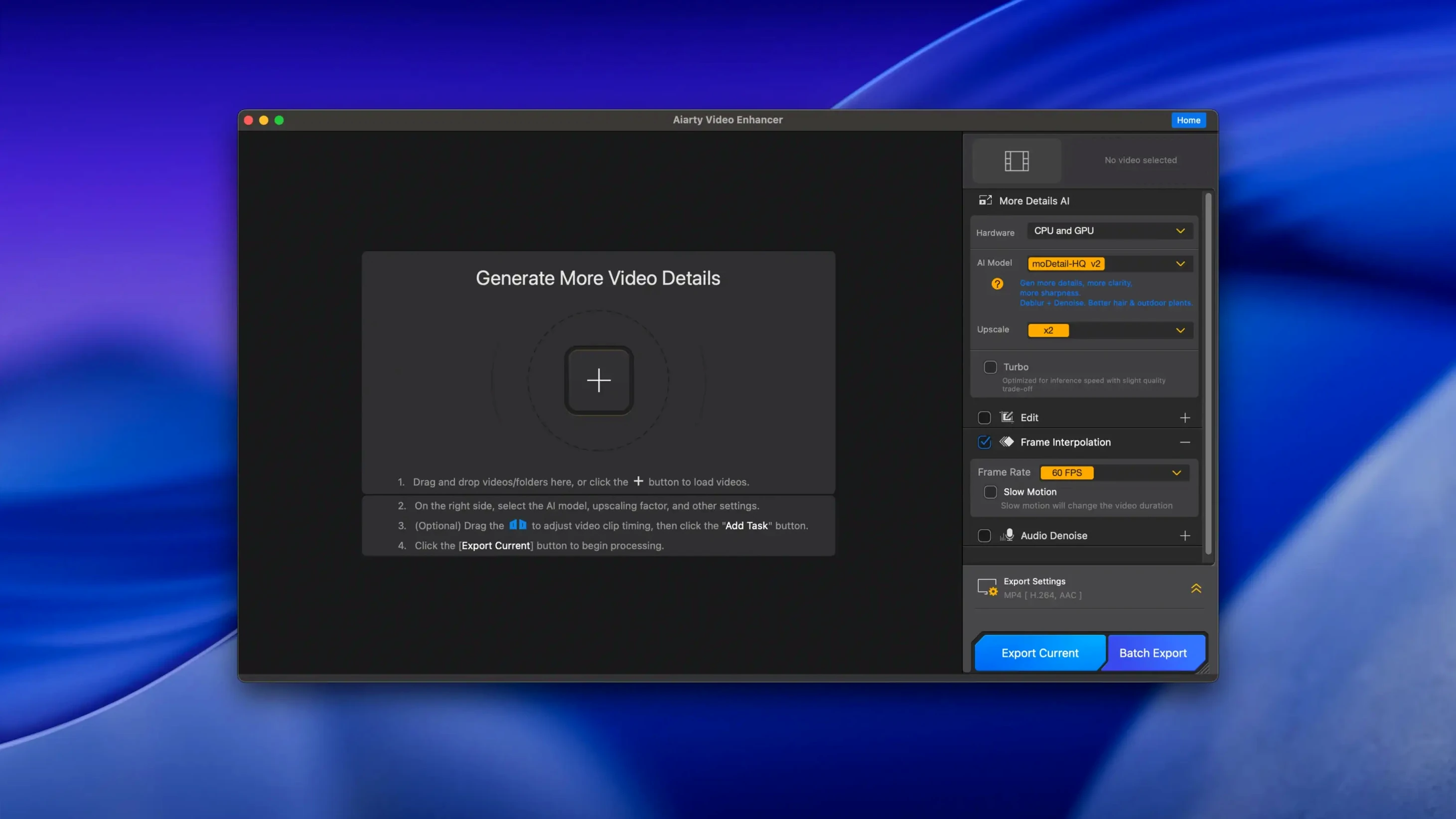
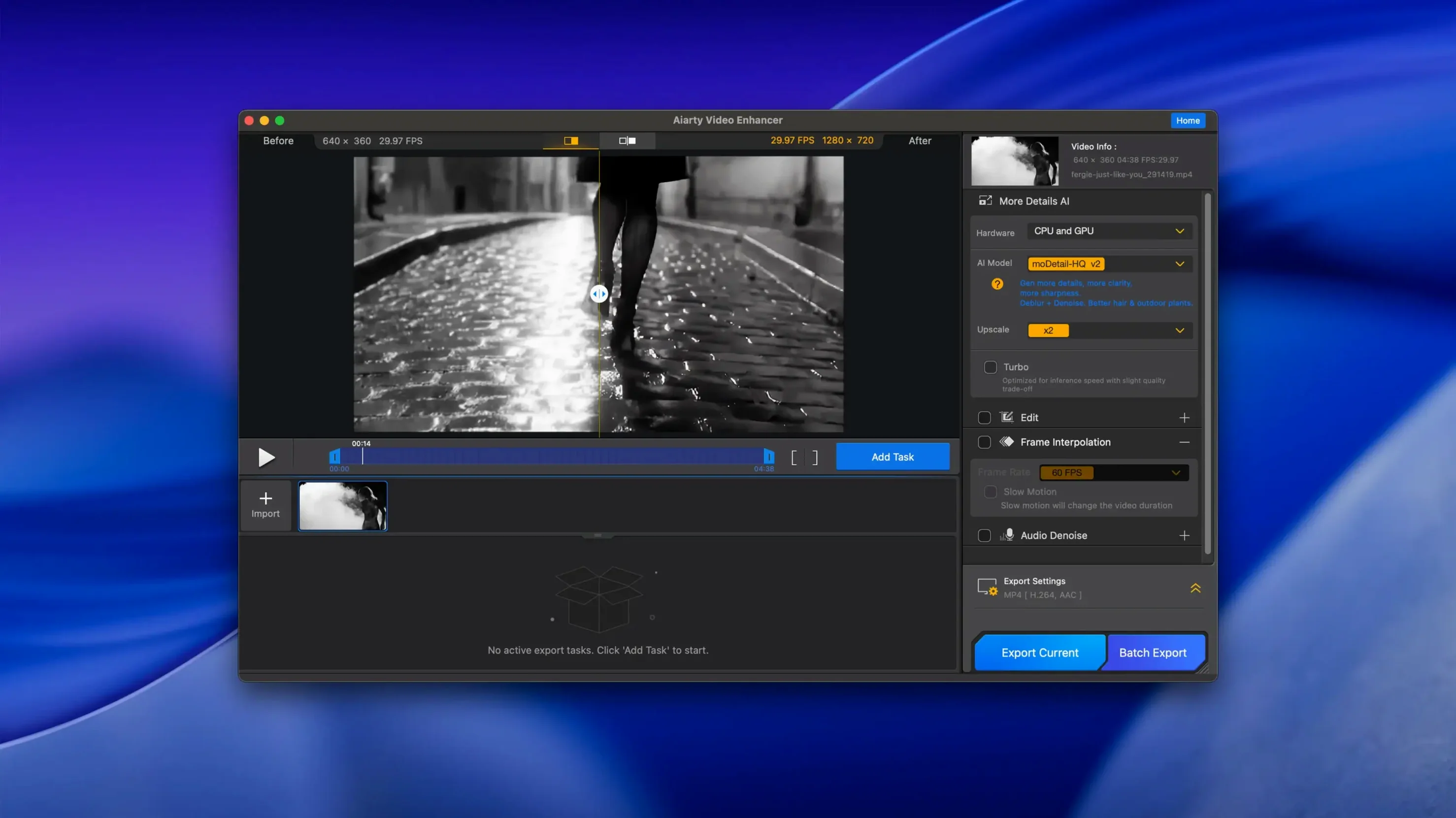
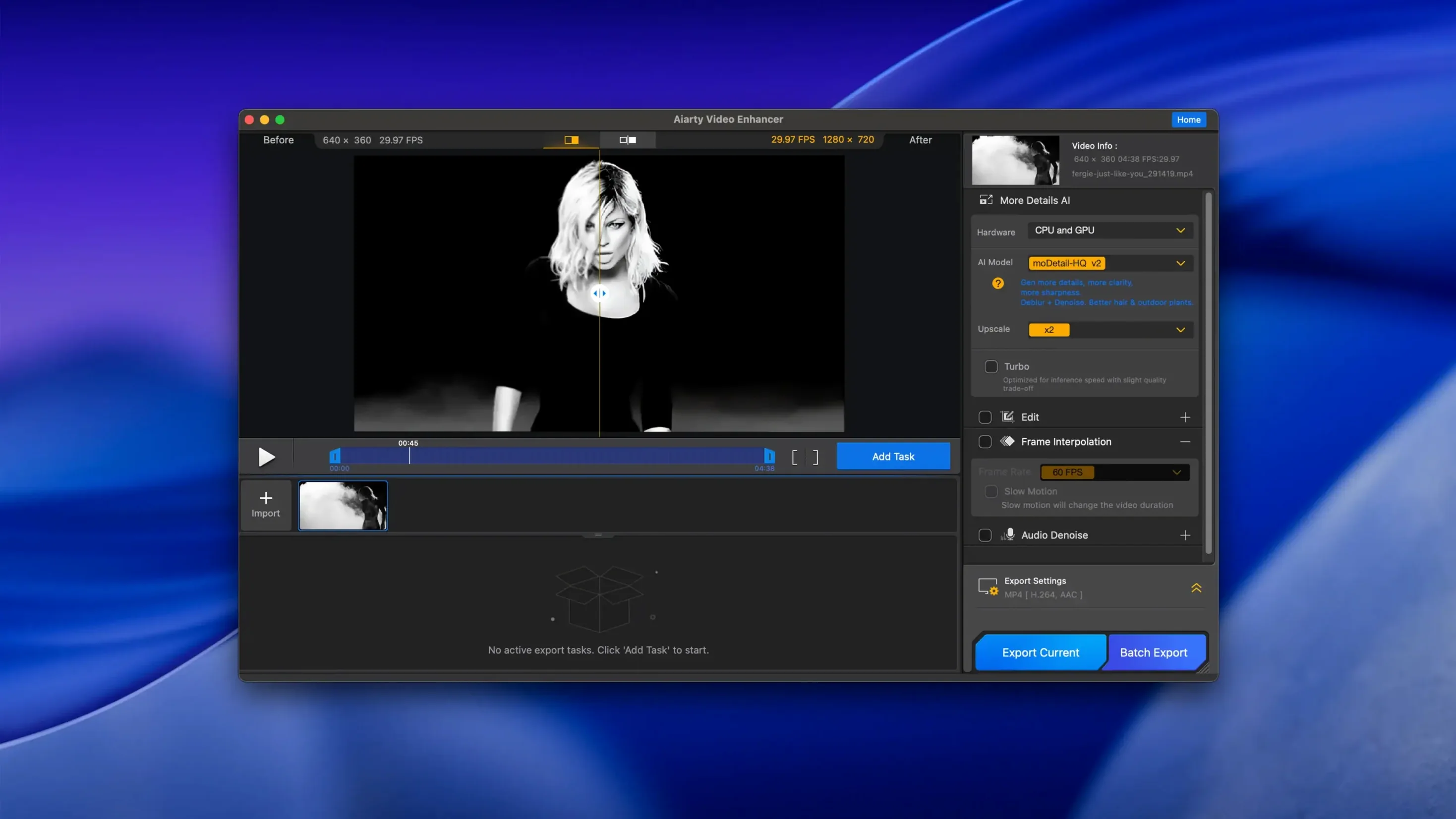
Resumable exports. It's the feature that saves a render when your MacBook runs out of battery at 93% or DaVinci decides it wants a restart right now. Aiarty Video Enhancer 3.8 bakes that safety net right into its upscaling pipeline.
- Load your source. Drag in noisy low-light footage, soft vintage AVI files, or compressed screen recordings. The app now swallows MKV containers without a transcode step—a small format win that cuts out a whole round-trip for Blu-ray rips and OBS captures.
- Pick your AI model. The core stack hasn't changed: upscale to 4K, pull out sensor noise, sharpen motion blur, or let the deblur model rebuild faces and text that looked lost. Frame interpolation still handles 8X and 16X slow-mo when you need it.
- Clean the audio track. One click on Audio Denoise pulls background hiss out of interview clips and boosts vocal presence. It's a simple module, but it saves a round-trip to a DAW just for a noise print.
- Export and stop worrying. Hit render, close the lid, let the power blink—your progress survives. CUDA memory optimizations on Intel Macs with dedicated GPUs mean fewer out-of-memory crashes on long timelines too.
The rest of the app holds steady: Apple Silicon support, macOS 11 or higher, and an interface that doesn't pretend you're a colorist. Aiarty Video Enhancer stays a straightforward desktop tool for pulling clean, sharp 4K frames out of footage that was never supposed to be seen that big.
Will It Run on My MacBook Air or Require a Dedicated GPU?
Does it need a dedicated GPU or will my MacBook Air cope? The app runs on any Apple Silicon Mac with 8 GB RAM. On Intel machines, you'll want that 4 GB VRAM dedicated card—integrated graphics struggle once the AI models start chewing on 4K timelines. M-series chips handle the math without drama, though a fanless Air will spin up and throttle on long renders. Manageable, just loud.
Is this a plug-in for Final Cut or Resolve, or a standalone app? Standalone desktop app. You feed it a file, it spits out a new file. No timeline integration, no round-tripping through an NLE plugin. That keeps things simple, but it also means you're committing to a full export before you see the result in your edit. Plan your workflow accordingly—this sits in the prep stage, not the finishing stage.
How long does a 10-minute clip actually take? That's the question nobody answers with a number because it shifts wildly with resolution, model selection, and hardware. On an M2 Max, upscaling noisy 1080p to 4K with the detail model might run close to real-time. Stack denoise and frame interpolation on top? Go make coffee. The resumable export in 3.8 softens the sting—if it takes two hours and crashes at 90%, you're not starting over. That alone changes the calculus for overnight renders.
Rescuing a Dim Chapel Wedding: From Buzzing Audio to Slow-Mo Highlights
Say you've got wedding footage from a dim chapel, shot on a phone at 1080p with gain noise crawling up every shadow. The couple wants a few slow-motion highlights for social, and the audio needs rescuing from a buzzing PA system.
You mount the DMG, run the Gatekeeper-friendly installer, drag the app into Applications, and launch. The interface is flat and unapologetically utilitarian—no splash screen wizard, no tutorial pop-ups, just a window waiting for a file.
You drag in the worst clip first. Playback stutters in the preview, so you scrub to a dark frame where the bride's face is half noise. Pick the Denoise + Upscale model, set output to 4K. The preview renders a 5-second segment in about 20 seconds—enough to confirm the model isn't hallucinating details that weren't there. It's pulling real texture back into the lace on her dress, not painting over noise with waxy smears.
You add two more clips to the queue, switch one to Frame Interpolation 8X for a slow-motion aisle walk, and toggle Audio Denoise on all three. The PA buzz drops to a low hum in the preview; voices cut through without that hollow, over-processed sound cheap denoisers leave behind.
You hit export, note the estimated time, and walk away. Two hours later you're back—no crashes, no lost progress. The MKV source file from a friend's screen recording processed fine, no HandBrake detour. You pull the clean 4K clips into your timeline and keep cutting.
When You Need Topaz-Level Detail Without Topaz-Level Resource Drain
Topaz Video AI is the obvious comparison. Topaz offers more granular model control, a preview that lets you scrub before committing, and a deeper bench of AI models trained on specific artifacts. It's also heavier on system resources and updates frequently enough to feel like a moving target. Aiarty keeps the model list shorter and the decisions simpler—less to tweak, less to second-guess. If you want a dial for every parameter, Topaz is your app. If you want three solid models and a render button, Aiarty gets out of your way faster.
HitPaw Video Enhancer overlaps heavily: similar model categories, similar one-click ethos, similar interface restraint. The difference comes down to the audio module—HitPaw doesn't bundle audio cleanup, so you're doing a separate pass in Audacity or RX. Aiarty's Audio Denoise isn't a replacement for iZotope, but it's right there in the same queue, which matters when you're processing a dozen interview clips before an edit deadline.
Adobe Premiere Pro's built-in scaling (Detail Preserving Upscale, or the newer AI upscale in beta) lives inside your timeline, which is a workflow advantage Aiarty can't match—no intermediate renders, no file management. But Premiere's upscaler is a finishing touch, not a rescue tool. Feed it truly degraded footage and it won't reconstruct missing detail the way a dedicated model will. Aiarty earns its place when the source file is the problem, not just the output resolution.
Resumable exports headline the 3.8 release—a crashed render picks up where it left off instead of starting from zero. MKV container support is baked in now, so those files drop straight onto the timeline. Also fixed: CUDA memory optimizations keep larger projects stable on Intel Macs with dedicated GPUs.
- macOS 11 or higher
- 8 GB RAM
- 512 GB disk space
- Dedicated GPU with 4 GB VRAM or more on Intel Macs
- Apple Silicon supported
Questions I actually get
Does Aiarty Video Enhancer 3.8 clean up audio too?
Yes, it includes an Audio Denoise module that removes background noise and improves voice clarity in one click without needing a separate audio editor.
Notes from the edit bay · 0
Sign in or get an edit-bay pass to leave a note.
No notes from the edit bay yet. They go up after I read them.