
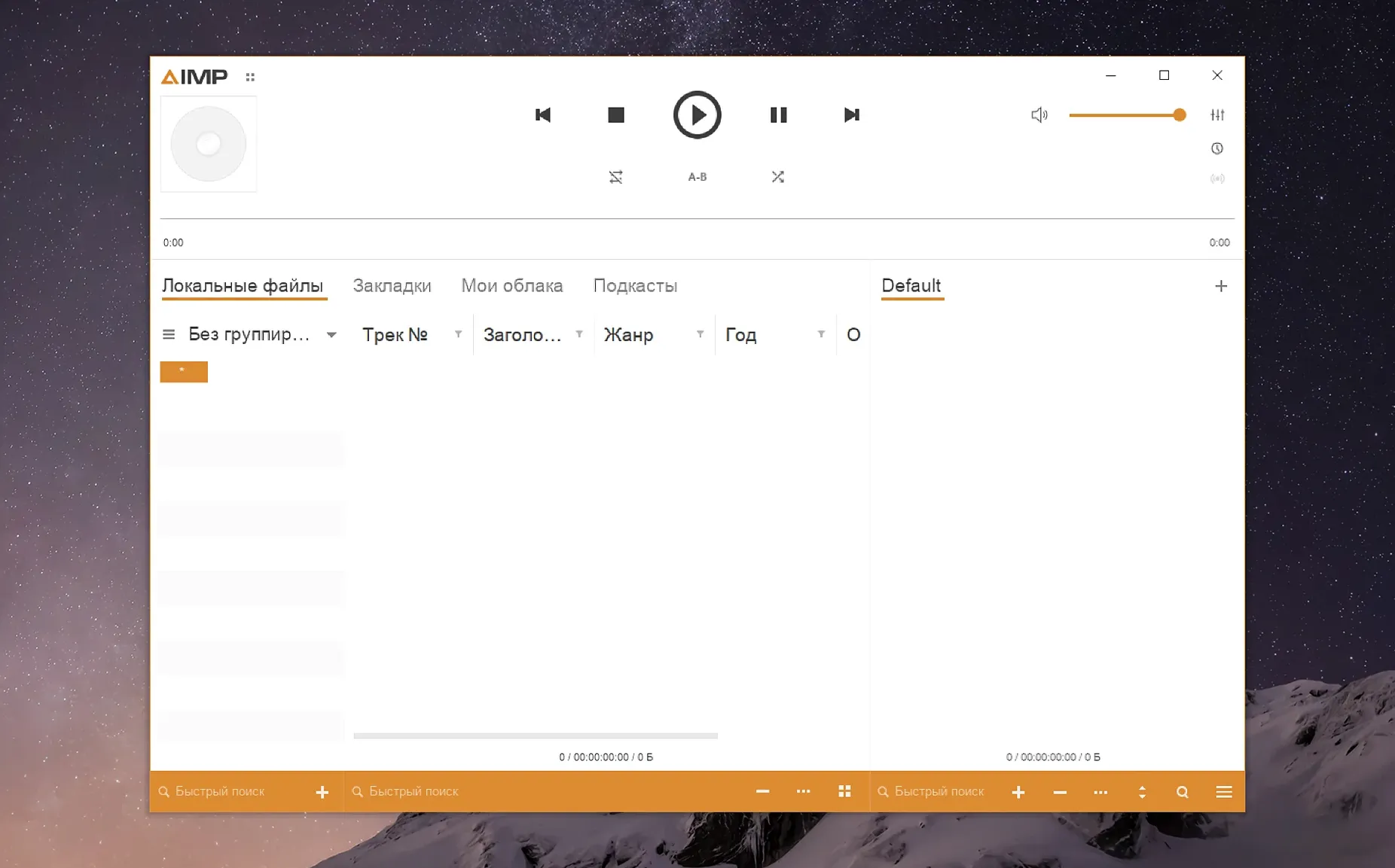
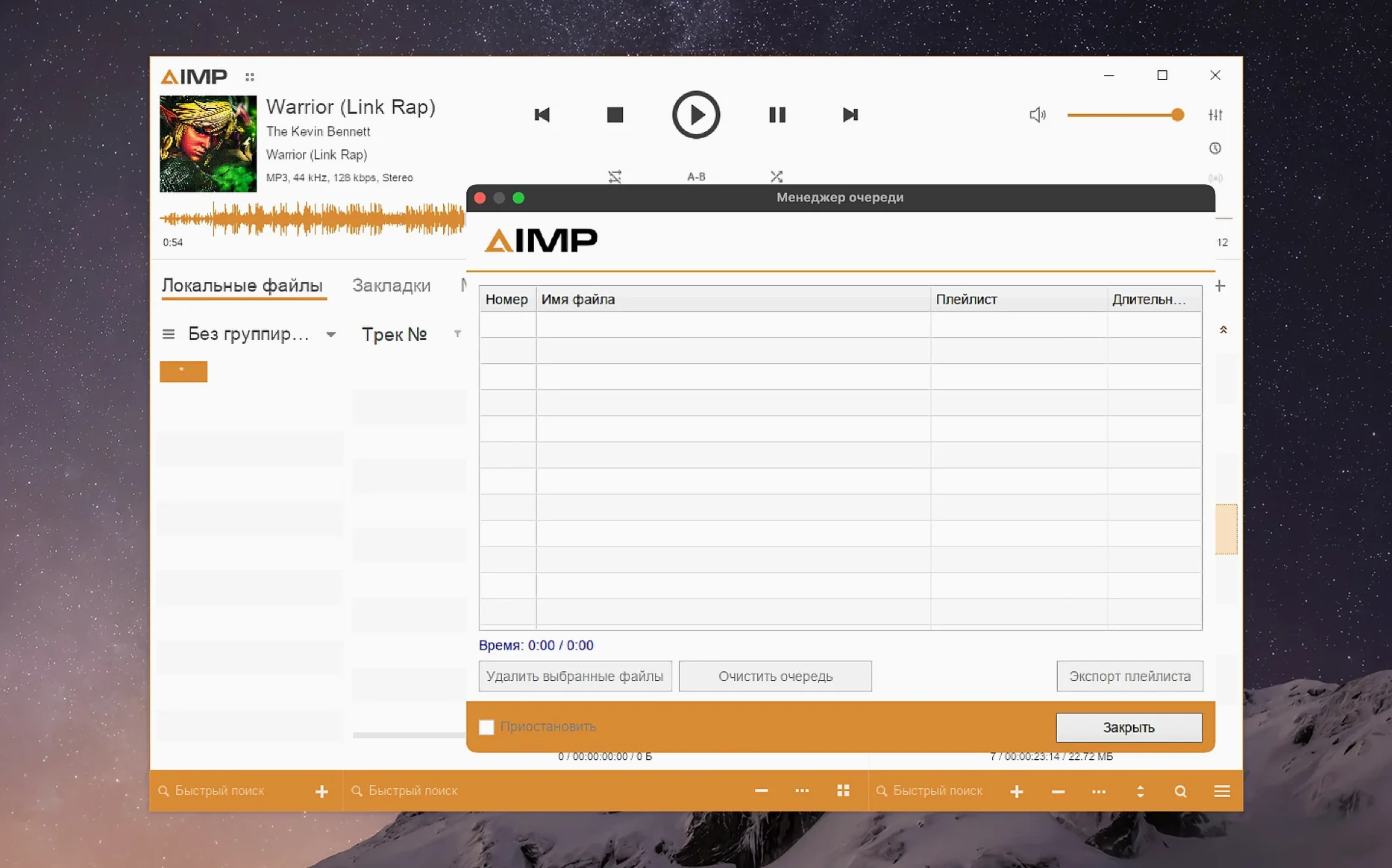
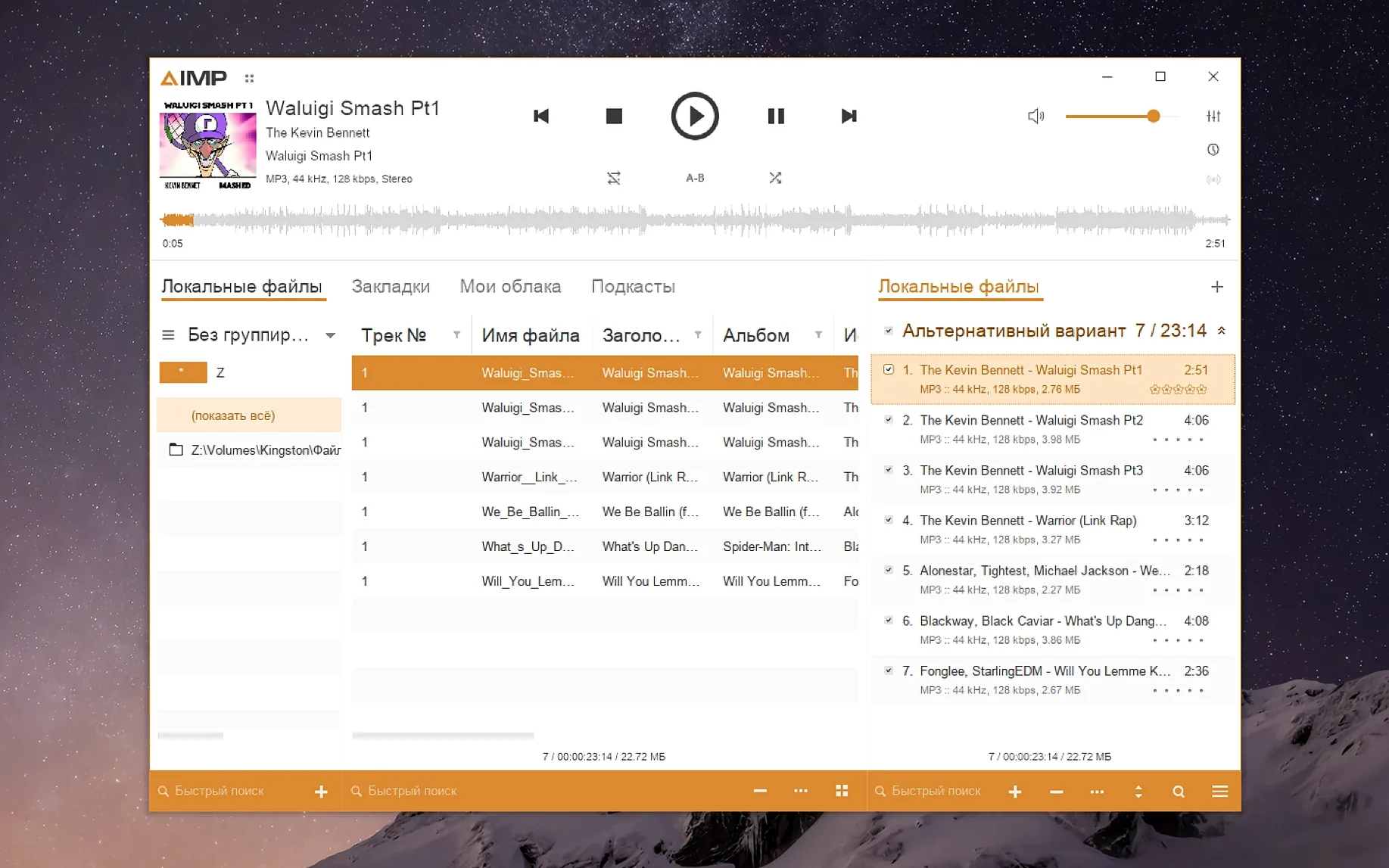
Musicians and detail-obsessed listeners who grew up on Winamp but now live in macOS keep AIMP on their radar. It's a workhorse player that landed on Apple Silicon through a Wineskin package, and it brings along a 20-band equalizer, smart playlists, and format support that runs deeper than what QuickTime ever offered. Once the dock icon settles, a handful of moves make it feel less like a port and more like home.
- Fix the tiny interface straight away. Launch the KegworksConfig tool inside the app bundle, open winecfg from the Tools menu, and push the Graphics tab's screen resolution to 122–144 dpi. Everything snaps into readable shape on a Retina display.
- Pick a skin that matches your muscle memory. The skin engine survived the macOS translation intact. Try a compact dark layout if you came from foobar2000, or a classic Winamp-style panel if you want the nostalgia hit without the 1999 crash bugs.
- Drag a folder in and let the waveform build. Version 5.40 bumped up the waveform calculation speed noticeably. Drop a large lossless library on the window and watch the overview render while you queue tracks—no beach ball.
- Switch the language if Polish, Japanese, or Turkish fits better. The interface ships with twenty localizations. Change it under Preferences before you commit any muscle memory to menu positions.
- Load a radio station or a cue sheet. Internet radio streaming and CUE parsing are both live in this build. It turns a single FLAC file and a cue sheet into a full album list, which is exactly where AIMP outpaces stripped-down Mac players.
Once the scaling is right and the skin feels natural, the player settles into a role that macOS never quite filled on its own—a fast, keyboard-friendly music library.
The Scaling Step That Turns Microscopic Buttons Back to Normal
New users often treat AIMP like a native Mac app and skip the scaling step entirely. The default 96 dpi looks crisp on an old 1080p external monitor, but on a MacBook display it leaves buttons the size of rice grains. Fix it in KegworksConfig before you even load a track. The second mistake is dragging the app to the trash without running the Fix file first when a launch error pops up. That disk image includes a helper script precisely for Wineskin hiccups—use it, and nine times out of ten the player opens on the next try.
Another classic: people import a music folder and immediately jump to the Tag Editor before checking the grouping tree. The library pane sorts by artist, album, genre, and folder path, and a mis-tagged album often hides under a stray "Various Artists" node rather than needing a metadata scrub. Look there before rewriting ID3 frames. And don't ignore the output mode. The Wineskin layer defaults to DirectSound, which works, but switching to WASAPI inside the Audio preferences drops latency and cleans up the low end on a decent DAC.
Build a Smart Playlist in the First Session to Learn the Filtering Syntax
Spend the first session building one smart playlist. Right-click the playlist manager, set a condition like "Genre contains jazz AND bitrate above 320," and watch it populate. That single move teaches you the filtering syntax and surfaces tracks you forgot you owned. Next, map a global hotkey for play/pause. AIMP's hotkey panel sits under Preferences > System, and binding Control+Option+P lets you stop playback while another app is focused—a tiny fix that saves hundreds of Alt-Tab trips in a week.
On day two, test the converter. Select three FLAC files, right-click, choose Convert, and spit out AAC copies to a temp folder. The converter uses the same audio engine as the player, so the output sounds identical to what you heard during preview. It's also the fastest way to confirm the Monkey's Audio codec update in version 5.40 actually handles your old .ape collection without stuttering. If you pulled the aimp mac download specifically for hi-res files, run a 24-bit/96 kHz FLAC through the converter early—knowing it survives the pipeline intact means you can trust the chain.
Get the library auto-monitoring a folder by day three. Under Music Library settings, point it at your main music directory and enable "Rescan on startup." The waveform cache builds in the background after the first scan, and from then on, opening AIMP feels like walking into a room where everything's already cued.
A Working Session, Track by Track
Tuesday morning. I drag a folder of rough mixes from a client's drive onto the AIMP dock icon. The window pops open, skin set to a dark slate layout I tweaked over the weekend, and the playlist pane populates instantly—twelve WAV files, no cue sheet, no metadata. I hit Command+A and the waveform renderer fires up. Version 5.40 chews through them in about four seconds, faster than the previous build. While it works, I switch to the Music Library tab and pull up last week's reference playlist: a mix of well-mastered indie rock and a couple of Steely Dan tracks I know inside out.
Double-click the first rough mix. The 20-band EQ sits docked on the right—I nudge 250 Hz down two decibels because the rhythm guitar sounds boxy on my nearfields. Not a permanent fix, just a sanity check. The EQ changes are per-track and non-destructive, so I can toggle the band off with one click when I switch to the next file. I queue the reference tracks between the client's mixes using drag-and-drop reorder. Now the session flows: rough mix, reference track, rough mix, reference track. The playback engine doesn't click or pop between sample rates—the fix for the sampling-frequency buffer issue listed in the changelog actually holds.
Halfway through, I spot a track labeled "v3_gtr_up." The Tag Editor opens with a right-click. MP4 fields load without the parser error that plagued earlier versions, so I rename it properly and write the tempo into the BPM field. The change saves to the file instantly—no re-scan required. By the time I close the laptop lid, the playlist has morphed from a raw dump into a structured listening session with EQ notes I'll mention in the email to the client. That's the rhythm AIMP settles into: fast triage, deep enough tools when you need them, nothing in the way when you don't.
The waveform calculation gets a real speed lift in this release—noticeable when you dump a large library into the playlist. The Monkey's Audio codec moved to version 11.08, and a libVorbis conflict with third-party plugins is finally sorted. Also fixed: a sampling-frequency buffering glitch and a mouse wheel hiccup in the Skin Engine's visualization window. Localizations got a refresh across the board.
- macOS 11 or later
- Apple Silicon
- Wineskin wrapper
Questions I actually get
Why does AIMP for Mac use a Wineskin wrapper instead of a native app?
The AIMP DevTeam uses a Wineskin package to bring the full Windows audio engine, skin support, and plugin compatibility to Apple Silicon machines without rewriting decades of code from scratch.
Notes from the edit bay · 0
Sign in or get an edit-bay pass to leave a note.
No notes from the edit bay yet. They go up after I read them.