

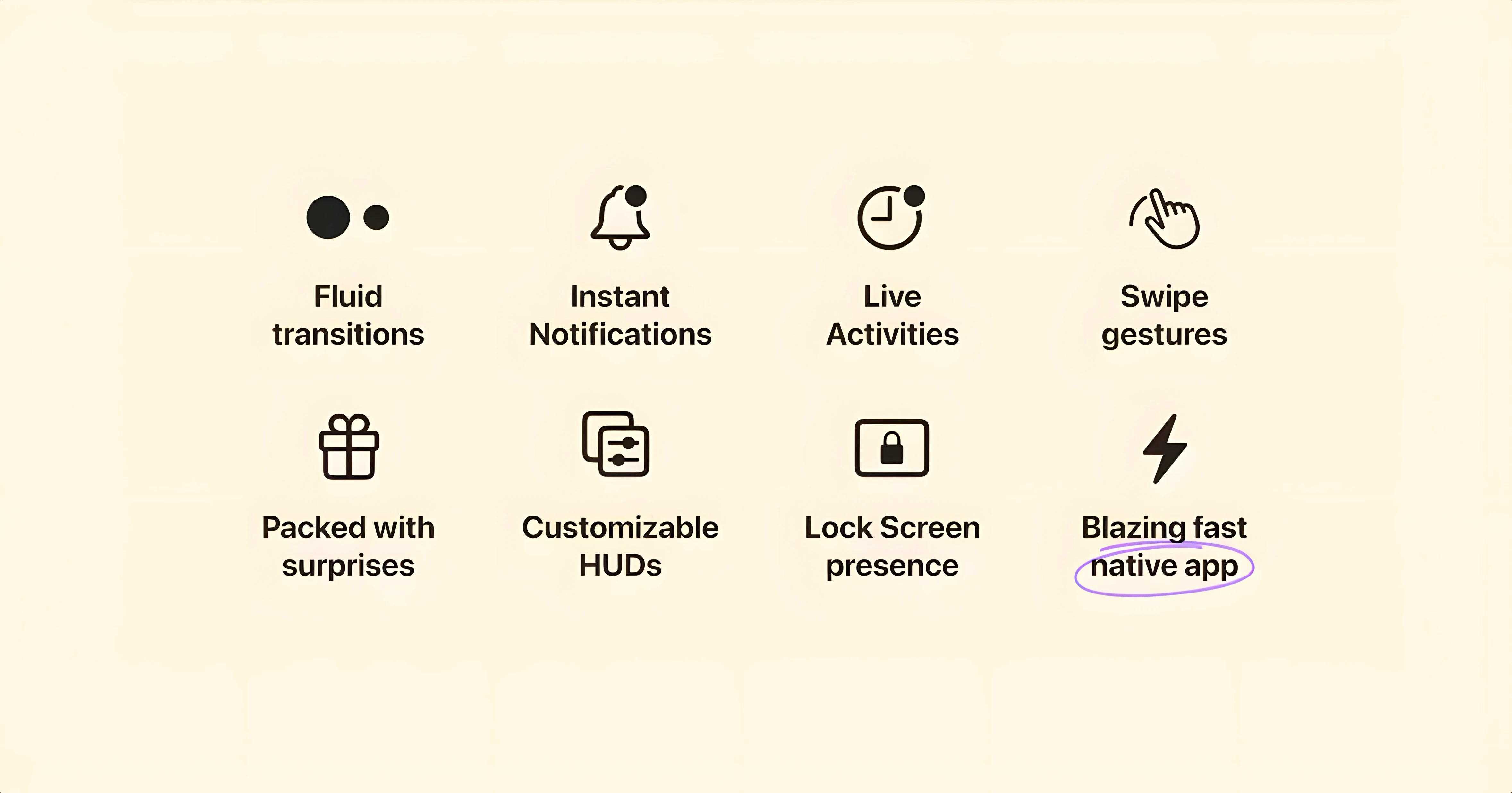
You pull up a YouTube video and reach for the volume keys. Instead of the chunky system overlay, a compact pill unfolds from the notch, showing the speaker icon and a smooth level bar. That's Alcove stepping in. It replaces the stock brightness and volume HUDs with something that feels native to a MacBook Pro, and that's only the surface.
Once it's running, the notch becomes a tiny command center. A click or a hover expands it to show music controls—play, skip, a scrubbing bar—without pulling you out of the app you're in. If you're deep in Final Cut, swapping a track in the background feels like a minor magic trick. The animations are restrained and match the system feel, never getting in the way.
The first thing to try is the media panel. Hit play on anything in Music or Spotify and watch the waveform dance inside the notch. A long-press or a click on the pill opens a scrubber and track buttons. The second thing: adjust your brightness from the keyboard and notice how the custom HUD mirrors the control, placed exactly where your eyes already are. It's faster to read than the old center-screen pop-up.
Alcove also bundles a few extras worth a look—a quick calendar peek, a simple battery readout, and a clipboard shortcut that lives in the same pill. It's the kind of utility that starts as a visual refresh and turns into a habitual tap target by the end of the day.
Will It Fight My Menu Bar Apps?
The big one: does it interfere with apps that already use the menu bar? No—Alcove lives in the notch area itself, not in the menu bar strip. Apps that cram icons up there won't clash. If you run Bartender or Hidden Bar, they still work. The pill simply sits inside the camera housing cutout on Apple Silicon MacBooks or the virtual notch area on other screens.
Another question I hear: will it mess up full-screen apps? When an app goes true full-screen, macOS hides the notch and Alcove recedes with it. The pill only appears when the menu bar is visible, so you won't get accidental pop-ups during a DaVinci Resolve preview or a game. Mouse clicks pass through the notch area normally unless you hover on the pill itself.
People also ask about battery drain. On an M1 Pro MacBook, the process sits around 0.1–0.3% CPU at idle, spiking briefly to maybe 1% when the pill animates. It's negligible next to a browser tab. If you're on battery and running an all-day edit session, you won't notice the difference.
Does it need Accessibility permissions? Yes—for the custom HUD replacements, it asks for permission to control system elements. That's standard for any utility that overlays the volume or brightness indicators. Grant it once during setup and forget it.
Dial In the Pill Size First
Open the preferences window and do three things immediately. First, under Appearance, adjust the pill size. The default is a middle ground, but on a 14-inch MacBook you might want the smaller option to reclaim a few pixels. On a 16-inch screen, the larger pill makes the waveform meter actually readable.
Second, check the HUD tab and decide whether you want Alcove to replace only volume, only brightness, or both. Some people prefer the native brightness overlay but love the compact volume capsule. Mix and match.
Third, look at Extras—the calendar peek and clipboard shortcut are off by default. Turn on clipboard if you grab stills or code snippets all day; it saves a trip to the menu bar. Leave the calendar off if you already have itsalways-on widget in Notification Center.
One setting that's easy to miss: under Behavior, you can set the pill to require a click instead of expanding on hover. If you're prone to overshooting with the cursor, this stops accidental expansions cold. Switch it and the notch stays quiet until you mean it.
An Agent That Stays Out of the Way
Alcove loads as a lightweight background agent. Launch time on an M2 MacBook Air is under a second; on an older Intel i5 Mac mini it takes maybe two seconds. Once running, the pill responds to keyboard volume presses with no lag—the animation starts before your finger lifts off the key.
Stability has been solid through a week of daily use. No crashes during QuickTime exports, no conflicts with MonitorControl or BetterDisplay, and it survived a macOS Sonoma point update without a hiccup. The only quirk I've seen: after waking from sleep, the pill sometimes takes three or four seconds to reappear. A quick tap of the volume key wakes it up instantly.
Memory use hovers around 45–60 MB—about the same as a Finder window. If you're hunting down an alcove mac download and wondering whether it'll bog down an 8 GB machine, it won't. Even on a base M1 Air with three gigabytes free, there's plenty of headroom.
- macOS 14 or later
- Apple Silicon or Intel 64-bit Mac
Questions I actually get
Does Alcove work on an iMac or Mac mini?
It's built for the notch area, so it's meant for MacBooks that have one. On a desktop Mac without a notch, the interactive pill still appears but doesn't integrate the same way.
Which macOS version does Alcove need?
Alcove requires macOS 14 Sonoma or later, and it runs natively on both Apple Silicon and Intel 64-bit Macs.
Notes from the edit bay · 0
Sign in or get an edit-bay pass to leave a note.
No notes from the edit bay yet. They go up after I read them.