
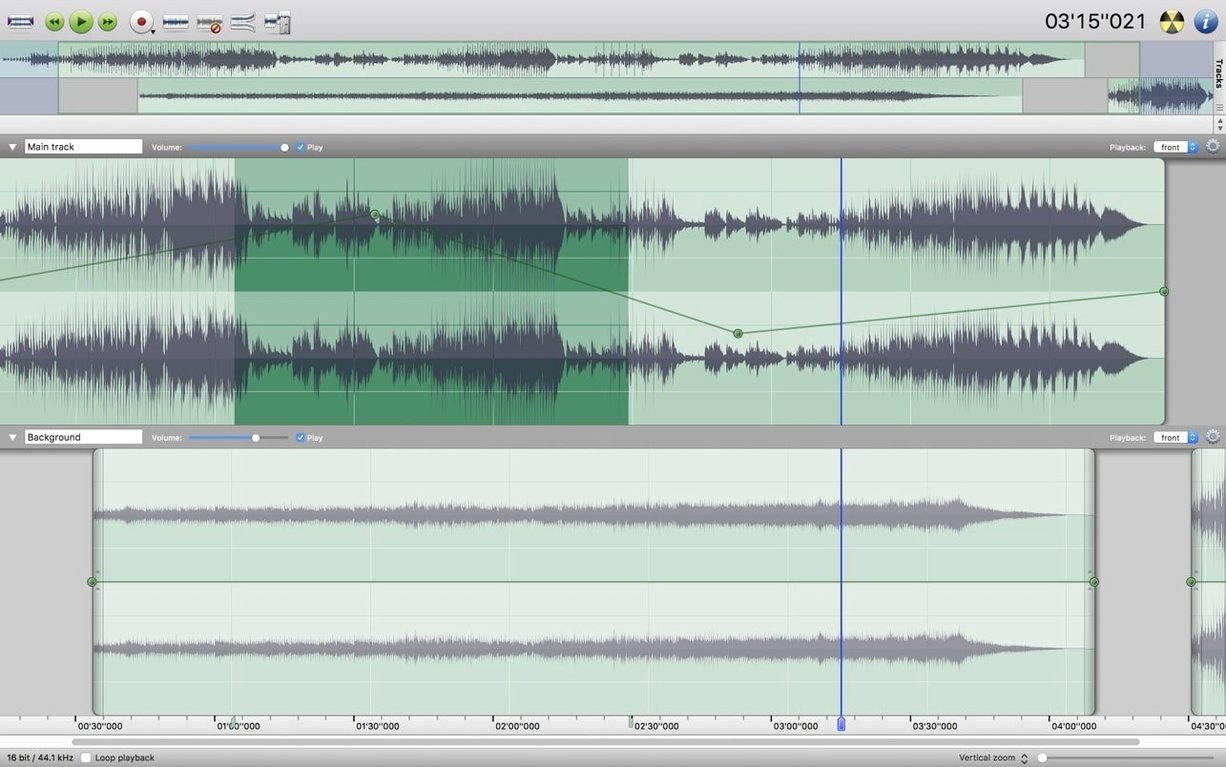
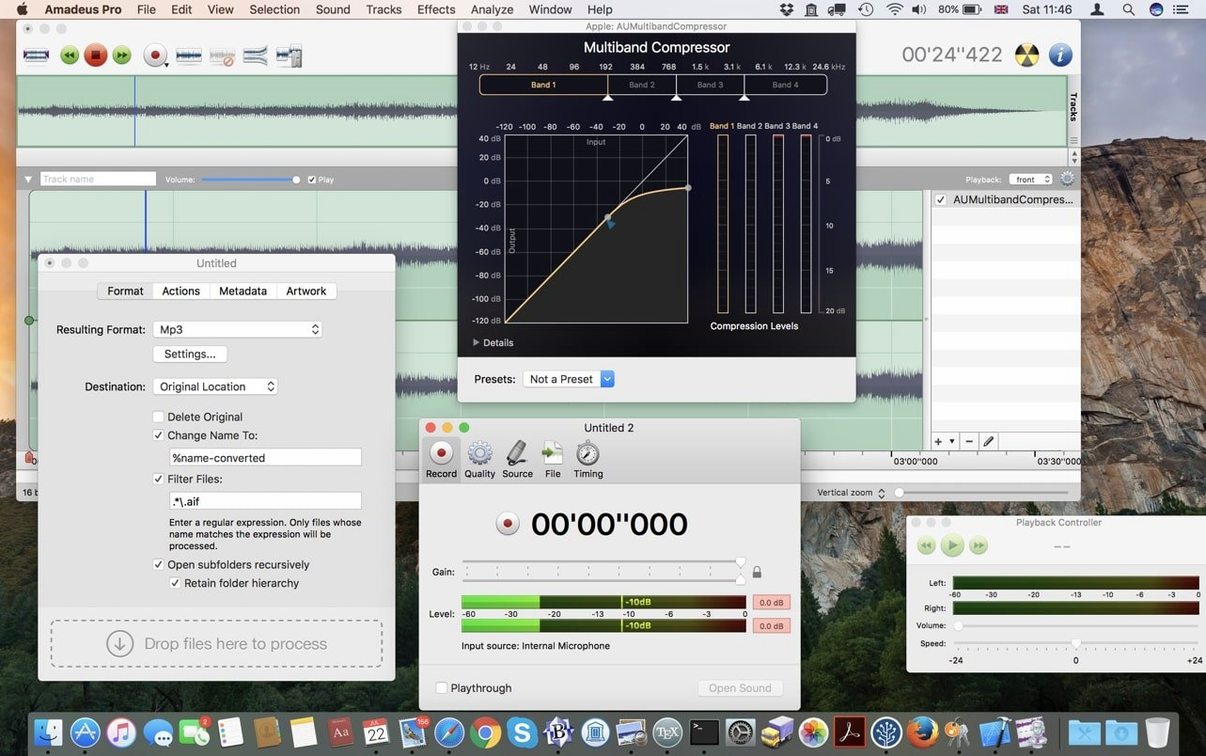
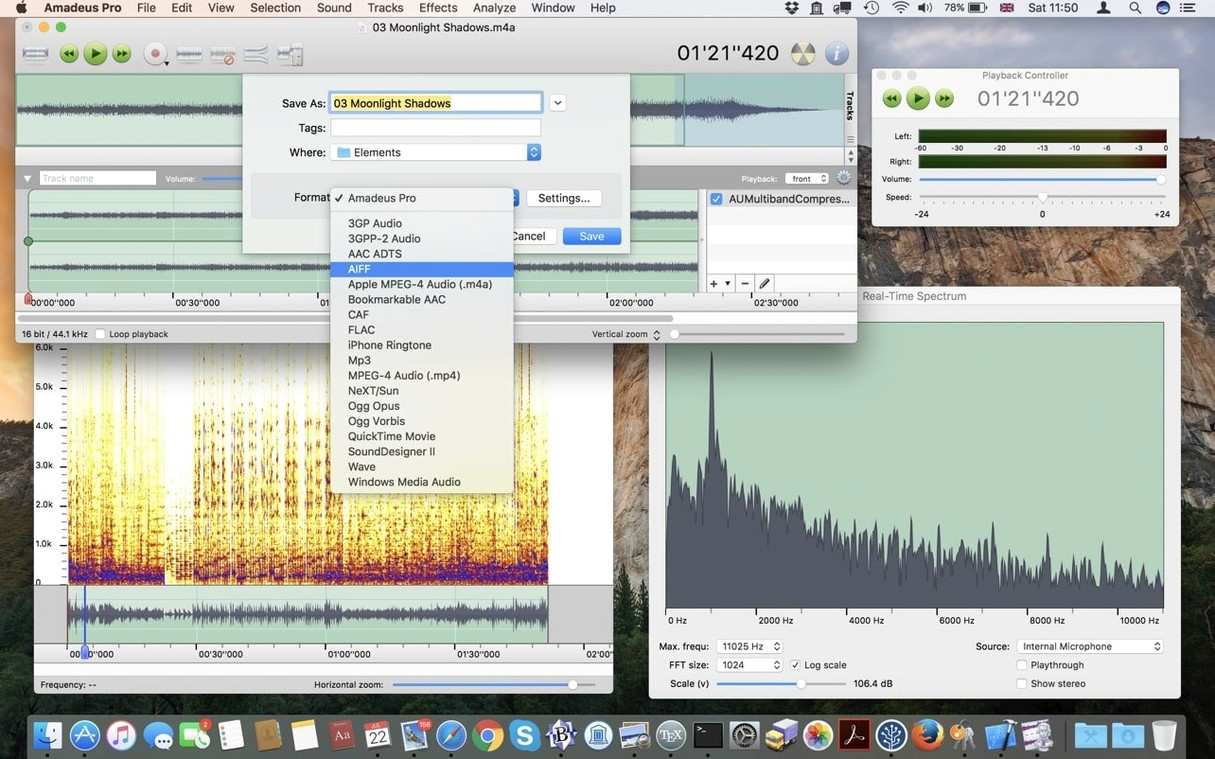
Version 2.8.14 ships as a beta, and the real story for video editors is how fast it turns around a repair job. Say a client sends a single mic track with a persistent air-conditioner hum underneath the interview. In Amadeus Pro, you open the file, highlight a silent section where only the hum is audible, and grab that noise profile. The noise reduction plug-in then subtracts that fingerprint from the entire track. You can monitor the result with the built-in analysis tools, tweak the reduction curve, and apply it — all while the disk output keeps your scratch space from ballooning. Once the hiss is gone, you drop a subtle compressor via an Audio Unit, normalize the peaks, and bounce to AAC for the edit timeline. No roundtripping through a video NLE just to clean a single stem.
- Profile noise from any silent section and apply reduction to the full track or a range.
- Stack Audio Unit and VST plug-ins directly on a clip for EQ, compression, and gating.
- Work with MP3, WAV, FLAC, CAF, and AAC without a batch converter.
- Use direct-to-disk processing so long renders don't choke your RAM.
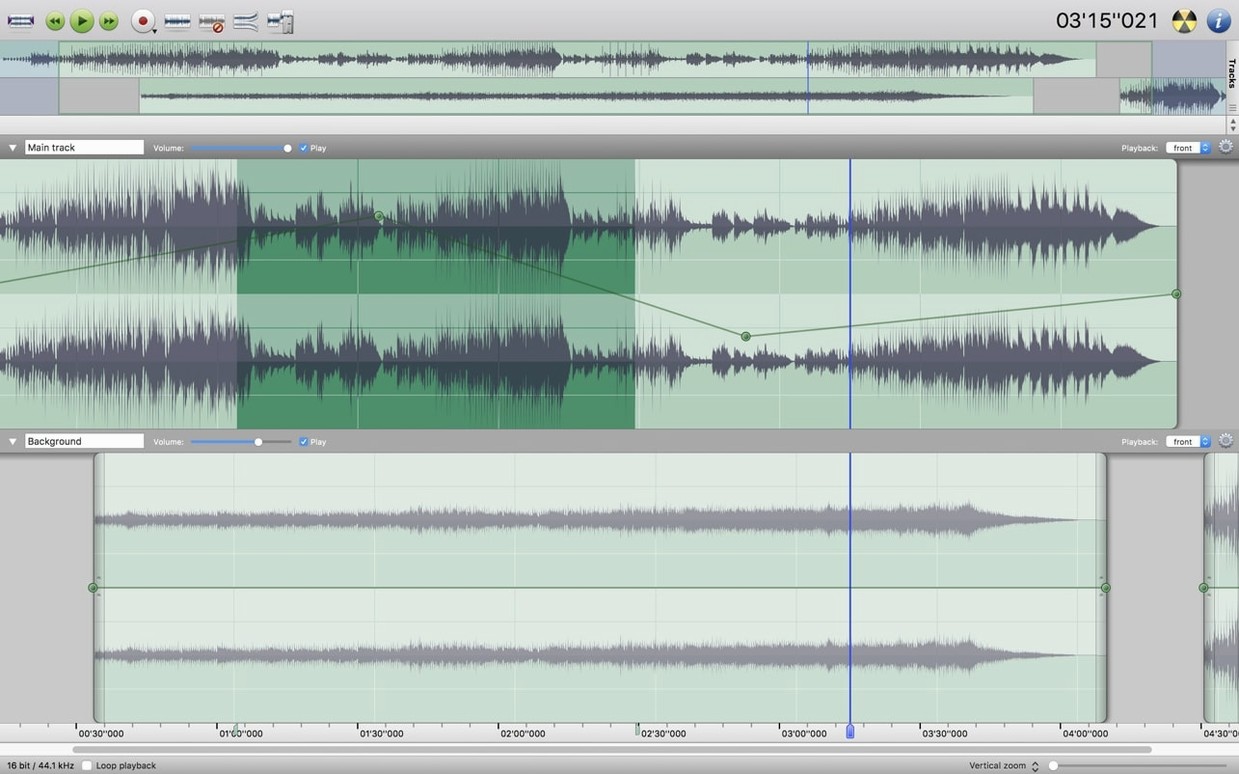
- Edit multiple tracks independently — pull room tone from one while fixing dialogue on another.
- Switch the interface to French, German, or Spanish when collaborating overseas.
Where it fits: Amadeus Pro is the audio scalpel you keep next to Final Cut. It opens, repairs, and exports faster than routing through a DAW you barely use. For an editor facing a deadline, the beta is stable where it counts — on the render bar.
Skipping the Noise Profile Step
The noise reduction tool is powerful but it trips people up when they skip the profile step. You must highlight a silent section first — just clicking the effect and sliding a knob does nothing. Grab two seconds of room tone, capture that fingerprint, then apply it. If the result sounds watery or metallic, back off the reduction amount and raise the smoothing parameter slightly. Heavy-handed settings collapse the high end and leave dialogue sounding like it was recorded through a pillow.
Another headache: VST plug-ins that don't show up after installation. Amadeus Pro is a 64‑bit Intel application, so it ignores 32‑bit VSTs entirely. If a favourite old compressor won't appear in the effects list, that is usually the culprit. Stick with Audio Unit versions where possible — they tend to validate more reliably on this architecture, and the scanning process is faster on launch.
Batch processing can stall when source files have mismatched sample rates. The processor applies your chosen operations in sequence, and a 48 kHz WAV hitting a chain built for 44.1 kHz can produce silence or clipped output. Check the rates before you queue a big folder. A quick pass through the analysis tools on one file from each batch saves a wasted render.
Also fixed: if the waveform display looks sluggish when you zoom deep into a long recording, the waveform cache file may have fragmented. Deleting the cache — stored alongside the audio file — forces a fresh rebuild and usually restores smooth scrolling.
A Podcaster's Monday Morning
A podcaster sits down with a two‑hour interview recorded on a portable recorder. The guest's track is clean, but the host's side has a low hum from a USB power brick that crept into the chain. She opens Amadeus Pro, drops both mono tracks onto separate lanes, and lines them up visually with the snap‑to‑zero‑crossing setting. A quick noise profile from the pre‑roll silence on the host's track pulls the hum out in one pass. Then she adds a marker at every chapter break, runs a fade‑in on the intro music, and exports the whole thing as a single AAC file with chapter markers embedded. The batch processor handles the separate social‑media clips while she writes show notes. One application, no bouncing between utilities.
A 90‑Minute WAV Renders Without Memory Spikes
On a 2019 Intel MacBook Pro, Amadeus Pro launches cold in under three seconds. The direct‑to‑disk engine means a 90‑minute WAV file with a chain of four effects renders without the memory pressure spiking past a few hundred megabytes. That is the trade‑off: disk I/O takes the load instead of RAM, so an external SSD is noticeable when you are pushing long‑form material. On the internal drive, the render is still fast enough to stay ahead of a coffee break.
The beta tag on version 2.8.14 is honest — I have seen a crash when rapidly switching between the analysis view and the waveform editor while a long render is writing to disk. Saving before toggling views avoids the headache. Outside that specific corner, it has not dropped a file or corrupted an export across a dozen deadlines. For an editor who works in Final Cut and only dips into audio repair when something is broken, that reliability is what matters. The tool loads, does the job, and stays out of the way.
- macOS 10.9 or later
- Intel processor
Questions I actually get
Can I use my existing Audio Units in Amadeus Pro?
Yes. It loads Audio Units and VST plug-ins, so your compressor and EQ collection works right inside the editor.
Will the noise reduction affect my entire file?
You can apply it to a selected range or the full track — it's your choice after profiling the noise.
Notes from the edit bay · 0
Sign in or get an edit-bay pass to leave a note.
No notes from the edit bay yet. They go up after I read them.