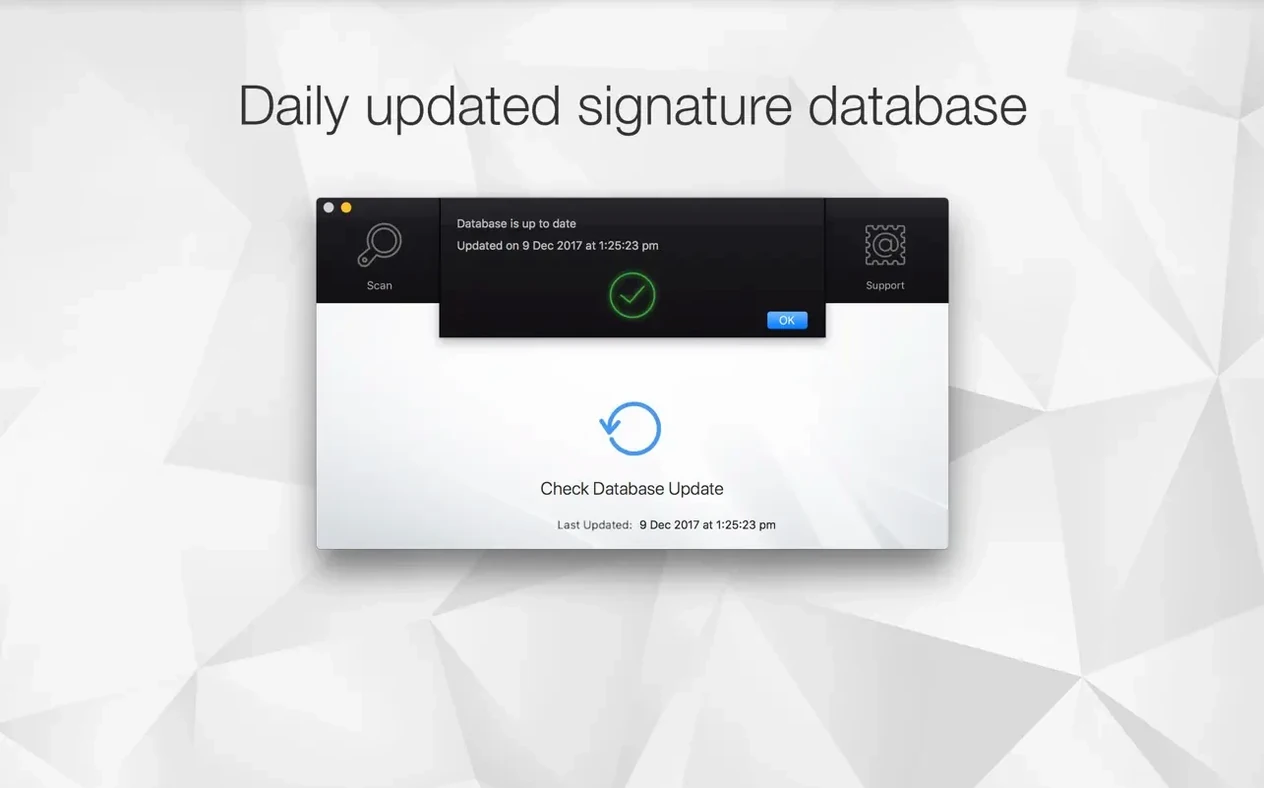
Version 3.3.3 tightens up the scanning engine so threat detection feels snappier on both Intel and Apple Silicon Macs.
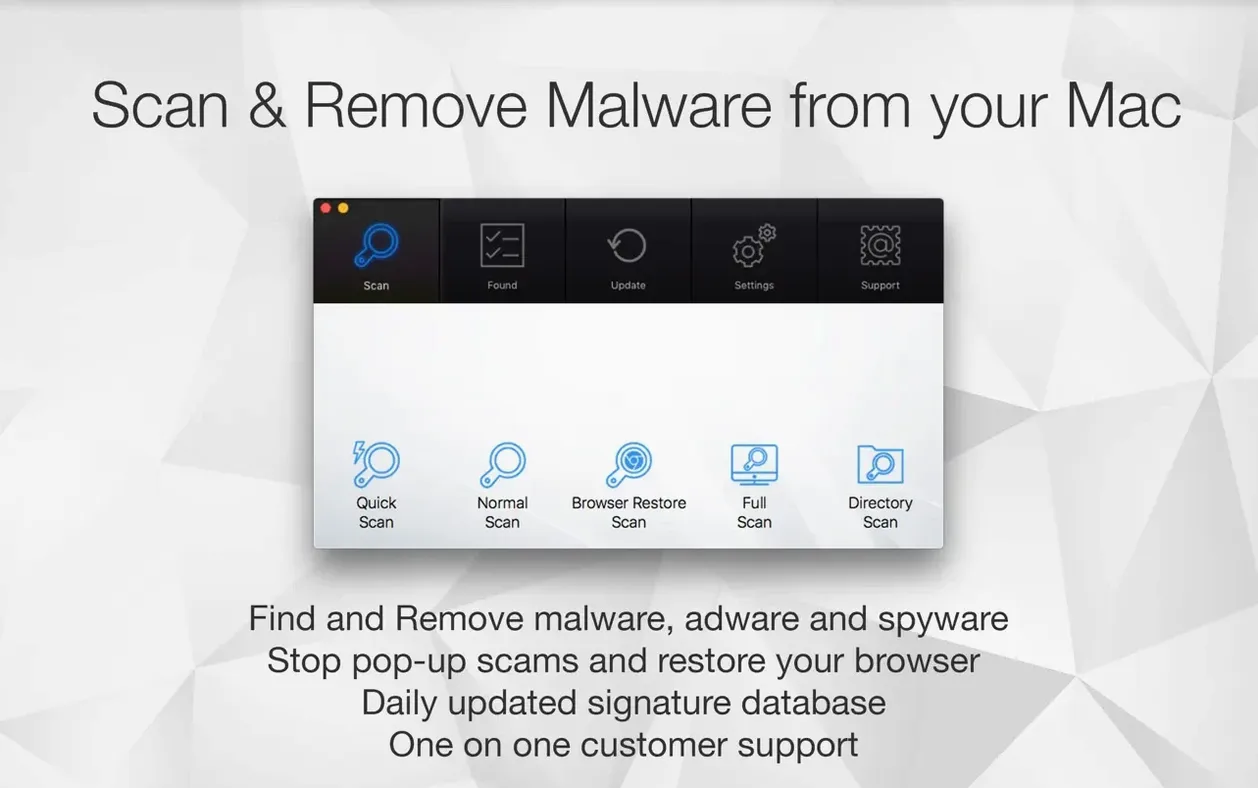
Quick Scan — hits the most vulnerable folders. You get a result in under a minute most days. I run it while a render finishes.
Standard Scan — deeper. It combs through the full system when something feels off or a client drive shows up with Windows crumbs.
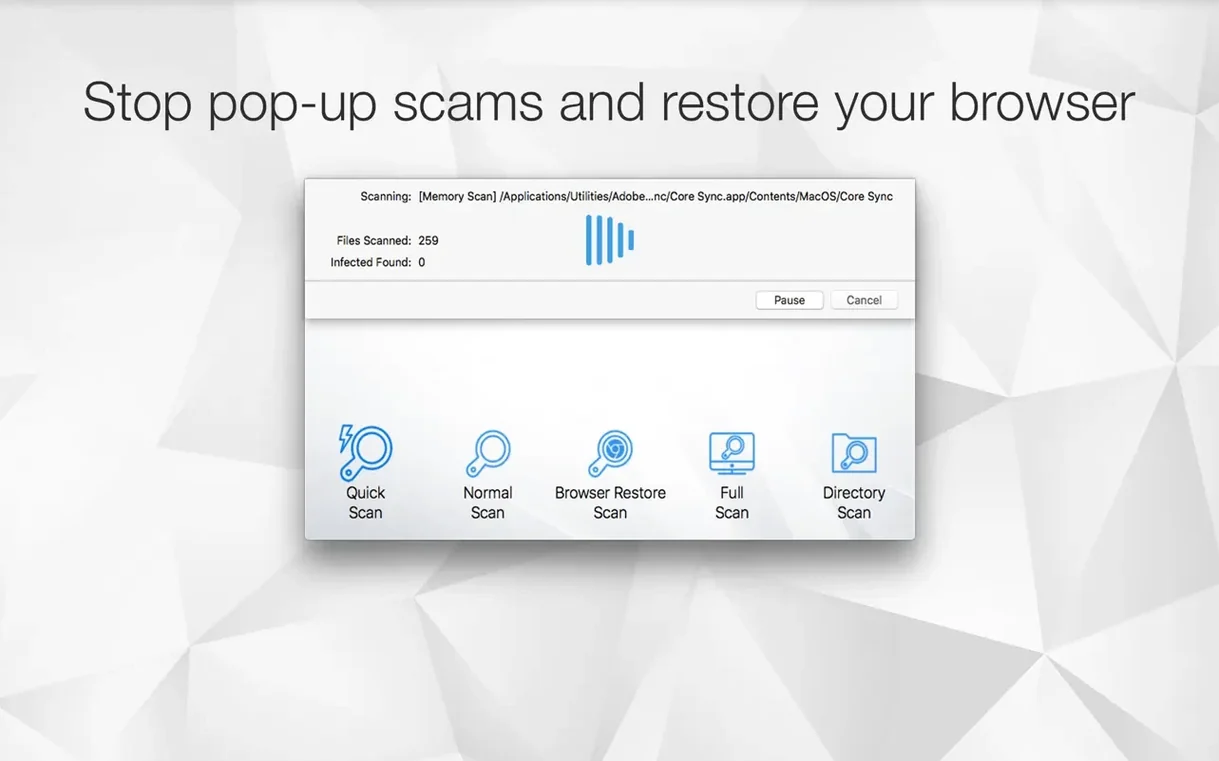
Browser Restore Scan — the one I actually tell friends about. It strips cookies, sketchy extensions, and bloated caches from every installed browser in one pass. No hunting through Safari, Chrome, and Firefox settings separately.
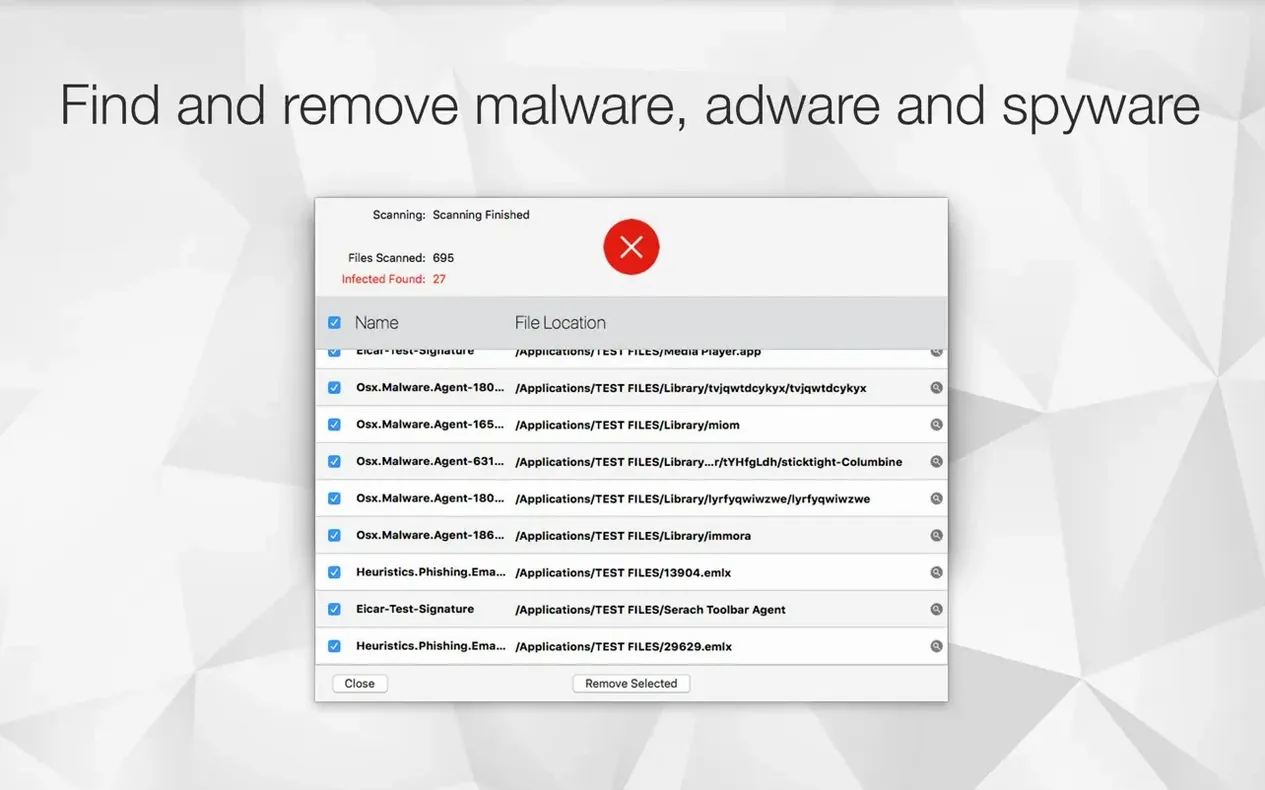
Threat Detection — catches malware and adware already sitting on the drive. Not just known signatures; it flags suspicious files too. That matters when you trade drives with a production house running a looser setup.
File Optimization & Conversion — drag a folder of HEIC stills or TIFF exports onto the app and it converts them to JPEG or PNG while stripping metadata you don't need. It handles MOV and other video containers too, and can adjust resolution on the fly. A weirdly useful bonus in a security tool.
Dropshare Integration — scanned a file and need to send it to a producer? Upload it straight from the result window. One less step.
What Happens When I Plug in a Client’s Sketchy Drive
Yesterday a producer sent me a drive full of b-roll from a shoot. Windows-formatted, passed through three laptops before it reached me. I don’t plug that in without a scan.
I dragged the Antivirus Zap icon into the Dock months ago, so I launched it from there. Clicked Standard Scan, pointed it at the external drive, and let it chew while I made coffee. Six minutes later it flagged a handful of adware droppers hiding in a temp folder. Quarantined. Then I ran a Quick Scan on my main SSD just because — clean in 40 seconds. Old habit.
After that I grabbed the b-roll folder and dropped it right onto the app window. The built-in converter chewed through a dozen TIFF stills and turned them into JPEGs at half the resolution, no extra app needed. I sent the cleaned folder to the producer through the Dropshare button in the result window — done.
That’s the rhythm: scan external media first, quick-check the system, then convert what you need and ship it. No detours.
Why a Quick Scan Isn’t Enough After a Sketchy Download
The biggest one: running a Quick Scan and thinking the Mac is clean. Quick Scan checks the usual hiding spots — LaunchAgents, browser profiles, application support directories. It doesn’t walk the entire file system. If you just downloaded something sketchy and dropped it in /Users/Shared/, Quick Scan might not touch it. Standard Scan is what you run after the first hit, or when something feels sluggish for no reason.
Another classic: forgetting the Browser Restore Scan exists. People chase pop-ups by manually resetting Safari, then Chrome, then Firefox, clearing caches one by one. One click here does all three at once and also yanks extensions that crept in through a bundled installer. Do this after removing the malware, not before — otherwise the bad extension just reinstalls itself on next launch.
Also, the file converter trips people up. Dragging a folder onto the app runs optimization with default settings. If you need specific resolutions or formats, right-click the file in Finder and use the integration there instead. You get a quick menu for JPEG, PNG, or a custom size. Beginners drop everything onto the main window and wonder why the settings didn’t pop up. Different entry point, different behavior.
Why Scans Suddenly Feel Instant on Apple Silicon
Version 3.3.3 isn’t a feature explosion — it’s a quiet engine refresh. Scanning feels faster on Apple Silicon. Not benchmark-faster, just I clicked and it finished before I looked up faster. That matters when you’re running it between tasks.
Earlier versions made you dig for the Browser Restore Scan. Now it sits up front, same row as Quick and Standard. Small layout change, but it means people actually use it. I’ve seen three friends discover it just because the button moved.
Finder integration got tighter too. Right-click a suspicious download, run a scan from the context menu, see the result without switching windows. That used to require dragging the file into the app. Now it’s a one-click sanity check — same energy as running antivirus zap mac from a mental checklist, just silent and built into the OS.
The Dropshare integration is newer than most people realize. It used to be a preference you had to wire up manually. Now the option appears automatically if Dropshare is installed. If you’re the person who scans something and immediately needs to send it somewhere, that’s one less trip to the Desktop.
For Editors Who Can’t Trust a Client’s SSD
Freelancers who trade drives. Editors, colorists, DITs — anyone who plugs a client’s SSD into their Mac needs a fast, no-subscription scanner that doesn’t nag. The combo of malware scanning plus file conversion means one tool handles the “is this drive dirty?” question and the “these are all HEIC, make them JPEGs” request back to back.
Mac users coming from Windows who miss the feeling of a lightweight antivirus. Not a full security suite with a firewall and a VPN and a password manager bolted on — just something you run when you download a torrent labeled antivirus mac torrent that’s clearly not what it claims to be. The app doesn’t lecture you. It scans, it lists, it removes.
People managing family Macs. The scheduler lets you set a daily Quick Scan at 3 a.m. and forget it. If your sibling or parent clicks every “download” button they see, having a scheduled scan plus Browser Restore in your back pocket saves an afternoon of remote troubleshooting.
And honestly, anyone who keeps a /Downloads folder with 800 items dating back two years. Run a Standard Scan on that once, quarantine the adware, then use the converter to shrink the bloated DMGs and ZIPs you don’t need anymore. It’s a cleanup pass disguised as a security check.
- macOS 10.13 or later
- Apple Silicon & Intel 64-bit
Questions I actually get
Does Antivirus Zap remove browser extensions?
Yes, the Browser Restore Scan can remove unwanted cookies, extensions, and caches from all your installed browsers at once.
Notes from the edit bay · 0
Sign in or get an edit-bay pass to leave a note.
No notes from the edit bay yet. They go up after I read them.