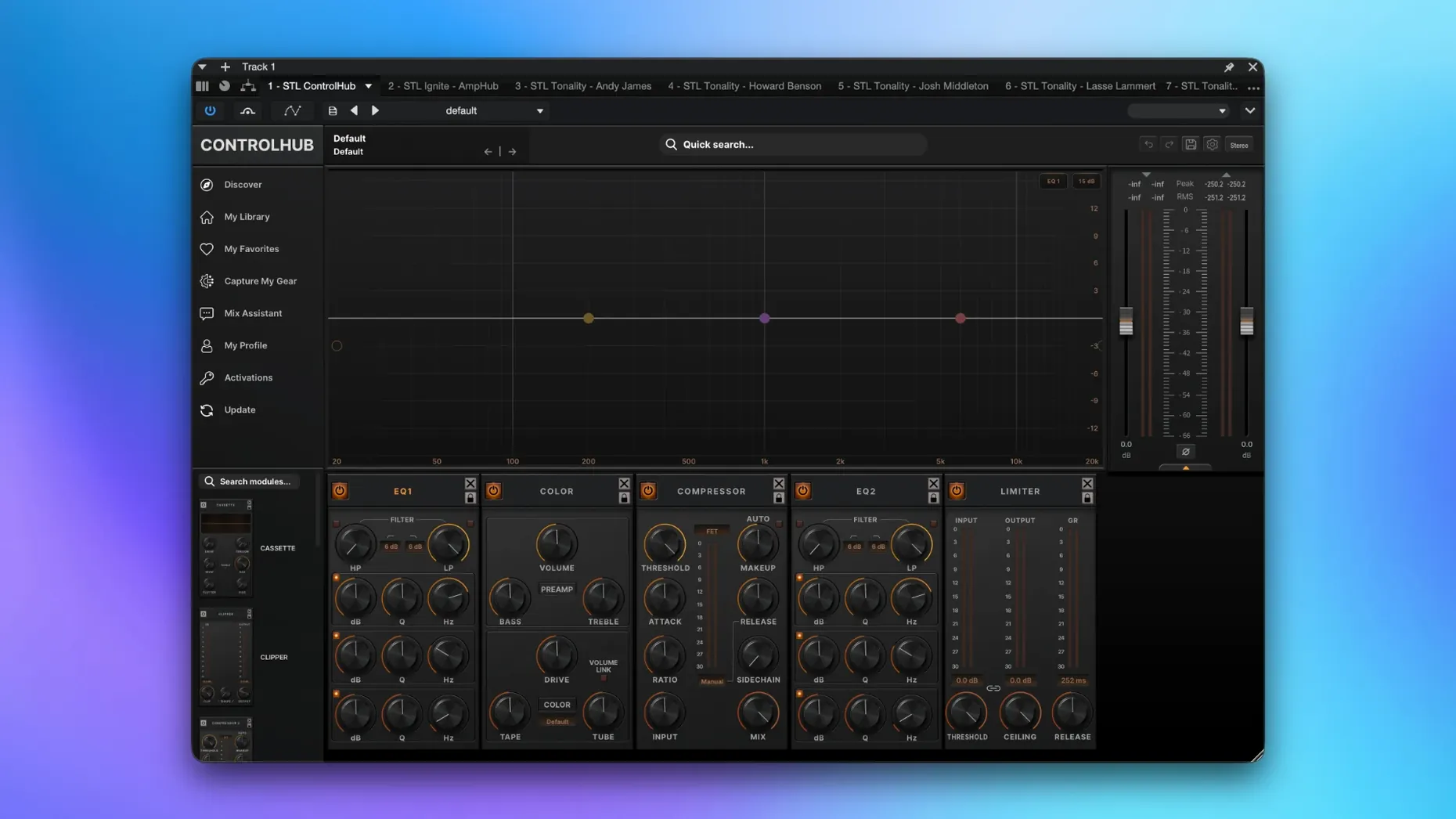
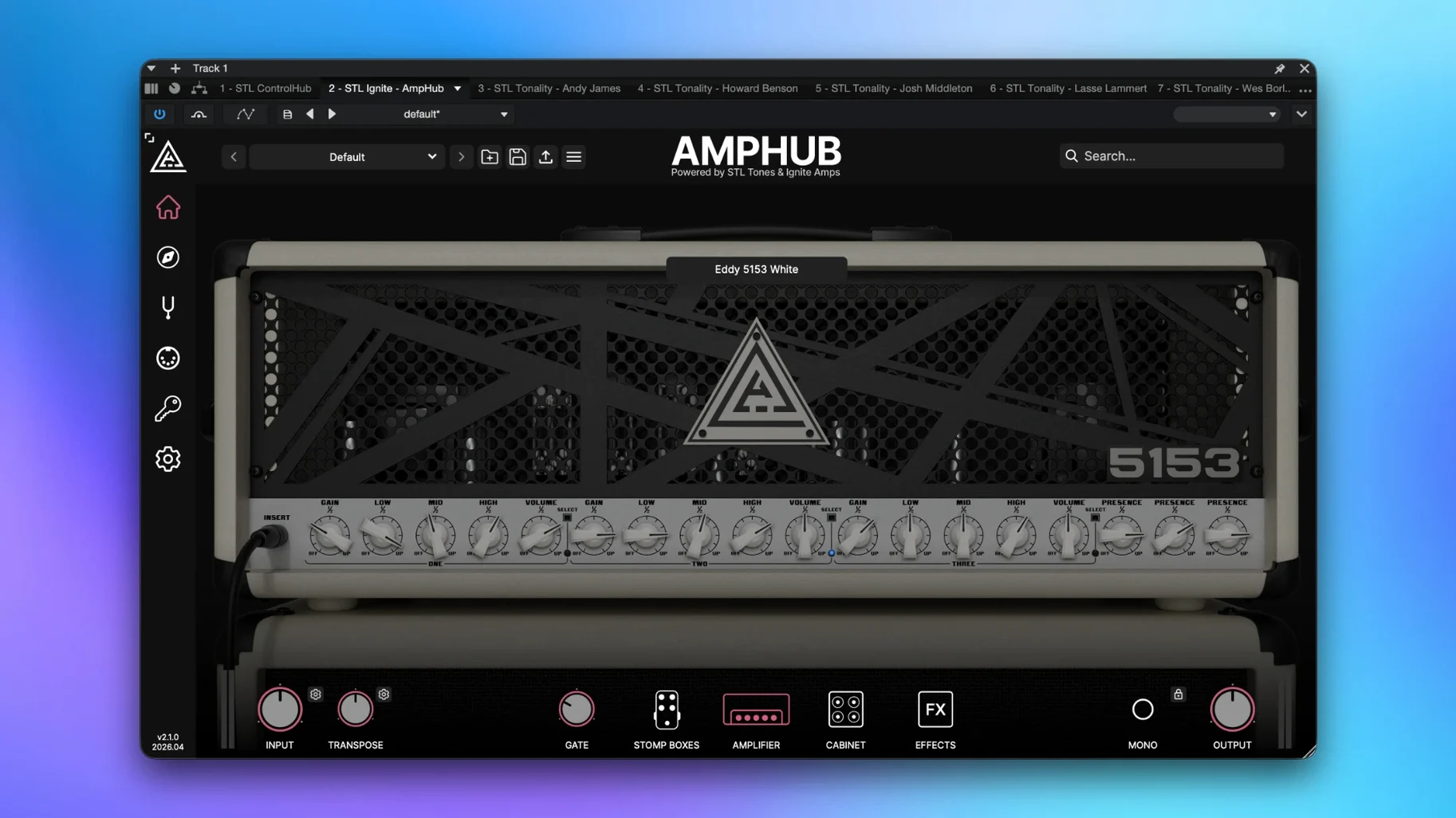
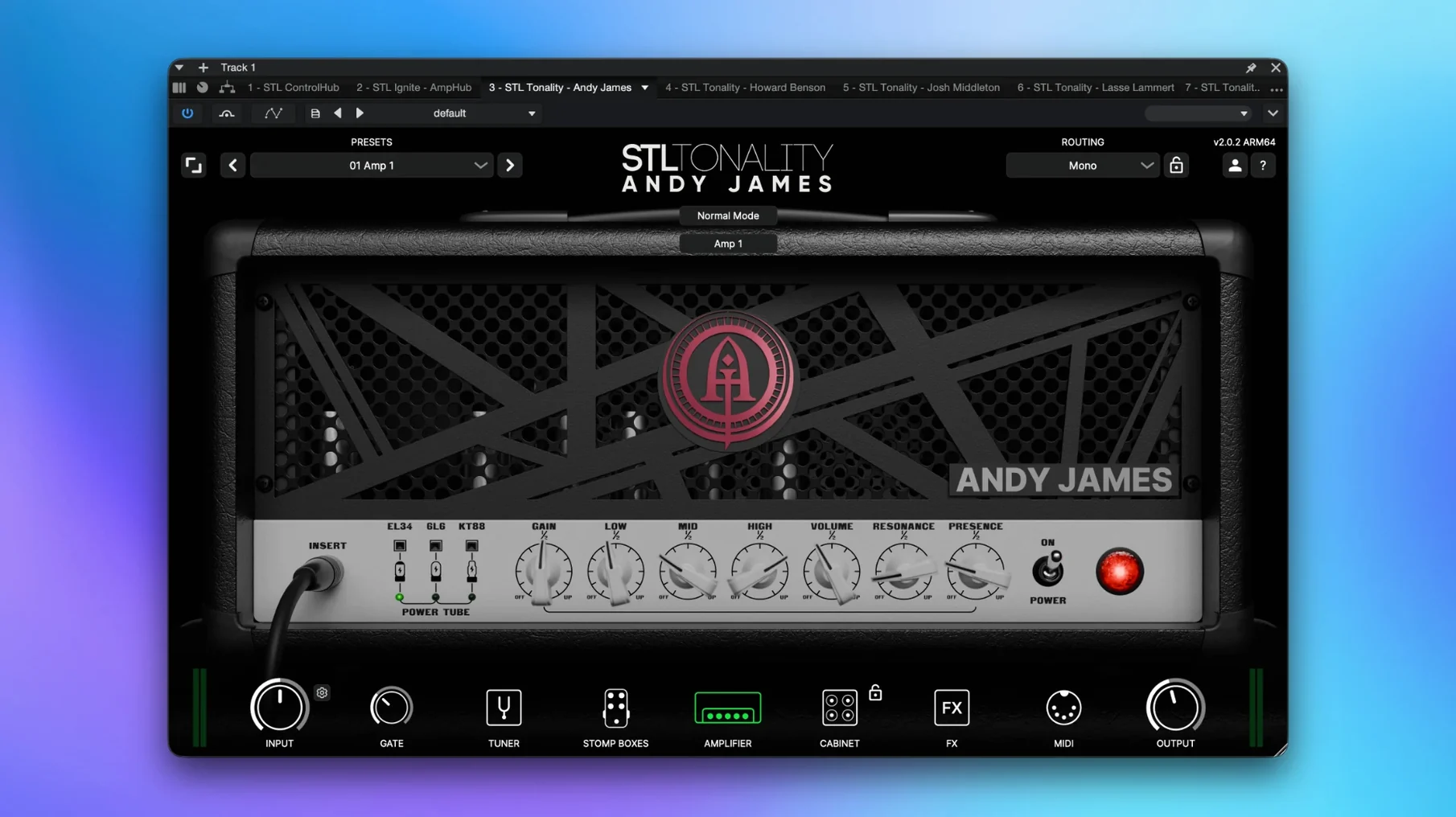
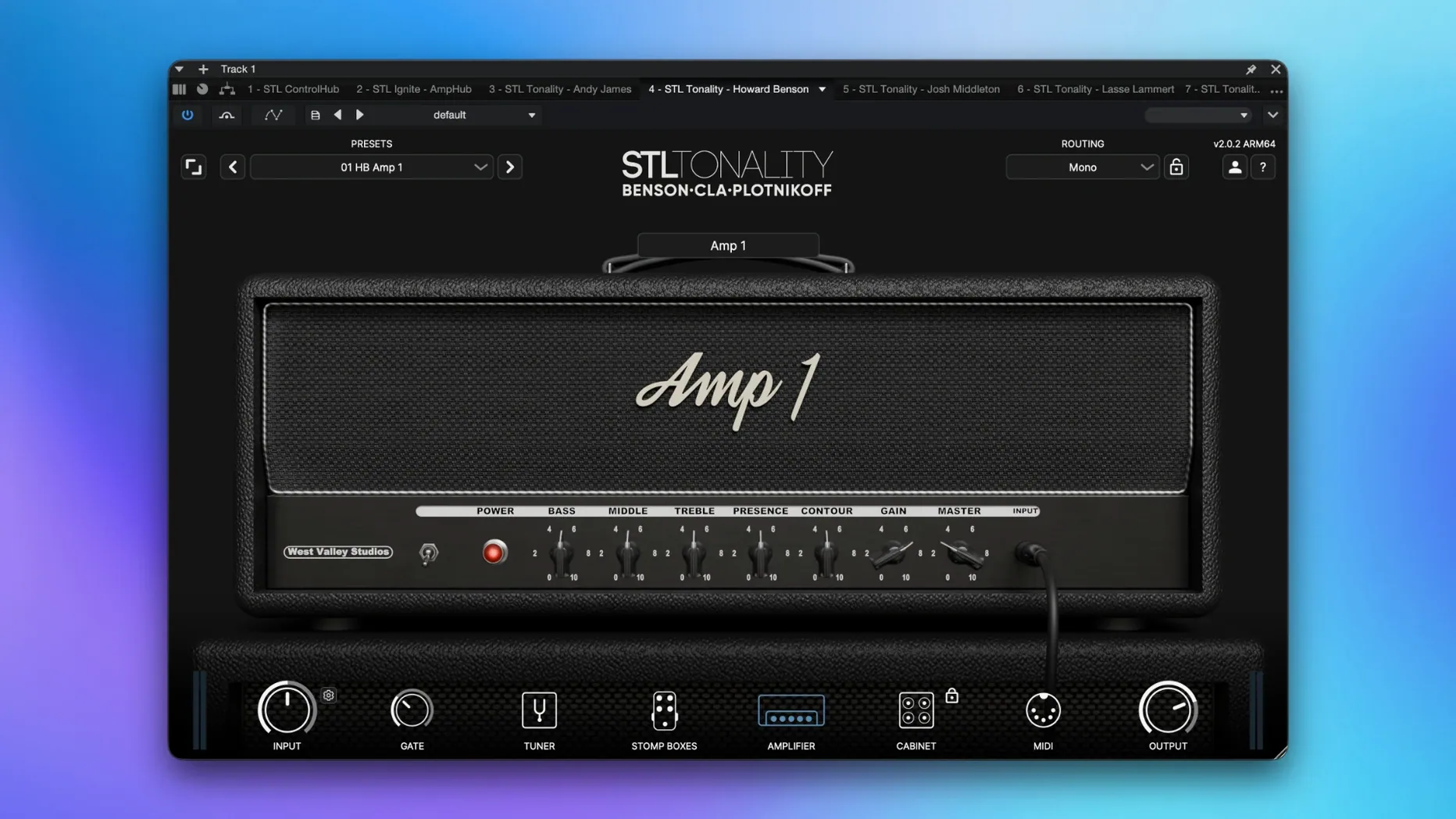
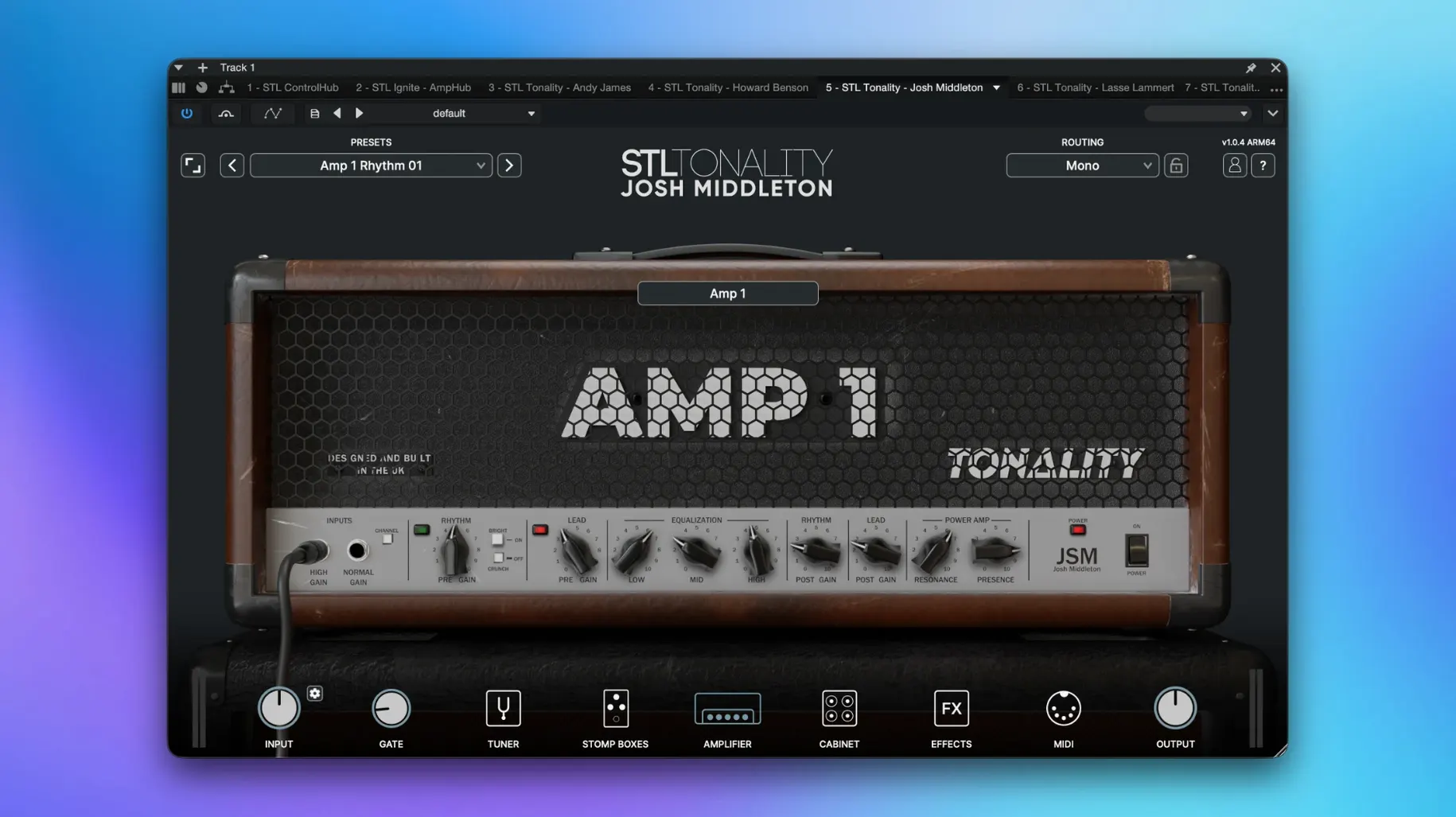
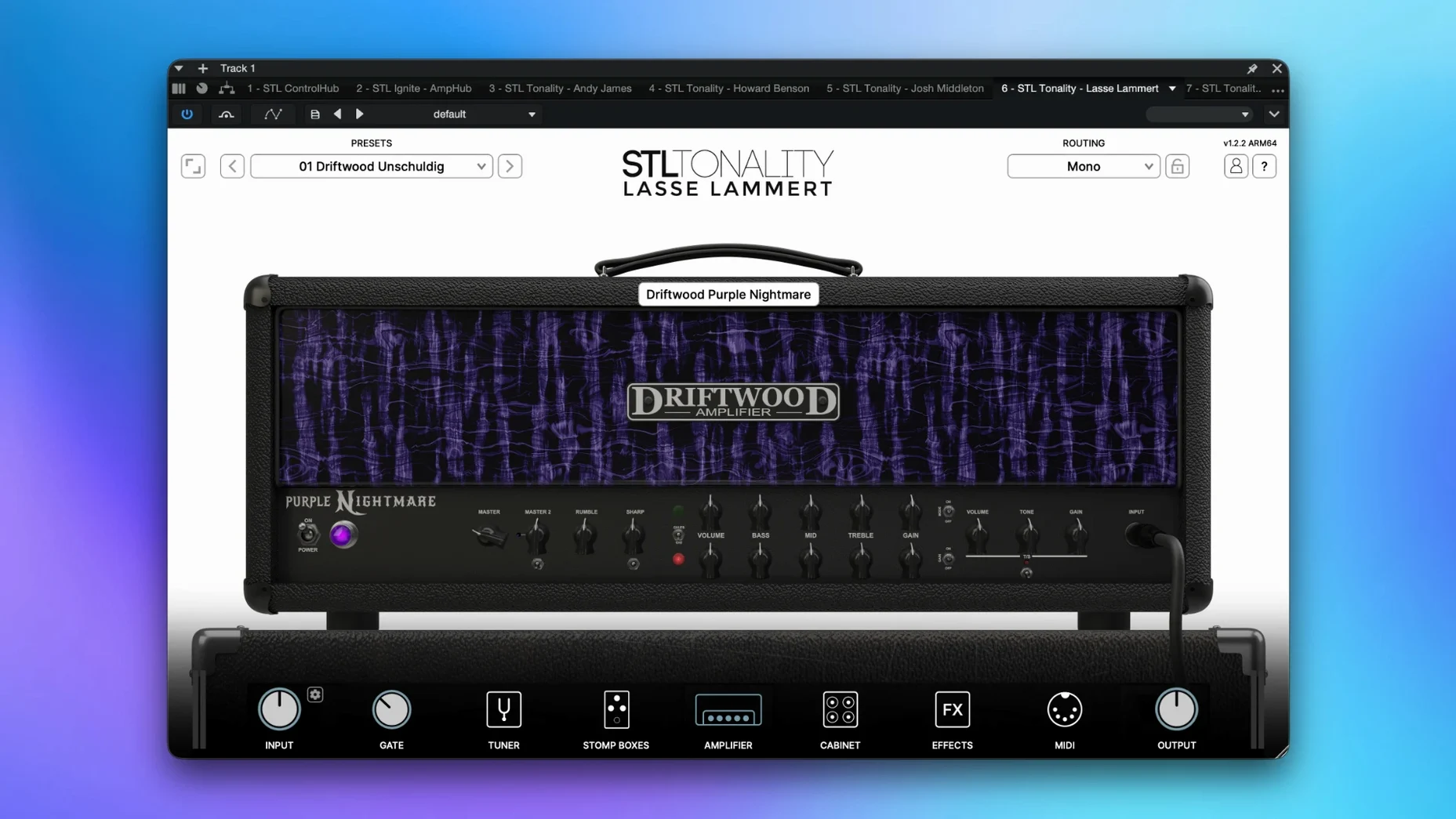
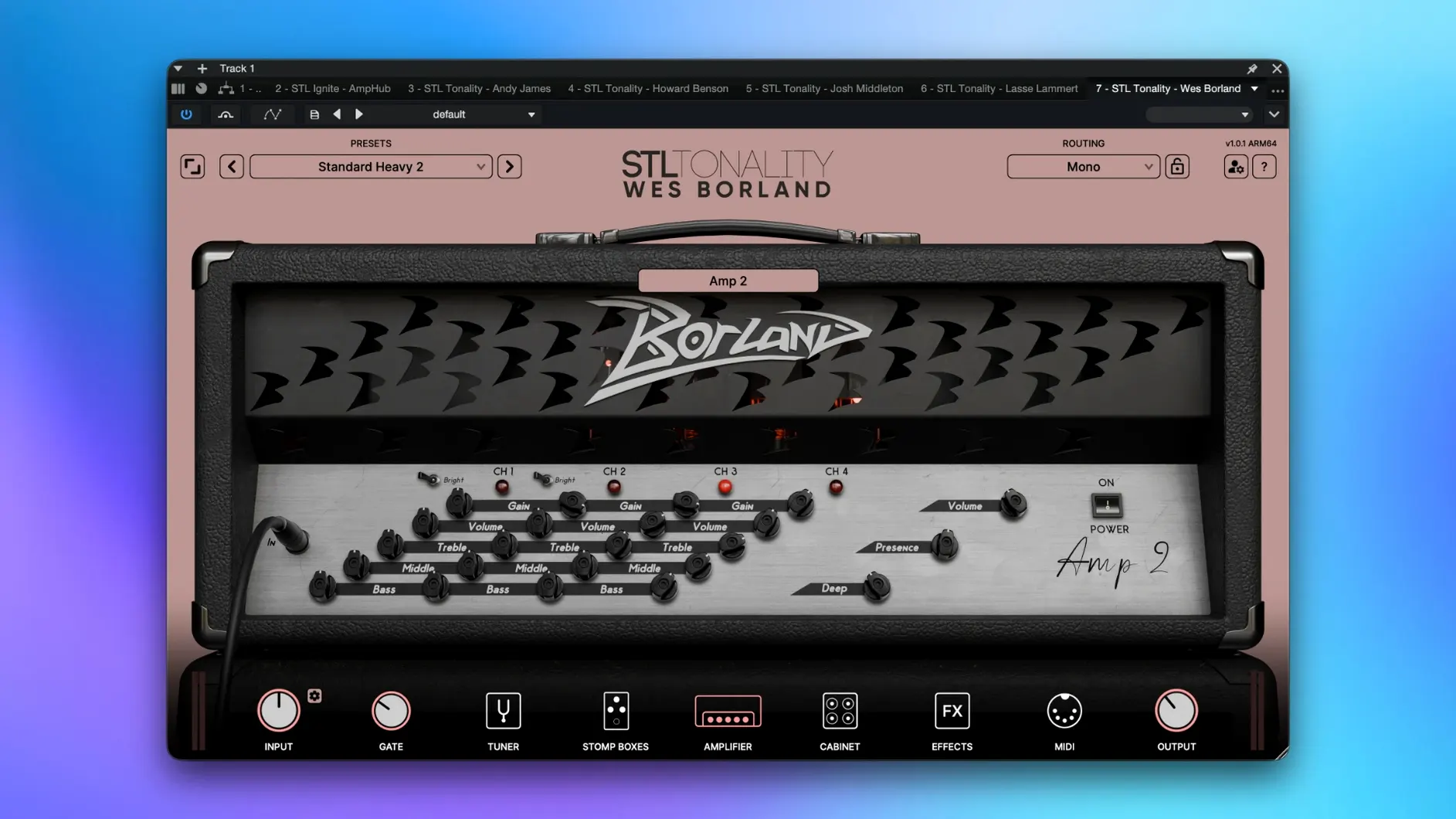
Tracking rhythm guitars is done, but the DI feels flat. You drop an STL amp sim on the insert and the take wakes up — bite, width, the midrange push you heard in the room. Later, on the drum bus, another plugin from the same folder glues the transients with a console-style chain that takes five seconds to dial in. That is the rhythm of this bundle: tone shaping where it counts, whether the track is a guitar or a full mix stem.
- Guitar and bass DI tracks — amp and cab emulations profiled by working engineers, not textbook curves.
- Vocal and drum buses — mixing chains that add weight and control without stacking six separate plugins.
- Master fader sweetening — a touch of console color and width before the limiter catches peaks.
- Re-amping dry takes — print a committed tone early or monitor through it while the part evolves.
Everything runs native on Apple silicon and Intel Macs, so a heavy session doesn't choke when the render bar is moving. The tools land where a working editor or mixer actually reaches for them — on an insert, across a subgroup, not lost in a menu.
Why This Bundle Wins When One-Trick Plugins Fall Short
Most guitarists eventually end up comparing this with Neural DSP and IK Multimedia AmpliTube. Neural DSP’s stuff is laser-focused — one artist, one amp, one room. It sounds phenomenal for that one thing, but you are buying a single flavor. The STL Tones Bundle covers more ground in one folder: Andy James leads, a classic rock Plexi-style head, bass rigs, and mix chains that Neural DSP simply does not make. If you need a tight modern metal tone on Monday and a pushed clean on Wednesday, you stay in the same plugin family.
AmpliTube goes the opposite direction: a massive sandbox of gear models, some brilliant, some dated. The STL approach is curation over quantity. Every amp and chain in the bundle was profiled with a specific sound in mind, not dragged from a generic model library. The cabinet IRs feel more immediate out of the box, and the noise gate behaves like the real pedal, not an afterthought. Where AmpliTube rewards deep tweaking, STL rewards speed — load a preset, adjust two knobs, hit record.
The 3-Minute Setup That Prevents Session-Killing Latency
After the install, do three things before opening a real session. First, create a template track stack. Drop an STL amp on a mono audio track, feed it a clean DI, and save the channel strip. Next time a guitarist plugs in, the monitoring chain is waiting.
Second, audition the cab section independently. Many presets sound wildly different when you swap the IR while keeping the amp model the same. Spend twenty minutes dragging through cab options on a looped riff — you will find two or three that become your defaults and never touch the rest.
Third, map the output level before you touch the gain. Some amp models in the stl tones bundle mac full version run hot, and a patch that sounds huge at conversation volume can turn fizzy when the monitors come up. Set your monitoring level, then build the tone at that volume. It keeps gain-staging predictable across projects.
A DI Rescue Workflow, Start to Finish
Here is a real scenario: a client sends a dry bass DI tracked through a budget interface. The transient is weak, the sustain drops off, and it gets buried the moment the kick drum enters.
Step one: insert an STL bass amp on the track. Choose a cleaner head model — something with headroom — and dial the input gain until the meter shows consistent green with occasional yellow. No distortion yet, just healthy signal.
Step two: blend two cabinet IRs using the built-in mixer. A 4x10 for punch and a 1x15 for low-end weight, roughly 60/40. Solo each cab first to hear what it contributes, then balance them in context with the kick.
Step three: engage the onboard compressor with a slow attack — around 30 ms — and a medium release. The goal is to let the initial pluck through while the comp catches the body of the note. Two to three dB of reduction is plenty.
Step four: shape the DI before it hits the amp with a touch of the built-in EQ. A narrow cut around 250 Hz removes the cardboard box frequency that budget DIs often carry. A gentle shelf boost at 1.5 kHz gives the string attack a lane between the guitars.
Step five: print the track. Commit the processed tone to a new playlist, bypass the plugin, and continue mixing with zero latency and a bass that already sits in the pocket. The client's raw file is still on the original playlist if you ever need to backtrack.
- macOS 10.13 or newer
- Apple silicon or Intel 64-bit processor
- Audio Units or VST host
Questions I actually get
Does the STL Tones Bundle work on Apple silicon Macs?
Yes, the bundle supports both Apple silicon and Intel 64-bit Macs running macOS 10.13 or later.
Notes from the edit bay · 0
Sign in or get an edit-bay pass to leave a note.
No notes from the edit bay yet. They go up after I read them.