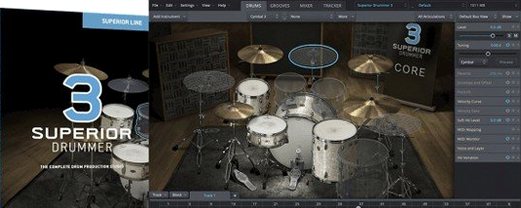
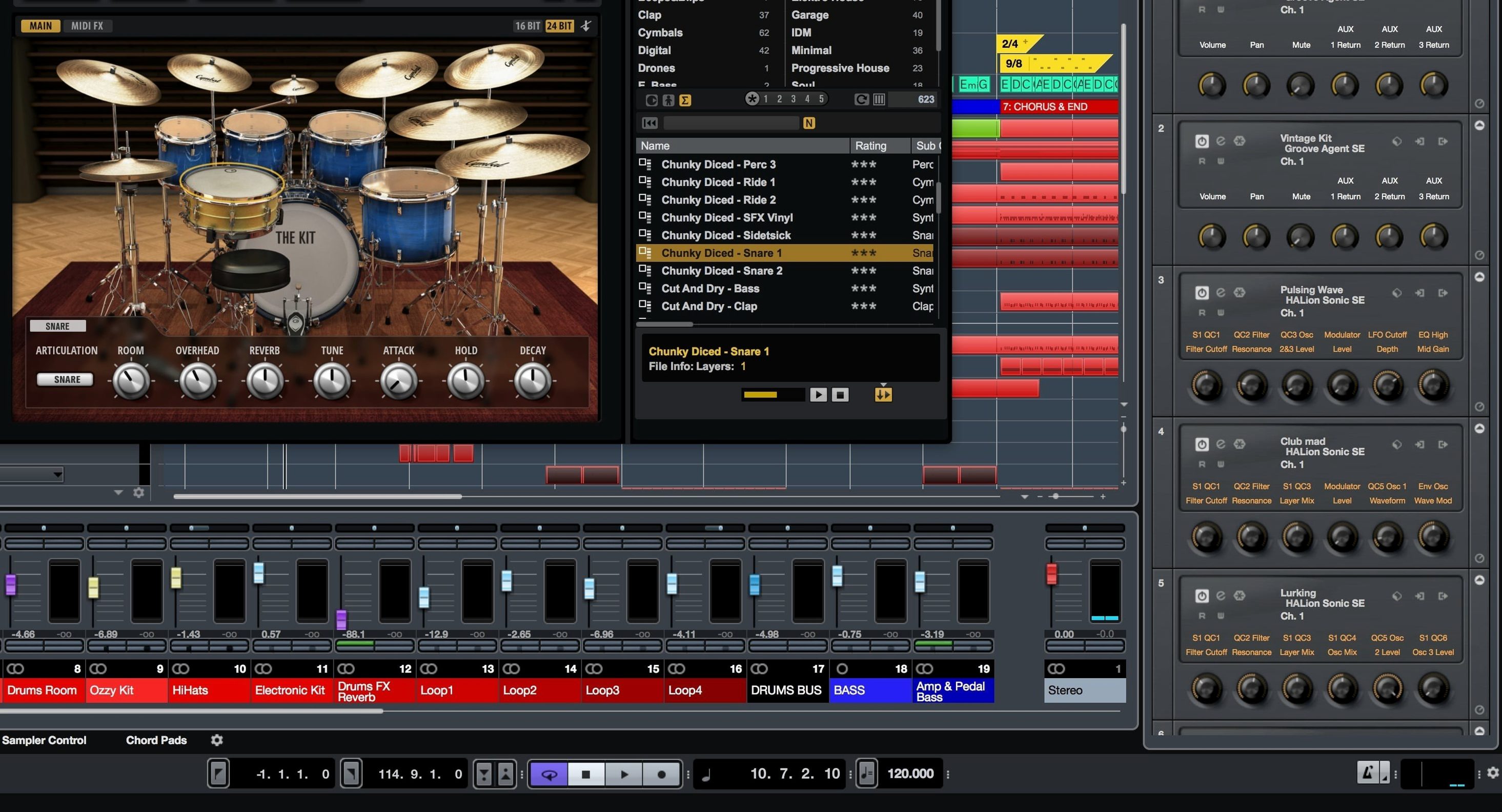
Groove Agent 6 wants a modern Mac. It runs natively on Apple Silicon and Intel machines, provided you're on macOS 14. The plug-in itself loads as VST, AU, or AAX — so Logic, Ableton Live, Pro Tools, and Cubase are all fair game. If you use Cubase, you already know Groove Agent SE; the full version removes the guardrails.
A Drum Production Environment, Not a Sample Library
This isn't a sample library you browse. It's a drum production environment. Think of it as the place you go when a static one-shot won't cut it and you need to shape a kit, assign articulations, and write a part that breathes. The resizable interface helps when you're deep in a session and tired of squinting at tiny faders.
What's Inside
The sound pool is split across acoustic, electronic, and percussion. The acoustic side got a lift in version 6 with 47 new kit pieces and drag-and-drop layering — pull a snare onto a kick if the transient works, no menu diving. On the electronic front, the content leans toward modern, production-ready tones rather than museum-piece drum machines. Decompose is the wildcard: it separates a loop into individual hits mapped across the keyboard, which turns any rhythmic sample into a playable kit. You also get more than 1,000 MIDI grooves to throw at a pattern editor, a mixer for balancing kit mics, and hardware mapping that plays nice with whatever controller you have on the desk.
Beat Programming Without a Keyboard
A beat producer opens a session with nothing more than a snare idea in their head and a pad controller on the desk. Groove Agent loads inside Logic, the acoustic kit gets swapped for a dry, tight electronic set, and the pattern editor becomes the scratchpad. The 32 velocity layers do the heavy lifting — tapping a pad softly triggers a ghost note, digging in gives you the full smack. Within twenty minutes, a basic groove turns into a pattern with velocity variation, a few Decompose hits from an old break, and a hardware-mapped filter sweep assigned to a knob. No keyboard, no step-sequencing with a mouse. Just hands on pads and the plug-in responding.
Building a Kit from Scratch
Start with a blank Agent slot. Drag an acoustic kick from the browser onto an empty pad, then layer a short electronic thump on top — the drag-and-drop layering added in version 6 handles this without sub-menus. Tune the electronic layer down three semitones so it reinforces the low end without fighting the acoustic body.
Move to the snare. Pull a rimshot and a side-stick onto adjacent pads, then open Decompose on an old funk loop dragged from the desktop. The algorithm splits it into slices; pick the two that hit hardest, map them to their own pads, and blend them with the acoustic snare using the pad mixer. Each pad gets its own envelope, so shorten the decay on the slice that rings too long.
Hi-hats come from the electronic content — closed, half-open, and open mapped to three pads, with choke groups set so one cuts the other. Throw a shaker from the percussion library on a spare pad for texture. The whole kit takes maybe fifteen minutes, and nothing sounds like a preset.
Write the part using the pattern editor. Drag a MIDI groove from the library as a starting point, then shift kicks, add snare doubles, and nudge the hat timing off the grid. When the pattern breathes, drag the MIDI into the DAW timeline and let it loop. The mixer inside Groove Agent handles kit balance before it ever hits a channel strip.
Songwriters Shaping Kits vs. Beat Producers Layering Sounds
Songwriters who build arrangements around drum parts, not loops, will lean on the acoustic kits and the MIDI groove library as a writing scaffold. Beat producers working in hip-hop, electronic, and pop get the electronic content, the layering, and the pattern editor as a fast sketchpad. Post-production editors who need organic percussion for tension cues will pull from the percussion library and tweak articulations. If you already work inside a DAW that hosts AU, VST, or AAX and you want one drum environment that covers acoustic realism and electronic punch without switching plug-ins, steinberg grooveagent macos free fits that middle ground between a sample browser and a full production suite. The 32 velocity layers alone reward players who perform parts rather than clicking them in, and the resizable interface keeps the session comfortable on any screen.
Version 6.0.30 lands with drag-and-drop sound layering for acoustic kits, 47 new acoustic kit pieces, and a revamped pattern editor, mixer, and hardware mapping section.
- macOS 14 or later
- Apple Silicon or Intel Mac
Questions I actually get
Which plug-in formats does Groove Agent 6 support?
It supports VST, AU, and AAX formats, so it works in most major DAWs on Mac.
Where can I find the manuals?
The full PDF and web manuals for Groove Agent 6 are available on steinberg.help.
Notes from the edit bay · 0
Sign in or get an edit-bay pass to leave a note.
No notes from the edit bay yet. They go up after I read them.