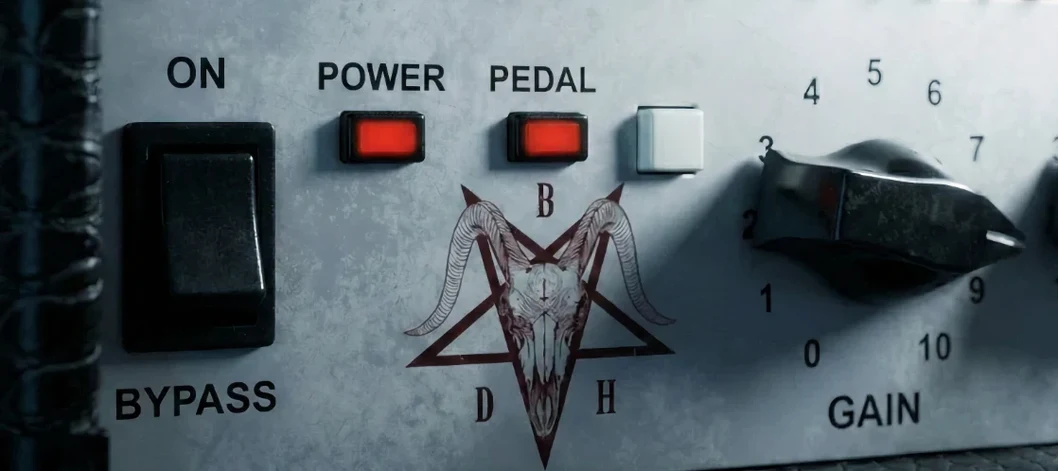
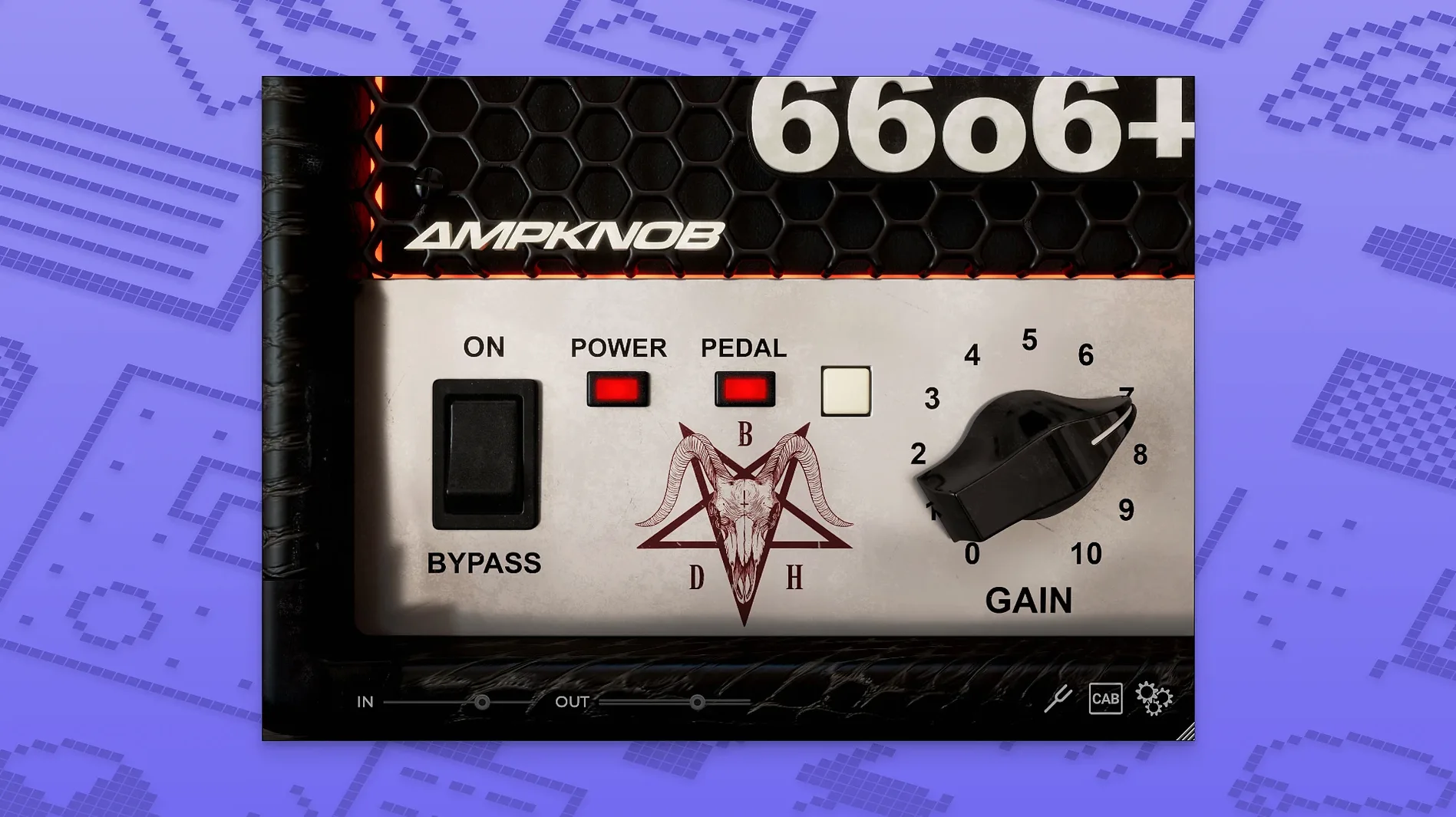
Ampknob BDH 66o6 Plus is a guitar amp plugin that strips tone-shaping down to a single, decisive switch. Sound-designed by Jens Bogren, it targets mixes that need an American-voiced clean tone with a clear midrange push — nothing scooped, nothing brittle.
The Character switch makes your riffs cut through or open up
- Character switch. The main event. One position leans into a glassier, more open top end; the other tightens the low-mids and adds a percussive attack that sits a riff right on top of a dense mix.
- Output trim. Lets you drive the next plugin in the chain without touching the amp voice. Handy when you switch the character mode and need to level-match quickly.
Where it fits a session
This isn't a do-everything amp. It does one family of sounds — mid-focused cleans to edge-of-breakup — and commits to it. The result is a track that needs less corrective EQ later. I reach for it when a double-tracked part feels soft or a clean arpeggio disappears behind a vocal. The attack definition it adds is immediate, and the density holds up even after a bus compressor clamps down.
Apple Silicon stability and GUI scaling refinements
Version 1.2.118 didn't ship with a flashy feature list, but small refinements land where they count — stability on Apple Silicon hosts and smoother GUI scaling on higher-density displays. If you were running an earlier build on an M-series machine and living inside Logic or Ableton, the plugin occasionally choked on sessions with aggressive buffer settings. That's largely quiet now. The interface draws faster when you toggle the character switch mid-playback, and the DAW reports noticeably fewer spikes when you stack instances across four or five tracks.
Also fixed: a handful of edge-case crashes tied to sample-rate changes on certain audio interfaces, and a minor issue where the pedal switch state wouldn't recall properly in some AU hosts after a project reload. None of it rewrites the amp model — it just means fewer render-bar interruptions when you're tracking with Bogren Digital Ampknob BDH 66o6 Plus active.
Opening one knob and hitting record with zero menus
Three camps, in my experience.
- Songwriters and demo producers who hate option paralysis. You open it, flick the switch one way or the other, maybe nudge the output, and record. No IR loader, no six-band EQ, no deep menus. It rewards speed, and a lot of home-recorded material benefits more from a fast, committed tone than from endless tweaking.
- Mix engineers receiving raw DI tracks. When a client's DI sounds thin or the re-amp chain isn't gluing, Ampknob BDH 66o6 Plus adds density without hyping the top end in a way that fights cymbals. The mid-forward voice leaves room for bass and kick to do their job.
- Live performers using a laptop rig. Low CPU draw and a single-switch performance-friendly layout make it a practical MainStage or Gig Performer insert. You won't want to do deep editing between songs anyway.
If you need a versatile amp suite that covers British crunch, modern metal and fuzz-pedal sag, this isn't that tool. But the people who get the most out of Bogren Digital Ampknob BDH 66o6 Plus are the ones who already know they want that American-voiced, mid-focused thing and just want it to work inside thirty seconds.
Blank white UI on macOS? Check Rosetta vs. native ARM
- First launch shows a blank or white UI. This crops up most often on macOS hosts running under Rosetta when the plugin expects native ARM. Check that your DAW is running natively on Apple Silicon, not translated. If you're on an older Intel machine, a quick GPU driver check and disabling any third-party window managers usually clears it.
- Output level jumps when toggling the character switch. The two voicings sit at slightly different perceived loudness. Match them with the output trim knob, not your channel fader — it's faster and keeps your automation lanes clean.
- Pedal switch doesn't engage after a project reload. Before 1.2.118 this was a known recall bug in AU hosts. If you still catch it, delete the instance and re-insert it, which forces a fresh state save. The fix in the current build seems solid, but it's worth knowing the workaround.
- High-gain mode feels fizzy with certain pickups. Roll your guitar's tone knob down to about seven. The amp model reacts well to passive treble cuts, and a small move cleans up the top without losing the character switch's aggression.
Output knob into console emulation for extra harmonic bloom
- The output knob doubles as a broad sweetener. Pushing it harder into a console or tape emulation after the plugin gives you a little extra harmonic bloom that isn't in the amp model itself. It's a cheap way to warm up a brittle DI without a separate saturator.
- Shift-click resets any knob to its default. Not all Bogren Digital plugins surface this, but it works here. Quick for snapping the output back to noon after a gain-staging tweak.
- The pedal switch toggles from the keyboard. If your DAW supports plugin parameter automation, the pedal is a simple on/off lane. Automating it for a chorus lift — clean verse, driven chorus — takes under a minute and avoids duplicating tracks.
- Plugin order matters more than you'd think. Placing a subtle optical compressor after the amp smooths the attack slightly and makes the cleaner voicing feel more like a pushed studio preamp. The opposite order — compressor first — tightens the DI before it hits the amp and works nicely when you're using the tighter character mode and want even more transient snap.
- macOS 10.13 or later
- Apple Silicon and Intel native
- Interface: English
Notes from the edit bay · 0
Sign in or get an edit-bay pass to leave a note.
No notes from the edit bay yet. They go up after I read them.