If you’ve ever wrestled a multi-gigabyte piano library while a client waits, Addictive Keys is the opposite move — it’s built so you pick a sound and record, not babysit a progress bar.
Formats — VST, AU, AAX. It slides into Logic, Ableton Live, Pro Tools, and any DAW that hosts 64-bit instruments.
Architecture — Runs native on both Apple Silicon and Intel Macs. No Rosetta translation layer needed.
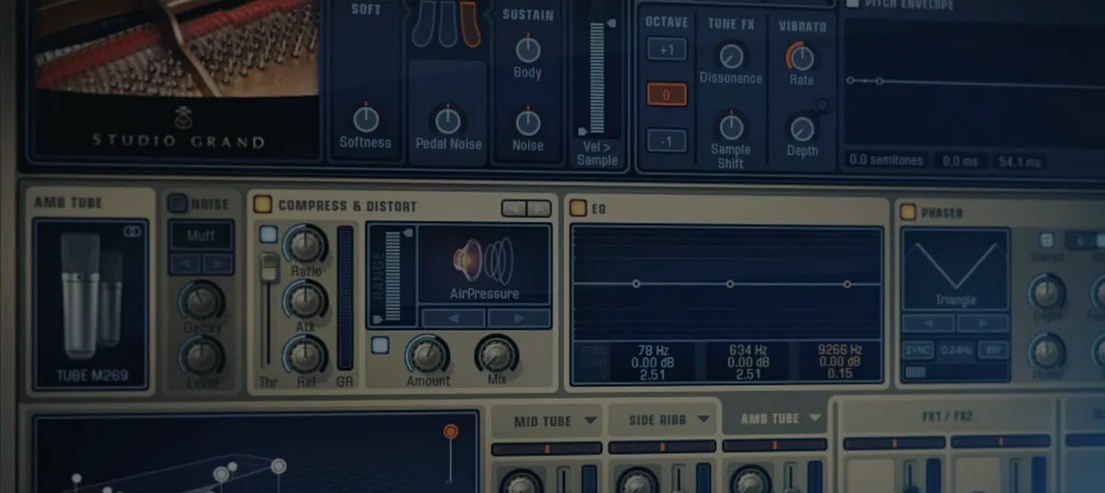
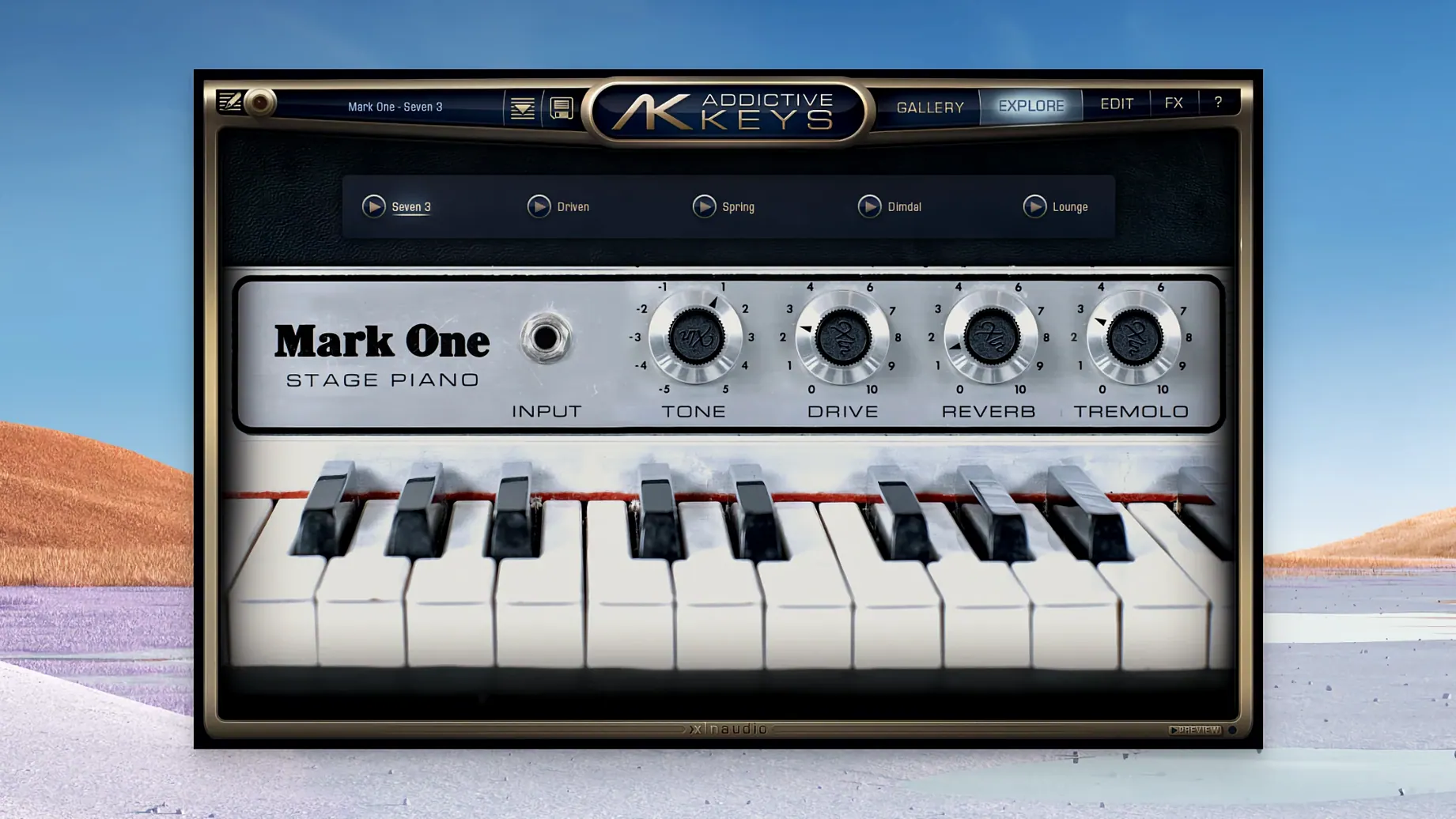
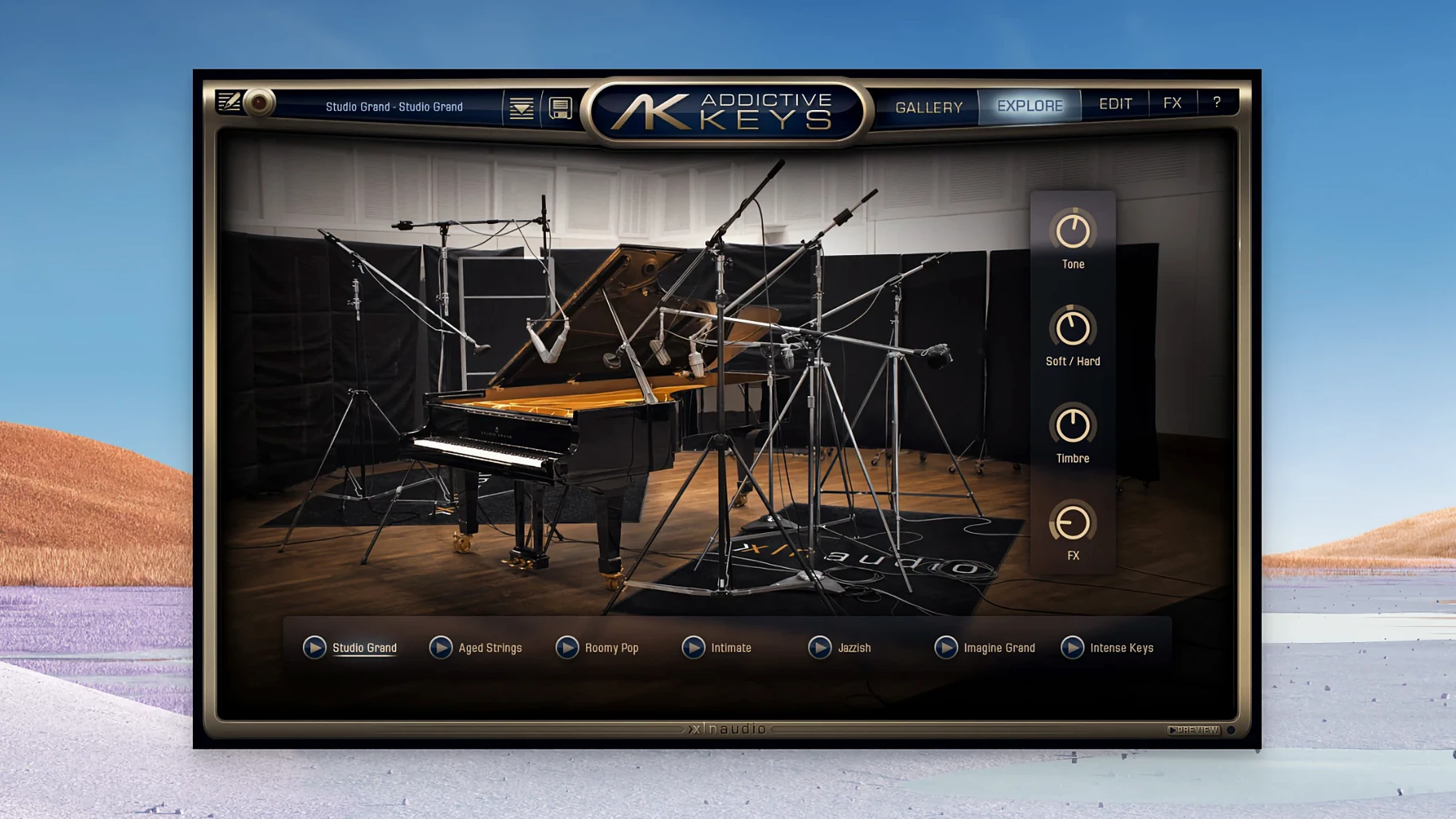
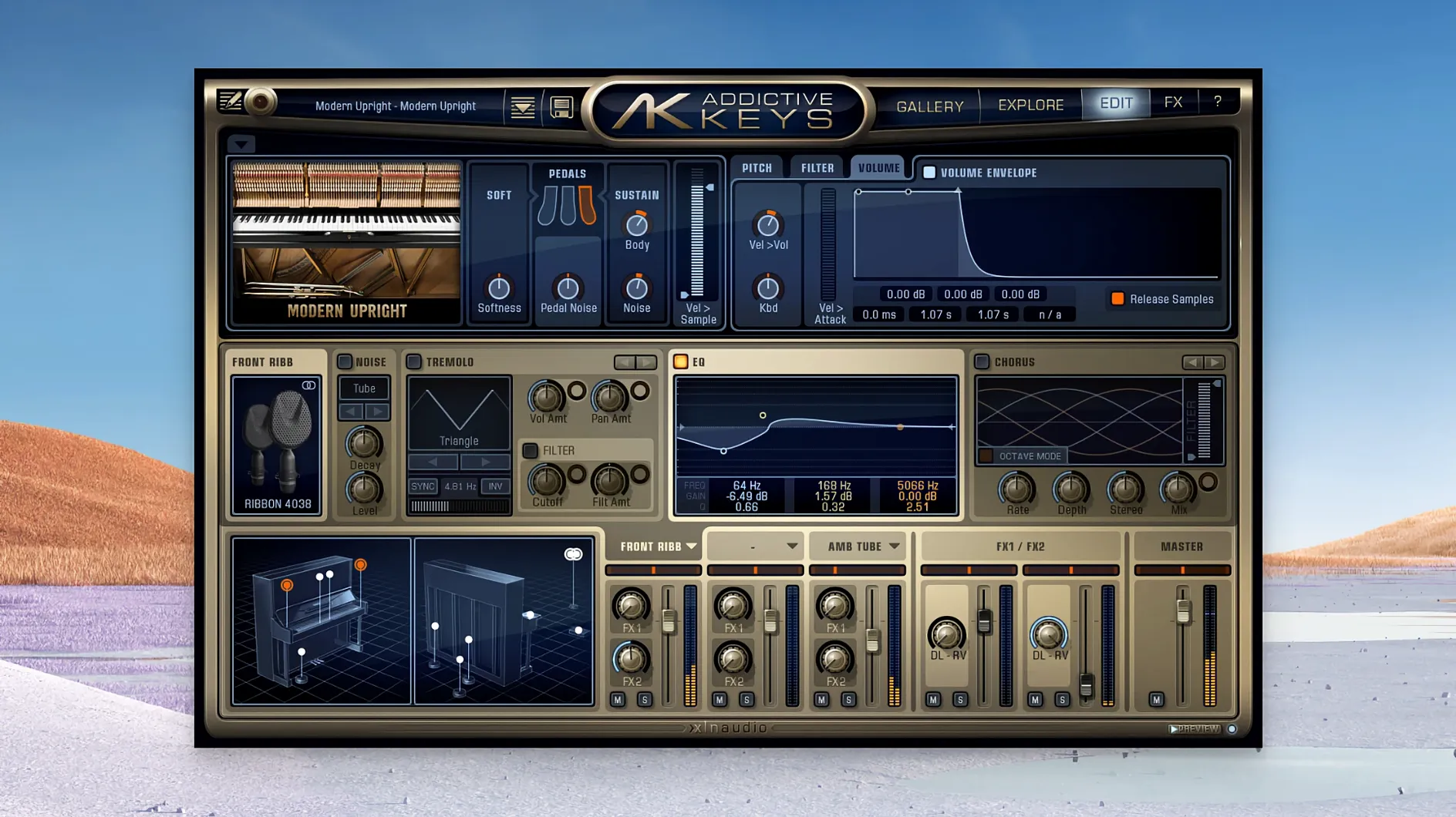
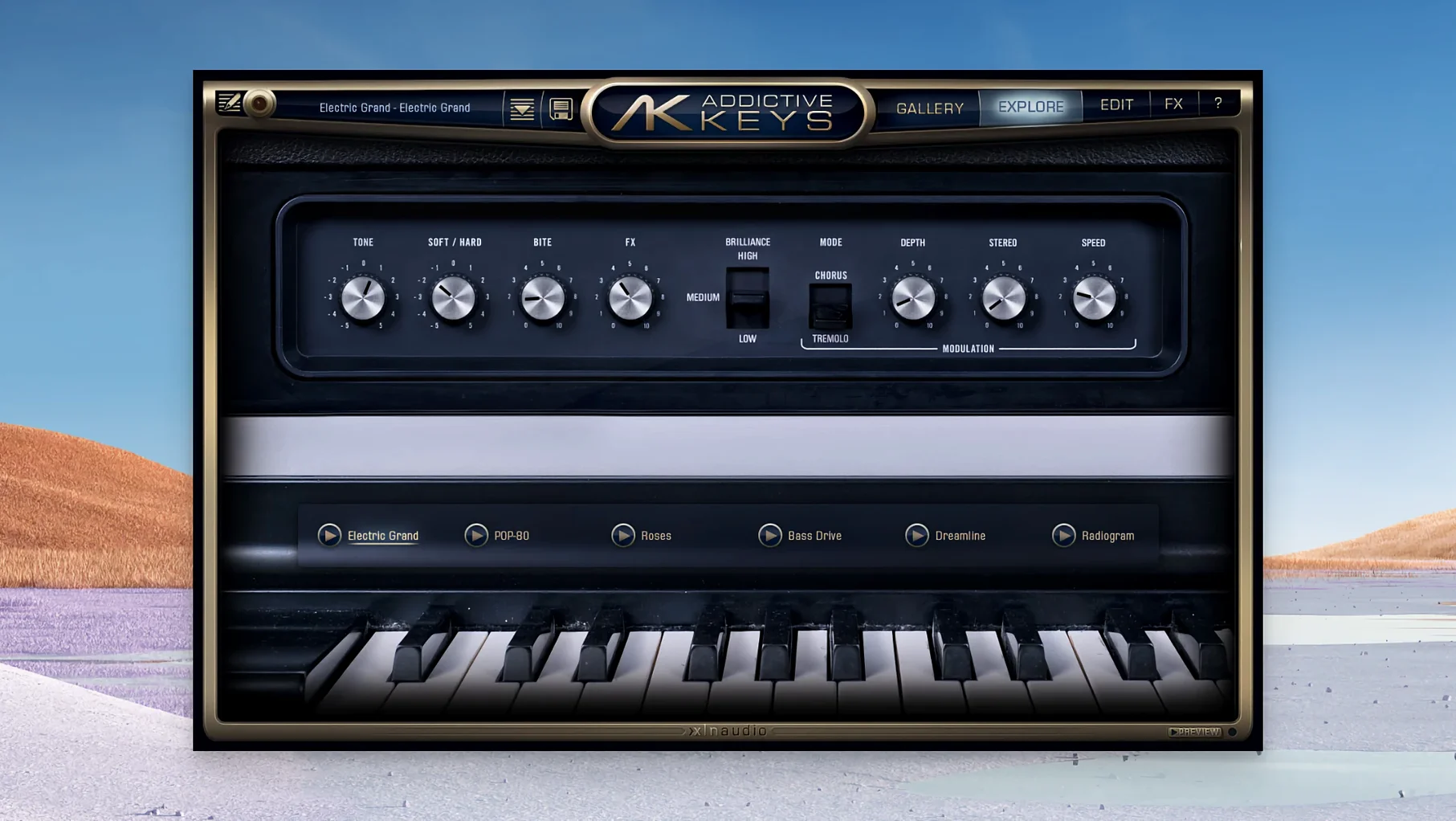
Instruments — Four distinct pianos, not four variations of the same thing. The Studio Grand gives you a modern pop sheen, the Modern Upright is woolly and present, the Mark One nails that warm Rhodes-era soul, and the Electric Grand models a CP-80 with real string resonance. Each one was captured through a blend of modern and vintage outboard gear.
Sound — The presets are genuinely mix-ready. You can drop the Modern Upright into a sparse indie track and it sits without a fight. The Electric Grand has that percussive attack that cuts through a dense arrangement without EQ gymnastics. Everything responds to velocity the way the real instrument would, so a soft touch on a weighted controller actually translates.
No Dongle, No Internet, No iLok
Does it need a dongle or an always-online connection? No. Once it’s installed, the plugin works offline and doesn’t phone home. No iLok, no hardware key, no background service eating CPU cycles.
Will it choke a laptop? Any Mac that runs 10.13 or later is fair game, but the real question is RAM. A single instance of Addictive Keys with all mic positions loaded sits around 400–600 MB. On an 8 GB machine you’ll be fine for songwriting; dense orchestral templates will want more headroom. The loading time claim in the manual isn’t marketing fluff — patches pop in under two seconds on Apple Silicon, maybe three on an older Intel box.
Is the standalone app actually useful? Yes, and more than you’d think. It’s handy for practising, checking patches without opening a DAW, or running a quick sound for a live stream. The standalone app sees whatever audio interface your Mac is using, and MIDI routing is painless.
Do I need all four pianos? Not necessarily. The Mark One alone covers a ton of ground — R&B, lo-fi, jazz, indie — and plenty of producers grab just that one. But if you work across genres, the full set means you’re not dialling up the same piano for a commercial pop track and a moody film cue.
DAW Doesn’t See It? Force a Rescan
The most common head-scratcher is a DAW that doesn’t see the plugin after installation. Nine times out of ten it’s a rescan issue. In Logic, quit and relaunch — it auto-scans. In Ableton Live, head to Preferences > Plug-Ins and hit Rescan. If you’re on Pro Tools and the AAX version is missing, confirm you installed the AAX component; the installer sometimes defaults to VST and AU only.
Another frequent hiccup: the plugin loads but produces no sound. Check the output routing inside Addictive Keys — it defaults to your system audio device, which might not be the interface your DAW is using. Match it in the plugin’s settings panel and you’re back in business.
Velocity response feeling off? The calibration isn’t hidden. Open the plugin’s settings, play a few notes, and adjust the velocity curve to match your controller. A weighted 88-key board and a synth-action 25-key mini controller need completely different curves, and Addictive Keys remembers per-instance settings.
Twenty-Plus Instances Without a Crash
In daily use, stability is the headline. I’ve had instances running across twenty-plus tracks in a mix session without a single crash. The plugin doesn’t leak memory the way some sampled instruments do after hours of playback. CPU hit is modest — a single instance with convolution reverb engaged hovers around 2–3% on an M1 core. Stack ten of them and you’re still under 30%, which leaves room for synths and effects.
Disk streaming is smart. The samples aren’t monolithic; the engine pulls only the articulations and velocity layers you actually play. That’s why loading times stay short even on a spinning external drive. If you’re working off an SSD, it’s near-instant.
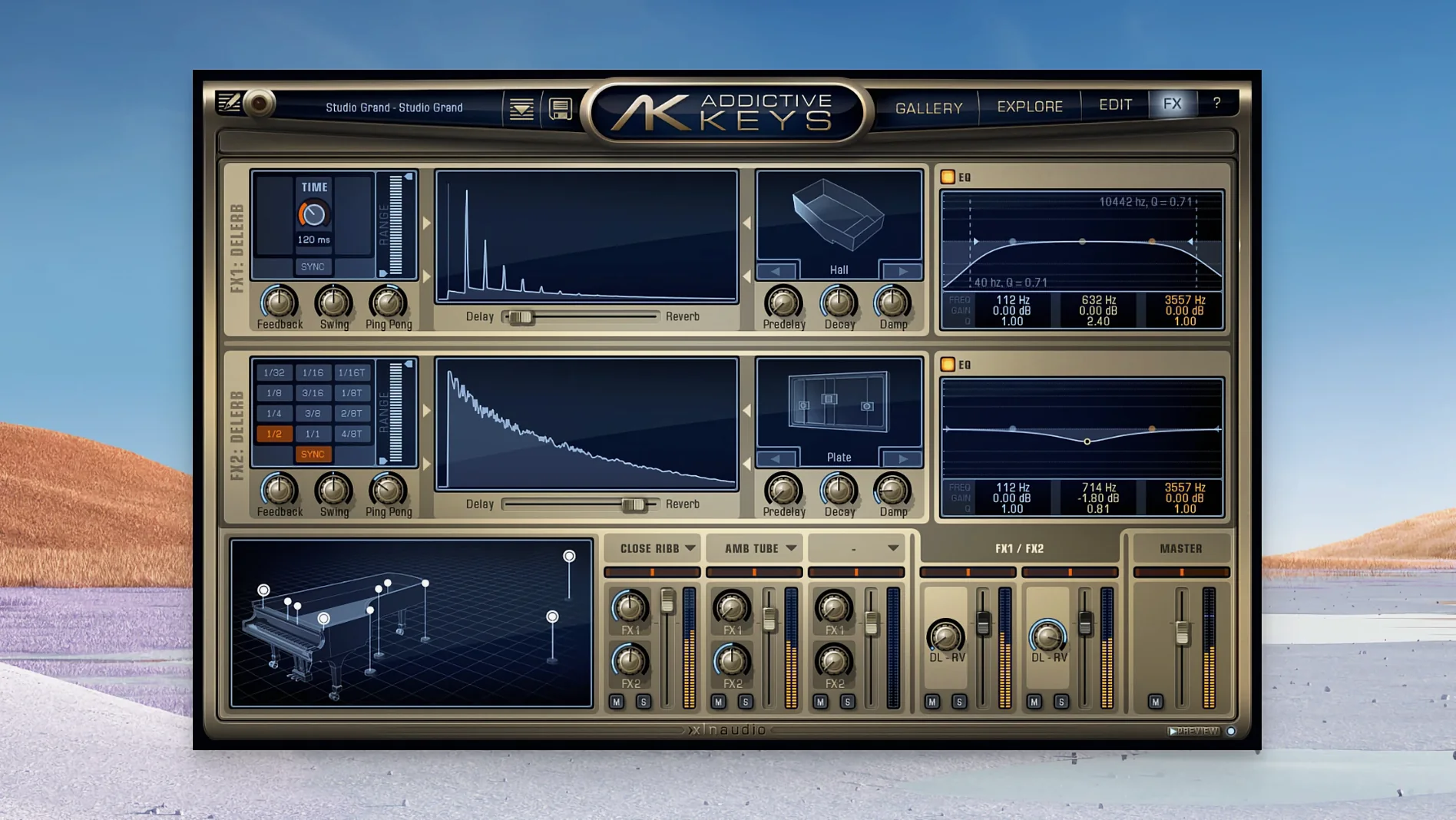
One thing worth knowing: the convolution reverb section can spike CPU briefly when you change presets. It’s not a bug, just the engine rebuilding the impulse response. If you’re tracking with a low buffer size and switching patches mid-session, bump it to 128 samples and the spike disappears.
A Sound Already Sitting in the Mix
Songwriters who need a finished sound fast. You load the Modern Upright, pick a preset, and it’s already sitting in the mix where a dry sample library would need three plugins to catch up. That speed matters when you’re chasing an idea.
Bedroom producers working on headphones, because the mic-position mixer lets you dial in a sense of space without external reverb. Close-mic only for a dry, upfront tone; blend in the room mics for natural ambience that doesn’t sound like a plugin.
Keyboard players who care about response. The velocity mapping is detailed — not the three-layer approximation you get in flat-sounding romplers. If you ride the dynamics on a weighted board, the Mark One growls and barks the way a real Rhodes does when you dig in.
Mixing engineers who get sent MIDI piano parts. Drop Addictive Keys on the track, audition the four instruments with the part playing, and commit. It’s faster than reworking a poorly recorded DI piano, and the sound holds up against libraries triple the footprint.
Anyone working on a machine with limited disk space — the footprint is refreshingly compact for the quality. Some piano libraries demand 20 GB per mic position; Addictive Keys keeps things lean without sacrificing the low end or resonance detail. That matters on a 256 GB MacBook where every gigabyte is accounted for.
If you’ve been making do with stock DAW pianos and wondering why they feel stiff and sound plasticky up close, the jump is immediate. The addictive keys engine isn’t trying to be a deep sound-design environment — it’s a focused instrument, and that focus pays off in minutes, not hours.
- macOS 10.13 or newer
- Apple Silicon or Intel 64-bit processor
- VST, AU, or AAX-compatible host
Questions I actually get
Does Addictive Keys work on an M1 or M2 Mac?
Yes. Version 1.7.3 includes native support for both Apple Silicon (ARM) and Intel 64-bit architectures on macOS 10.13 and later.
Notes from the edit bay · 0
Sign in or get an edit-bay pass to leave a note.
No notes from the edit bay yet. They go up after I read them.