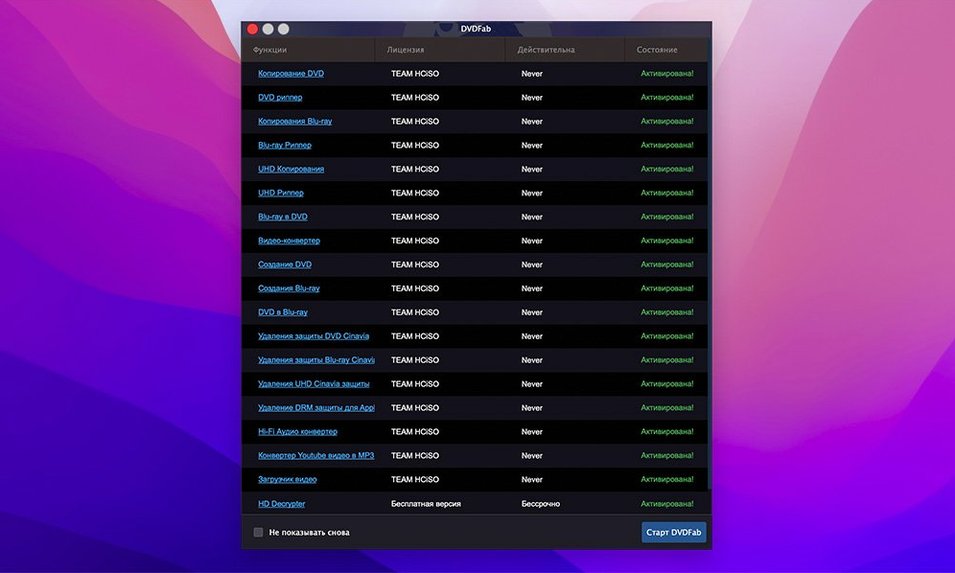
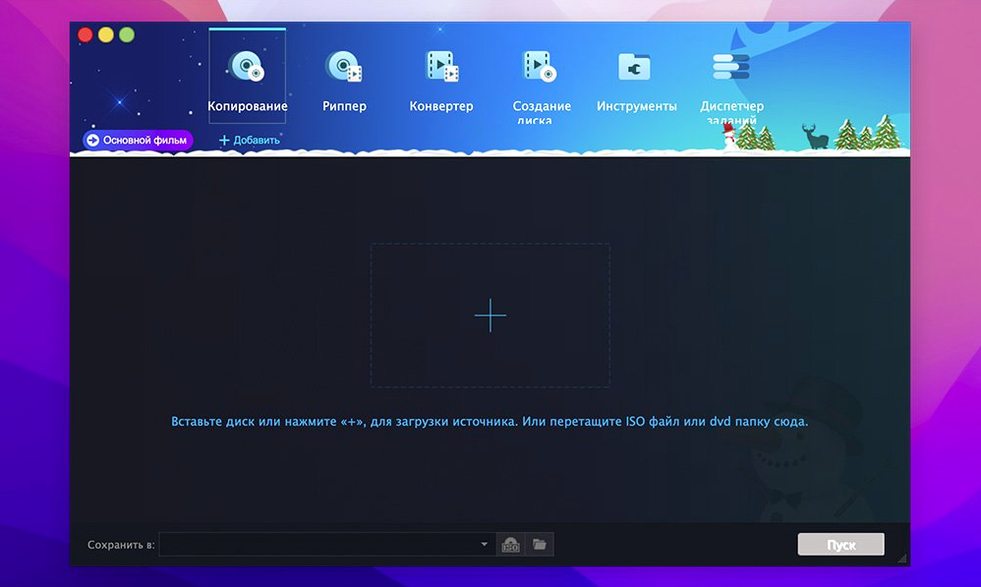
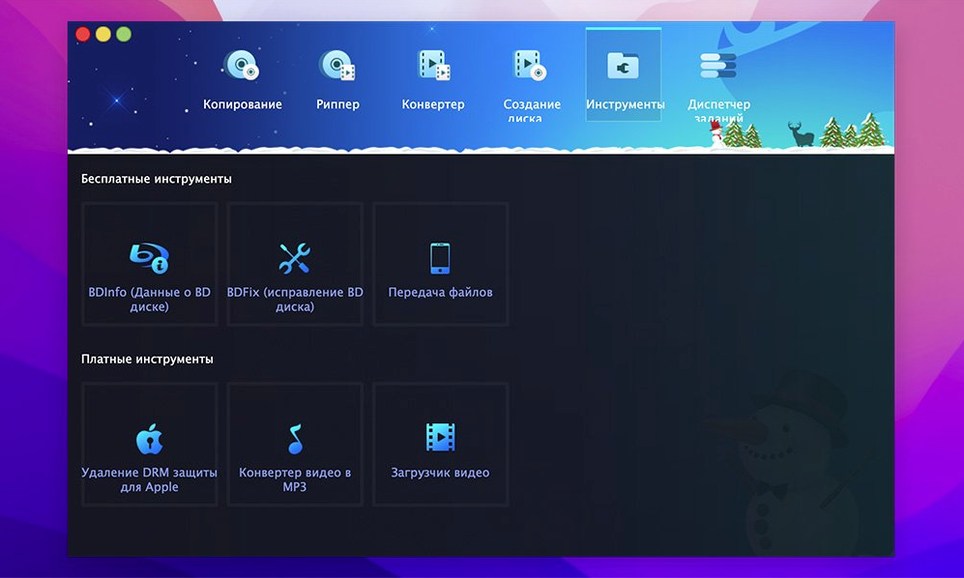
DVDFab is a disc swiss-army knife that puts backup, ripping, burning, and authoring under one roof. For a Mac editor, it's less about replacing Final Cut and more about handling the physical media that still shows up in client briefs and archive boxes. It runs natively on Apple Silicon and Intel Macs.
- Full disc cloning — makes a bit-for-bit copy, menus and trailers included, so an archival master stays exactly as the director signed off.
- Main Movie extraction — grabs just the feature and ignores the extras. Clean feed for a quick reference clip or a re-edit.
- Custom DVD authoring — pick specific titles, keep the original menu, or merge clips from multiple sources onto one disc. Handy for dailies reels.
- Eight copy modes — from a straight 1:1 clone to merge, split and data-writing options. Split a DVD-9 across two DVD-5 discs, or write straight to dual-layer media.
- Media support — DVD-5, DVD-9, DVD±R/RW and DVD±R DL, NTSC and PAL, so the stack of blanks in your drawer still has a job.
Where a transcoder like HandBrake gives you a file, DVDFab gives you a disc. That distinction matters when the deliverable is a physical screener or a car deck test. It needs OS X 10.10 or later, which means even the old Mac mini in the machine room can run it, and the interface comes in 26 languages.
Choosing Full Disc When You Only Need the Main Movie
The most common one I see: choosing Full Disc when they really want Main Movie. Full Disc copies everything — FBI warnings, studio logos, three alternate-language title cards — and delivers a 7.8 GB folder that won't fit on a standard DVD-5 blank. The app won't stop you. It'll just throw a size warning right before the burn, and then you're scrambling to switch modes and re-rip.
Another rookie move is ignoring the region code setting on import. A PAL disc from a UK box set reads fine on the Mac's drive, but if the output preset still says NTSC, the frame rate gets mangled. DVDFab doesn't guess — it leaves that choice to you. For a music video client who ships to both London and Austin, I keep two presets saved and label them clearly.
Beginners also tend to trust the default output path, which dumps everything into the Documents folder. After two DVD-9 rips, that's 15 gigs of VIDEO_TS folders you'll forget to clean up. Point it at a dedicated scratch drive from day one. The preferences panel lets you set it once, and it sticks.
Lastly, the Clone mode isn't a backup button — it clones the raw disc structure, protections and all. If the source has unreadable sectors, the clone inherits them. For a clean working copy, use Full Disc or Main Movie instead. Clone is for forensic archives, not everyday copies.
Turning a Spindle of 2008 DVD-Rs into ProRes Sources
Corporate video editors with archive libraries. I've lost count of how many times a client has handed me a spindle of DVD-Rs from 2008 and asked for "the raw footage." DVDFab turns those discs into usable ProRes sources faster than babysitting a tape deck. The Main Movie mode strips out the DVD menu cruft that some old authoring tools baked in, so I'm left with just the video stream.
Musicians and DJs who burn reference discs. A car stereo test is still a real step in a mix approval chain, and burning an audio DVD or a video montage to a disc that plays in any deck matters. The Write Data mode accepts an ISO or a VIDEO_TS folder straight from the timeline export, no extra authoring tool needed.
Anyone with a Mac that still has a SuperDrive. The minimum OS requirement is 10.10, which means DVDFab runs on machines HandBrake dropped support for years ago. That old iMac in the corner can become a dedicated ripping station, and the interface doesn't punish you for it.
From a Smudged DVD-R to a ProRes File and Backup Disc
Last Tuesday, a producer dropped off a DVD-R of behind-the-scenes footage. Single disc, label smudged, no case. I needed a ProRes file for the edit and a backup disc because the original looked like it had been used as a coaster.
1. Load the disc and read the structure. I opened DVDFab, and the source pane populated in about 15 seconds — it read the disc, parsed the IFO files, and showed me the title list. One main title, 42 minutes, plus two short bonus clips. No errors, no unreadable sectors. Good start.
2. Rip to ProRes. Switched to the Ripper module, picked the main title, and set the output profile to a custom ProRes 422 preset I'd saved a year ago. Destination: an external SSD with the project name. Hit Start. The progress bar crawled for about 12 minutes, and I grabbed coffee. Output was a clean .mov with embedded timecode — ready to drop into Final Cut.
3. Burn a safety copy. While the rip ran, I loaded a second instance of DVDFab (yes, it lets you do that), switched to Copy mode, and chose Full Disc. Dropped a blank DVD-R into the drive, confirmed the target, and queued it. By the time the rip finished, the burn was at 60%. Total elapsed time: maybe 20 minutes, and I had a digital master and a physical backup.
That's the workflow I keep coming back to — disk in, two outputs, no babysitting. The software queues tasks sensibly, and the progress bars don't lie.
When a Scratched Disc Stalls the Reader for Minutes
Version 12.0.8.2 tightened up the disc-reading engine. On previous builds, a scratched disc with a marginal IFO file could stall the reader for minutes before throwing an error. Now it falls back to a raw sector scan faster — not perfect, but I've salvaged three discs this month that would have been coasters a year ago.
The Apple Silicon native support, which arrived in the 12.x branch, isn't just a checkbox. On an M1 Max, a DVD-9 rip that used to peg the CPU for 25 minutes on Rosetta now finishes in under 15. The app runs cool, and the fans stay quiet. That matters when you're ripping a six-disc box set in one sitting.
Also fixed: the batch queue no longer forgets custom output paths when you switch between Copy and Ripper modules. A small thing, but if you've ever set up five discs, walked away, and come back to find everything in the wrong folder, you'll appreciate it. The merge function handles mixed PAL/NTSC sources more gracefully now, too — it inserts a frame-rate conversion step instead of rejecting the job outright.
One quiet improvement I noticed: DVDFab remembers the last-used output profile per module. So my Ripper stays on ProRes, and my Copy module stays on DVD-5. I'm not clicking the same dropdown forty times a week anymore. That's the kind of polish that tells me the developer actually uses their own software.
- macOS 10.10 or later
- Apple Silicon and Intel (64-bit)
- DVD drive (external for most modern Macs)
Notes from the edit bay · 0
Sign in or get an edit-bay pass to leave a note.
No notes from the edit bay yet. They go up after I read them.