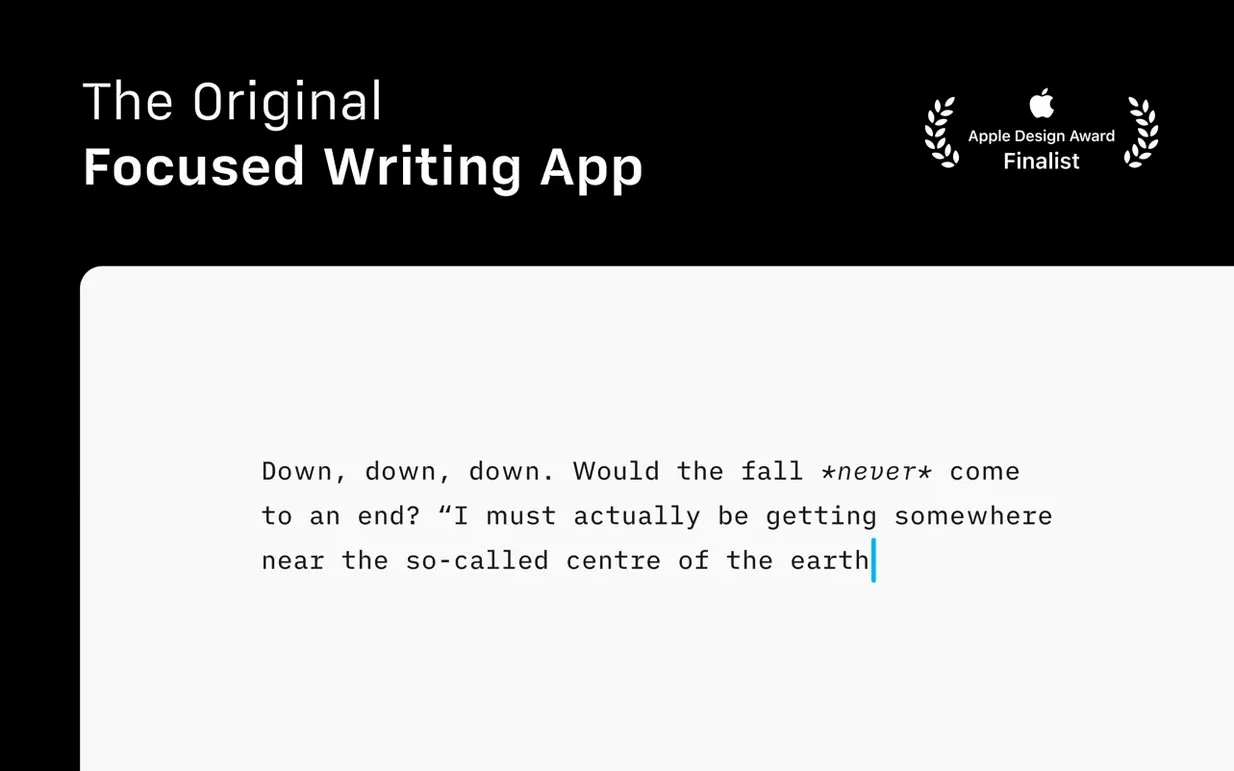
If you know TextEdit, you know the blank-slate appeal of an app that just lets you type. iA Writer starts from the same instinct but builds a complete Markdown publishing chain around it, without turning into a control-panel monster. The writing surface still feels like a quiet room, but under the hood, version 8 adds speed lanes for anyone who structures long-form text.
What version 8 changes
- Command Palette. Hit a shortcut and a searchable command bar drops down. Format text, switch export targets, or tweak authorship settings without touching a menu.
- Document Outline with Quick Search. Headings become a navigable sidebar. Type to filter sections and jump straight there — a real time-saver in a 4,000-word draft.
- Refreshed interface. The chrome adapts to the latest macOS conventions while keeping the same low-distraction bones.
Also fixed: a handful of small bugs that could trip up cloud-library sorting and preview rendering.
What never changed
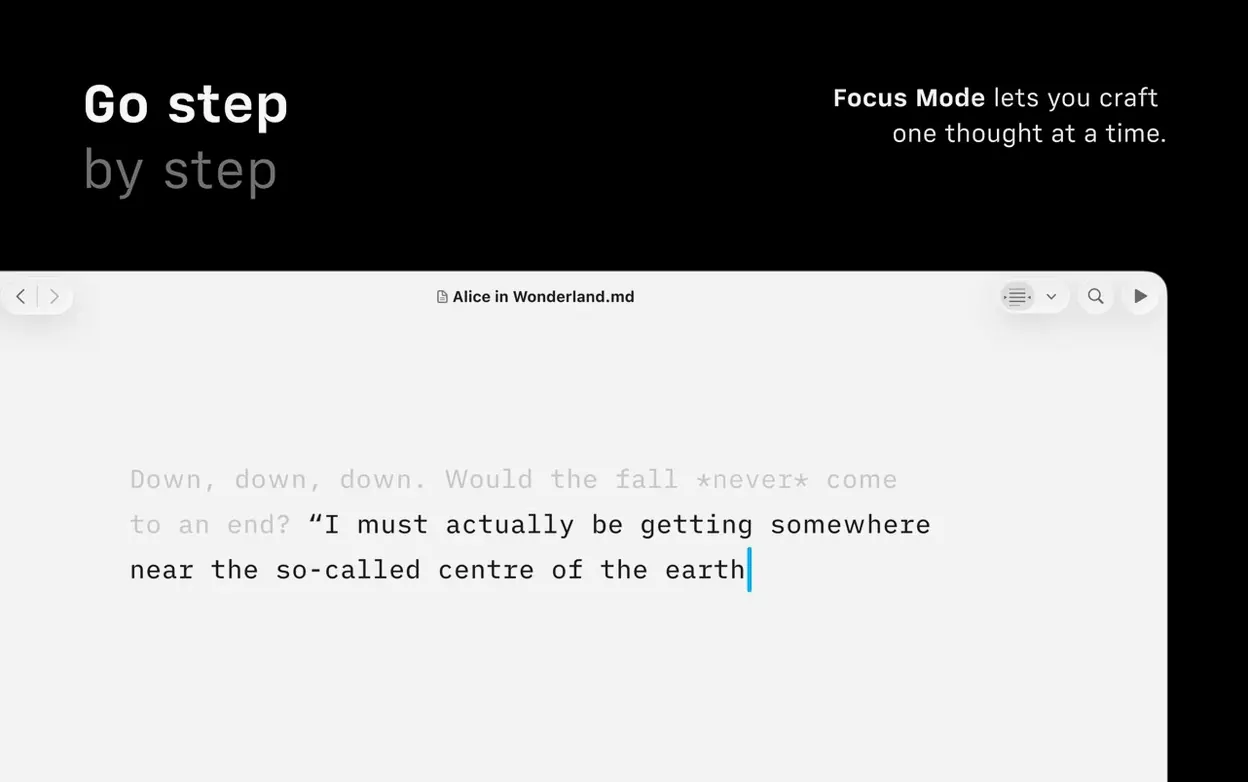
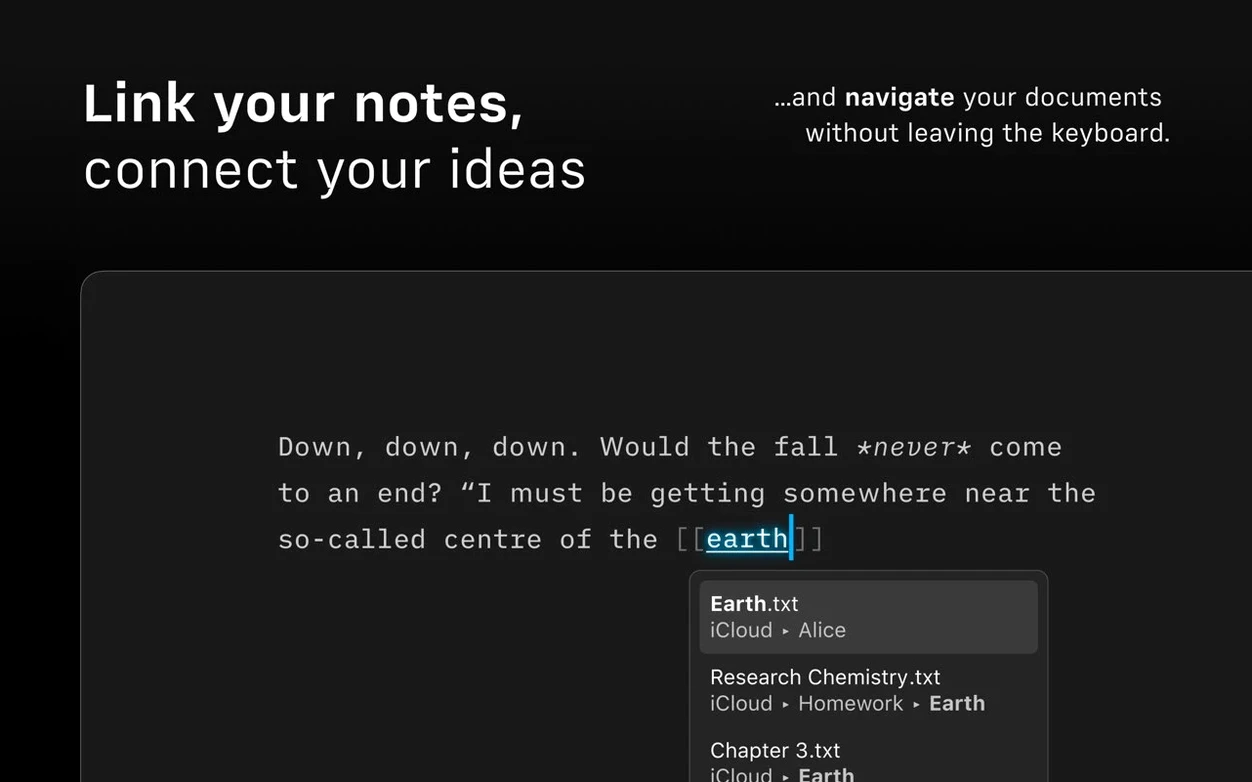
Focus Mode still dims everything but the sentence or paragraph you’re working on. Light and dark appearances follow the system setting. The preview pane formats links, images, and tables live, and the export engine still turns a single Markdown file into HTML, PDF, or a clean DOCX without fuss. VoiceOver support, cross-cloud search in one window, and automatic HTML conversion for quick viewing all remain in place. It’s the same writing tool that trusts you to handle the words while it handles the output.
Launching Cold on a Deadline Without a Beach Ball
iA Writer isn't the kind of app where you watch a beach ball and wonder if you remembered to save. The native build on Apple Silicon launches in a blink, and even a library stuffed with a couple hundred Markdown files opens without a stutter. Memory pressure stays low — on an editing day with music playing, a browser open, and a 5,000-word chapter in the window, the app rarely climbs past 180 MB of RAM.
Where you really feel the speed is in the Command Palette. Tapping ⌘⇧P and typing "pdf" fires off an export faster than finding the menu item by hand. The Document Outline keeps up with live edits: add a heading, and it appears in the sidebar before you've finished the line. Batch exports are missing, so converting ten chapters to DOCX means ten trips through the palette, but for single-document workflows it never gets in the way.
Stability has been uneventful in the best sense. The 8.0.9 build hasn't crashed once across long sessions, and the autosave engine writes to iCloud without corrupting a file. If you're working from a iA Writer Mac download that landed on your desktop through a torrent, the app behaves identically — no phone-home slowdowns, no background processes that spike the CPU.
Small conveniences worth stealing
Some of the smartest features don't announce themselves. A few I keep reaching for:
- Typewriter scrolling. The current line stays vertically centered as you type. It sounds minor, but after an hour your neck notices you're not craning toward the bottom of the screen.
- ⌘⌥F for Focus Mode. The dimming is instant and the transition doesn't animate, so you don't lose half a thought waiting for the effect.
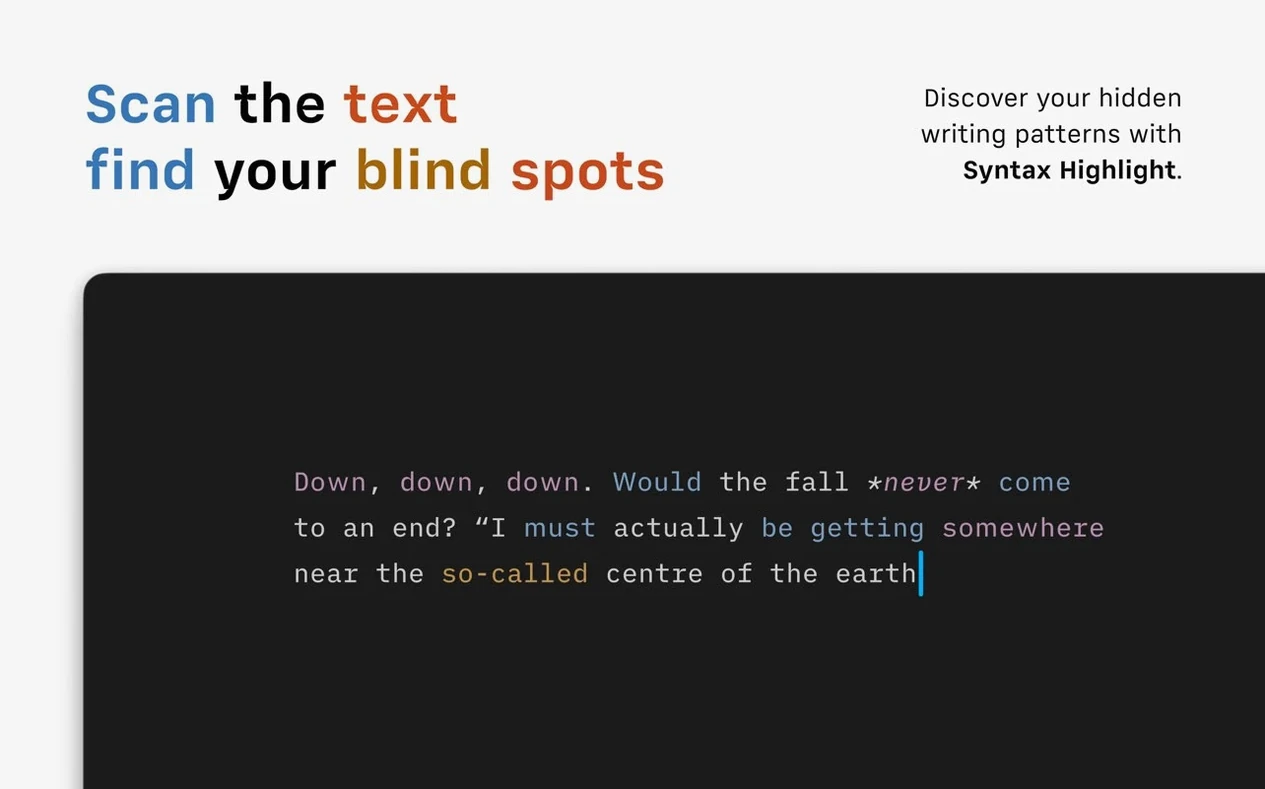
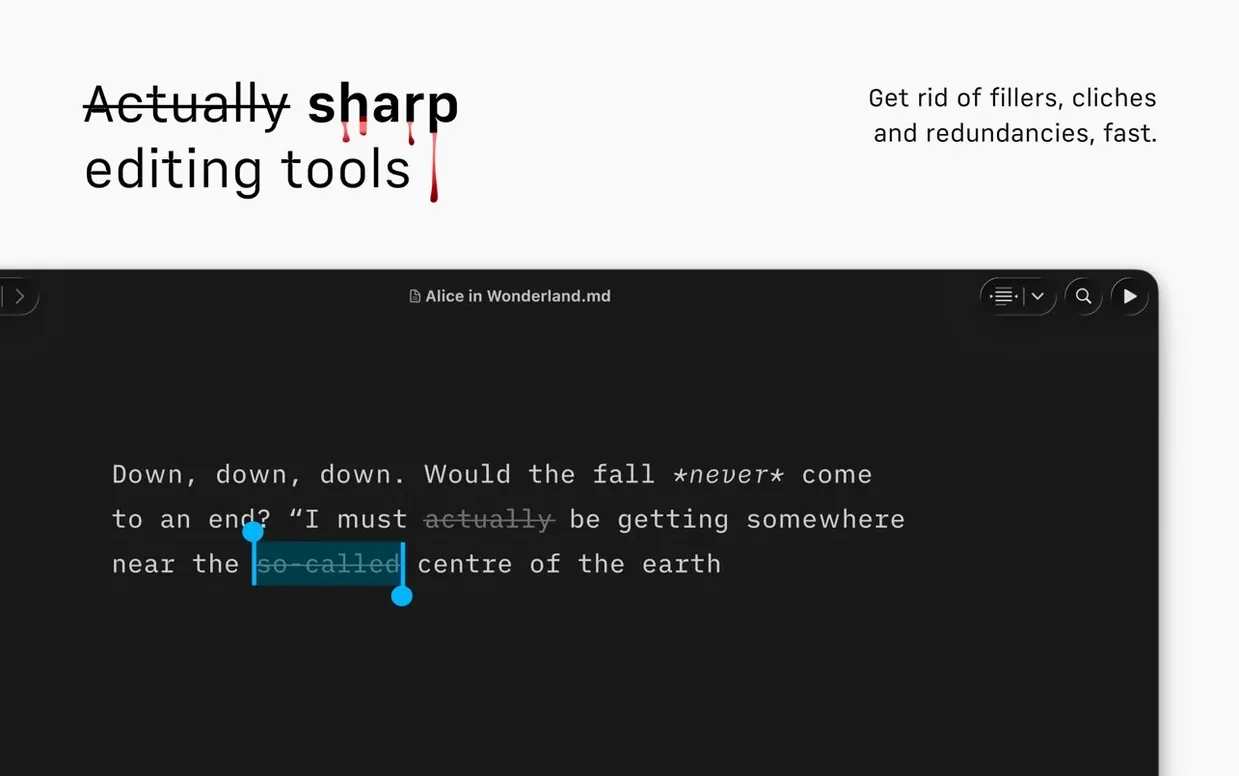
- Syntax Control on a toggle. Highlighting weak verbs and repeated nouns can feel like a writing tutor breathing down your neck. Flick it off with one click in the status bar when you want flow, back on when you're editing.
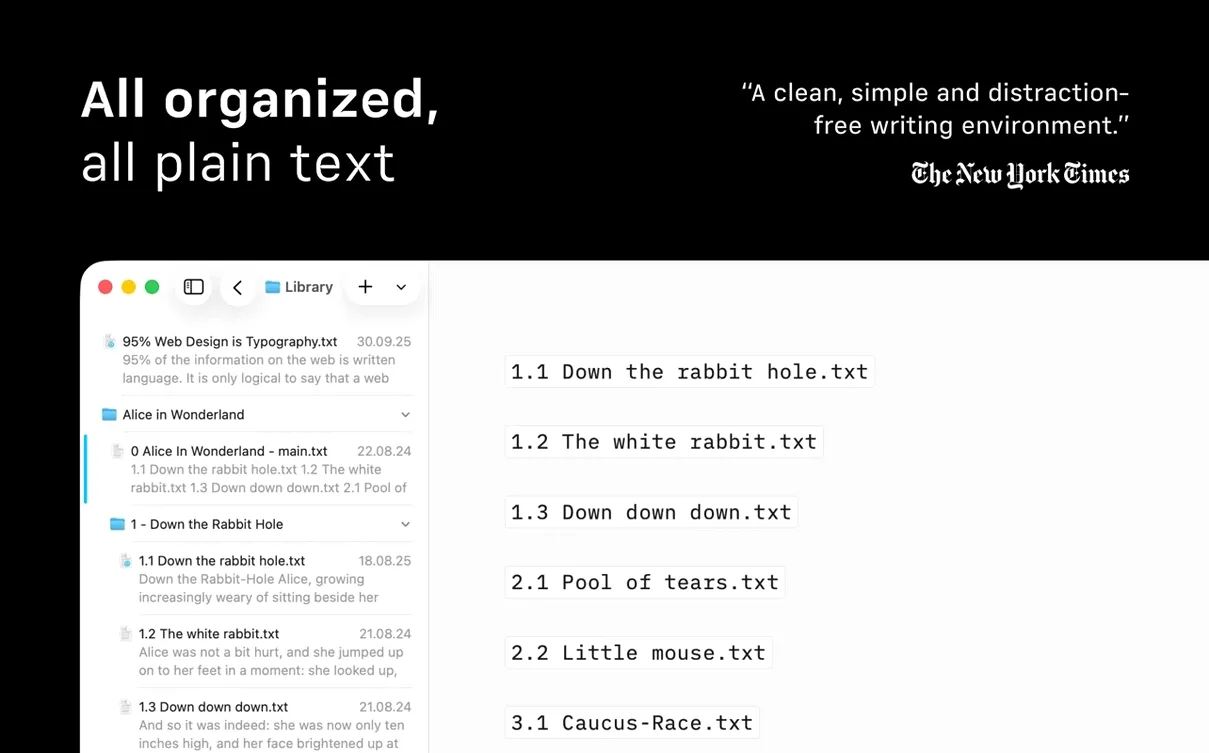
- Library compact view. Hide the dates and text previews, and the file list becomes a tight, scannable column. Great when the folder has 40 drafts of the same chapter.
- Direct publishing drafts. Send to WordPress or Medium as a draft, not a live post. Lets you check formatting on the platform without the cold sweat of publishing prematurely.
If you grabbed an iA Writer crack and skipped the manual, you'd miss half of these — they live in keyboard shortcuts and tiny interface toggles, not in a splash screen tour.
Pasting Rich Text and Expecting a Word Processor
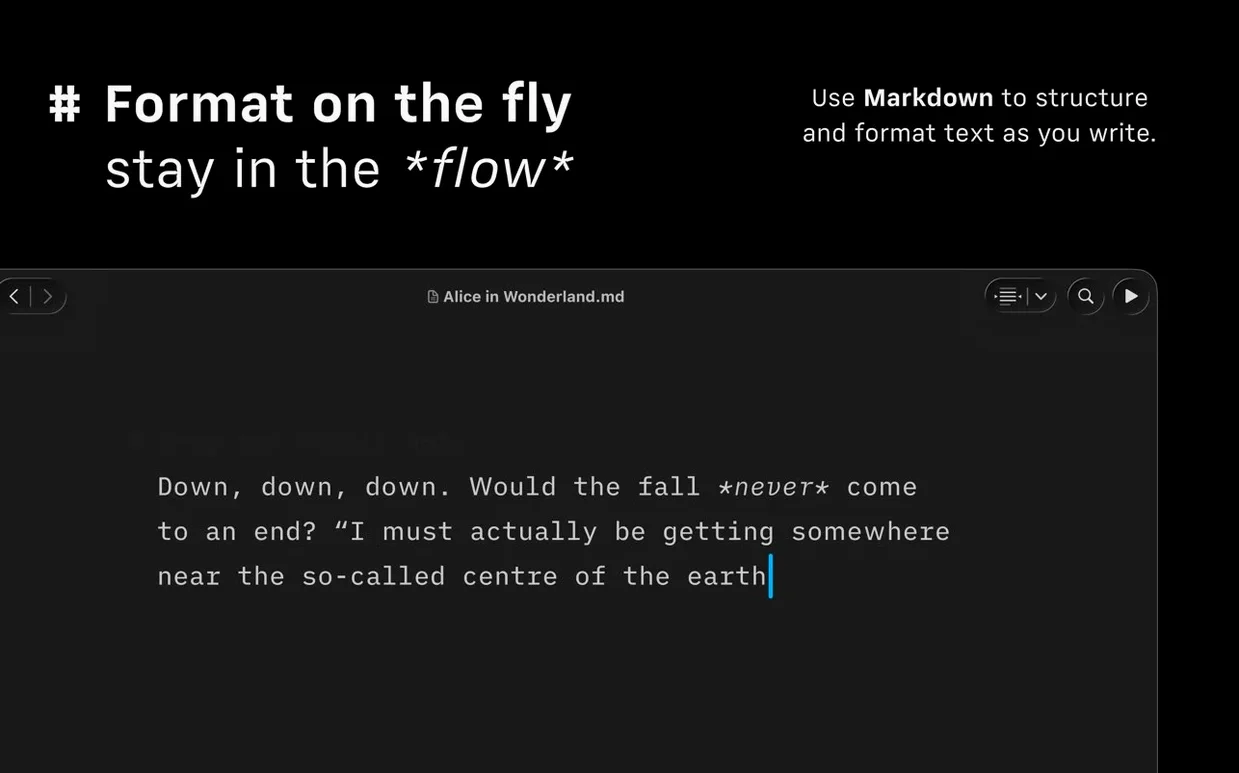
The biggest beginner mistake is treating iA Writer like a word processor. There's no ruler, no font picker, no paragraph-spacing slider. People who paste rich text from Pages and expect it to look the same get frustrated fast. The app works in plain Markdown, and formatting lives in the characters you type, not in a toolbar. Learn the syntax or stick to the preview pane for sanity checks.
Another trap: ignoring the Library organization. New users often dump every file in the root and then hunt by filename. Adding a few folders and favoriting the active project takes thirty seconds and saves a dozen squints at the sidebar per session. Cloud sources — iCloud, Dropbox — show up in the same unified list, but you have to add them manually from preferences. People assume they'll appear automatically and then assume the app is broken.
Export expectations also cause friction. The DOCX output is clean but deliberately plain — no decorative headers, no cover pages. If you need a designed document, export to Markdown or HTML and finish it elsewhere. Trying to make iA Writer the last stop for layout is a fight the tool isn't interested in winning.
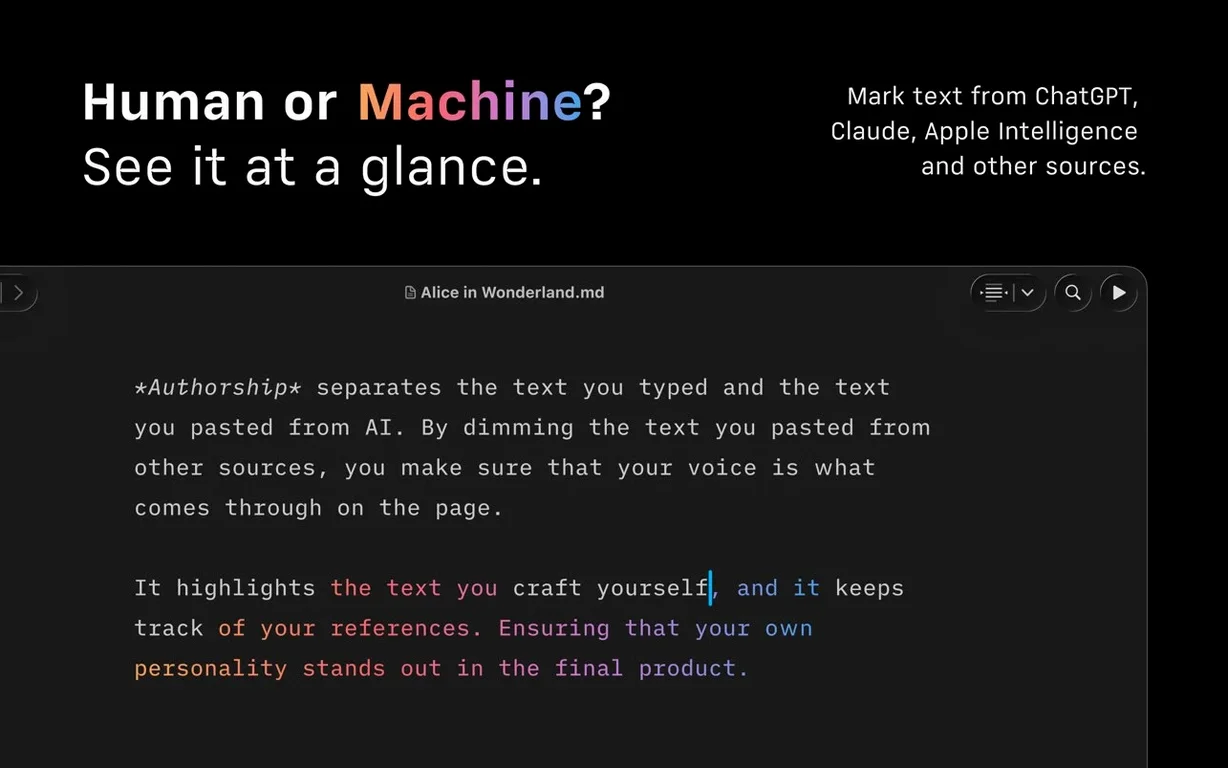
Finally, Authorship colors confuse teams at first. Every contributor gets a color-coded cursor, but the colors don't mean anything until you enable the feature and assign names. Without that step, it's just a muted rainbow in the menus. A quick trip to the palette clears it up.
You can work around all of these inside ten minutes. The app rewards a little setup time, and once the muscle memory kicks in, you stop thinking about the tool and just write — which is exactly the point.
Version 8.0.9 ships a refined interface built for macOS 10.15 and later, a Command Palette that puts formatting and export actions into a searchable overlay, and a Document Outline with Quick Search for jumping between sections. Also fixed: a few small bugs.
- macOS 10.15 Catalina or later
- Apple Silicon or Intel 64-bit Mac
Notes from the edit bay · 0
Sign in or get an edit-bay pass to leave a note.
No notes from the edit bay yet. They go up after I read them.