
If you've ever built a client-facing PDF in Final Cut's share menu, you know the pain of rigid templates. GrandTotal swerves the other way — it's layout-first, built for the back-and-forth of estimates and invoices.
Estimate — a priced scope you send before booking a week-long edit.
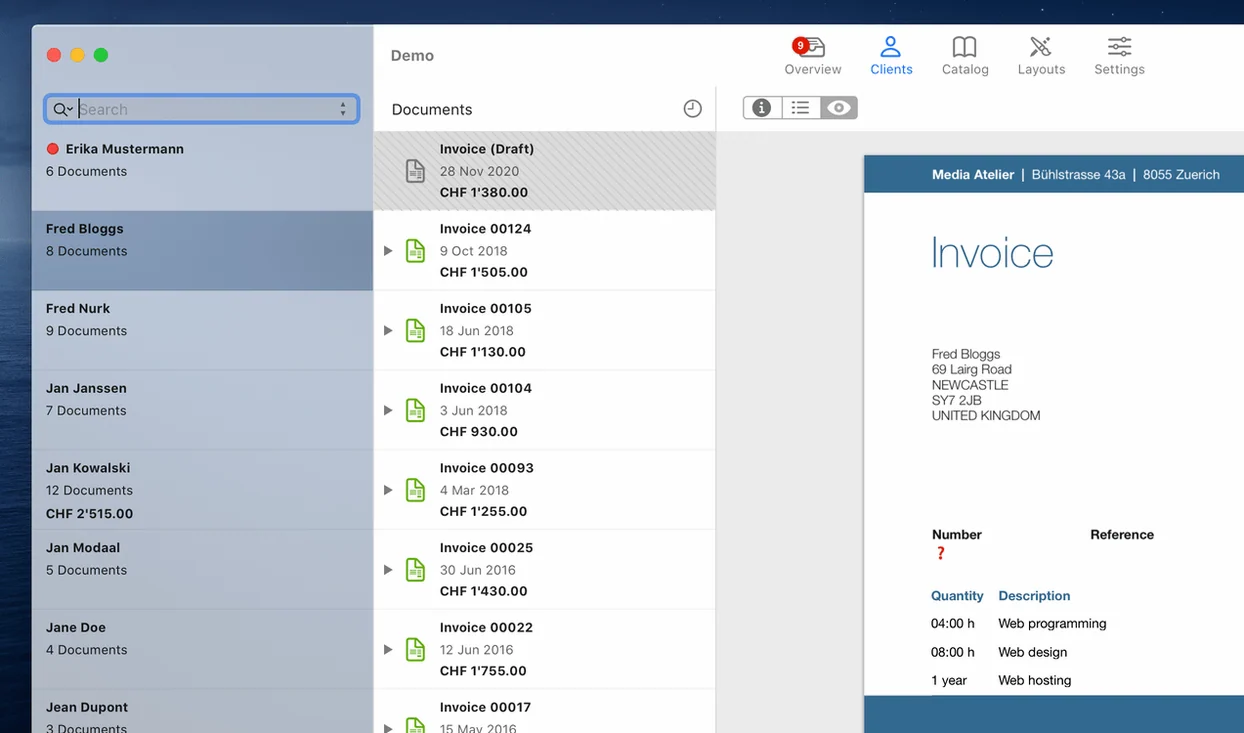
Invoice — what you send after the final ProRes export and the client's thumbs-up; GrandTotal converts estimates into invoices without re-typing a single line item.
Template — your own look, not a stock theme. Drag your logo in, set column widths, pick the font your LLC actually uses. The canvas feels like Pages, but the math is automatic.
TimeLog tie-in — if you track hours in TimeLog, GrandTotal pulls them straight into line items. No double-entry when you're already bleary-eyed from a color grade.
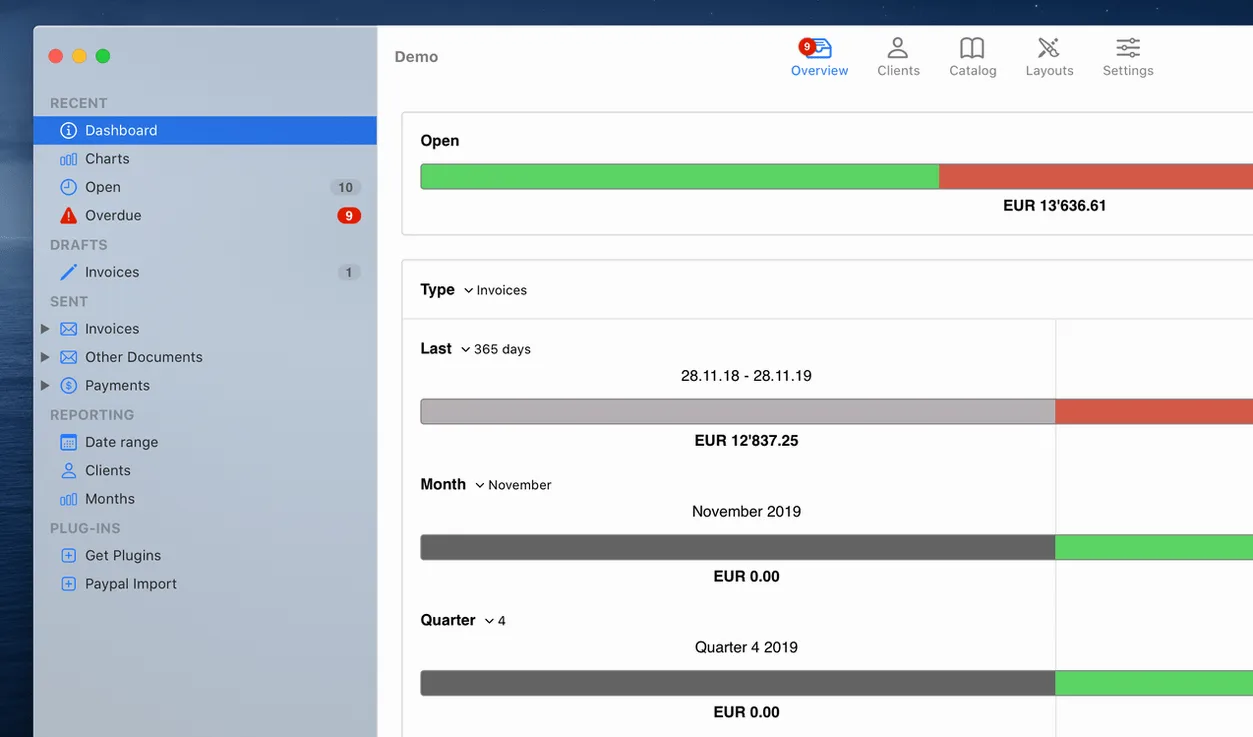
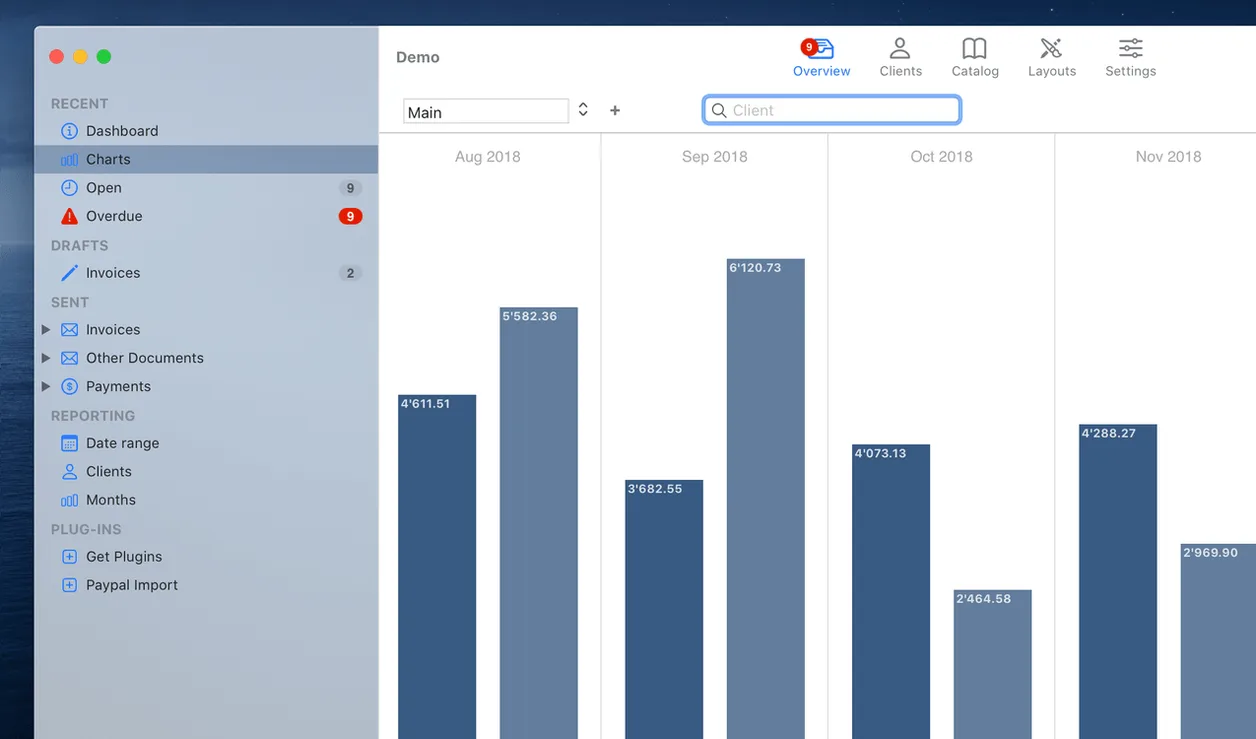
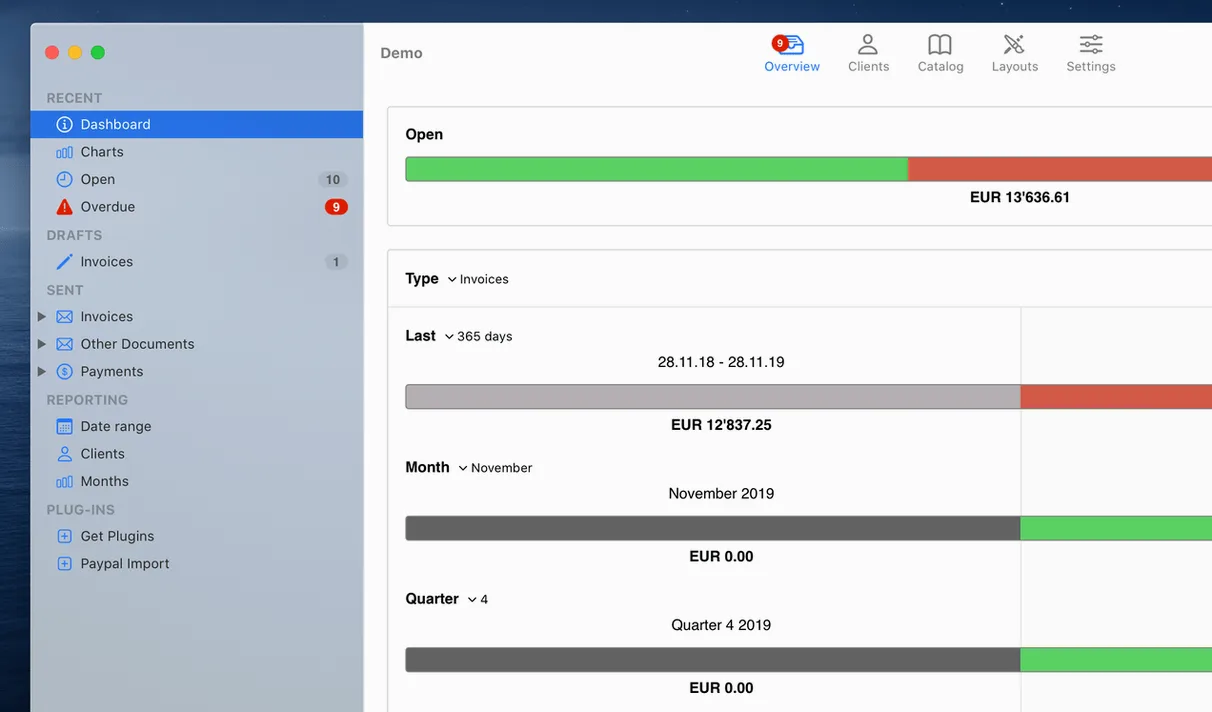
Stats — a chart view that plots this month's billing against last quarter's. Useful when you're deciding whether to take that rush gig or hold your rate.
Assign Your Default Template Before Draft One
The defaults are sensible, but a few tweaks make the app feel like it was built for your workflow. Hit GrandTotal > Settings before you draft your first document.
Default template. The app ships with a clean starter layout, but you want your own set as the fallback. Under the General tab, point “Default template” to the one you customized with your logo and payment terms. Every new invoice then picks it up without extra clicks.
Payment terms text. “Net 30” means nothing if the client ignores it. I swap the footer placeholder for something direct: “Due {{due_date}} — late payments accrue 1.5% monthly.” The template editor handles the {{due_date}} tag without fuss.
Numbering scheme. The sequential counter starts at 1 unless you change it. If you already have a client-facing system (say, 2025-042), set the next number and prefix under Invoice Numbering. Clients notice consistency here.
Freelancers Who Bill in Bursts and Dread Rekeying Estimates
GrandTotal clicks hardest for solo operators who bill for time and deliverables in bursts — video editors, motion designers, audio post people. The Estimate-to-Invoice conversion alone cuts 20 minutes of retyping per project. If your income comes from a handful of recurring clients with varying scopes, the template-per-client trick (save a layout with their PO field baked in) keeps every document looking right.
Small studios benefit too, especially if somebody besides the creative handles billing. The stats view gives a partner or office manager a fast read on receivables without opening a spreadsheet. And because the app stores everything locally, there's no cloud-login dance when you just need to reprint last month's invoice during a coffee run.
It's less useful for businesses that need multi-currency line items inside a single document or inventory tracking — that's not the lane GrandTotal picked, and the feature set doesn't pretend otherwise.
Reconnecting TimeLog When macOS Pulls Its Permissions
TimeLog data won't pull in. The connection between the two apps can break after a macOS update revokes automation permissions. Open System Settings > Privacy & Security > Automation and confirm GrandTotal has a checkmark next to TimeLog. If it's already checked, uncheck it, quit both apps, then re-enable it. That forces a fresh permission prompt.
Template text blocks shift when printing. The template editor uses absolute positioning, and a hidden margin conflict can nudge your address block off-center. Select the text field, open the Geometry inspector, and lock the X/Y coordinates. Then print a test page to PDF before sending anything to a client.
Overdue payment reminders feel aggressive. The default wording on the overdue notice is blunt. You can soften it in the template without losing the automatic flag — edit the “Overdue” state layout to say something like “A quick nudge on this one” instead of the stock phrasing. The red highlight stays, but the tone shifts.
For anyone digging deeper, you'll find the GrandTotal Mac torrent floating around editing circles — a fast way to grab the current build when you're setting up a fresh Mac. If you need the direct GrandTotal download, the disk image mounts clean and the app lands in Applications with a single drag.
- macOS 10.14 or later
- Apple Silicon or Intel Mac
- Interface language: English
Questions I actually get
Can GrandTotal turn TimeLog hours into an invoice automatically?
Yes. GrandTotal connects with TimeLog to pull tracked hours directly into invoice line items, so you skip manual entry.
Notes from the edit bay · 0
Sign in or get an edit-bay pass to leave a note.
No notes from the edit bay yet. They go up after I read them.