Over 7,000 citation styles ship in the box. That is the first number that matters when you stare at a manuscript deadline and realize your target journal wants a format you have never typed by hand. EndNote holds your references, kicks out the bibliography, and keeps the PDFs attached so you can actually find what you read six months ago.
| Key Detail | What You Get |
|---|---|
| Citation styles built in | 7,000+ |
| Word & Google Docs | Direct plug-in integration |
| Desktop library sync | EndNote Web, PDFs, notes, annotations |
| Library restore | Pull back from the cloud |
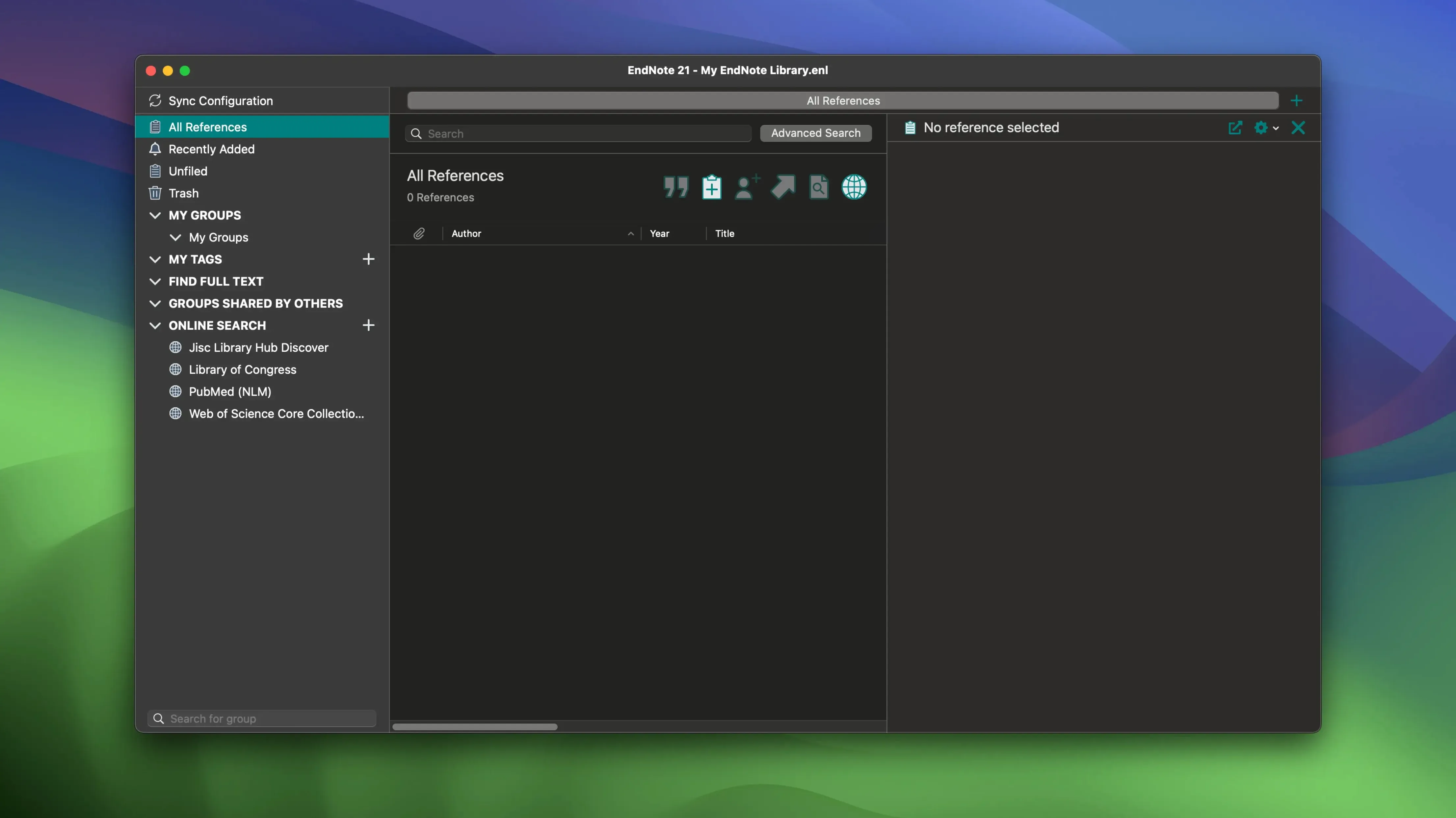
The desktop app is the hub. You import references from databases, drag in PDFs, and highlight passages that matter. When you sit down to write, a floating toolbar inside Word or Google Docs lets you drop citations as you type. At the end, one click formats the whole bibliography in whatever style the journal demands. The workflow itself is what saves the hours: find a source, store it once, cite it forever. Version 2025.3 tidies up a crash in Word that some writers hit when Select Matching References appeared, and it adds Simplified Chinese localization alongside the usual bug fixes. If you already live in a university library or a research lab, this is the quiet engine behind the paper.
What 2025.3 Actually Changes Day to Day
If you were on an earlier build, the Word crash was the kind of thing that made you save after every third citation. You would highlight a spot, hit Insert Citation, and the spinning beachball arrived right when Word tried to show the matching-reference list. That stopped being a random panic moment in 2025.3. The fix is quiet—you insert, the list pops up, Word stays up. No ceremony, just a distraction removed.
The Simplified Chinese localization is the other concrete shift. If your library mixes English and Chinese sources, the interface now follows along in a way earlier versions ignored. Menus, field labels, and dialogs switch without a separate language pack. For anyone pulling references from CNKI or working with co-authors who prefer that environment, it is less friction.
What did not change matters too. The sync engine still moves PDFs, notes, and annotations between desktop and EndNote Web, and the reference-restore feature still lets you roll back a single entry to a previous state without touching the rest of the library. Those are not new, but they make the crash fix feel like a patch on a system you already trust rather than a salvage operation.
When Cite While You Write Vanishes from Word
Cite While You Write goes missing in Word. This one shows up after a macOS update or a Word auto-update that shuffles templates. The fix is usually a quick re-run of the EndNote installer—it puts the add-in back where Word expects it. If that does not stick, check Word’s Tools > Templates and Add-ins dialog and make sure the EndNote bundle is not sitting in the disabled list.
Sync conflicts when two machines edit the same reference. EndNote handles this by keeping both versions and flagging the conflict in the sync log. Open the log, compare the timestamps, and decide which one wins. It is manual, but you will not lose data—just a few seconds of housekeeping.
PDFs detach from references after moving a library. If you drag your library folder to an external drive or a cloud-synced location without using the built-in File > Compressed Library command, the relative paths break. The quick recovery: open the library, select the orphaned references, and use References > File Attachments > Restore to point back to the PDF folder. Or just keep the library and its .Data folder together from the start.
Large libraries slowing down on launch. When you cross roughly 10,000 references with hundreds of attached PDFs, the initial load can feel sluggish. The biggest lever is turning off the automatic PDF indexing under Preferences > PDF Handling. You lose the full-text search inside attachments, but the library opens in seconds instead of minutes.
One Afternoon in a Doctoral Candidate’s Life
Maria is six weeks from her dissertation defense. Three chapters are solid; the fourth needs a literature review that pulls from eighty sources she collected across Zotero, a pile of emailed PDFs, and a spreadsheet she now regrets. She grabs an EndNote Mac crack so she can jump straight into the workflow her department's site license normally unlocks, bypassing the two-week wait for IT to sort out a budget freeze.
She opens EndNote and creates three group sets: Chapter 4 - Core, Methodology Comparisons, and Maybe Useful. The spreadsheet imports through the CSV filter; Zotero exports as RIS and lands with tags intact. PDFs drag straight onto the reference entries, and the auto-rename feature cleans up filenames so she can actually read them in Finder. By 3 p.m., she is inside Word, dropping citations from the floating toolbar, and the bibliography is formatting itself in APA 7th while she writes. The crash fix in 2025.3 means the matching-reference popup works when she searches by a fragment of an author name—something she does fifty times in one writing session. She finishes the draft at dinner, bibliography complete, no manual formatting anywhere. The tool did not write the chapter, but it made sure the citations did not become the reason she missed the deadline.
- macOS 10.14 or newer
- Runs on Intel and Apple Silicon Macs
- Interface language: English
Notes from the edit bay · 0
Sign in or get an edit-bay pass to leave a note.
No notes from the edit bay yet. They go up after I read them.