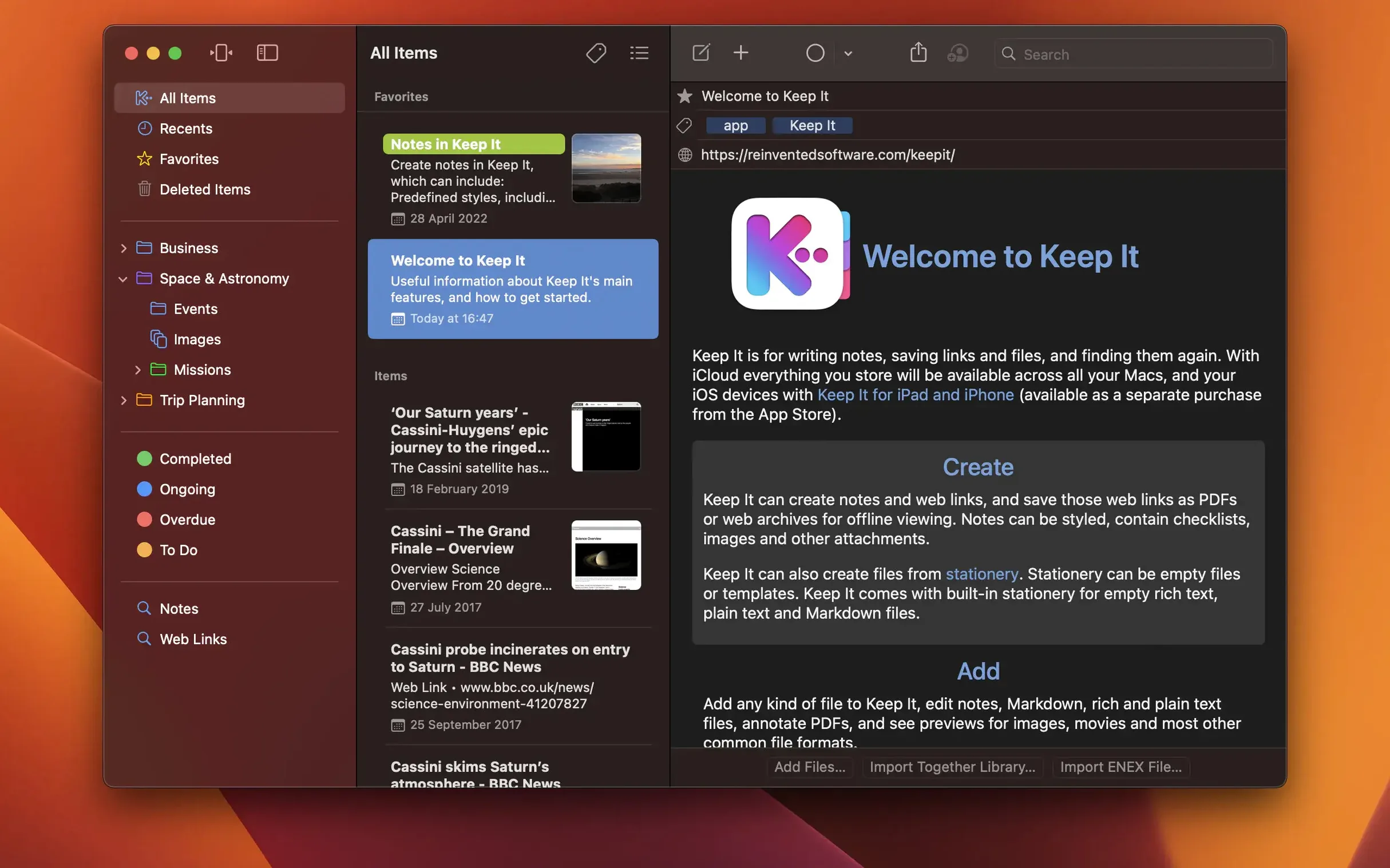
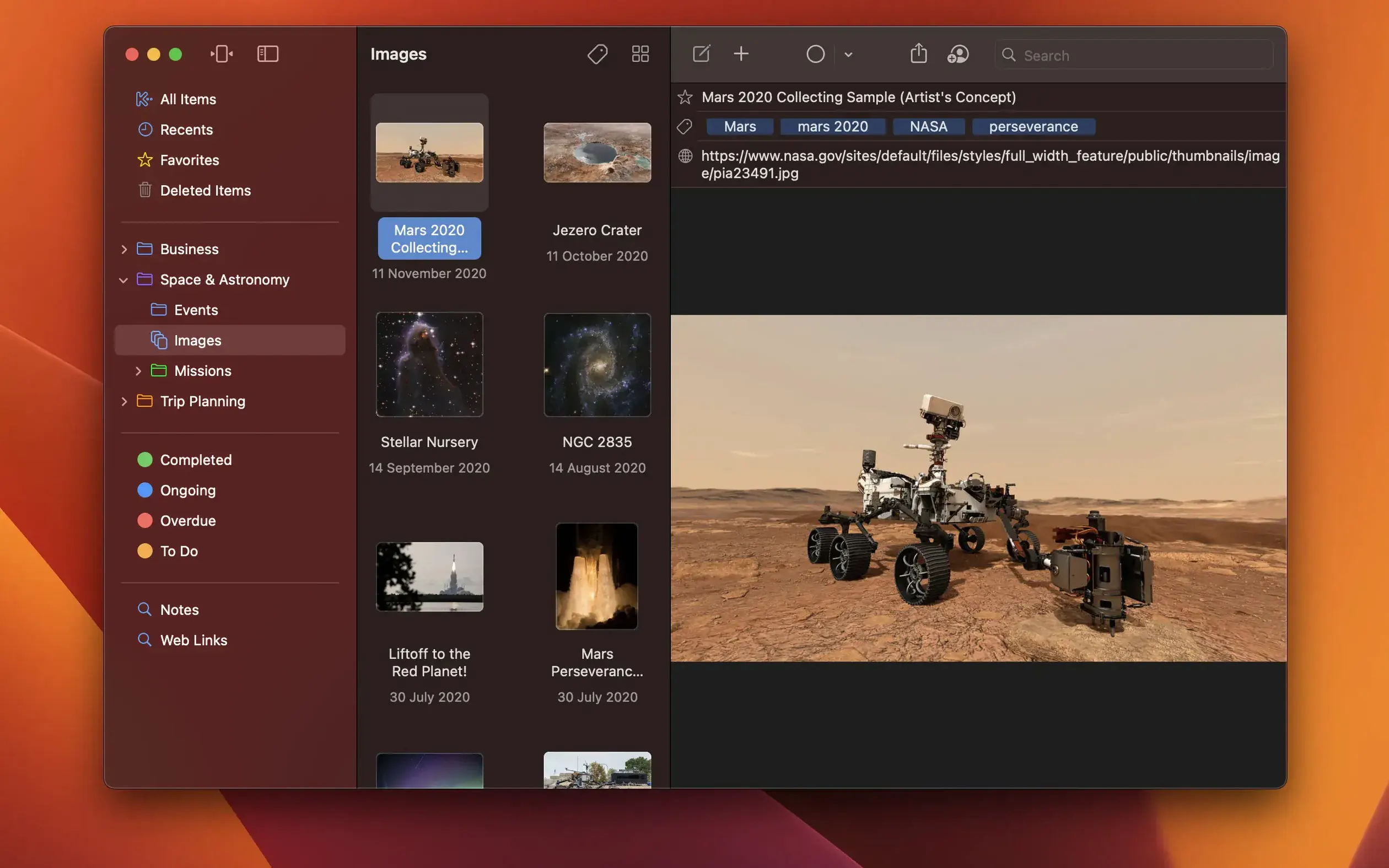
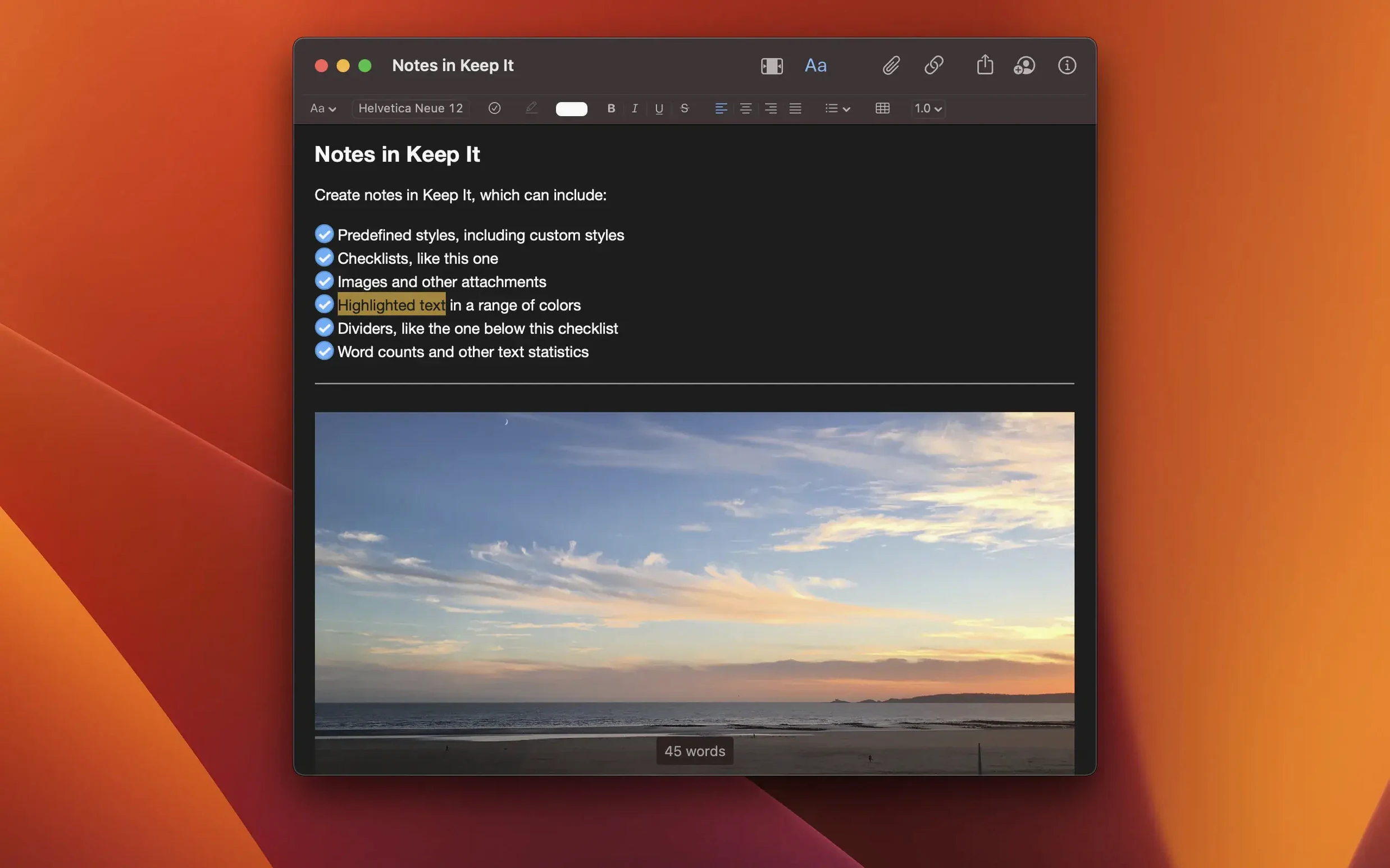
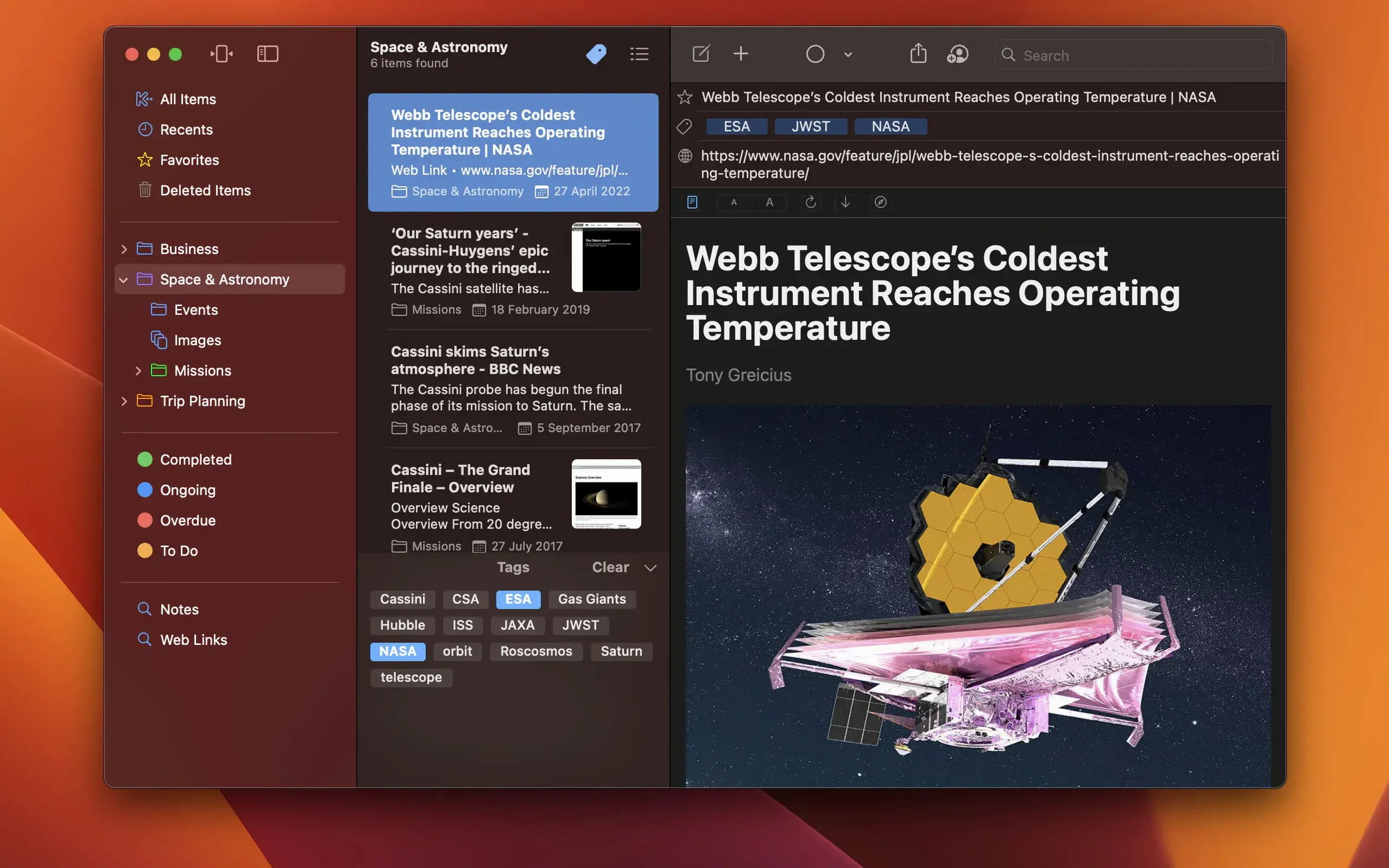
Keep It is a notebook, scrapbook, and document organizer that stores your notes, web links, images, and files as regular folders in the Finder. You don’t lock anything into a proprietary database. Every item lives in a standard macOS folder, so Spotlight can search your stuff, and you can add, rename, or delete files right from the Finder and see the changes reflected in the app.
Finder-Friendly Notebook That Leaves Your Files Alone
| What it does | How it fits your setup |
|---|---|
| Notebook & scrapbook | Edit rich text, plain text, and Markdown notes. Save web links, images, and documents alongside them. |
| Finder-based storage | Items are files and folders on disk. Use Finder to add, move, or delete, and Keep It stays in sync. |
| iCloud & multi-device | Store your library in iCloud and access it from the separate iPhone and iPad apps. |
| Tag filter & search | Combine tag filtering with Spotlight-level search and the selected folder list to narrow things fast. |
| Automation | AppleScript and Shortcuts support lets you script repetitive tasks. |
Where does it fit? If you already organize projects in Finder folders and want a lightweight front-end that adds note-taking, tag filtering, and Markdown editing without pulling your files into a silo, Keep It slides in between the Finder and a heavy database app. Password protection on any item and stationery-based file creation round out a tool that respects how macOS already works.
Will Keep It Swallow My Folders?
Does it force me to move my files into a library? No — that’s the whole point. Keep It reads from whichever folder you point it at. Your existing folder structure stays exactly as you left it. The app just layers notes, tags, and search on top. If you decide Keep It isn’t for you down the road, your files are still plain old files in Finder, not a database export project.
What happens when I add a file from another app? You can drag it in, use the Share extension, or save directly into the folder Keep It watches. The file stays where it is on disk. If it’s a format the app previews — PDFs, images, web archives — you see it inline. If it’s something else, you double-click and it opens in its default app.
How’s the iCloud sync in practice? Since everything lives as files, iCloud handles the heavy lifting the same way it syncs any folder. The separate iPhone and iPad apps read the same iCloud data. Share a top-level folder with another Keep It user, and they see additions and edits as they happen. No separate sync engine to troubleshoot.
Can I use it alongside Apple Notes or a full-blown PKM app? Absolutely. A typical setup might be: Apple Notes for quick capture on the phone, Keep It as the long-term project cabinet with tagged folders and bundled items, and something like Obsidian for heavy linked-note thinking. Because Keep It works with Finder-native files, nothing blocks you from pointing another app at the same folder.
Spotlight and Time Machine Play Nicely Here
Keep It sits in a narrow, useful crack between the Finder and a closed-format notebook. Spotlight indexes every item you add, so a search in the menu bar pulls up Keep It content alongside everything else. Time Machine backs up your library folder without any special handling — it’s just files. The compact mode collapses the sidebar and note list into a single column that feels like a focused writing pane, handy when you’re on a laptop screen.
The AppleScript and Shortcuts hooks are the sleeper feature. You can build a shortcut that saves a clipboard link as a new web archive in a specific folder, tagged and labeled, without ever opening the app. If you batch-process documents through a Hazel rule, Keep It picks up the changes because it watches the folder, not an internal state.
Pull Every "Interview" Tag Across Hundreds of Files
Researchers and writers who collect PDFs, web clippings, and scattered notes across months of work. The tag filter combined with full-text search means you can pull up every item tagged “interview” that mentions a company name, across hundreds of files, without building a complicated folder tree.
Freelancers juggling clients who want one folder per client containing invoices, briefs, and reference images. Labels add a color strip so you can scan a list and spot which projects are active. Bundles let an item live in “Current Projects” and “Client X” at the same time without duplicating the file.
Anyone moving away from Evernote who wants their data back under their own control. Keep It imports .enex files, and from that point forward, your notes are standard rich text or Markdown files in a folder you own. No export step needed if you switch away later.
Mac users who think in Finder — you already have a folder hierarchy that makes sense to you. Keep It respects it, adds a search layer and a clean writing surface, and gets out of the way when you don’t need it.
The latest release squashes several macOS 27-specific bugs. A crash when dragging mail messages into Keep It is gone. The search scope bar no longer shows stale info when a saved search is selected. List color icons and app icons now appear correctly in contextual menus and Open With menus. Finder display glitches that could show outdated information are fixed too.
Also fixed: an issue that could allow stale information to be displayed in the Finder.
- macOS 15 Sequoia or later
- Intel or Apple Silicon Mac
- Interface: English
Notes from the edit bay · 0
Sign in or get an edit-bay pass to leave a note.
No notes from the edit bay yet. They go up after I read them.