
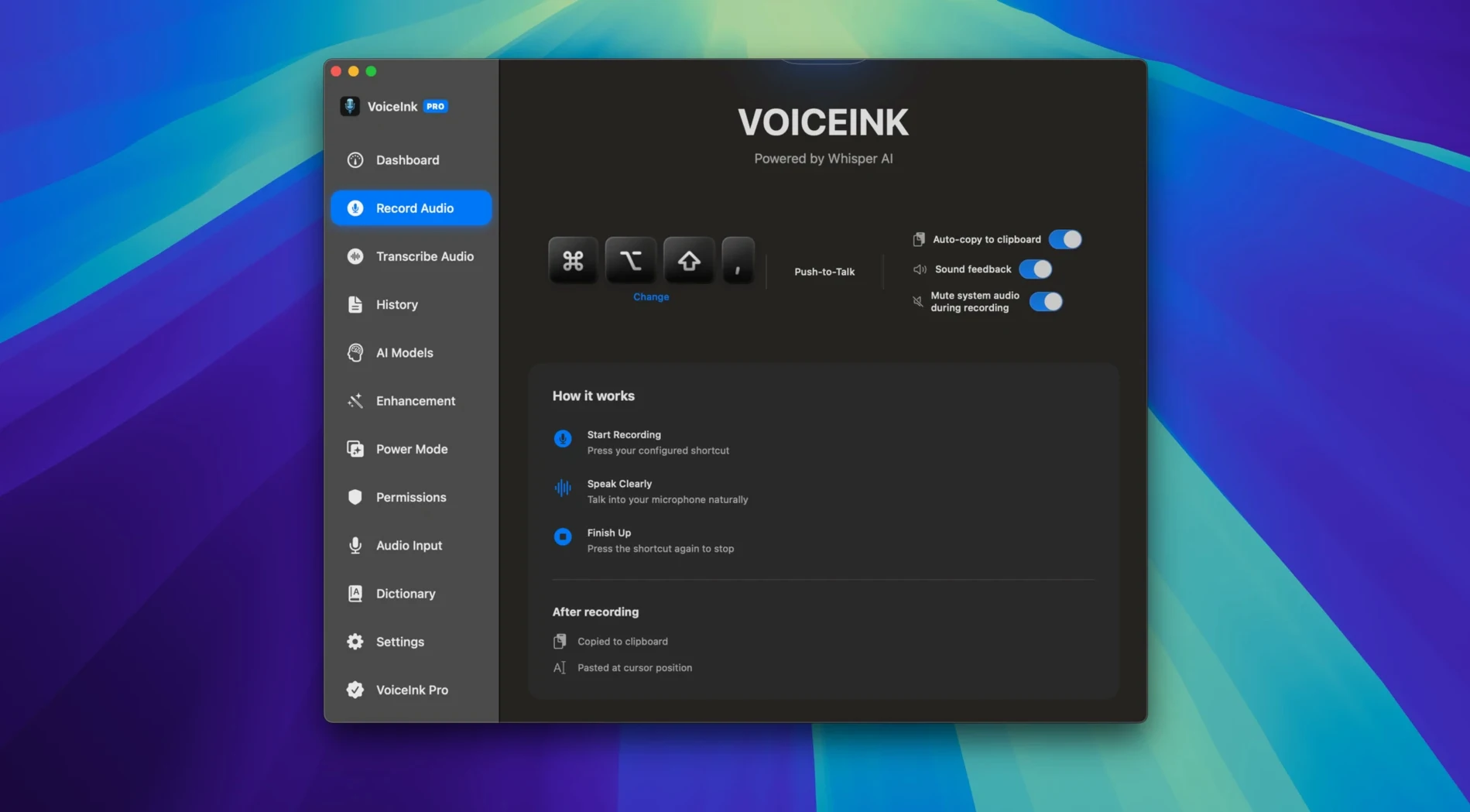
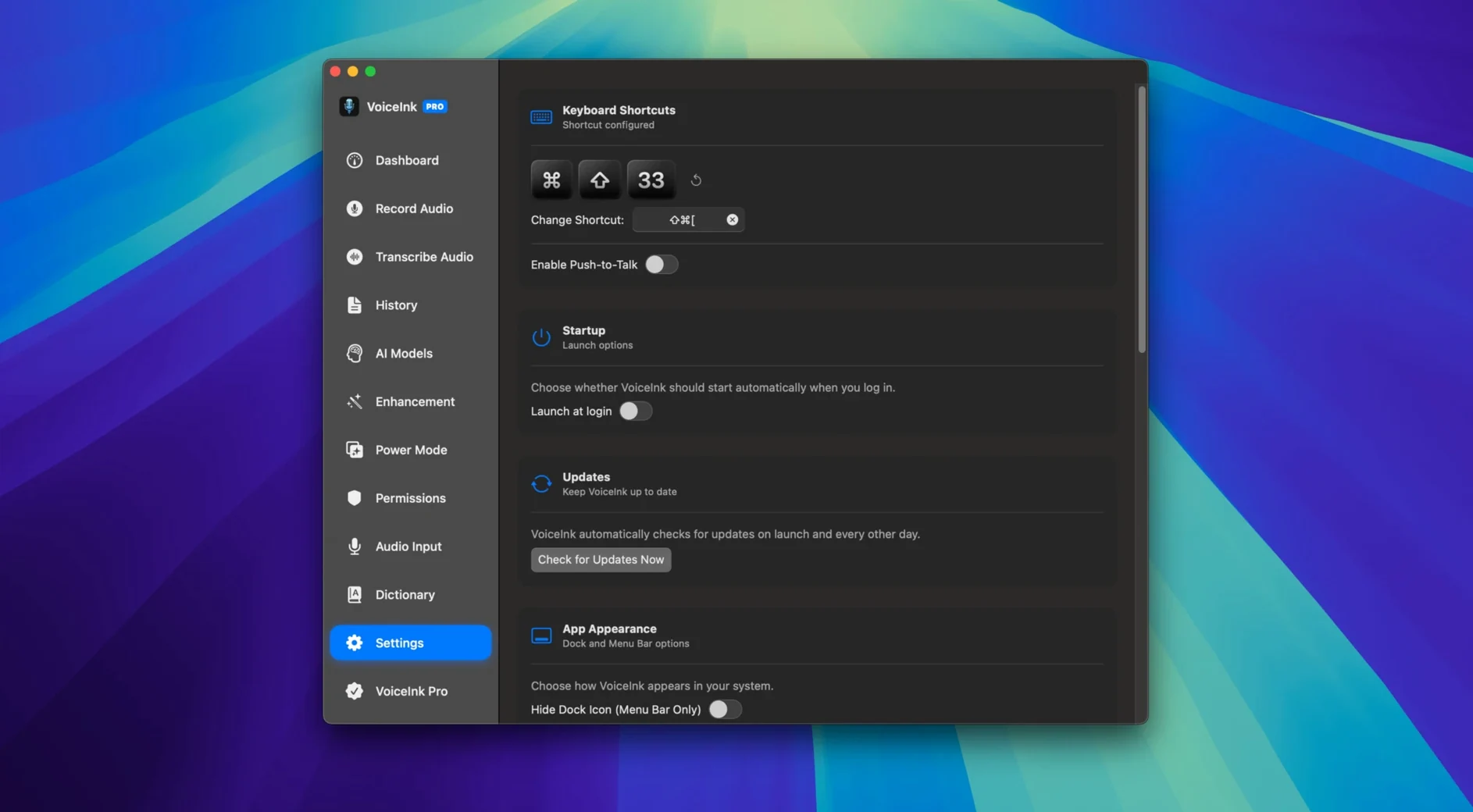
VoiceInk needs macOS 14 Sonoma or newer, and it runs natively on both Apple Silicon and Intel hardware. No cloud account, no internet connection required — the transcription engine lives entirely on your machine. That’s the headline for editors who care about privacy and a render that won’t stall because the Wi-Fi dipped.
- Transcribes in real time without phoning home.
- Feeds clean text into Obsidian, Notion, or ChatGPT through its API.
- Processes pre-recorded MP3 and WAV files, not just live mic input.
- Exports transcripts as TXT, DOCX, SRT, or JSON for different post workflows.
- Context-aware engine handles punctuation and formatting on the fly.
It’s a straightforward utility for turning speech into usable text, whether you’re captioning a rough cut or dictating notes into your PKM stack. The local processing keeps latency low and data off someone else’s server, which matters when client footage is involved.
Why Natural Pacing Tames the Context Engine
The first thing that trips people up: talking like they're reading a script. VoiceInk's context engine works best with natural pacing — a conversational tempo, not a teleprompter sprint. When someone slows down to enunciate every syllable, the model actually gets less accurate, because it's tuned for speech patterns, not isolated words. Relax and speak like you're explaining something to the person next to you.
Another one: ignoring the user dictionary until it's too late. If you work with client names, product terms, or jargon that comes up constantly — think "DaVinci Resolve," "LUT," "b-roll" — add them early. The engine learns from the dictionary on every pass, so feeding it ten custom terms before a session saves you from correcting the same word fifteen times afterward.
Beginners also sleep on the SRT export and then complain about captioning. If your end goal is subtitles, export straight to SRT from the start. Don't transcribe to TXT and manually time-align later — that's double work. VoiceInk stamps timestamps during the live transcription, and the SRT preserves them. Use it.
Finally, a small but frequent mistake: leaving the mic gain too low. The local engine doesn't have a cloud server's aggressive noise filtering, so a weak signal produces garbled output. Give it a solid level — not peaking, but well into the green — and you'll see far fewer hallucinations in the transcript.
Quick Workflow: Dictating Rough-Cut Notes into Obsidian
Here's a real scenario I've used more than once. You've got a rough cut open, the client wants change notes, and typing them by hand while scrubbing the timeline is tedious. VoiceInk cuts that loop in half.
- Prep the dictionary. Add the project name, talent names, and any recurring terms like "jump cut" or "lower third" so the engine doesn't mangle them.
- Open VoiceInk and hit your hotkey. I map mine to
Control-Option-Space— something I won't hit accidentally while editing. - Play the timeline and speak your notes. "At 00:42, tighten the cut by six frames. At 01:15, the lower third hangs too long." Keep it conversational; the engine handles punctuation without you saying "comma."
- Stop the mic and copy the raw transcript. VoiceInk's API integration means my Obsidian vault picks it up immediately. No middle step.
- In Obsidian, format the timestamped notes. The SRT-style timestamps are already there, so I just wrap them in a callout and send.
Total time from playback to a finished note in the client's channel: maybe three minutes. No typing, no tabbing between apps, no waiting for a cloud service to process audio. That's the kind of tight loop that makes local processing worth it.
Real-Time Dictation vs. Batch Processing
MacWhisper also does local transcription and handles audio files well, but it's built around the batch-processing model — you import a file, you wait for the result. VoiceInk's real-time dictation and API hooks give it an edge when you need text flowing into other apps while you're still speaking. MacWhisper is a post-production tool; VoiceInk is a production tool.
Supernormal targets meetings and generates summaries, which is a different beast entirely. It requires an internet connection, stores data off-device, and doesn't touch SRT export or local MP3 processing. If you're an editor handling raw footage, Supernormal solves a problem you don't have. VoiceInk doesn't try to summarize — it transcribes, and that's what a timeline-driven workflow actually needs.
Where VoiceInk carves out its own lane is the combination of live dictation, file processing, and that API bridge to Obsidian and Notion. Most dictation apps stop at the text box. VoiceInk treats the transcript as a data stream that can land anywhere. For a VoiceInk Mac torrent setup where someone's building a fully local editing and note-taking stack, that API layer is the difference between a transcription app and a transcription utility that disappears into your workflow.
- macOS 14 or later
- Apple Silicon or Intel Mac
Questions I actually get
Can VoiceInk transcribe audio files I’ve already recorded?
Yes. VoiceInk can process existing MP3 and WAV files, so you aren’t limited to live dictation.
Does VoiceInk require an internet connection to work?
No. All speech-to-text processing happens locally on your Mac, so it works fully offline.
Notes from the edit bay · 0
Sign in or get an edit-bay pass to leave a note.
No notes from the edit bay yet. They go up after I read them.