
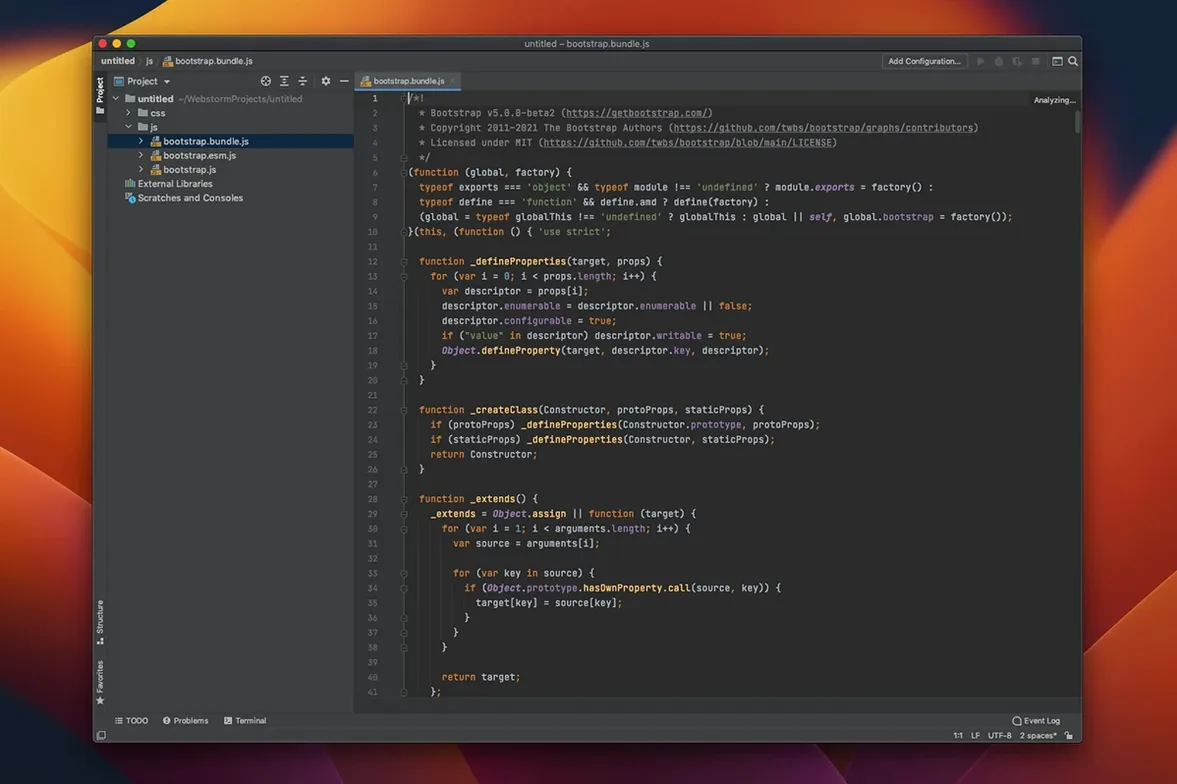
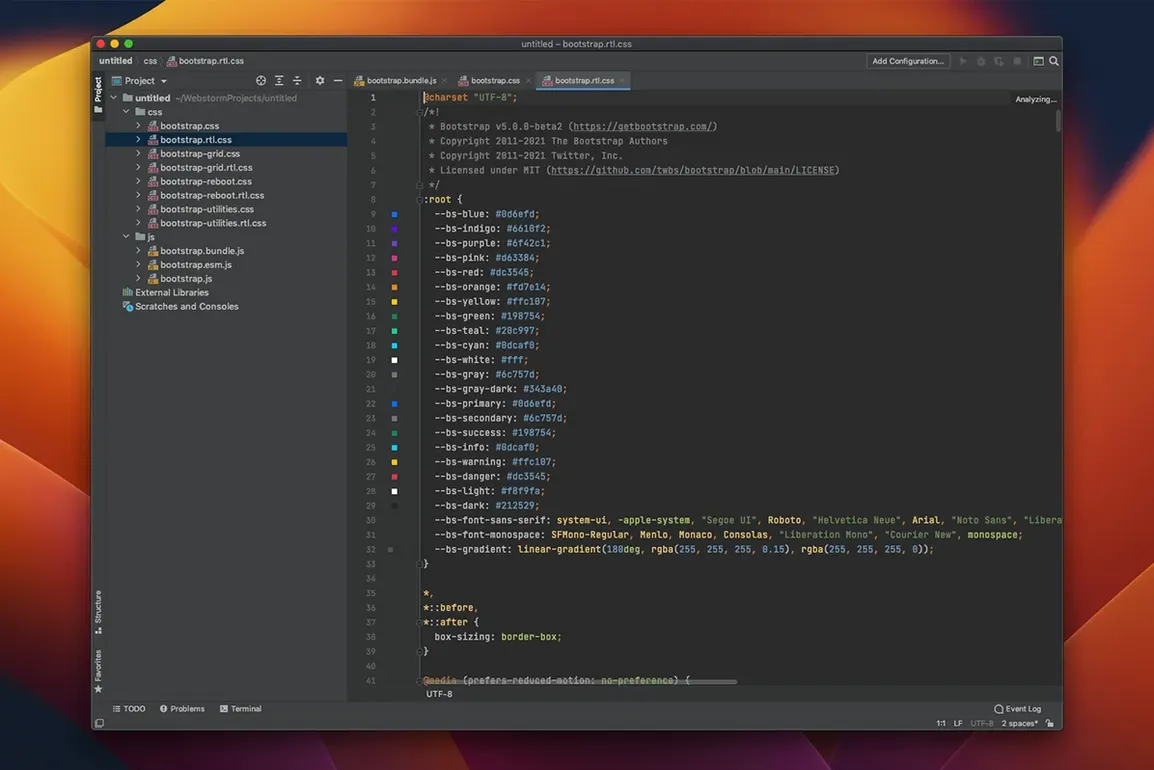
Front-end devs and full-stack engineers reach for WebStorm when they need an editor that understands JavaScript at scale. It’s the JetBrains IDE purpose-built for JS, TypeScript, HTML, and CSS — the one where framework support isn’t a plugin, it’s the default.
Native Apple Silicon Build With No Rosetta Penalty
You need macOS 12 or later. The 2026.2.3 build (262.10968.77) runs natively on both Intel and Apple Silicon, so M-series Macs don’t sit through a Rosetta penalty while you’re chasing a misbehaving promise chain.
What Frameworks Come Pre-Wired?
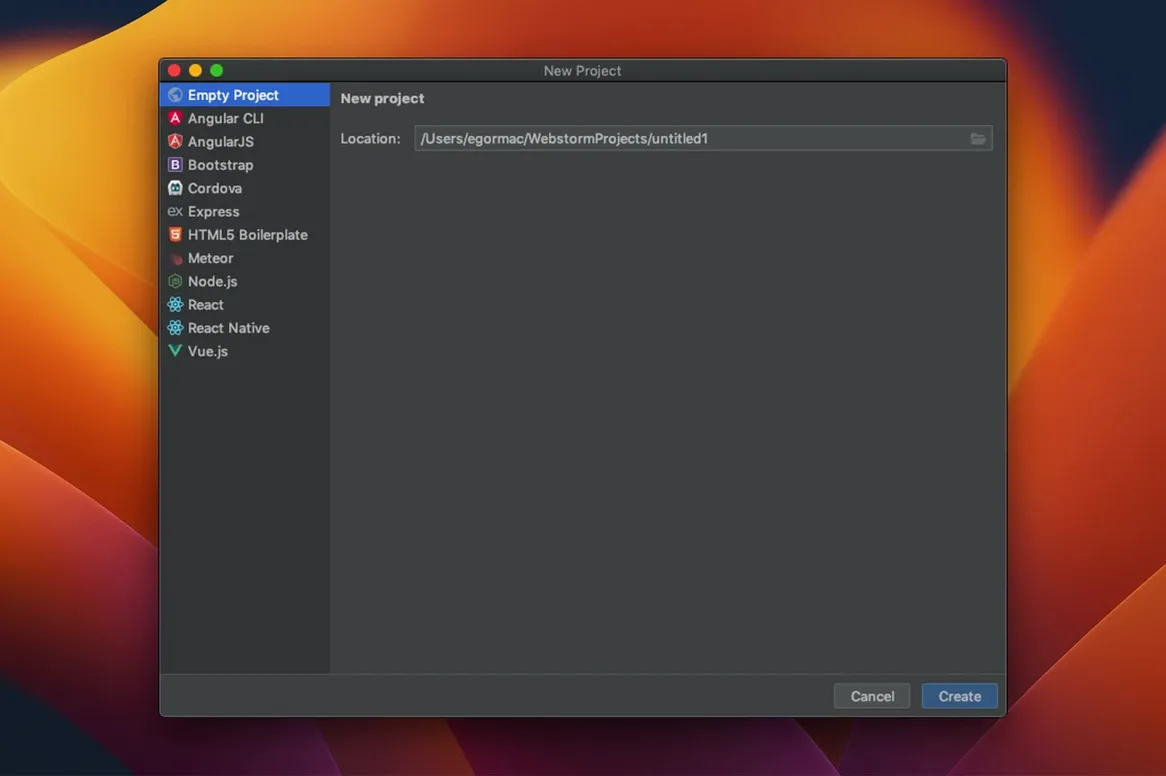
React, Angular, and Meteor support ships out of the box. You’re not stitching together extensions to get proper JSX completion or template diagnostics — the IDE parses component hierarchies from day one.
Where Does TypeScript 7 Fit In?
The 2026.2 release bakes in TypeScript 7 support. Inline type hints, quick-fixes for stricter checks, and faster project-wide analysis land without extra tsconfig acrobatics.
What Else Is Inside the Toolbox?
Git, GitHub, and Mercurial integration keeps commits inside the editor. A REST client, linters, and test runners for Karma, Mocha, Protractor, and Jest mean you’re not tabbing out to Postman or a terminal every time a test fails.
Refactor a Monorepo With One Shortcut
VS Code is the obvious comparison — it's free, extensible, and lightweight. But out of the box, WebStorm does the heavy lifting VS Code delegates to a constellation of extensions. Refactoring across a monorepo, for instance, is a single shortcut here, not a hunt for the right plugin that doesn't conflict with twelve others.
Sublime Text is faster to open and feels featherweight on an aging MacBook. Where it falls short is depth: its code intelligence is regex-deep compared to the AST-level analysis WebStorm runs the moment you open a project. You trade launch speed for real-time insight.
Nova from Panic is the native Mac darling — beautiful, snappy, and tightly integrated with macOS. For a boutique site or a quick script, it's a joy. When you're wrangling a Next.js app with strict TypeScript configs and a hundred components, WebStorm's comprehension of the module graph leaves Nova's scope guessing behind.
Tracks Types Across the Client-Server Boundary
Full-stack TypeScript developers working on Node.js backends and React frontends in the same project are the sweet-spot user. The IDE tracks types across the client-server boundary without extra setup. Devs who lean heavily on JetBrains' refactoring tools — rename, extract component, move file — save hours each sprint that editors with shallower project models fumble.
Teams with formal code review processes also benefit. The built-in Git and GitHub integration, combined with the diff viewer and merge conflict resolver, keep the review loop inside one window. Beginners who want code analysis that teaches as it flags will find the inspections more pedagogical than a generic linter.
A Refactor-and-Debug Walkthrough
Say you need to extract a shared utility from a sprawling React component and fix the broken test that follows. Start by opening the component file — WebStorm already highlights an overly complex function in the gutter. Press Ctrl+T, choose Extract Method, and name it. The IDE surfaces every call site across the project.
Next, move the extracted function to a utils/ file via Move refactoring. Imports adjust automatically. Now open the Jest test that covers the original component. A squiggly underline tells you the import path is stale — Alt+Enter corrects it instantly. Run the test suite inside the built-in runner, hit a failure, and set a breakpoint directly in the gutter. Step through the call stack without leaving the editor. Commit the whole batch with the integrated Git tool window.
TypeScript 7 support arrives in the 2026.2 cycle, with faster analysis and updated strict-mode quick-fixes. GitHub Copilot integration is now native — suggestions flow inline without a separate extension dance. An agent skills manager also lands in this release, letting you tune AI-assisted coding behavior per task.
Also fixed: the latest patch brings the build to 262.10968.77.
- macOS 12 (Monterey) or later
- Apple Silicon (M1, M2, M3, M4) or Intel Mac
Questions I actually get
Does WebStorm include a debugger?
Yes — a full visual debugger for JavaScript and TypeScript runs inside the IDE, so breakpoints and call stacks live next to your source, not in a browser DevTools window.
What build tools are bundled?
Built-in linters, build tool integrations, and test runners cover the core toolchain without requiring separate plug-in installations for each project.
Notes from the edit bay · 0
Sign in or get an edit-bay pass to leave a note.
No notes from the edit bay yet. They go up after I read them.