The 2026.3.3 update fixes three macOS 27-specific annoyances, including capture toolbars that refused to budge. Snagit is built around a simple question: can you grab something off your screen and make it useful in under a minute? The answer depends on what you’re asking it to do.
Scrolling web pages into one clean image
- Grabbing an entire scrolling web page and turning it into a single, clean image.
- Building a library of tagged captures you can find six months later without a frantic Spotlight search.
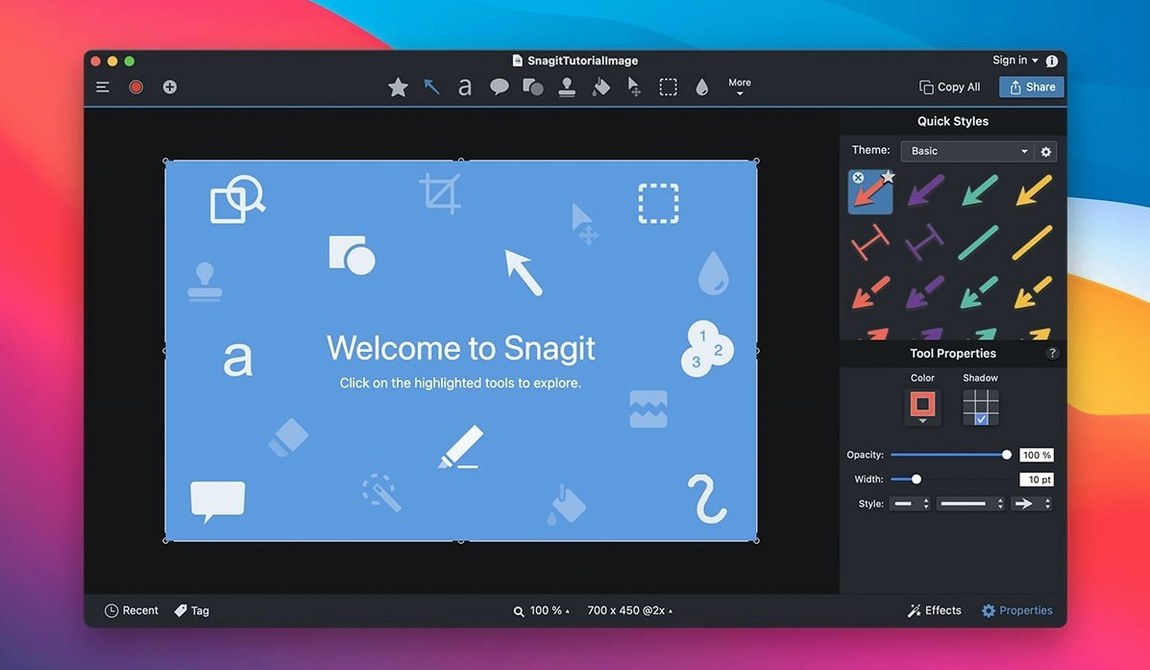
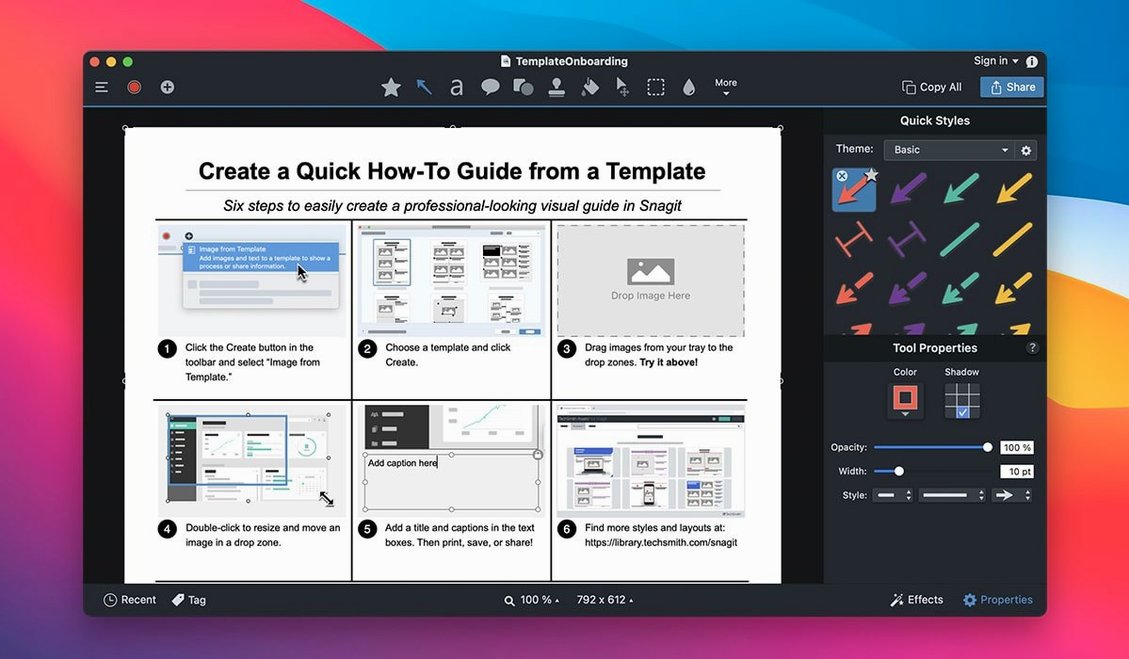
- Quick annotations—arrows, callout boxes, and dimmed backgrounds happen in a few clicks.
- Shooting a short screen recording and sending it straight to a colleague via email or FTP.
- Stripping out sensitive text or a stray icon with the remove-a-section tool before sharing.
macOS 15 required, styled text can jumble
- The app really stretches its legs on macOS 15 and later; older systems are out of luck.
- Text capture from web pages works, but heavily styled layouts can get jumbled in the pull.
- Shadow and highlight effects look sharp on stills, but they’re not part of the video toolset.
Snagit vs. CleanShot X vs. Shottr vs. macOS Screenshot.app
If you’ve spent any time in the Mac capture space, you already know the built-in Screenshot.app handles quick grabs with zero friction. Command-Shift-4, marquee drag, done. But the moment you need an arrow on that grab or a scroll through a 12-page report, the stock tool bows out.
CleanShot X fills some of that gap. It nails the quick-annotation workflow—pin a capture to your desktop as a floating reference, blur sensitive bits, and record screen video with a tidy interface. Where it pulls back is library management and long-form documentation work. There’s no tag system, no search by source, and no collage builder. Snagit’s library grows with you; CleanShot’s captures live or die by your desktop hygiene.
Shottr is the nimble upstart: lightweight, fast, and surprisingly capable for a pixel-measuring, text-extracting utility. It OCRs text on the fly and handles scrolling captures on Mac better than most. But it’s not a recording tool, and it won’t send a finished capture to OneNote or an FTP server. Snagit wins when the capture is step three in a ten-step publishing chain.
The trade-off is real. You sacrifice CleanShot’s minimalism and Shottr’s featherweight footprint for an app that treats every capture as an asset with a shelf life. For support teams and technical writers, that trade-off makes sense. For one-off screenshot sharers, it’s overbuilt.
Three-second cold launch on Apple Silicon
On an Apple Silicon Mac, the 2026.3.3 build launches in about three seconds from a cold start—comparable to a fresh Final Cut library opening. Once it’s warm, capture hotkeys fire instantly. The scrolling capture feature, historically a finicky thing even on Windows, runs smoothly on Apple Silicon and Intel alike, though Intel machines from the 2018–2019 era spin fans briefly when grabbing a very long page.
Memory usage sits in the 400–600 MB range with a moderate library open. That’s heavier than Shottr’s featherweight 120 MB but lighter than a Chromium-based browser tab doing nothing. The editor itself feels fluid: callout placement snaps to edges with subtle magnetism, and the remove-a-section tool recomposites backgrounds without a progress spinner interrupting you.
Crash reports are rare on this version. The three fixes in 2026.3.3 address genuine pain points—especially the toolbar lock issue that had editors clicking in frustration. Video playback controls now respond to clicks the first time, and QuickLook arrow-key navigation works inside the library without dropping you into a dead view. Stability hasn’t been a concern in daily use, even when bouncing between the editor, the library, and a screen recording in one session.
A Technical Writer’s Tuesday Morning
Picture a technical writer prepping release notes for a SaaS platform. She needs six annotated screenshots, each showing a different UI state, and they all have to land in a Confluence page by 11 a.m.
She opens Snagit, hits her preset for a scrolling window capture, and grabs the entire settings panel in one pass. The image drops into the editor with a timestamp and an auto-tag she assigned last month. Three callouts with arrows take maybe 90 seconds. She dims the chrome around the relevant dropdown so readers can’t miss it, then sends the finished PNG straight to her Confluence draft folder via FTP—no desktop clutter, no intermediary app. The remaining five captures follow the same rhythm. By 10:20 she’s writing the prose around the images.
Later that week, a product manager asks for a quick walkthrough of a new feature. She fires up a screen recording, talks through the flow, and Snagit drops the MP4 into her library. She tags it with the sprint number and moves on. When the question resurfaces during the next retrospective, she searches by tag and has the video up in five seconds. The workflow doesn’t feel like a workflow—it’s just muscle memory at that point.
Yes, the torrent includes the full editor and library
Does the torrent version include the full editor and library features?
Yes. What you get with a snagit mac torrent or a snagit torrent download is the complete application: the capture engine, the full image editor with all annotation tools, the video recorder, and the library organization system. Nothing is stripped down or limited to a viewer mode.
Will a snagit 2022 mac build run on Apple Silicon?
The 2026.3.3 release runs natively on both Intel and Apple Silicon. If you’re hunting for an older snagit 2022 mac build specifically, some of those were Intel-only and relied on Rosetta 2 translation. The current version removes that translation layer entirely.
Can I send captures to apps like OneNote without a Microsoft 365 subscription?
Snagit’s sharing destinations talk directly to the installed applications, not to cloud subscription services. If OneNote is on your Mac, Snagit can hand off captures to it regardless of your Microsoft account tier. The same applies to MindManager and Microsoft Office Project.
How does the techsmith snagit download handle privacy for screen recordings?
All captures and recordings stay local until you choose to share them. There’s no mandatory cloud upload, no automatic backup to a TechSmith server. The library lives on your drive. Email and FTP sharing use your own accounts and servers. A snagit for mac download that’s activated with the included method operates entirely offline unless you push content somewhere.
Version 2026.4.0 arrives with bug fixes and performance improvements that keep screen capture smooth.
- macOS 15 or later
- Apple Silicon or Intel 64-bit Mac
Questions I actually get
Can I set up my own capture shortcuts and sizes?
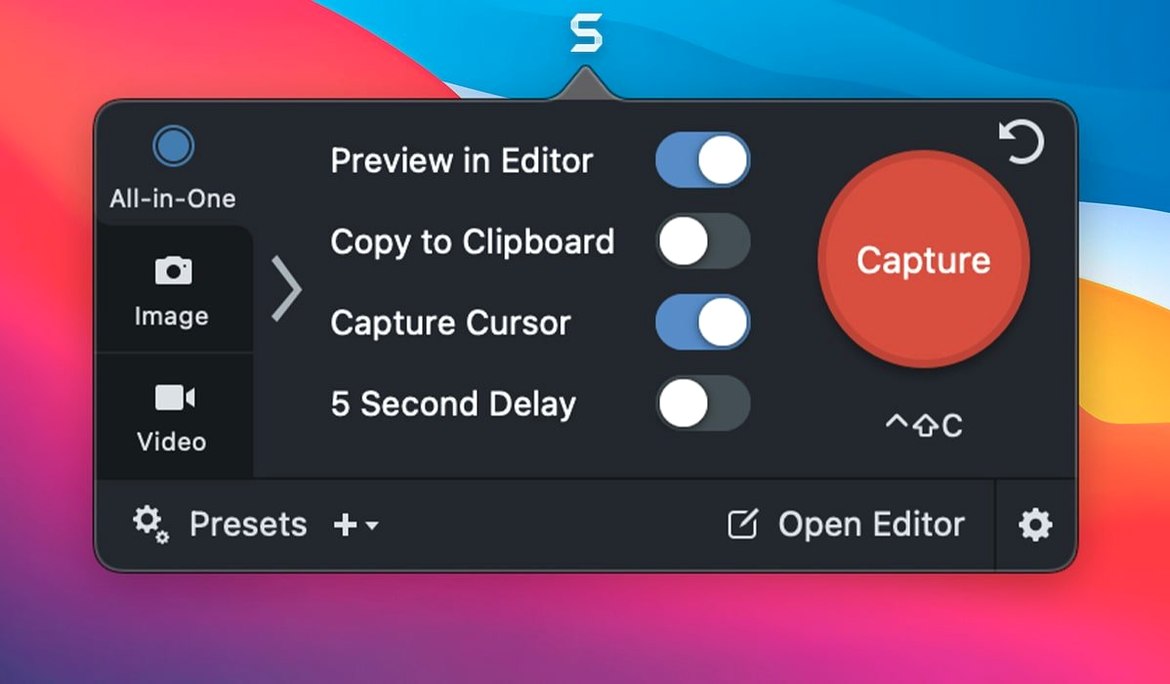
Absolutely. Snagit lets you create custom capture presets for regions, windows, or full screens so you don’t have to redraw the same selection box every morning.
Does the file organization hold up under heavy use?
Tags are the glue here. You can assign keywords to every capture, and the library search actually respects them, which beats scrolling through a flat screenshots folder.
What’s the deal with the 2026.3.3 fixes?
This release squashes three bugs that only appeared on macOS 27: broken video playback controls, unresponsive arrow keys during QuickLook, and capture toolbars that got stuck in place.
Notes from the edit bay · 0
Sign in or get an edit-bay pass to leave a note.
No notes from the edit bay yet. They go up after I read them.