
Connect to Your Engines
TablePlus is a native database client that runs on Apple Silicon and Intel Macs with macOS 12.6 or later. It gives you a fast, graphical way to work with PostgreSQL, MySQL, SQLite, and other relational databases without touching the command line.
Query with a Clear View
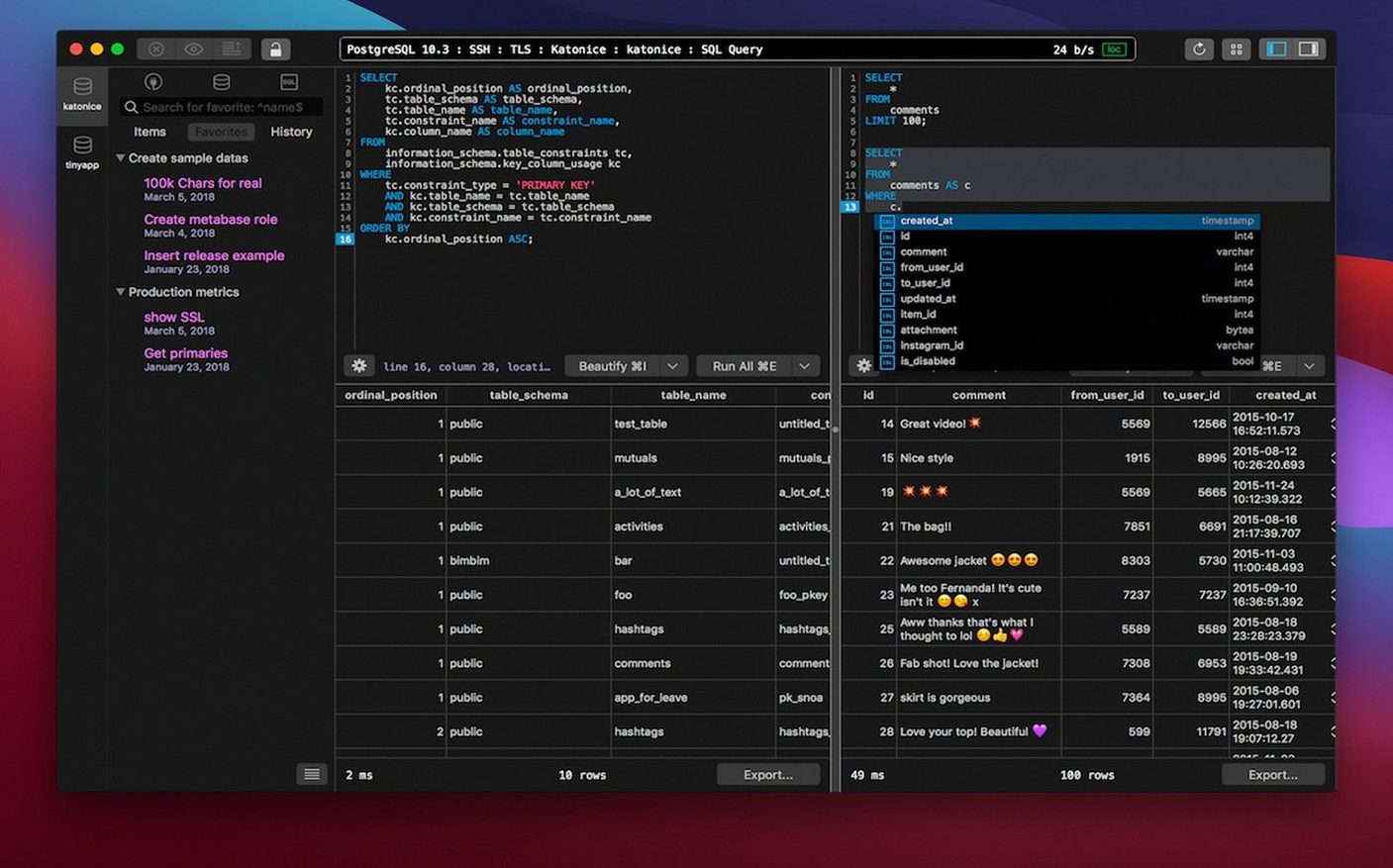
The editor includes syntax highlighting and a code preview so you can see exactly what you're about to run. Native libs and TLS encryption keep your connections secure, and keyboard shortcuts help you move through rows and tabs without breaking your flow.
Extend the Toolbox
Need a driver that isn't bundled? You can add plugins and drivers as needed. It's a lightweight client that stays out of your way until you need a deep filter or a quick schema edit.
When PostgreSQL Meets MySQL in the Same Window
Backend developers who hop between PostgreSQL and MySQL throughout the day. The tabbed interface means one project's user database sits next to the analytics read replica, and muscle memory on the shortcuts carries across both. Nobody's digging through connection strings twice.
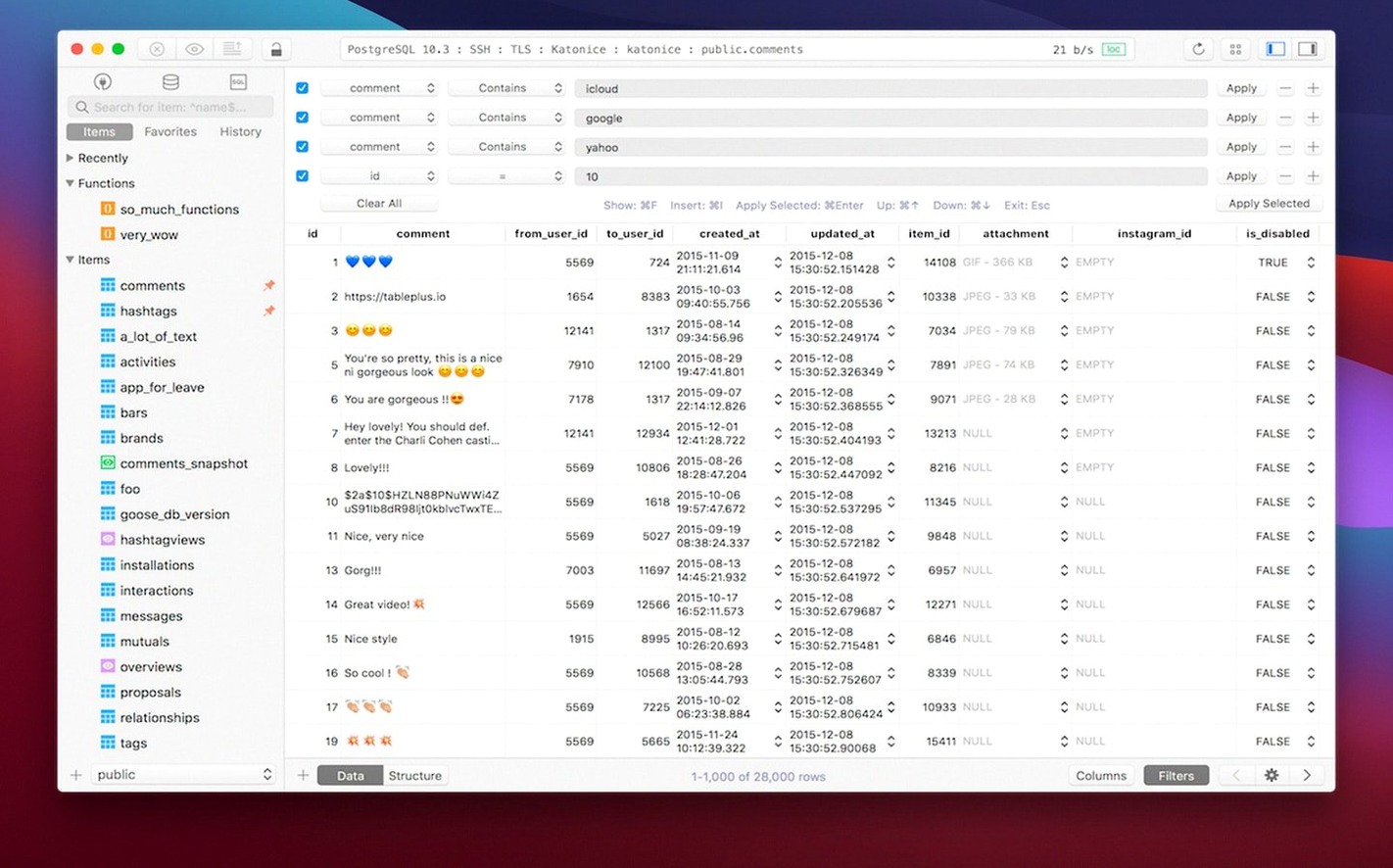
SQLite tinkerers get a surprisingly polished home too. If you're poking around a local cache database for a Mac app you're building, dragging the .sqlite file straight into the window beats firing up a command-line shell every time. The schema sidebar updates instantly, and filter expressions feel quicker than typing SELECT * WHERE from scratch.
Data analysts who live in SQL but don't want a full-blown IDE. TablePlus loads fast, displays results in a clean grid, and exports without ceremony. It's the middle ground between a terminal client and a heavyweight platform—less setup, less waiting, same query muscle.
Apple Silicon Windows Pop Without the Half-Second Wait
Version 6.8.0 landed with a build dated March 5, 2026, and the rhythm of daily use shifted in small but real ways. Connection handling feels snappier on Apple Silicon—windows pop open without that half-second hesitation that older builds had when switching between a local SQLite file and a remote PostgreSQL instance.
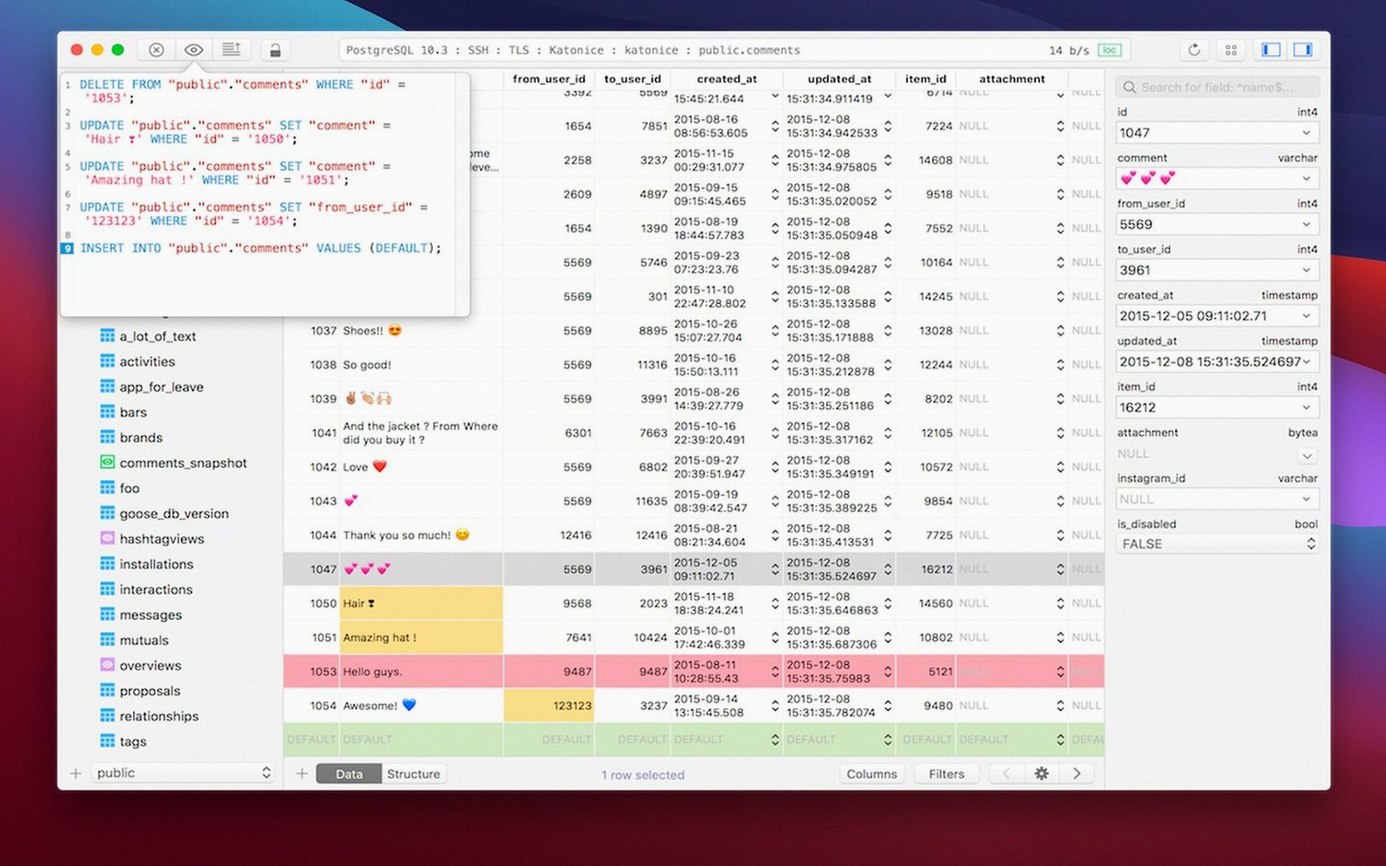
The safe mode toggle became more visible, which matters when you're about to run a DELETE on a production table at 11 p.m. Code preview now refreshes inline with less flicker, so the split-second sanity check before hitting the shortcut is actually readable. No marquee features, just friction sanded down where you feel it most.
Also fixed: a handful of crashes tied to specific MySQL 8.0 extensions, and a memory leak that crept in when keeping a large result set open across multiple tabs for hours. If you're the type who leaves a query running overnight, that last one's quietly important.
One App for MySQL, PostgreSQL, and SQLite Without Switching
Sequel Ace is the obvious comparison for MySQL and MariaDB users. It's free, open-source, and focused. TablePlus pulls ahead when you need PostgreSQL or SQLite in the same session—switching engines without switching apps keeps the mental model intact. Sequel Ace also lacks the plugin architecture, so custom drivers are off the table.
DBeaver runs on everything and supports an encyclopedia of databases, but it carries the weight of a Java runtime. On a Mac, that translates to slower cold starts and a UI that never quite feels native. If you only touch databases on macOS and value scroll performance and keyboard responsiveness, TablePlus wins the feel test—DBeaver wins on breadth but loses on snappiness.
Postico is beautiful for PostgreSQL-only work. Its interface is arguably friendlier for beginners. The trade-off: it doesn't do MySQL or SQLite at all, and the editing flow assumes you're working with one database at a time. If your day involves cross-database queries or a quick SQLite inspection between Postgres migrations, a TablePlus torrent download puts everything under one roof instead of two or three.
Why Production Should Be Red at 2 a.m.
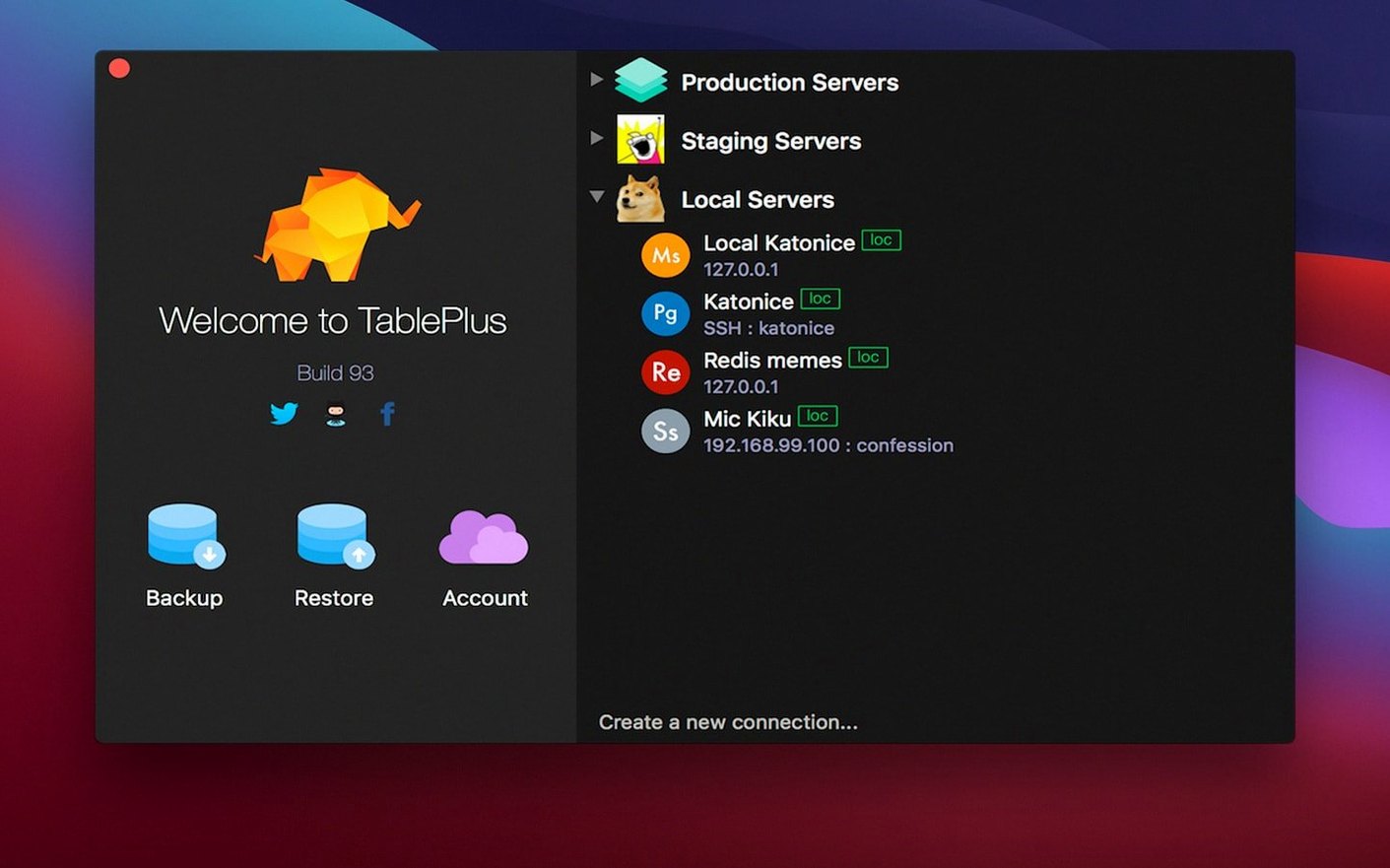
- Group your connections with colors. Right-click any connection in the sidebar and assign a color. Production gets red, staging gets orange, local dev gets green. Your future self, the one about to run a migration at 2 a.m., will thank you.
- Learn three shortcuts cold.
⌘ + Returnruns the current query,⌘ + Dduplicates the row, and⌘ + Shift + Fopens the advanced filter. Those three alone cut the click count in half for most editing sessions. - Turn on safe mode before you need it. It's in the preferences and it blocks destructive queries without a
WHEREclause. Enable it globally, then disable it per-tab only when you're genuinely doing bulk operations. Default-on beats default-off for anything touching real data. - Set up a plugin or custom driver early. If your team uses a less common database, don't wait until the day you need it. The plugin manager is unobtrusive, and having the driver ready means you're one double-click away from a connection instead of scrambling through documentation.
- Tweak the font and theme. The dark mode is solid, but the default monospace font might not match what you use in your editor. Matching fonts between TablePlus and VS Code or Sublime Text reduces the subtle cognitive shift when you bounce between writing application code and inspecting the database.
- macOS 12.6 or later
- Apple Silicon or Intel Mac
Notes from the edit bay · 0
Sign in or get an edit-bay pass to leave a note.
No notes from the edit bay yet. They go up after I read them.