
Version 9.35.4 lands as a stability release, keeping the connection steady while you bounce between a dozen cloud instances. Termius isn't just a terminal window—it's where saved commands, encrypted sync, and hardware keys collapse the distance between you and a remote server into something that feels local.
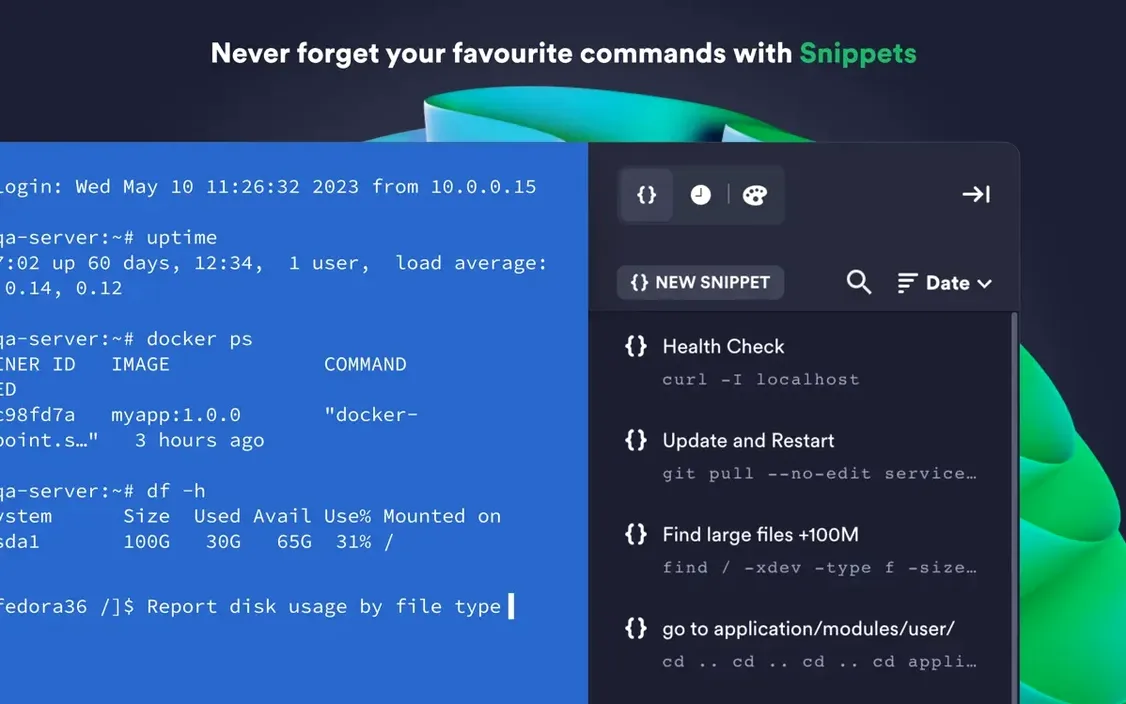
- Saved Snippets — Store your most-used commands and shell scripts. One tap runs the whole thing, so that multi-step deploy you do at 2 a.m. becomes a single click instead of a typo waiting to happen.
- Touch ID Gate — Lock your credentials behind a fingerprint. Combine it with FIDO2 hardware-key authentication, and nobody's getting into a production box by guessing your password.
- Cross-Device Sync — Connection settings, keys, and shared command history follow you through encrypted cloud storage. Set up a host on the Mac, walk away with your iPad, and pick up right where you left off.
- Cloud Provider Smarts — AWS and DigitalOcean integration means you're not copy-pasting IP addresses. Import your instances, group them, and connect without opening a browser.
- Agent Forwarding, Actually Working — Keep your ed25519 and ECDSA keys on your local machine while hopping through bastion hosts. The chacha20-poly1305 cipher keeps the pipe fast and tight.
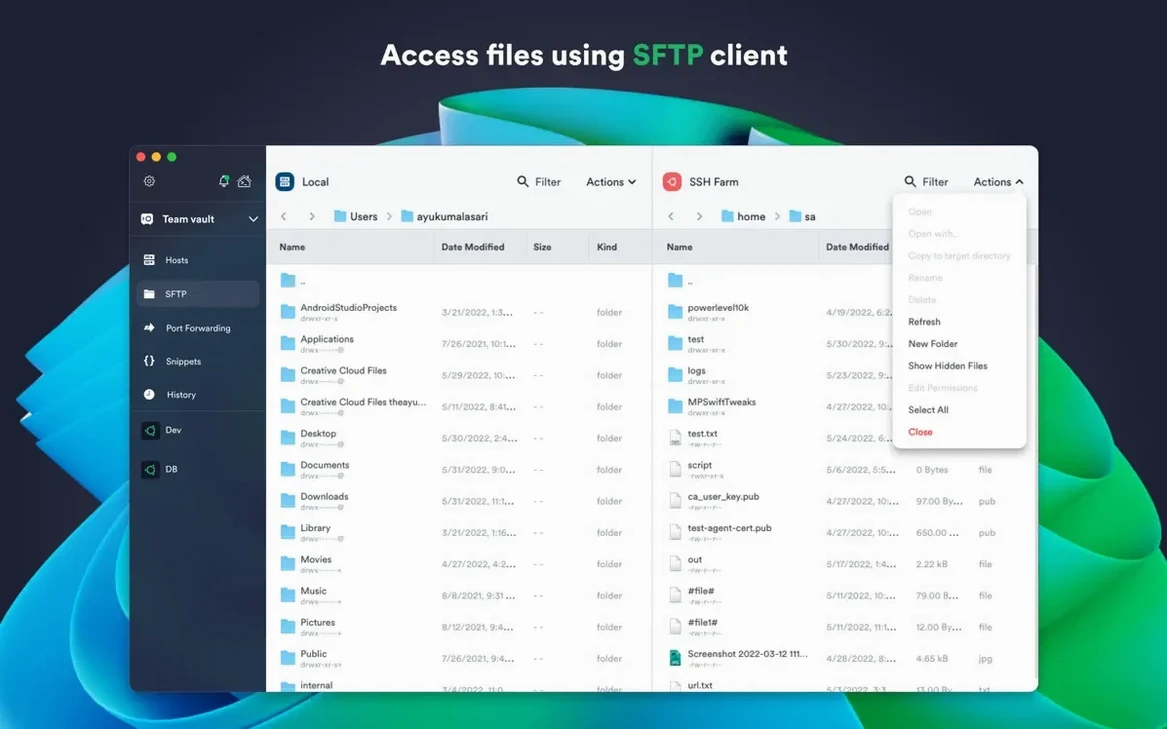
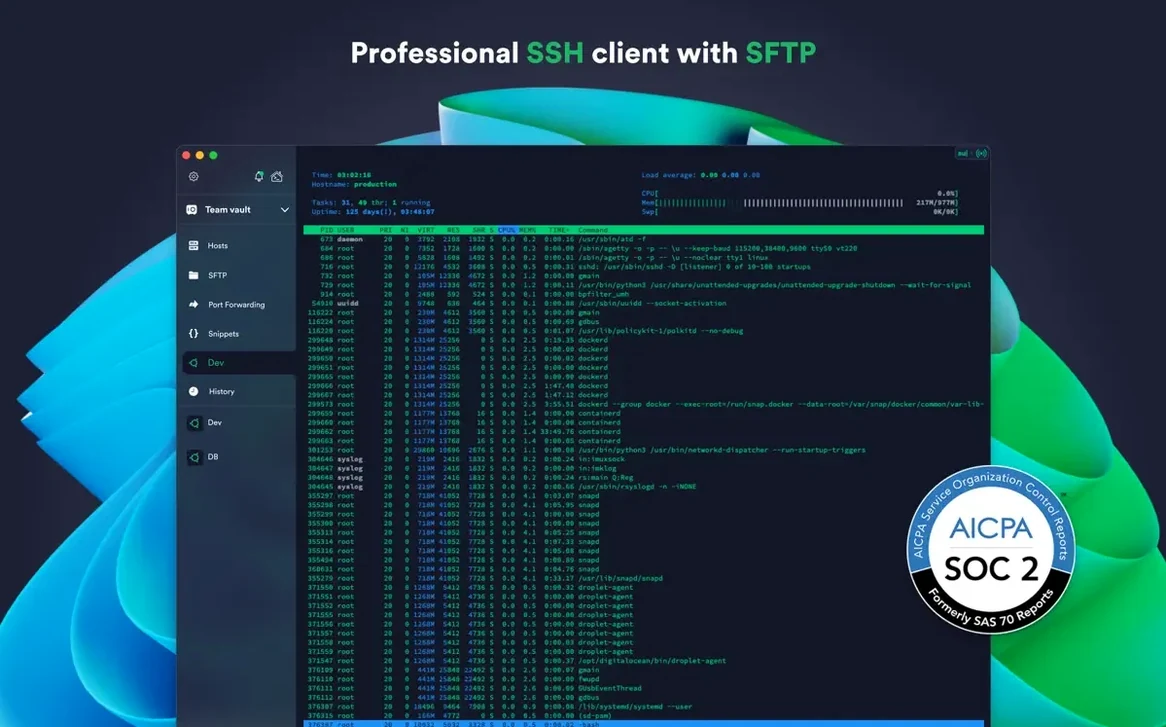
Mosh, Telnet, SFTP—the protocol list covers whatever legacy or bleeding-edge box you're touching. It runs on macOS 10.13 and later, native on both Intel and Apple Silicon, with a desktop presence that extends to Windows and Linux when you step outside the Mac ecosystem.
Wake-from-Sleep Reconnects That No Longer Need a Force-Quit
9.35.4 doesn't ship with bullet-point features you can screenshot. The release tightens the plumbing underneath—session reconnects that used to hang after waking a Mac from sleep now pick up without a force-quit. If your workflow involves leaving half a dozen tabs open overnight, that alone saves a few minutes of head-scratching each morning.
Also fixed: the occasional beachball when switching between a Mosh session and a local terminal with a large scrollback buffer, and a rare crash tied to importing AWS profiles with long tag lists. Nothing glamorous, but when you're three hops into a customer environment, the difference between a clean reconnect and a lost session is everything.
Small Moves That Add Up
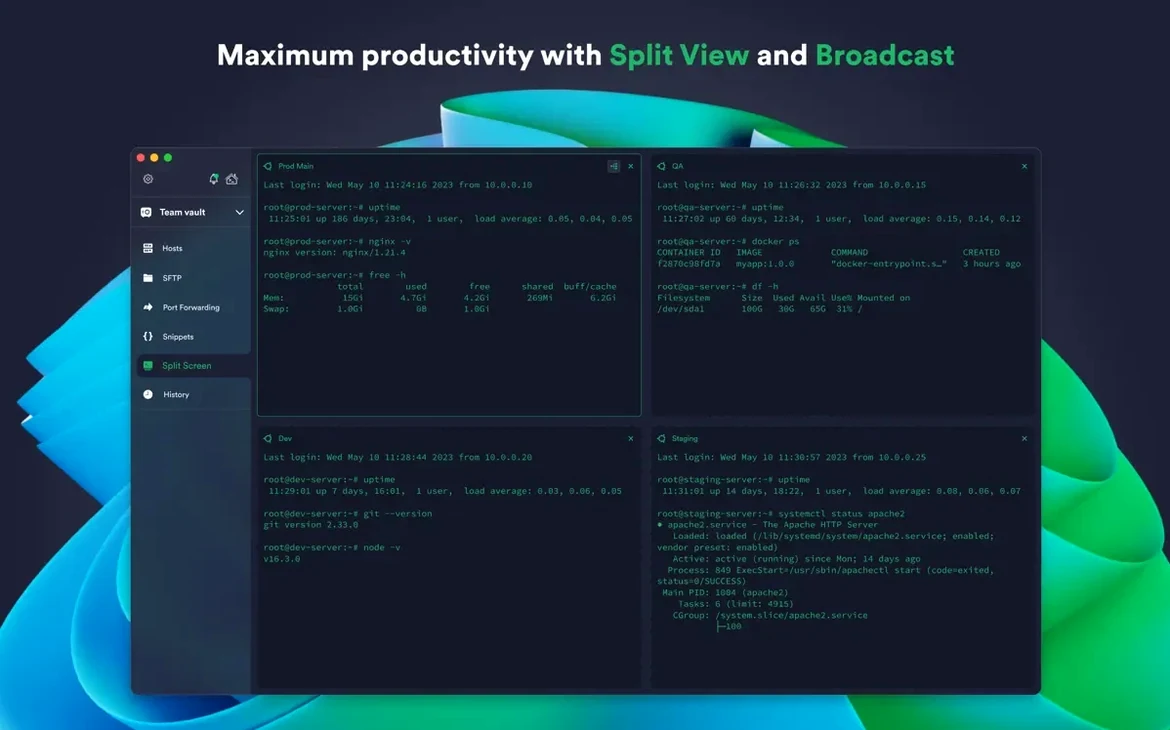
A few tricks hide just below the surface. Double-click any saved host and it connects instantly—skip the right-click menu entirely. Dragging one tab onto another merges them into a split pane, and you can resize the divider by a single pixel with Option held down, which beats wrestling with the mouse when you need just a little more room for a log tail.
The snippet editor accepts $HOST as a placeholder, so the same command works across every server group you've defined. Type a fragment of a saved command into the terminal and hit Control-Shift-Up—Termius pulls the full block from your library and drops it onto the prompt. No copy-paste, no switching windows.
The port-forwarding setup looks simple, but holding Option while clicking "Add Rule" duplicates the last rule you created. Building a tunnel chain to reach a database behind a jump host becomes a matter of two clicks and a port number change.
Import Your SSH Config and Gain Synced Tags Immediately
Start by importing your SSH config file directly. Termius reads ~/.ssh/config and pulls in every host, key path, and bastion definition. You lose nothing and gain a graphical group-and-tag system that stays synced. Right after import, take five minutes to color-code groups: production red, staging orange, personal blue. The tab bar becomes a map instead of a list.
Turn on Touch ID lock immediately. Even if you're the only person who touches your Mac, the extra half-second gate keeps credentials out of clipboard scrapers and screen-sharing slip-ups. Pair it with a FIDO2 key for anything that faces the internet, and you've eliminated password fatigue before it starts.
Create three snippets on day one: one that tails the auth log, one that checks disk space with a human-readable summary, and one that restarts whatever service you babysit most. Assign them short trigger words—logtail, dfquick, svcrestart—and you'll stop typing the same twenty characters a hundred times a week.
If you grabbed the Termius crack Mac build from this torrent, the sync engine still operates locally without phoning home. Your host list and snippets stay on your machine, encrypted with your own key. The Termius torrent floating around also includes the full desktop client, which means you get the local terminal and unfettered SFTP access—features the sandboxed App Store version trims away. For anyone who found the limited Termius Mac App Store build frustrating, this is the edition that actually reaches your /usr/local.
Set your default terminal theme to match your late-night color temperature. Termius ships with Solarized Dark, but swapping to a low-blue palette under Preferences saves your eyes during the 11 p.m. incident calls. The font rendering also respects macOS subpixel antialiasing, so text stays crisp even at 9-point Monaco.
- macOS 10.13 or later
- Intel or Apple Silicon Mac
- English language interface
Questions I actually get
Can Termius handle two-factor authentication?
Yes. It supports both Touch ID for local credential protection and two-factor authentication for your Termius account.
Notes from the edit bay · 0
Sign in or get an edit-bay pass to leave a note.
No notes from the edit bay yet. They go up after I read them.