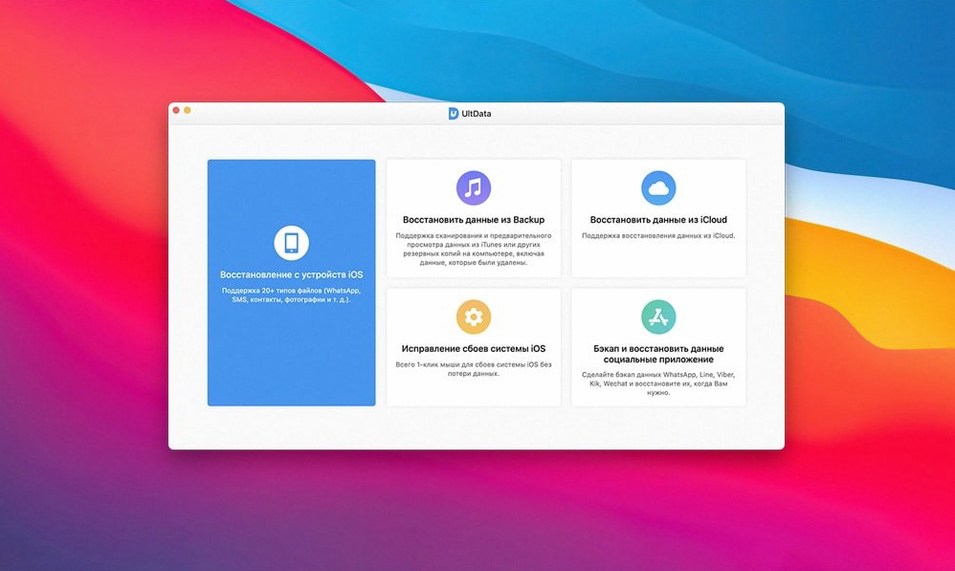
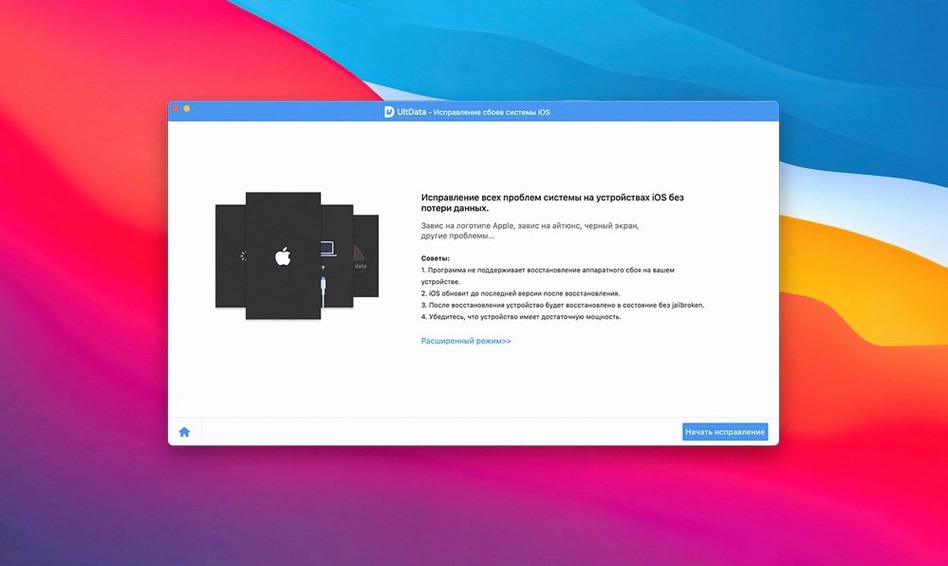
Think of it as the recovery net that sits behind your Mac's Finder sync and iCloud backup. When an iPhone backup fails to restore or a photo library disappears without a trace, this tool steps in to scan the device or its saved backup files directly, pulling out what Apple's built-in utilities leave behind.
Recover FaceTime History, iBook Content, and Voice Memos the Moment You Plug In
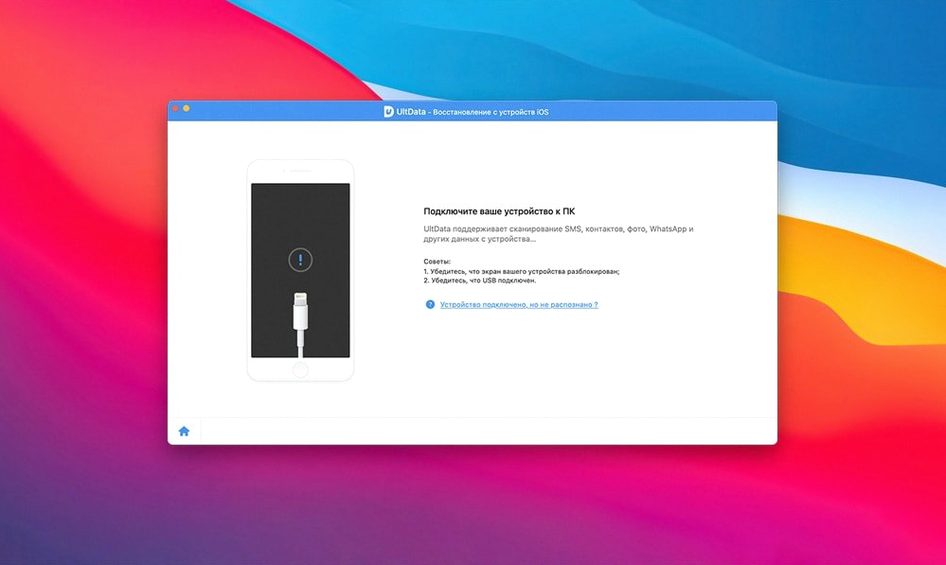
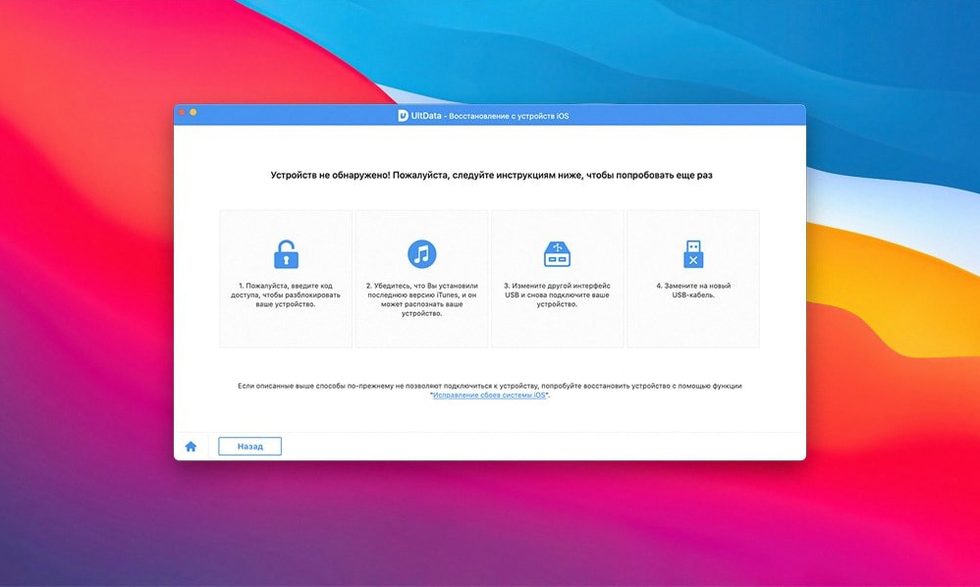
- Connect and recognize. Plug in an iPhone, iPad, or iPod touch. The app immediately reads what's on the device and lists recoverable file types — messages, contacts, photos, voice memos, FaceTime history, Safari bookmarks, even iBook content.
- Scan what's missing. Choose to dig through the device itself or an archived iTunes backup sitting on your drive. The scan surfaces deleted reminders, notes, voicemail, and music alongside the expected photo roll and chat threads.
- Pick and restore. Preview photos and message threads before you commit. Select only the items you actually need and pull them back to the Mac.
What It Sees
The recovery engine reaches into corners that a standard sync won't touch. It pulls back Safari history, voice memos, and FaceTime call logs. For anyone who has wiped a device only to realize a single note held a year's worth of ideas, that granular preview before restoring is the feature that matters most. The app talks to hardware stretching from an iPhone 4s all the way up to an iPhone 8 Plus, across every iPad Air, mini, and Pro model, plus iPod touch generations one through six.
Stop UltData from Hunting the Wrong Backup Folder on Your Mac
Right after you drag the app into Applications and fire it up, two defaults slow you down more than they should. The first lives under Preferences — the automatic backup scan location. UltData points itself at the standard iTunes backup folder, but if you've ever redirected backups to an external drive, the app scans an empty directory. Point it to your actual backup folder before running the first full scan.
The second tweak is less obvious. By default, the preview pane shows recovered items sorted by date modified, newest first. For voice memos and call history, that works. For a photo library spanning three years, it turns hunting into needle-in-haystack territory. Switch the sort to file type or app origin the moment you see a mixed list of 4,000 items. The checkbox to skip duplicate previews — toggle it on under Scan Settings before a deep recovery. It cuts the displayed clutter by roughly half when you're pulling from both an iTunes backup and an iCloud sync that overlapped.
One more setting that earns its screen real estate: the chat-app filter. If you only care about pulling a WeChat thread or a WhatsApp conversation, tick the specific app before the scan. Skipping the full sweep shaves minutes off the wait time on older devices like an iPhone 6 or an iPad mini 2.
Scan Depth Reveals the Real Difference Between UltData, PhoneRescue, and FoneLab
Three apps tend to circle the same conversations in Mac data recovery forums: Tenorshare UltData, iMobie PhoneRescue, and Aiseesoft FoneLab. They all promise to dig out deleted iPhone content. The differences show up in the scan details, not the marketing copy.
UltData vs. iMobie PhoneRescue. PhoneRescue leans harder into a guided, almost wizard-like flow — it asks what you lost before it scans. That feels friendlier for a single panic-recovery moment. UltData throws everything it finds onto the table and lets you sort through it. For a quick "I deleted one contact" job, PhoneRescue's approach is faster. For "I need to see every recoverable byte on this iPad before I wipe it," UltData's broader net wins. PhoneRescue also bundles a few Android and iTunes-repair tricks; UltData stays narrower on pure extraction. On chat recovery across Kik, LINE, and Tango, UltData pulls more complete thread structures — PhoneRescue sometimes leaves message timestamps behind.
UltData vs. Aiseesoft FoneLab. FoneLab matches UltData almost feature-for-feature on the headline recovery modes: device scan, iTunes backup extraction, iCloud backup download. The interface feels lighter, but the preview engine stumbles on large photo libraries — anything above 2,000 images starts to lag when you scroll. UltData keeps preview responsiveness tight even with 5,000-plus thumbnails. FoneLab's real edge is its HEIC-to-JPEG converter built into the restore flow; UltData hands you the original format and leaves conversion to another tool. For people who live inside Final Cut or Premiere, those raw originals matter. For someone who just wants a viewable photo back immediately, FoneLab saves a step.
The Mac-specific detail that separates UltData from both: the app still launches on OS X 10.8. PhoneRescue and FoneLab bumped their minimums to 10.10 and 10.11 respectively, which locks out a handful of older edit-bay machines still chugging along on Mountain Lion.
WhatsApp Threads No Longer Return Out-of-Order Messages from iTunes Backups
Version 9.5.0 tightened the scan engine that reads Kik, Viber, and LINE databases. Before this release, pulling a partial WhatsApp thread from an iTunes backup sometimes returned messages out of order — the timestamps were intact but the conversation flow looked scrambled. The fix sorts chronologically by sent time, not by the order the database stored the records. Anyone recovering a long group chat will notice the difference immediately.
Also fixed: the preview window for app documents. Earlier versions of 9.x would show a generic icon for PDFs and spreadsheets inside third-party app storage. Now the thumbnail reflects actual content, which makes picking the right file out of a pile of "Document 1" clones a lot less guesswork. And the voicemail recovery path stopped mislabeling saved messages from certain carriers — previously a T-Mobile voicemail would occasionally show up with the sender field blank, even though the audio was intact. The 9.5.0 build reads the carrier metadata correctly.
- macOS 10.8 or later
- Intel 64-bit processor
Notes from the edit bay · 0
Sign in or get an edit-bay pass to leave a note.
No notes from the edit bay yet. They go up after I read them.