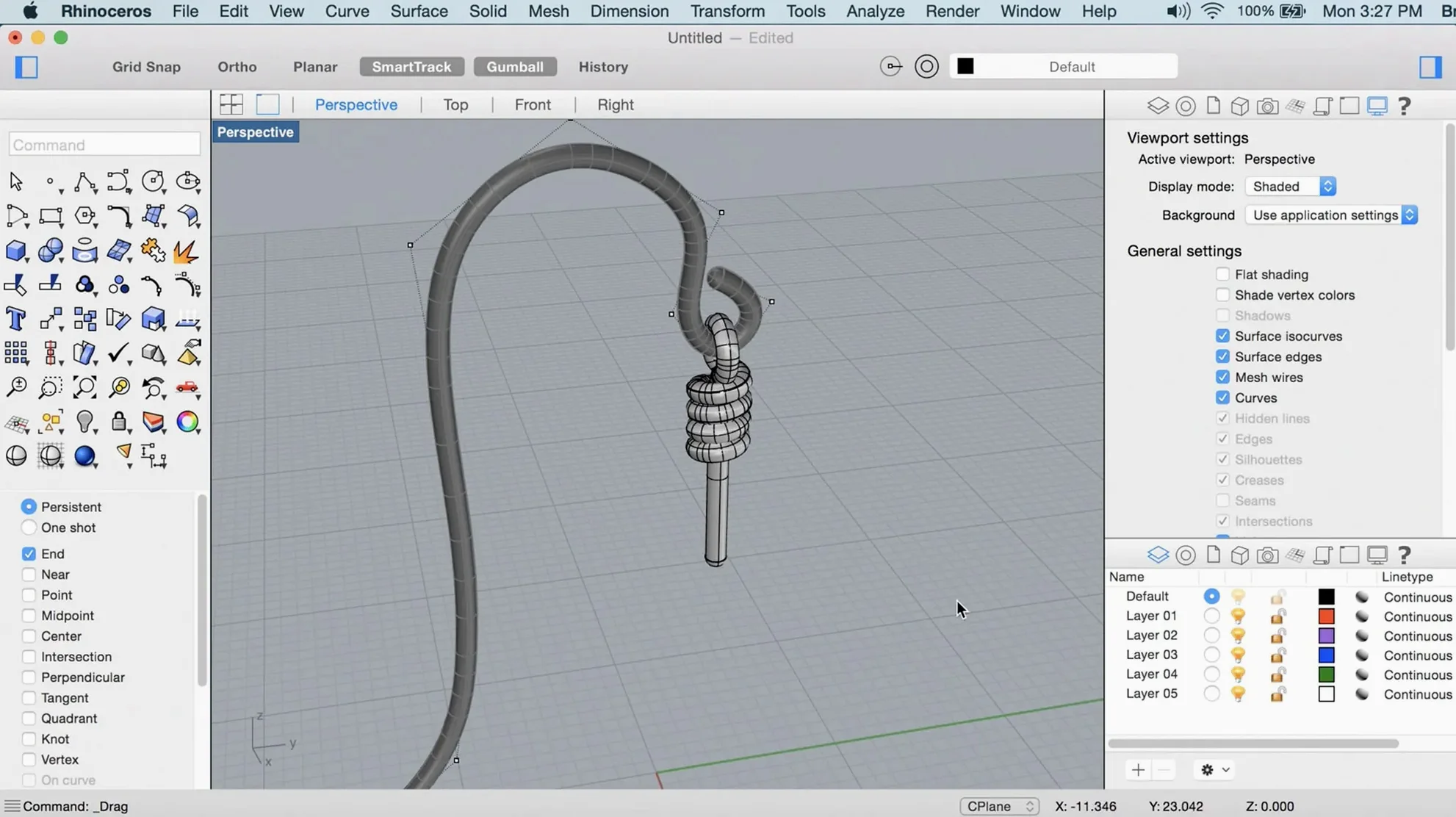
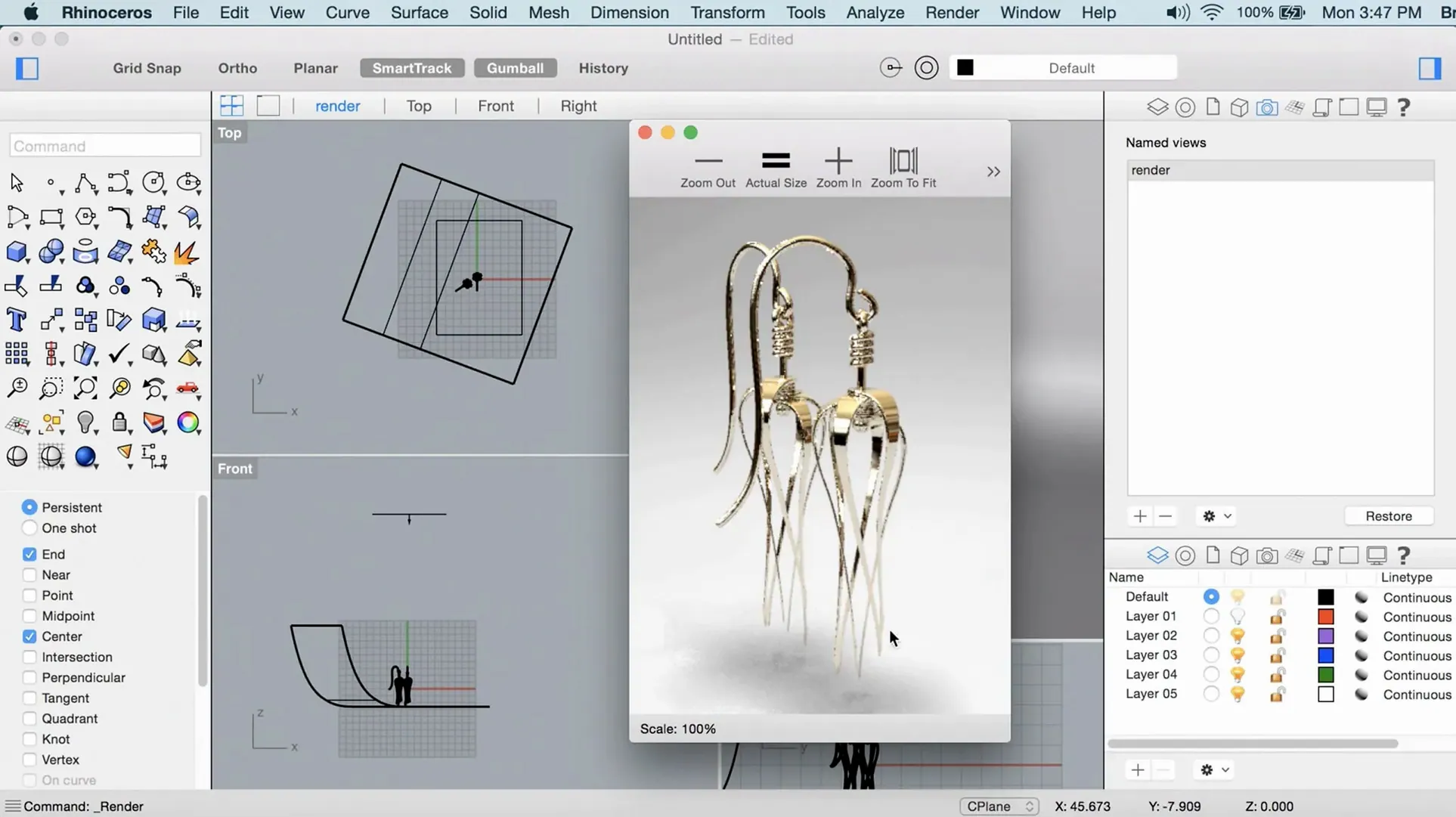
When a polygon mesh gets too messy and a CAD solid feels too rigid, you need a modeler that treats curves and surfaces as first-class citizens. That's the territory Rhino owns. It builds with NURBS—non-uniform rational B-splines—so you can define a hull, a ring, or an architectural form with mathematical precision, then analyze and transform it without the geometry falling apart.
The Mac version runs natively on Apple Silicon and Intel processors, tapping into Apple's Metal graphics to keep viewport navigation smooth. You'll need macOS 12.4 Monterey or later, at least 8 GB of RAM, and about 10 GB of free disk space. A multi-button mouse with a scroll wheel isn't mandatory, but you'll fight the camera without one.
What lands in Rhino 8 is a tighter toolset for messy real-world jobs. ShrinkWrap turns open meshes, point clouds, and disconnected geometry into a closed watertight mesh fast—handy before 3D printing. SubD Creases let you pinch edges in subdivision surfaces the way you'd sharpen a corner in a poly model. PushPull workflows make extruding and modifying solid faces feel direct, like sculpting with exact dimensions. Grasshopper gets new data types too, which matters if your design is driven by a graph of parameters instead of a mouse click.
One Designer, One Deadline
A furniture designer I know starts every chair the same way: a hand sketch on grid paper, then a frantic week turning that sketch into shop drawings and a client-ready render. Before Rhino 8 landed on his MacBook Pro, the mesh-to-solid cleanup before 3D printing a prototype was a whole afternoon of exporting, repairing, and cursing. Last month he tried the ShrinkWrap command on a point cloud scan of an old Eames shell he'd borrowed. Seven minutes later he had a closed watertight mesh, and by lunch he'd sent the file to the print farm. The afternoon went to sanding the actual prototype, not babysitting topology. That's the kind of shift that pays rent.
From SubD Massing to Locked Facade Details
Architects who bounce between concept massing and detailed facade studies live in Rhino for a reason. It doesn't force you into a single modeling style—you can start with a loose SubD form, pull faces with PushPull, then lock down critical edges with creases and rational curves. Product designers working on injection-molded parts lean on the NURBS engine to maintain Class-A surface continuity, something polygon modelers fudge with subdivision levels. Jewelry makers and boat hull designers are the OGs here: tiny tolerances and flowing compound curves are non-negotiable, and the math holds up.
Students and researchers who build parametric definitions in Grasshopper get a boost from the new data types in Rhino 8, especially when a definition calls for custom data structures that used to require scripting workarounds. Mac users who felt burned by the old OpenGL viewport finally get a Metal-native experience that doesn't stutter when a model crosses a million polygons. If you work in a team passing files between Mac and Windows, the file format is the same—no translation layers, no surprise geometry breaks.
A Workflow: From Scan to Snap-Fit Enclosure
Say you need to design a snap-fit electronics enclosure around an irregular circuit board. You've got a 3D scan of the board, components and all, sitting as a noisy point cloud. Here's how that afternoon goes in Rhino 8.
- Import the point cloud. Drag the .ply or .e57 straight into the viewport. Rhino reads it as a point cloud object—no conversion plugins needed.
- Run ShrinkWrap. Select the point cloud, set a target edge length that respects your print tolerance, and let the command build a closed mesh. What you get is a simplified, watertight envelope of the board shape, lumps and all.
- Offset the mesh outward. Use OffsetMesh to create the inner wall of your enclosure with a 1.2 mm clearance gap. That clearance number comes from your material's thermal expansion spec, not a guess.
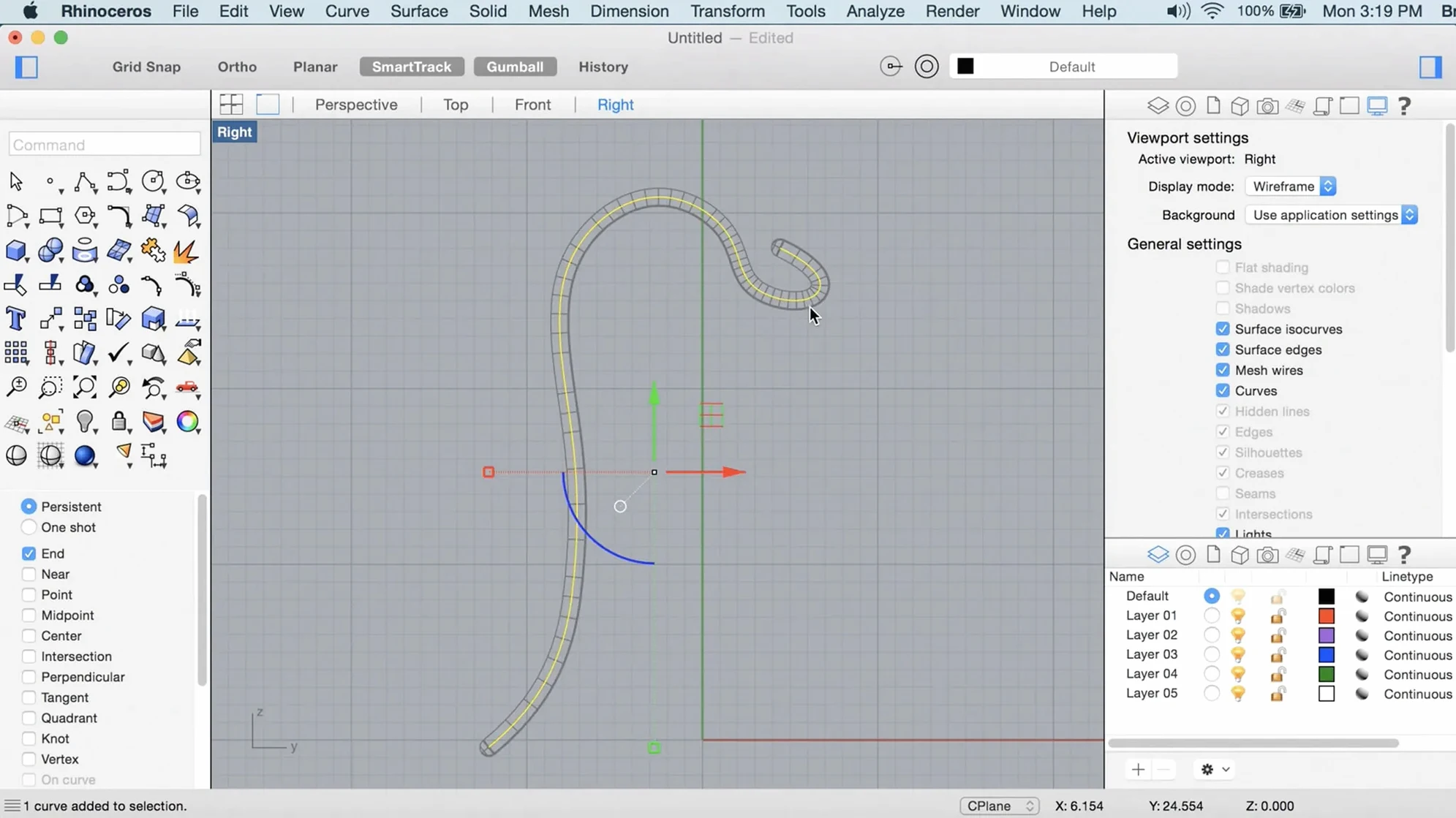
- Draw the parting line. Switch to a NURBS curve, snap to the mesh silhouette in an orthographic view, and sketch the split line where top and bottom shells meet. Keep it planar if your tooling demands it.
- Build the shell bodies. Extrude the curve profiles into solid shells using PushPull. Grab a face, pull it 2 mm outward, and Rhino treats it as a direct solid edit—no exploding and rejoining.
- Add snap-fit fingers. Model a single catch as a small solid, array it along the perimeter curve, then Boolean-union it to the shell. Test clearance with the Clash command before you export an STL.
- Draft angles last. Apply a 2-degree draft to the vertical walls so the part ejects clean from a mold. Rhino's draft analysis shows undercuts in real time while you adjust.
Thirty minutes from import to a file the printer accepts. No mesh repair tools, no intermediary apps.
Runs Natively on Apple Silicon, No Rosetta
Does this run natively on Apple Silicon? Yes. The Metal viewport is built for it, and the render engine takes full advantage of M-series chips. You won't see a Rosetta prompt. On an M2 Max or M3 Pro, viewport frame rates stay high even with dense SubD models, and the Cycles-based renderer chews through passes noticeably faster than the old OpenGL path did.
Can I open files from the Windows version? Without a hitch. The .3dm format is identical across platforms. Plugins are the real split: Grasshopper definitions travel fine, but Windows-only plugins like Kangaroo won't load on Mac. Check your dependencies if you're pulling files from a Windows-heavy studio.
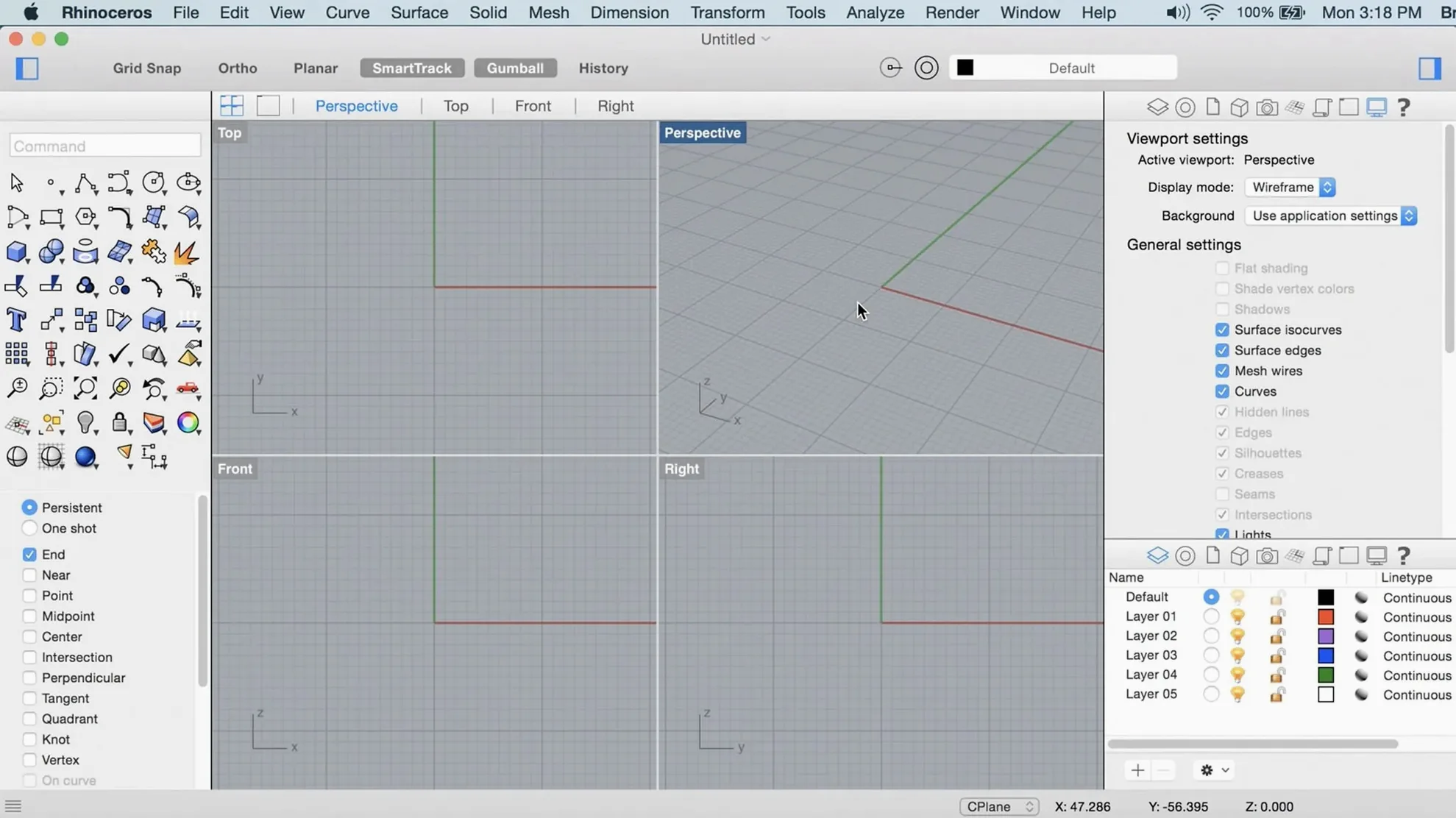
Is the interface the same as the Windows version? Mostly. Rhino 8's customizable UI on Mac lets you rearrange panels and toolbars closer to the Windows layout, which matters if you've built years of muscle memory. Some advanced display modes and scripting options are still catching up, but for everyday modeling the gap is small.
Do I need a dedicated GPU? Apple's integrated graphics on M-series chips handle the Metal viewport well. If you're on an older Intel Mac with integrated graphics, you'll feel it on models over 500,000 polygons. An external GPU isn't supported, so lean on the Mac's built-in silicon.
Tame the Trackpad Before It Spins Away
The viewport spins out of control with a trackpad. Rhino expects a three-button mouse; the trackpad gestures are a compromise. In Preferences > Mouse, set the right-click to orbit and map a keyboard shortcut for pan. Better yet, plug in a scroll-wheel mouse—the camera behavior snaps into place immediately.
Gatekeeper blocks the app after install. The disk image includes an Open Gatekeeper friendly script. Run it, press Enter in Terminal when prompted, and macOS backs off. If you drag the app to Applications before running the script, just run it afterward—the order doesn't matter.
Grasshopper definitions from colleagues throw missing component errors. A component that references a Windows-only plugin won't resolve on Mac. Open the definition, note the red components, and ask your colleague to bake the critical geometry into the .3dm file instead of keeping it live. For parametric work you share across platforms, stick to native Grasshopper components and the new data types in Rhino 8.
ShrinkWrap produces a mesh that's too heavy. The target edge length governs density. If your first pass gives you a million triangles, halve the edge length value and re-run. For 3D printing at 0.1 mm layer height, a mesh with edges around 0.5 mm is usually overkill—0.8 mm keeps detail without choking the slicer.
SubD creases won't sharpen enough. Crease weight goes from 0 to 1, but the visual result depends on subdivision level. Tap the Tab key to toggle between the SubD cage and the smoothed result while you tweak. If an edge still looks soft at weight 1, add a second edge loop close to it—the crease tool respects support loops the same way poly modelers do.
Rhino feels slow with a big file open. Check your display mode. Rendered mode taxes the GPU; switch to Shaded or Wireframe while modeling, then flip to Rendered only for client screenshots. Also, purge unused layers and block definitions—old imported CAD blocks pile up fast and bloat the file.
Some users grab a Rhino 8 download torrent to test the Mac build before committing to a full install. Others search for Rhino for Mac free to see whether the NURBS workflow clicks for their projects. A Rhinoceros torrent often bundles earlier versions, but Rhino 8's Metal viewport and ShrinkWrap are Mac-specific upgrades worth running the current build for. The odd Rhino 8 Mac crack or Rhino 7 torrent query pops up in forums, usually from Windows users checking cross-platform parity before switching.
Rhino 8 switches the Mac display pipeline to Metal, so viewport performance gets a real lift. ShrinkWrap wraps raw scan data, point clouds, and broken meshes into a printable closed solid. The interface is more customizable now—move panels and toolbars around to match a deadline layout instead of fighting defaults.
- macOS 12.4 Monterey or later
- Apple Silicon or Intel Mac
- 8 GB RAM minimum (more recommended)
- 10 GB available disk space
- Multi-button mouse with scroll wheel recommended
Notes from the edit bay · 0
Sign in or get an edit-bay pass to leave a note.
No notes from the edit bay yet. They go up after I read them.