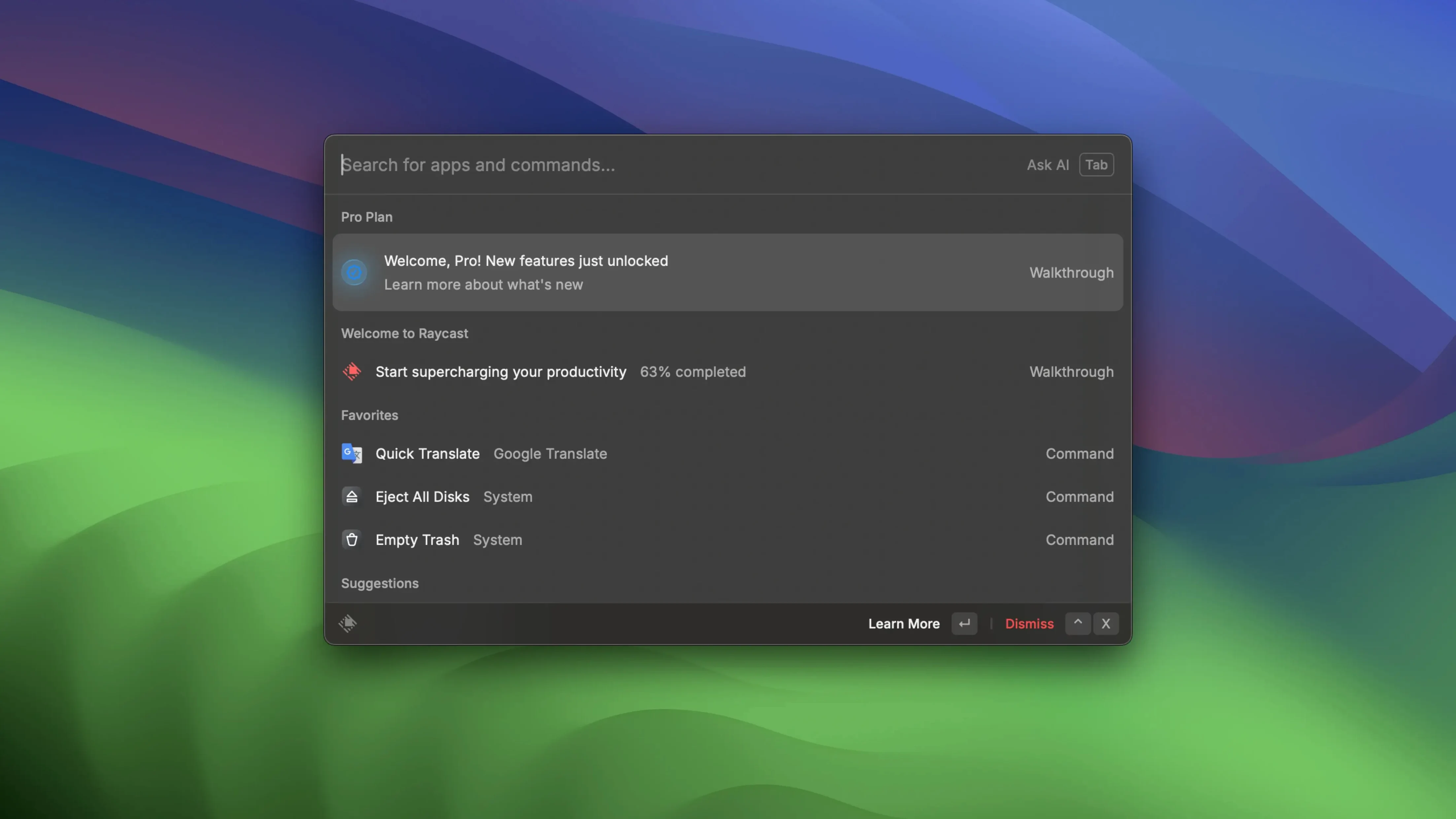
Spotlight gets you files and apps, but the moment you need to string together a file search, a Zoom link, and a snippet of text, you're switching contexts. That friction is exactly where Raycast steps in.
When Option+Space Already Feels Like Home
Anyone who lives in the command palette—developers, writers, project managers—and wants their Mac to respond in fewer keystrokes. If Option+Space already feels like home, Raycast gives you more rooms in that house.
Acting on Items, Not Just Finding Them
It doesn't replace Spotlight; it complements it. Spotlight finds items on disk. Raycast acts on them—opening a quick link in a specific browser, scheduling a Zoom meeting, or copying a note straight to iMessage without touching a trackpad.
What Makes the Extensions Click?
The launcher hooks into Google Drive, Apple Notes, and Zoom for custom commands that save real trips to the menu bar. Memory improvements in recent builds mean those extensions start leaner, so the tool stays responsive on a deadline.
Never Opening the Extensions Pane
Rookies treat Raycast like a slightly fancier Spotlight and never open the Extensions pane. That is the whole point of the tool. The second someone types weather and sees a seven-day forecast without a browser tab, the habit changes — but plenty of people never install a single extension in their first week.
Another classic: assigning a hotkey to everything. Muscle memory breaks when twenty shortcuts collide. Start with three. One for window management, one for a quick link that launches your project tracker, and one for a floating note. Build from there.
Quitting Raycast between sessions because "it's just a launcher" kills the clipboard history and the floating notes that were sitting in memory. Let it live in the menubar. The recent memory patches slim the footprint enough that an always-on instance isn't the hog it once was.
A Session Manager's Afternoon
Imagine a post-production coordinator juggling three cuts, two review links, and a client who wants the latest export right now. The review links live in a Google Sheet, the exports sit in a project folder four directories deep, and the client's Zoom room isn't bookmarked anywhere logical.
With a couple of quick links set up — one for the review tracker sheet, one for the export root — the coordinator opens either in Firefox without touching a Finder window. A saved script command lets them paste a frame.io link into a Slack thread with zero clicks. Zoom connection pulls up the next meeting and joins it. The whole scramble settles in under fifteen keystrokes, and the afternoon doesn't derail into a tab hunt.
Extension Permissions That Won’t Stick
Extension permissions don't stick. Google Drive commands sometimes ask for re-authentication after a macOS update. The fix is blunt but works: remove the extension, restart Raycast, add it back. The second auth tends to hold.
Clipboard history vanishes. If you're using a utility that also claims the clipboard — like a snippet manager with its own history — the two fight. Disable clipboard capture in the other tool. Raycast's clipboard search works best when it's the only one listening.
Quick links open in the wrong browser. The drop-down in the quick-link editor is easy to miss. Set the browser per link; one client portal might live in Chrome while dev docs belong in Arc. A generic "default browser" setting for everything usually backfires by day three.
Raycast Pro online features don't light up. AI commands, cloud sync, and some team features phone home. In a setup where online functions don't reach out, those menu items sit grayed out. Stick to local extensions, script commands, and quick links — the local toolkit covers more ground than people expect.
Cold Coffee, Final Cut, and a Client Link by 11 a.m.
Monday morning, a freelance editor named Theo sits down with cold coffee and a cut that needs final captions and a client review link by 11 a.m. The timeline is open in Final Cut, but the first job is laying hands on the script the client emailed late Friday.
Option+Space. search files "captions_v3". The PDF surfaces from a client folder four levels deep; Enter opens it in Preview. No Finder dive.
He highlights a block of revision notes, taps the clipboard-history shortcut, and parks the text snippet. A floating note — Caption changes from client — gets that block pasted in, then the note stays pinned while he works through the timeline. Halfway through, the client pings about a Zoom call in twenty minutes. Option+Space, zoom next meeting. Raycast shows the 10:30 call pulled from the Zoom extension. He joins it without touching the Zoom dock icon.
After the call, the caption file is done. He needs to drop it into the shared Google Drive folder. A quick-link command — dl review folder — opens the exact Drive directory in Firefox. Drag, drop, done. The floating note gets copied to iMessage and sent: "Changes applied, export rendering now."
One render bar later, the morning is over and the palette hasn't closed once. That session never touched Launchpad, never opened a Finder window, and never asked "where did I save that."
The latest Raycast Pro 2.5.1.0 update lands with a handful of targeted fixes and under-the-hood improvements.
- macOS 12 or later
- Apple Silicon or Intel 64-bit
Questions I actually get
Can Raycast handle quick links and meetings together?
Yes, you can open a quick link in a chosen browser and start or view upcoming Zoom meetings from the same command bar after connecting your account.
Notes from the edit bay · 0
Sign in or get an edit-bay pass to leave a note.
No notes from the edit bay yet. They go up after I read them.