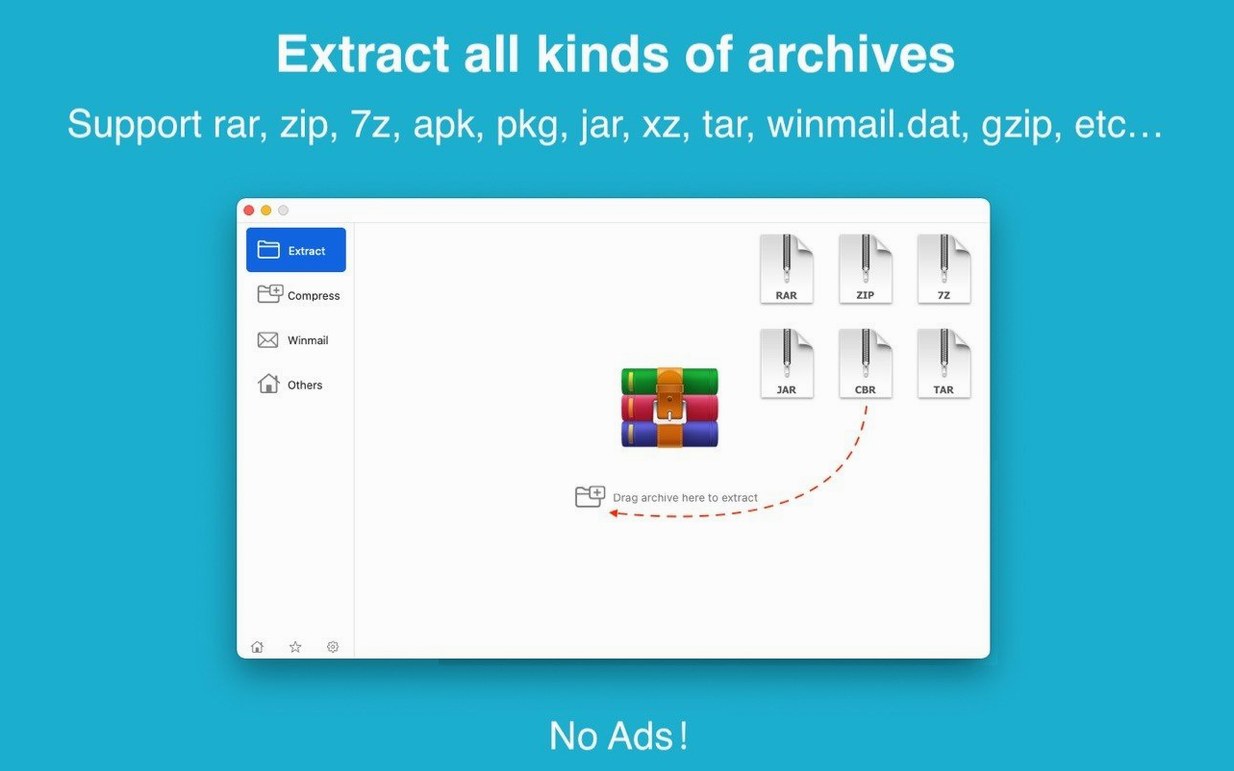
More than 30 formats, one app. RAR Extractor handles RAR, ZIP, and 7Z alongside WINMAIL, ACE, ISO, PAK, LZH, and plenty of archives you haven't seen since the early 2000s. It runs natively on Apple Silicon and Intel Macs, needs macOS 11.5 or later, and doesn't overcomplicate things.
Drag to Desktop for an Instant, Dialog-Free Extraction
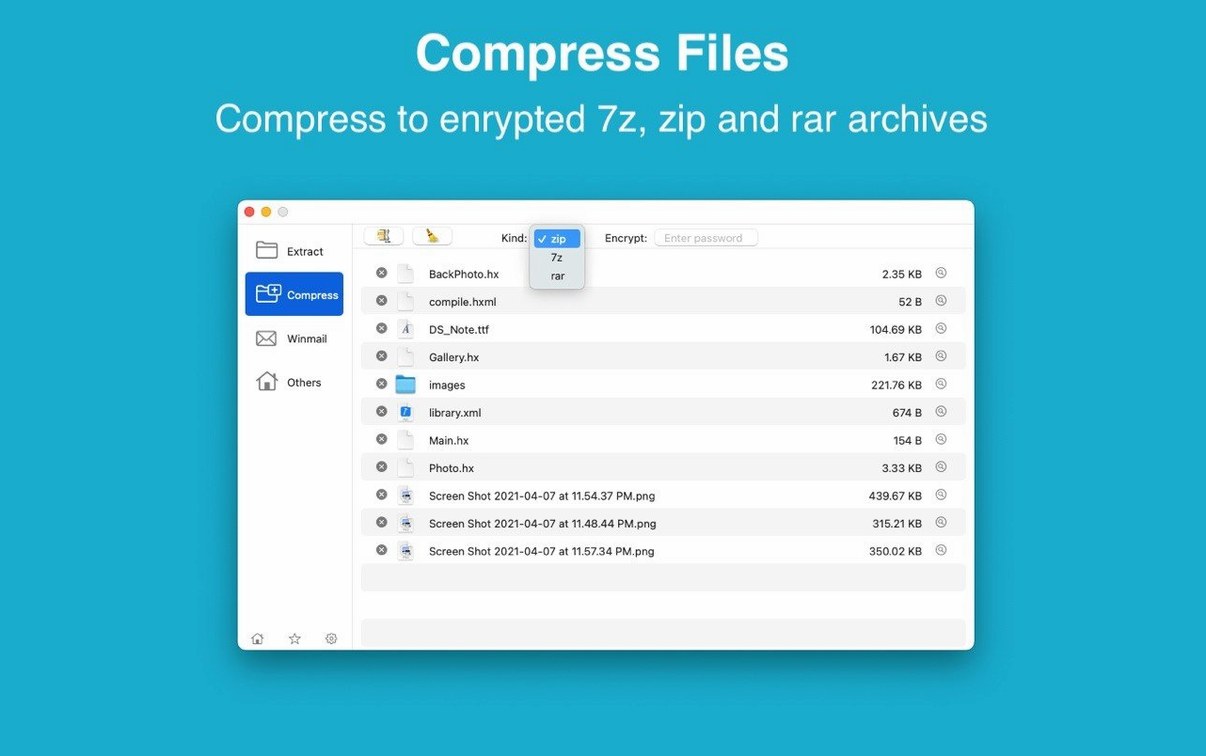
Drag an archive straight to the desktop for instant extraction—no dialog boxes, no prompts. Or drop a file onto the Dock icon to peek inside before you commit. The dual-window display keeps source and destination visible at once, so you're never guessing where things landed. When you need to send something back out, highlight your files and create a ZIP or 7Z archive right from the interface. Toggle on AES-256 encryption and set a password for either format.
The Specialist for .rar and Stubborn Archive Formats
This isn't a Finder replacement. Think of it as the specialist you call when a .rar or a stray .arj shows up and the built-in decompressor shrugs. The first-generation RAR Extractor users will recognize the lineage, but version 13.9.6 feels trimmed for quick, repeat tasks—open, extract, encrypt, close. No queue management, no cloud tie-ins. Just the formats and a straightforward window.
Does It Unlock Password-Protected and Encrypted Archives?
Does it handle password-protected archives? Yes. Encrypted RAR and ZIP files open without fuss once you supply the password. For your own archives, it creates AES‑256 protected ZIP and 7Z containers. For anyone searching for a straightforward rar extractor for mac that doesn't choke on a password prompt, this one gets it right.
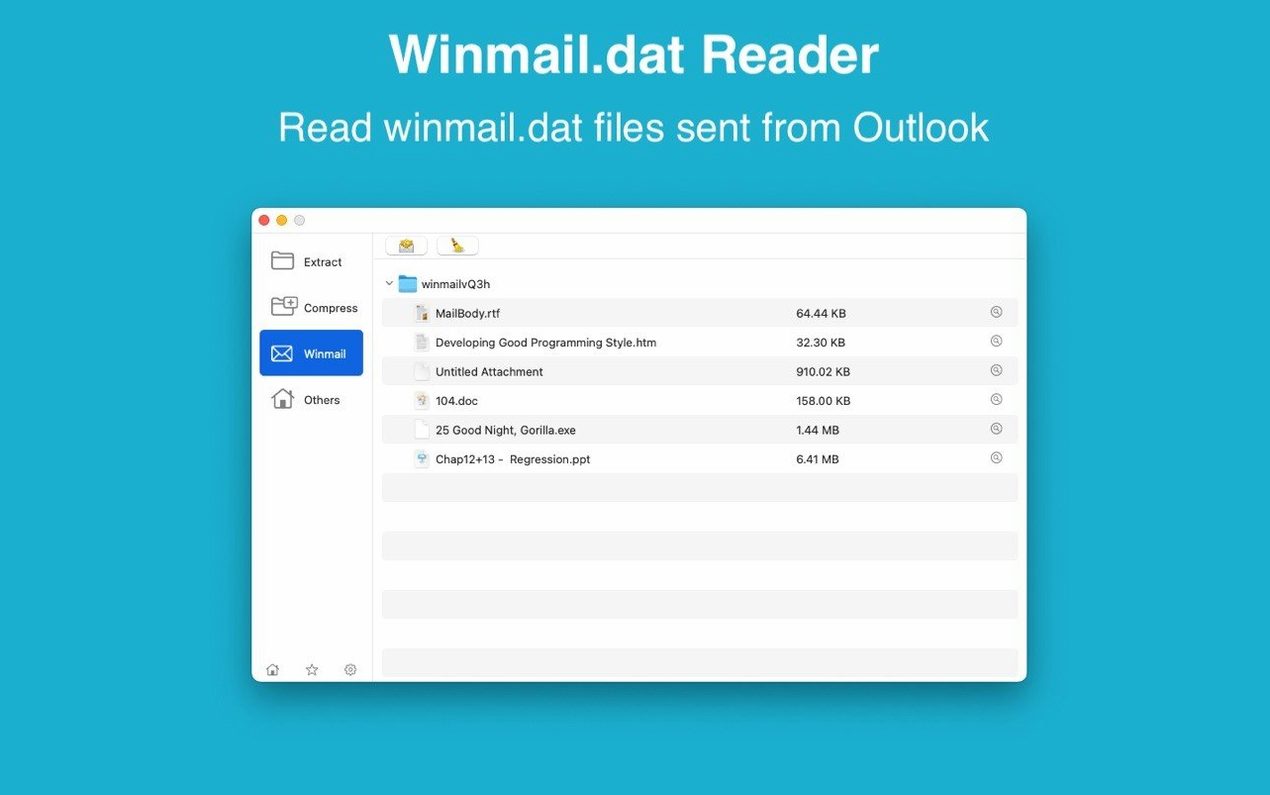
What about that winmail.dat nonsense from Outlook users? Built-in preview. Drop the file in and you see the actual attachments inside—no renaming tricks or third‑party decoders. It's one of those features you forget about until a client sends a meeting invite wrapped in Microsoft's format, and then you're glad it's there.
Will it bog down a batch of archives? The app handles multiple archives in one go. Select a dozen .rar files, drag them in, and it works through the list without baby‑sitting. No progress‑bar theater, just the extraction running while you switch back to the timeline.
Does it replace my current unarchiver? Not necessarily. You can set it as the default archive app, and it'll catch every format it knows. But plenty of editors keep it as a secondary tool—the one they launch when a rar mac download arrives from a motion graphics artist or a sound designer who still zips everything with WinRAR on a PC.
Set Archive Associations and Drag to the Dock for Quick Previews
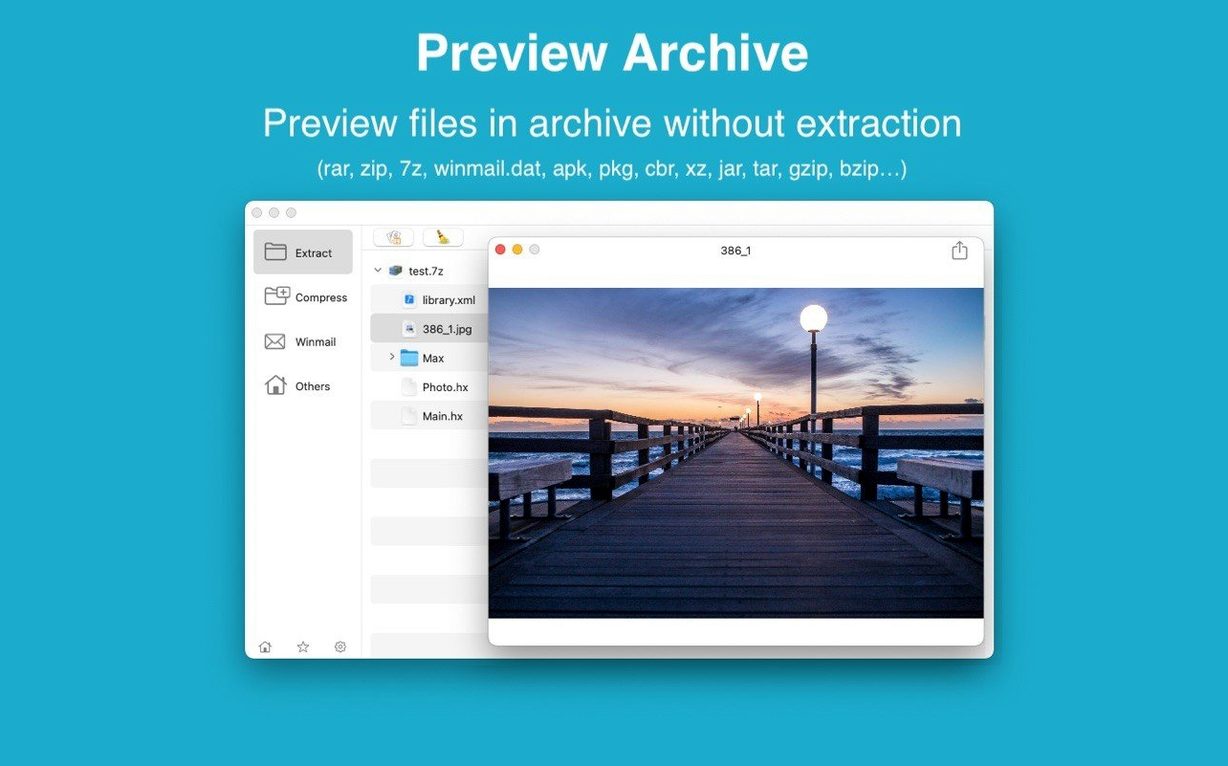
Set the default archive association on day one. You'll stop double‑clicking .rar files only to watch another app fumble the job. After that, train yourself to drag to the Dock icon for a quick preview—it shows the file list before extraction, which saves you from unpacking a folder only to discover it contains exactly one useless .txt file and a logo you already have.
When you create archives, pick 7Z if the recipient is also on a Mac or uses a tool that reads it. The compression runs tighter than ZIP on most media files, and the AES‑256 password option works the same way. For Windows clients who've never heard of 7Z, fall back to ZIP with the same encryption toggle.
Get comfortable with the dual‑window layout early. Keep the source archive on the left and your project's scratch folder on the right. It's a small thing, but dragging files across a split view is faster than navigating back and forth in a single pane when you're pulling assets from three different zipped deliveries.
Bypass the Gatekeeper Block with the Included Terminal Script
Gatekeeper blocks the app on first launch. The disk image includes a script that walks you past it. Mount the image, run the Terminal command shown in the installer window, press Enter, and continue. Once you've dragged the app to the Applications folder and opened it, macOS stops complaining.
An old .arj or .lzh file won't extract cleanly. Some archives from the late‑90s were created with non‑standard headers or split across floppy disks that got merged badly. If the app shows an error, try extracting just a single file from the archive rather than the whole thing—corruption often hits the directory listing, not the content itself. For stubborn cases, the preview pane still lets you grab individual files that survive.
The dual‑window view disappears. It's a toggle, not a permanent mode. If you close one pane by accident, open a new archive window and the split returns. The app remembers your last layout choice per session, not across launches.
7Z files created here won't open on a colleague's ancient Windows machine. That's not the app—it's their tool. 7‑Zip on Windows reads these files perfectly. If they're using something else from 2008, resend as ZIP and the problem vanishes.
Unpacking Client Assets from Berlin .rars to Los Angeles .7z Files
Video editors and motion designers who receive client assets from every platform imaginable. A production company in Berlin sends a .rar; a sound designer in Los Angeles uses .7z; a corporate client forwards a winmail.dat attachment from Outlook. RAR Extractor opens all three without sending you to a forum to figure out what a rar extractor max alternative might handle. The batch extraction alone saves fifteen minutes on a day when three projects drop revisions simultaneously.
Archivists and people pulling old drives out of drawers. Those .lzh files from a 2004 backup, the .arj archives from a university project, the .cab installer someone saved for no reason—the format list goes deep enough to reach archives most modern tools ignore. If you've been hunting for something that reads more than just .zip and .rar without installing command‑line utilities, this fills the gap.
Anyone who sends password‑protected deliverables. The encryption workflow is three clicks: select files, choose format, set a password. No key management, no certificate imports. For editors who regularly send cuts to clients behind a password, the 7Z with AES‑256 does the job without turning into an IT certification course.
Mac users who briefly considered a winrar mac torrent because they needed to open a multi‑part .rar set and didn't want to learn the Terminal syntax for unrar. This app handles split archives—part1.rar, part2.rar, and so on—transparently, as long as all parts sit in the same folder. Drag part one, and the whole set extracts as one.
- macOS 11.5 or later
- Apple Silicon or Intel 64-bit
Notes from the edit bay · 0
Sign in or get an edit-bay pass to leave a note.
No notes from the edit bay yet. They go up after I read them.