
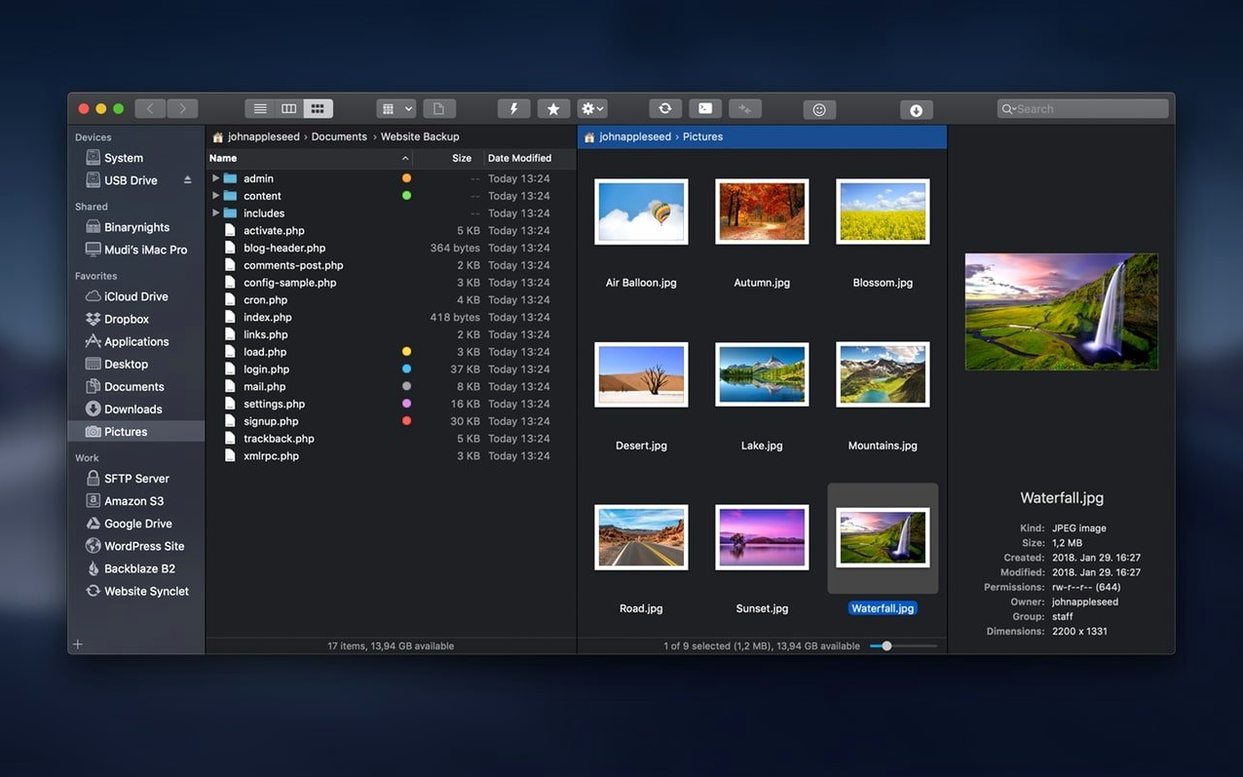
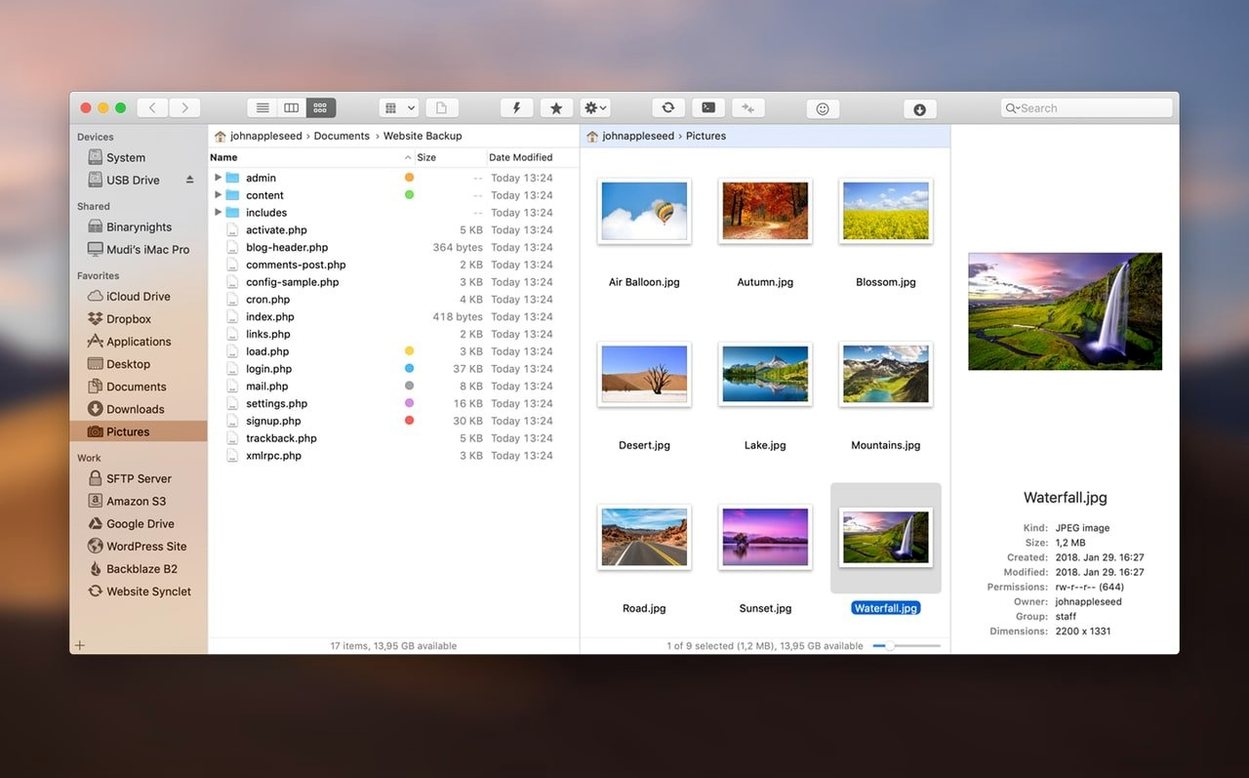
If you spend any time moving files around in Finder, you know the dance: window, new window, drag, drop, repeat. ForkLift collapses that into one place. It gives you two panes side by side, so a local-to-remote transfer becomes a single drag instead of a juggling act.
Who Needs a Second Pane?
Anyone who copies between a Mac and a server, or even between two folders on the same drive. You see source and destination at once, which cuts the steps in half. The panes are independent, so you can browse a remote FTP server on the left while digging through a local project folder on the right.
Where Does It Replace an FTP Client?
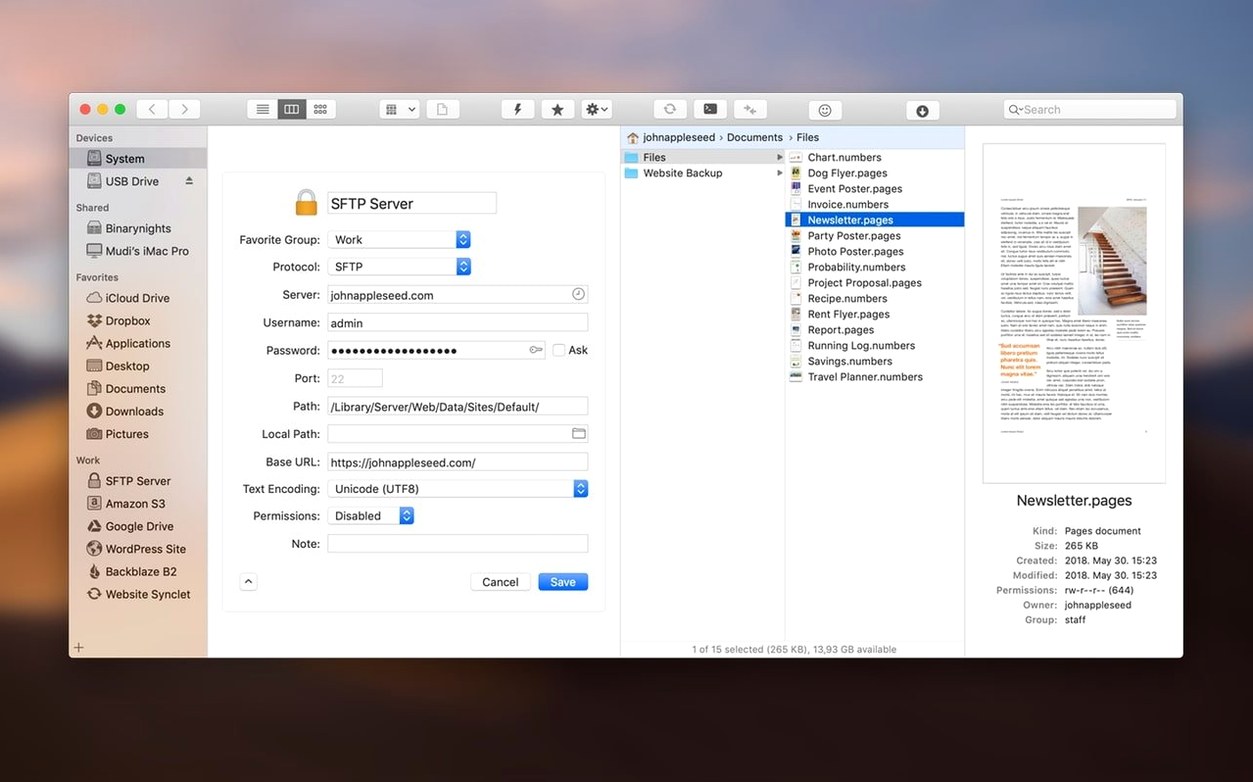
Transmit and Cyberduck do the job, but ForkLift treats remote servers like attached drives. You can connect to multiple servers simultaneously, open a file in a text editor, save it, and have the remote copy update without a separate upload step. Previewing photos, PDFs, and other files happens inline, right from the file list.
How Does Sync Actually Work?
One-way mirroring or two-way merging. You compare a local folder against a remote one, see exactly what changed, and let ForkLift push or pull the differences. It removes the guesswork from keeping a backup or staging directory current.
What About Archives and Deep Browsing?
Zip files, tarballs, and other archives open like regular folders. No extraction, no clutter. You can browse inside, drag a single file out, and leave the rest untouched. It’s a small touch that saves a surprising number of right-clicks.
Why the SFTP Transfers Never Block DaVinci Resolve
I cut video for a living, so anything that beachballs during a deadline gets benched immediately. ForkLift 4.7.6 stays out of the way. Transfers over SFTP peg a single core moderately, leaving the rest for DaVinci Resolve or Compressor. Local file moves between drives tap Apple’s file-system APIs cleanly — no weird progress-bar stutters when you’re copying a 40 GB camera archive to a RAID.
Memory sits around 120–180 MB with four server connections open and a sync job running. On Intel machines, that’s negligible. The app hasn’t crashed once across a week of daily use, even when I accidentally queued a 12,000-file S3 sync while rendering a timeline. Connection drops on flaky Wi-Fi recover gracefully: it pauses, retries, and doesn’t lock the interface while re-establishing.
One thing I notice: the preview pane renders large RAW photos faster than Finder’s column preview. It caches thumbnails aggressively, so scrolling back through a folder doesn’t trigger a redraw cascade. If you’re on an older Intel Mac, that responsiveness matters more than spec sheets admit.
A Real Workflow: Ingesting a Shoot to an S3 Bucket
Here’s how I handle a typical project handoff. A production company sends me a drive with a 65 GB shoot — ProRes 422, mixed 4K and 1080p. They need a backup on their S3 bucket before I start cutting. In ForkLift, I connect to S3 on the left pane and open the delivery drive on the right. I don’t bother creating a mirror folder first; I just select the top-level shoot folder and hit the sync button.
The comparison window lists 340 files. I switch to two-way sync mode, but since the bucket is empty, it’s effectively a one-way push. I deselect the DS_Store and .fcpbundle thumbnail caches — no point uploading Finder droppings — and run the job. While it chugs, I open a local project folder in a new tab and start pulling selects for the edit. ForkLift doesn’t force me to wait for the upload to finish before I do other work. Twenty minutes later, the sync completes, and I get a clean diff summary showing zero errors. The remote bucket now mirrors the drive, folder structure intact.
Why Sync Isn’t Just a Drag-and-Drop Copy
The biggest one: treating sync like a copy-paste operation. People select files, drag them across, and assume everything landed. They don’t run an actual sync job, so hidden files, folder permissions, or partially transferred items slip through. Use the sync tool — it verifies.
Another classic: connecting to an FTP server and editing a file without realizing ForkLift keeps a local temp copy open. You type, save, and expect the remote file to update instantly. It does — but only if the connection stays alive. On spotty networks, beginners close the edit window too fast, lose the upload, and wonder why the server version didn’t change. Save, glance at the transfer queue, then close.
Also, people ignore the archive browsing feature entirely. They right-click and extract a whole .zip into a folder, dig through it, grab one file, and trash the rest. ForkLift lets you browse that .zip in place and drag just the file you need. Less clutter, fewer cleanup steps. Once you train that habit, Finder’s default extraction feels like noise.
Version 4.7.6 smooths out the rough edges when interacting with files—less waiting, clearer feedback. Also fixed: two lingering issues on macOS 27 Golden Gate.
- macOS 12 or later
- Intel-based Mac
Notes from the edit bay · 0
Sign in or get an edit-bay pass to leave a note.
No notes from the edit bay yet. They go up after I read them.