
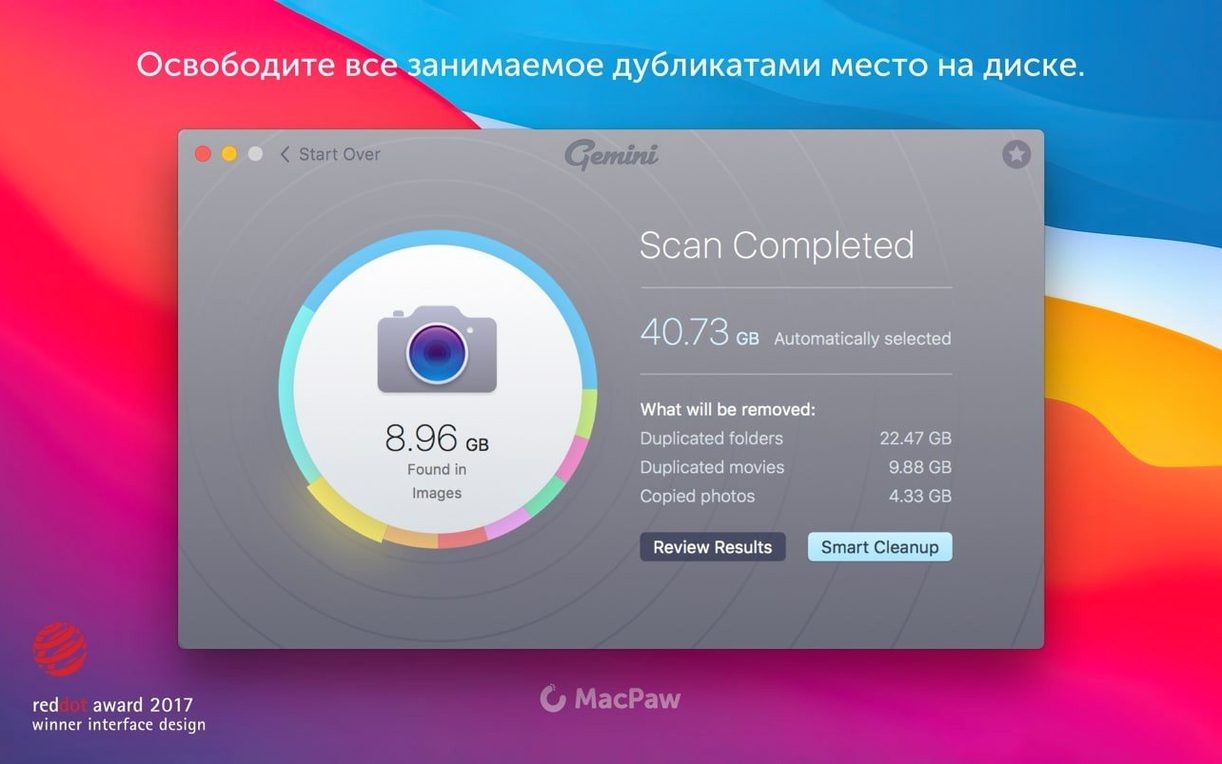
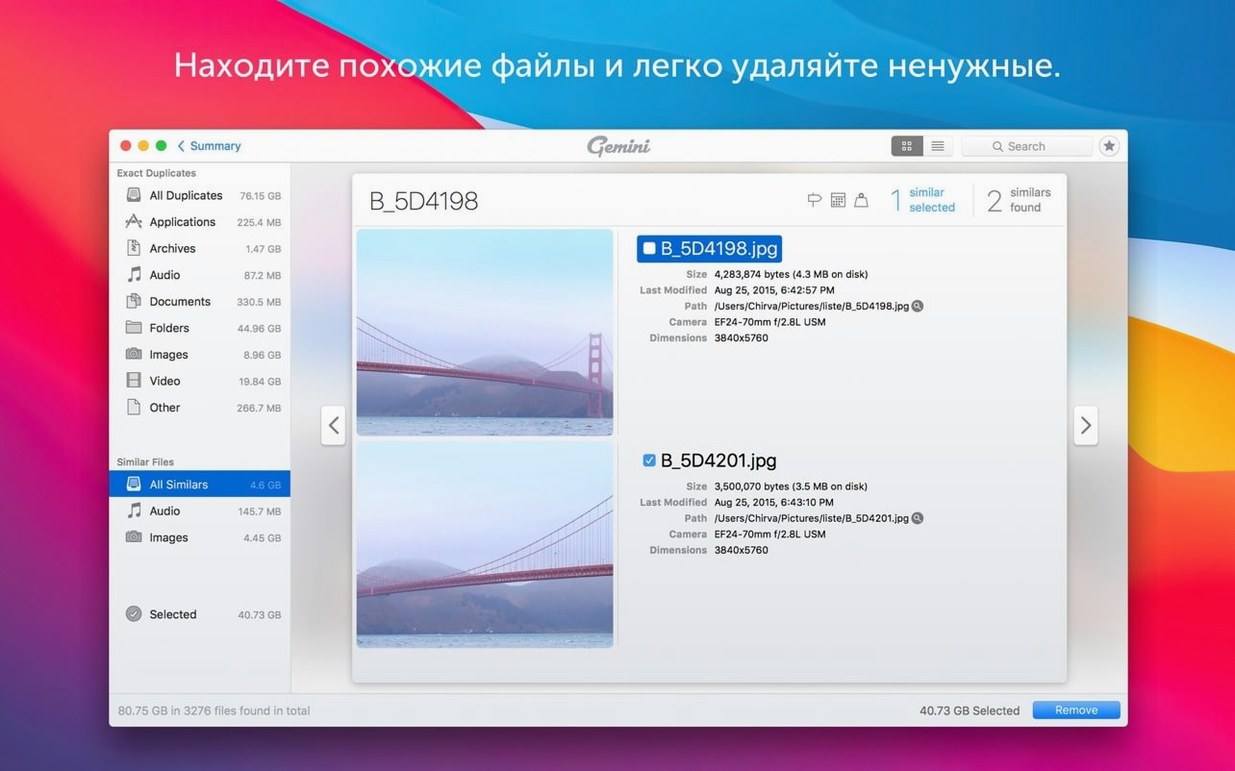
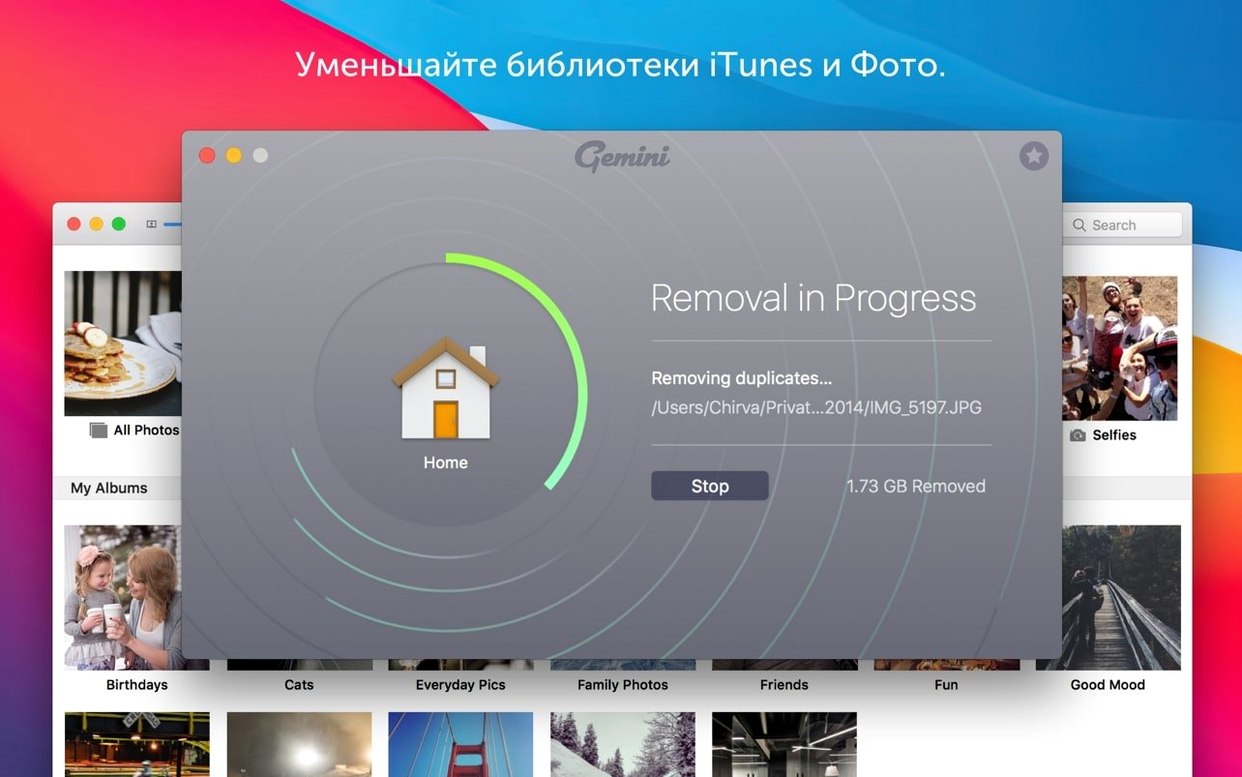
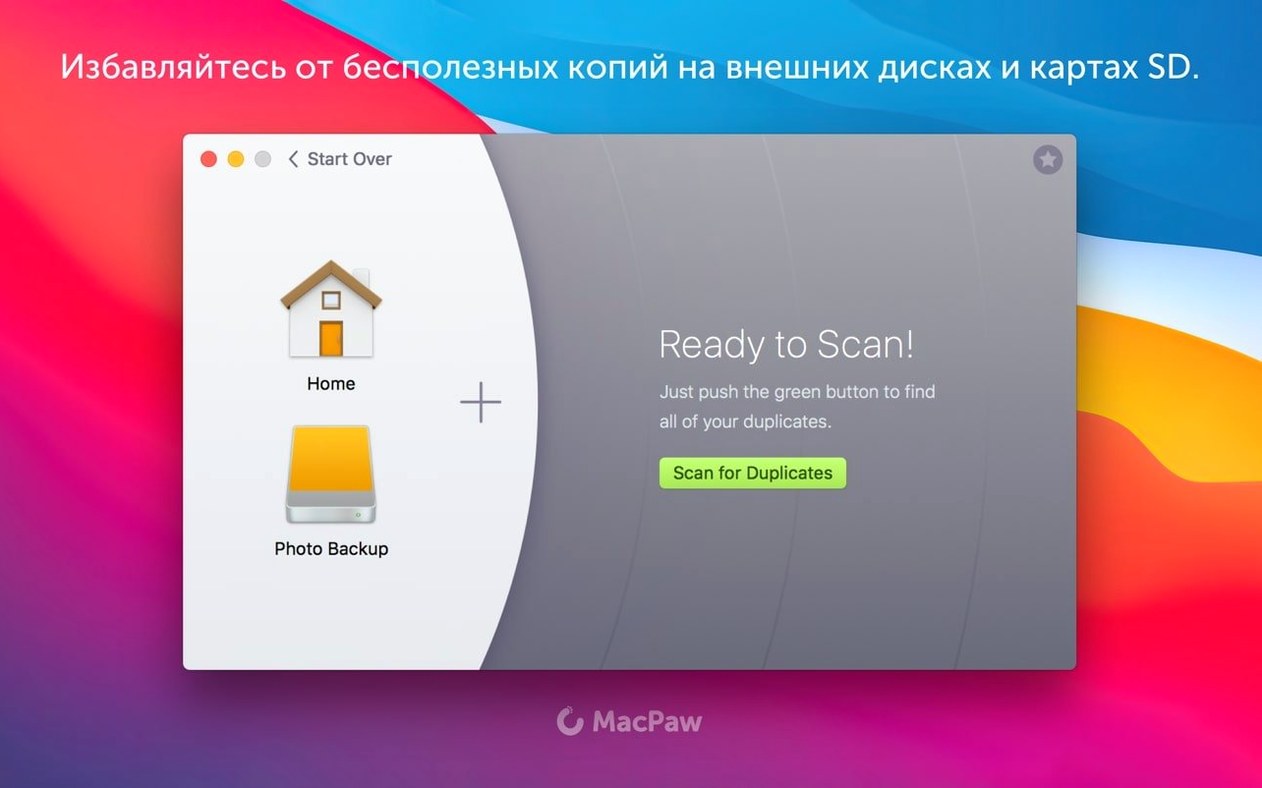
MacPaw gave Gemini 2 the same core job as its predecessor, but the current build leans harder into a realistic cleanup routine. The tool scans iTunes, Photos, arbitrary folders, and the wider drive, then groups exact copies and files that look nearly alike. The practical payoff is reclaiming storage before a render or an export deadline, not after.
- Pick one realistic target: an old project folder, a Photos library, or a music folder that has survived three Mac migrations.
- Run the scan and let Gemini group duplicates and near-duplicates instead of showing one long flat list.
- Use Smart Select to mark files for removal based on what you previously deleted, so the cleanup matches your habits.
- Check the Recently Deleted area before treating the space as free — it is the safety net for a wrong call.
- Repeat the scan on a second location, like old video captures, and notice the selection logic carry over.
The flow stays simple: find, select, remove, verify. For a video editor with multiple media folders, that is enough to make a visible dent in storage without spending an afternoon comparing file dates by hand.
Cleaning a Messy Photos Library From Start to Finish
Every Mac user with an iPhone eventually hits the wall: a Photos library swollen to 180 GB because of burst shots, WhatsApp forwards, and three nearly identical edits of the same sunset. Gemini handles this without forcing you to open Photos at all.
The workflow starts cold. Quit Photos first — the app locks its library when running. Launch Gemini, click the big plus button, and point it straight at ~/Pictures/Photos Library.photoslibrary. Don't bother with a full-drive scan yet; that's like vacuuming the whole house when you only spilled coffee in one room.
Let the scan finish. Gemini splits results into two tabs: Exact Duplicates and Similar Files. The exact matches are the easy wins — same byte count, same checksum, no thinking required. Tap Smart Select and watch it mark every redundant copy while keeping one original untouched. The similar-files tab is where you slow down. Gemini groups shots taken seconds apart, and the preview pane shows them side by side. You pick the one with the better framing, check the others, and delete.
Before emptying the trash, open the Recently Deleted list inside Gemini. I once cleared 40 GB of burst photos and realized only later that the keeper shots were buried in the wrong group. A quick restore saved the afternoon. After that, the space is actually free — no hidden sync, no iCloud re-download.
Repeat the same scan a week later and Gemini remembers your pattern: you kept the sharper image last time, so it pre-selects the blurrier one now. That learning behavior cuts the review time in half on a second pass.
The Wedding Shoots Multiplying in Your Background
Consider a wedding photographer who dumps 2,000 RAW files from a Saturday shoot into a working folder, culls 400 keepers, edits them, exports JPEGs, and then forgets the RAW rejects for six months. Multiply that by twelve weddings and the archive folder is a minefield of dead weight.
She drags the entire Weddings/2024 folder into Gemini on a quiet Sunday. The scan pulls up not just byte-identical RAWs — those are rare — but the similar-files engine groups frames shot at 14 fps where only the bride's blink changes. She scans the grid, keeps the one with open eyes, and dumps the rest. Smart Select learns that pattern over three sessions and starts making the same call automatically. What used to be a manual two-hour purge now takes twenty minutes, and she reclaims 90 GB before the next import.
The kicker: Gemini also sniffs out the JPEG exports sitting next to their RAW originals. If she delivered finals and no longer needs preview copies, those go too.
Scanning Everything at Once and Facing 14,000 Files
The most common mistake is scanning the entire drive on the first run and then freezing at a results list with 14,000 items. Nobody makes good decisions when staring at that much data. Start with one folder, one library, one external drive. Build a rhythm, then go wider.
Another trap: trusting Smart Select blindly on the first scan. The feature learns from your previous deletions, so on a fresh install it has no history. Review the selections manually until you have trained it through two or three sessions. After that, the trust is earned.
Beginners also ignore the similar-files threshold. Gemini groups files that look alike, not just files that match byte-for-byte. If you blast through that tab without checking previews, you risk deleting the slightly rotated version of an image you actually needed. Slow down on the similar tab; speed through the exact duplicates tab.
Finally, some users empty Gemini and then immediately empty the system Trash without checking whether anything vital got caught in the crossfire. The Recently Deleted area inside Gemini exists for a reason. Give it a thirty-second review before you nuke everything.
Final_v3_REALFINAL and the Motion Design Sprawl
Video editors and motion designers sit at the top. Proxy files, rendered previews, duplicated project folders named Final_v3_REALFINAL — the folder sprawl is real. Running Gemini across a working drive before starting a new project often frees enough space to avoid the dreaded "disk full" pop-up mid-render.
Photographers with Lightroom or Capture One catalogs are next. They accumulate sidecar files, virtual copies, and exported proofs that Gemini catches without touching the catalog database itself. Point it at the image folders, not the catalog file, and the cleanup is clean.
Music collectors with decade-old iTunes libraries benefit sharply. Gemini finds duplicate MP3s across compilations, live albums, and studio releases — the kind of clutter that builds up when you rip a CD twice because you forgot you already owned it. Smart Select learns to keep the higher-bitrate version once you teach it that pattern.
Anyone who migrated Macs more than once is a hidden candidate. Migration Assistant sometimes duplicates user folders or leaves behind old library databases. A targeted scan of the home folder often uncovers gigabytes of redundant system detritus that no manual cleanup would ever spot. If you snagged the gemini 2 download mac build and ran it after your last migration, you already know how much cruft transfers over.
Casual users who just want a quick spring cleaning get value too, but the real payoff comes when you have a specific, repeatable workflow — and a deadline that makes storage math actually matter.
- macOS 10.13 High Sierra or later
- Intel (x86 64-bit) Mac
Questions I actually get
What kinds of files can Gemini 2 find?
It supports images, music, video, folders, and libraries, including iTunes and Photos.
Does Gemini 2 run on Apple Silicon Macs?
The app is built for x86 64-bit Macs and lists macOS 10.13 High Sierra as the minimum system.
What is Smart Select in Gemini 2?
Smart Select handles file selection during cleanup and learns from deletions you have already made, then reuses those choices in later scans.
Notes from the edit bay · 0
Sign in or get an edit-bay pass to leave a note.
No notes from the edit bay yet. They go up after I read them.