
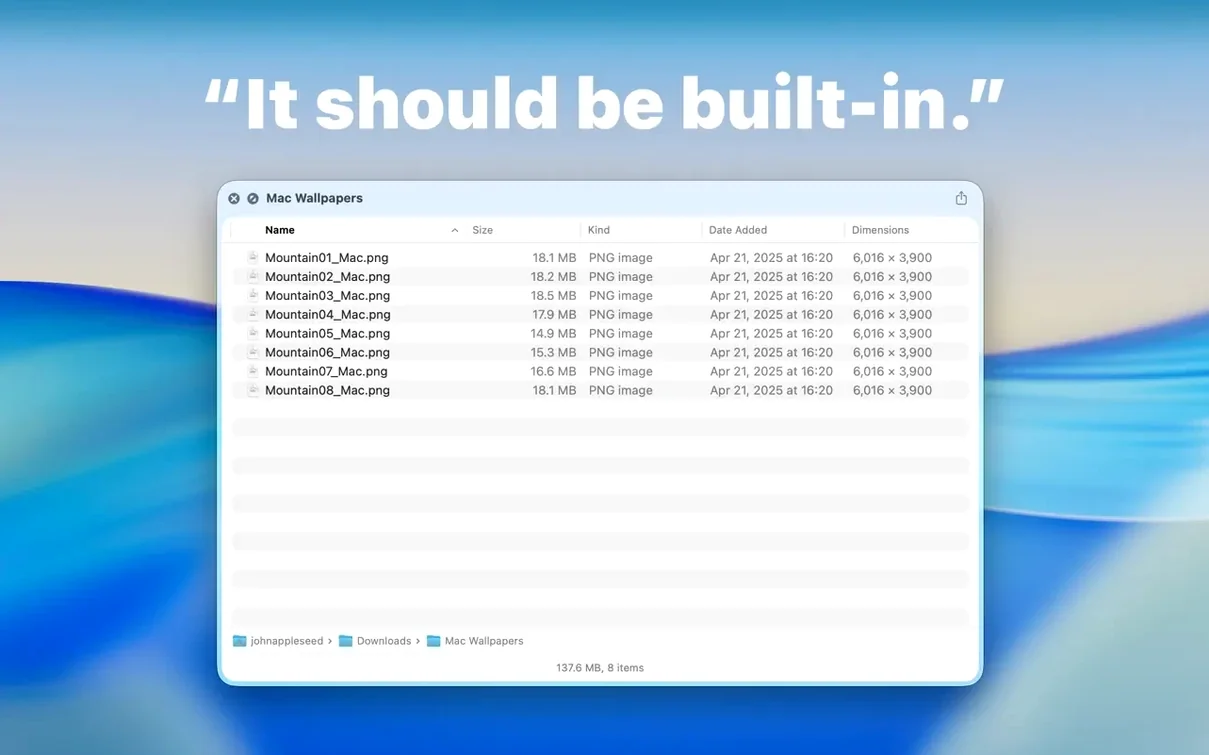
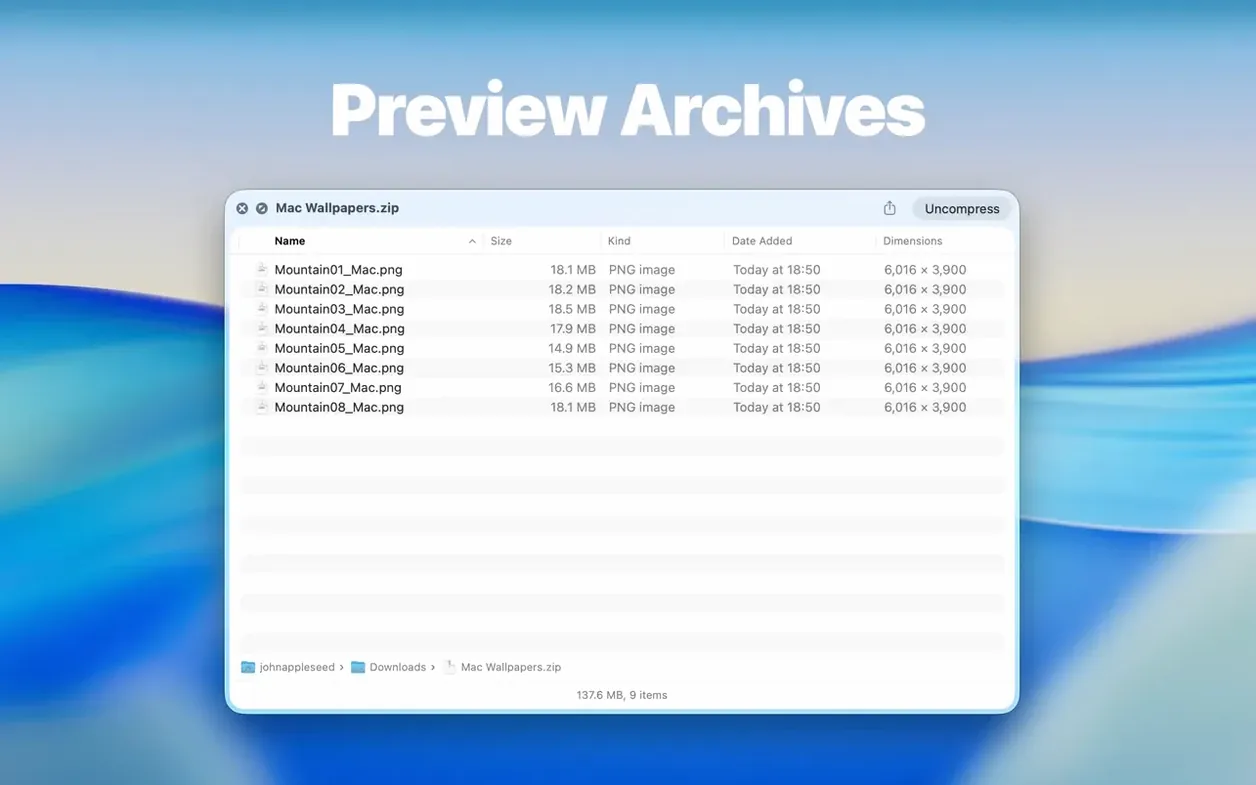
Folder Preview Pro is a Finder extension that puts folder contents right inside the Quick Look panel. Select a folder, hit Space, and see its files in a list or icon view instead of a generic folder icon. It turns Quick Look into a fast directory scanner. You can also drill into archives the same way — it treats ZIP, RAR, 7Z, TAR, and GZ files like folders, showing their contents before you extract a single byte.
Where does it fit? It sits between a full Finder window and the built-in Quick Look that only shows a single file. When you’re hunting for a specific asset or checking what’s inside a compressed delivery, this keeps you in the flow. You never leave the keyboard or open another window.
How it works in a real cut
- You get a folder of dailies or a ZIP from a client. Select it in Finder and press Space.
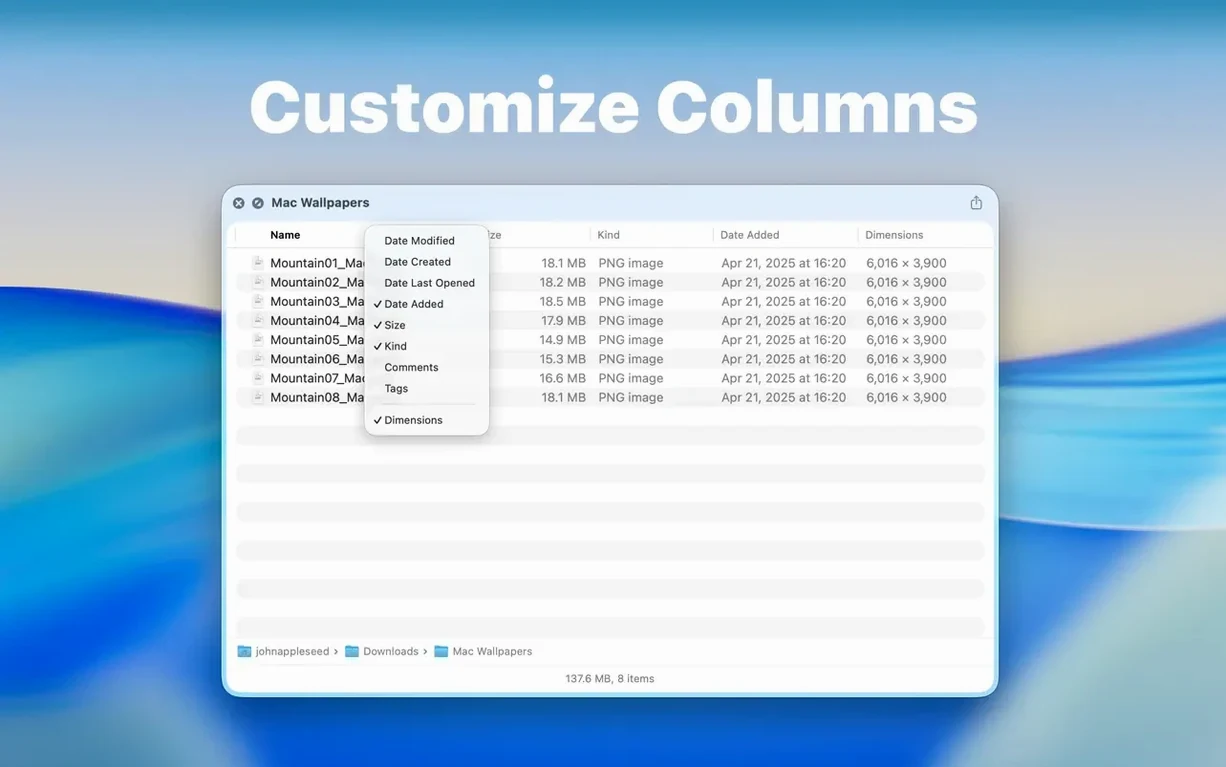
- The preview pops up with the contents listed. In version 3.1, you can switch to a Dual Columns view to scan nested folders fast.
- Spot the clip you need? Drag it straight out of the preview onto your timeline or a project bin. No extracting, no hunting.
- Hit Space again to close and keep moving. The whole check takes seconds.
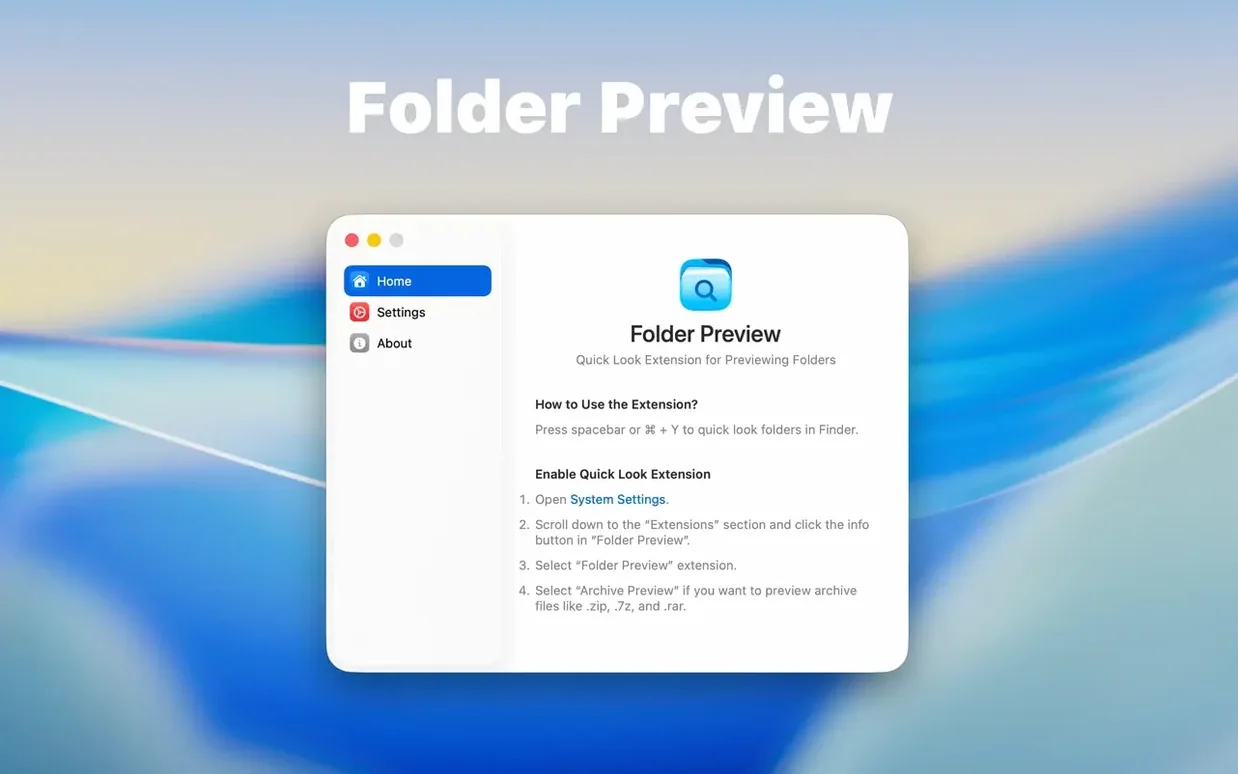
The extension needs a one-time enable in System Settings > Quick Look, and then it’s just there. It runs on Apple Silicon and Intel Macs, and version 3.1 adds archive size limit options up to 10 GB, so large project archives won’t choke the preview. It’s a small utility that fixes a very specific Finder blind spot.
Why Quick Look’s Folder Icon Falls Short
Quick Look has never been much of a folder tool. The built-in macOS preview shows a folder icon and a file count, nothing more. Folder Preview Pro replaces that dead end with actual contents. That alone puts it in a different category from Apple's default behavior — it's not a cosmetic tweak, it's a workflow change.
Compare it to BetterZip Quick Look and Archiver. Both handle archive previews well, and BetterZip gives you a solid look inside ZIP and RAR files without extracting. But those tools are archive-first. Folder Preview Pro works on regular folders as the primary target, with archive support layered on top. If your Finder life is mostly normal folders with the occasional compressed delivery, the folder preview matters more day to day.
Folder Preview Pro also skips the file-browser app approach entirely. Tools like Path Finder or ForkLift replace Finder with dual panes, tabs, and batch tools. That's a different philosophy — a whole new window to learn. Folder Preview Pro keeps Finder as it is and upgrades one interaction: pressing Space. Lighter footprint, less friction, fewer windows open.
For a quick folder preview mac torrent users keep coming back to, the draw is the same: it does one job without turning into a file manager. The EPS preview mac crowd gets similar mileage when they're sorting through design folders full of linked assets and exports.
A real-world pass: the motion designer's delivery check
A motion designer gets a client folder with ten subfolders — fonts, logos, renders, references, contracts. The renders folder has a ZIP of the previous month's work. In a normal Finder day, that's a lot of double-clicking and window juggling. With Folder Preview Pro, she selects the main folder, hits Space, and sees all ten subfolders in a list. She switches to Dual Columns view, drills into the renders folder from the context menu, and spots the ZIP. One more Space on the archive shows the rendered MOVs inside. She drags two of them out to her working folder and closes the panel. The whole pass takes under a minute.
That's the kind of user this fits: someone who receives messy folder structures from clients and needs to pull assets out without opening six Finder windows.
Spacebar and Command-Y Still Open Everything
Folder Preview Pro plays well with the tools already living in the Mac. It leans on Quick Look's infrastructure, so the Space key and Command-Y both work as they always have. If you use Keka or The Unarchiver for extraction, Folder Preview Pro complements them — you inspect first, then extract only what you need. No conflict, no duplicate file associations.
It also cooperates with Finder's column view and Spotlight. You can search for a folder in Spotlight, select the result, and press Space to preview its contents without opening the parent directory. For people who organize projects with Apple's file tags, tag a folder, find it later, and preview it right from the search results. The extension doesn't fight any of that — it just adds a new layer to the same keyboard-driven flow.
Drag-and-drop out of the preview is the feature that ties it into other apps. Drop files into Final Cut Pro, Logic Pro, Photoshop, or a Terminal window sitting on another Space. It behaves like Finder's drag, so whatever app accepts file drops will accept these.
Dual Columns for Project and Client Deliveries
Video editors and motion designers sorting through project folders and client deliveries. The Dual Columns view and archive previews cut down the boring part of media management.
Archivists and data hoarders who keep years of ZIP and RAR files around. Seeing inside an archive without extracting is the kind of small win that adds up when you're checking dozens of files a session.
Photographers who deliver galleries in TAR or ZIP and need to confirm shots are in the right place before uploading. Selecting a folder and pressing Space beats opening it in a new window every time.
Developers and web workers who unpack ZIPs of templates, themes, and repos. A quick look at the folder structure before extracting tells you if the vendor wrapped everything in an extra directory.
If you live in Finder and use Quick Look constantly, Folder Preview Pro closes the largest remaining gap. Version 3.1's folder preview pro mac additions — Dual Columns, context menu browsing, and drag-out — push it beyond a simple extension into something closer to a fast file inspection layer. It's small, it's quiet, and it makes the Space key do real work.
The big addition in 3.1 is Dual Columns view, making it way easier to compare nested folders or bounce between directory levels. There’s also a new Contents item for stepping through folders level by level, and you can now drag files out of the preview from both list and icon views — something that really speeds up grabbing assets.
Also fixed: archive size limit options now include 5 GB and 10 GB thresholds.
- macOS 13 or later
- Apple Silicon or Intel Mac
Questions I actually get
How do I enable the Quick Look extension after installing?
You need to enable it in System Settings under the Quick Look section before it will show folder contents in Finder previews.
Does Folder Preview Pro work with compressed archives?
Yes, it can preview the contents of ZIP, TAR, GZ, 7Z, and RAR files directly in the Quick Look panel without extracting them.
Notes from the edit bay · 0
Sign in or get an edit-bay pass to leave a note.
No notes from the edit bay yet. They go up after I read them.