A type designer needs to space a new geometric sans across 900 glyphs before a client presentation on Thursday. The kerning pairs are a mess, and three alternate ampersands refuse to interpolate correctly. That's a Tuesday morning with FontLab open.
Drawing the Skeleton
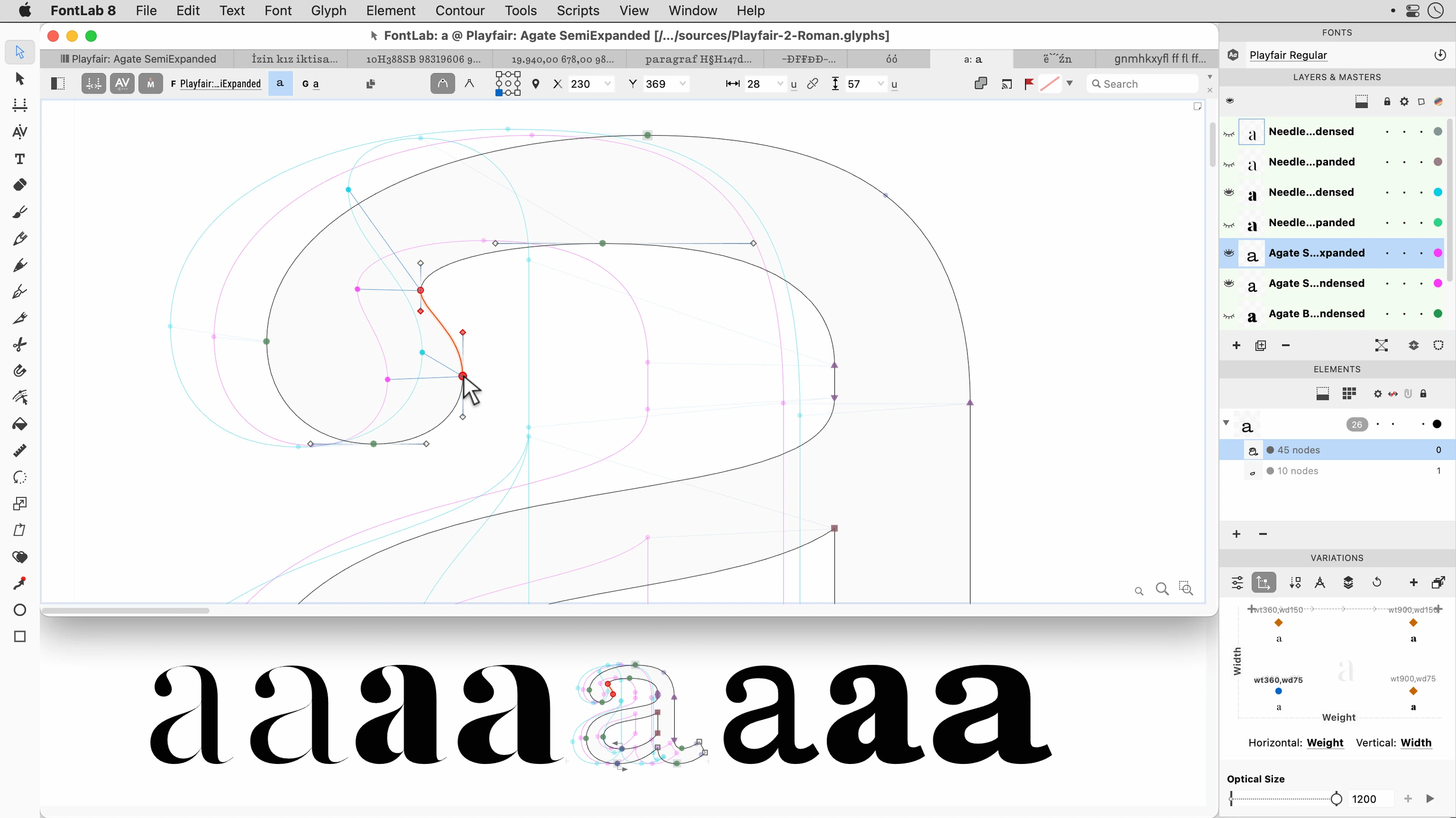
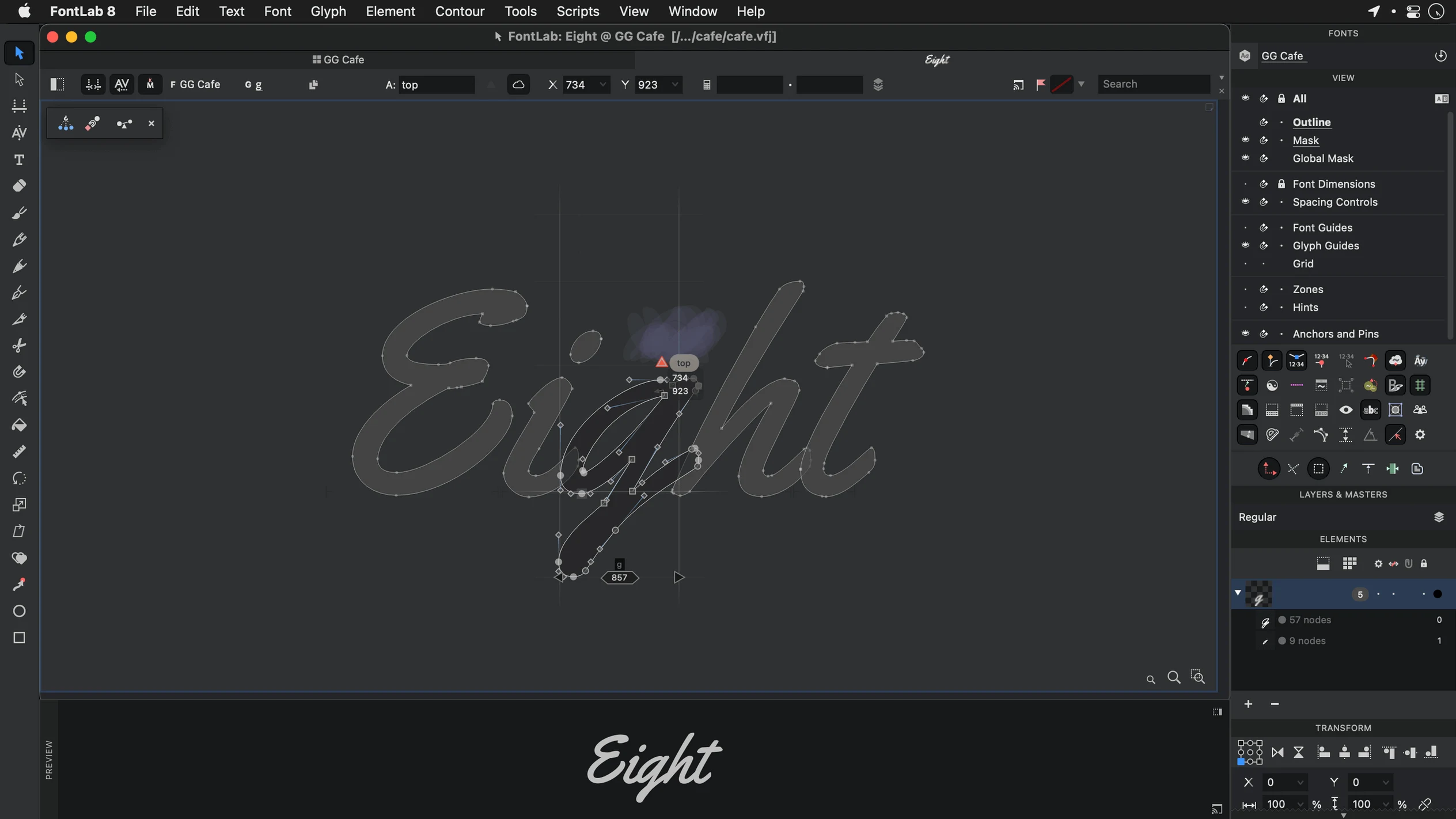
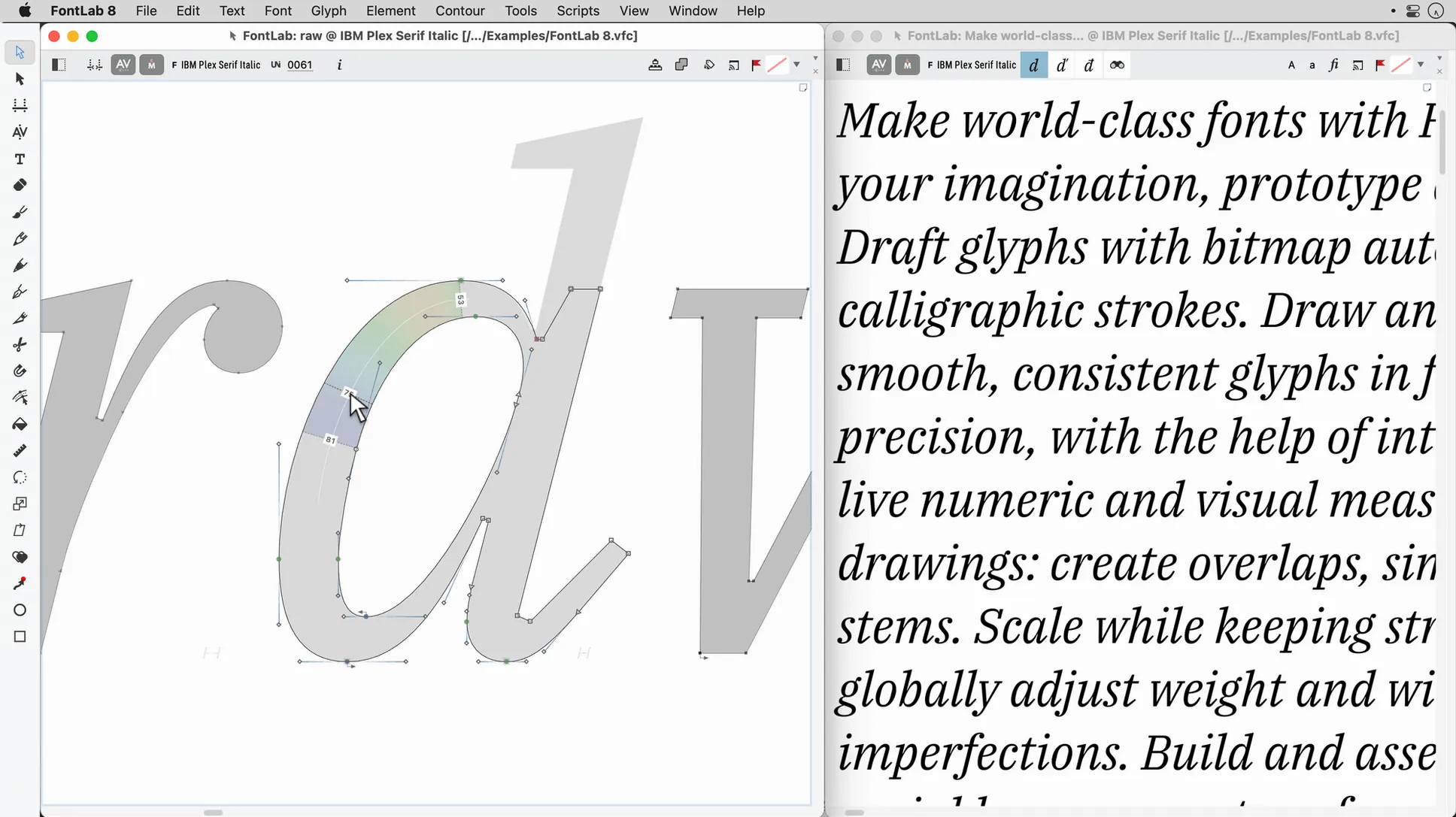
Every glyph starts with a clean outline. Drag-and-drop glyph placement cuts the busywork of assigning Unicode points, letting you focus on the Bézier curves that define a typeface's voice. The editor handles OpenType, TrueType, Mac TrueType, and ASCII/Unix Type 1 fonts, so legacy files open right alongside a brand-new variable font axis.
Polishing the Texture
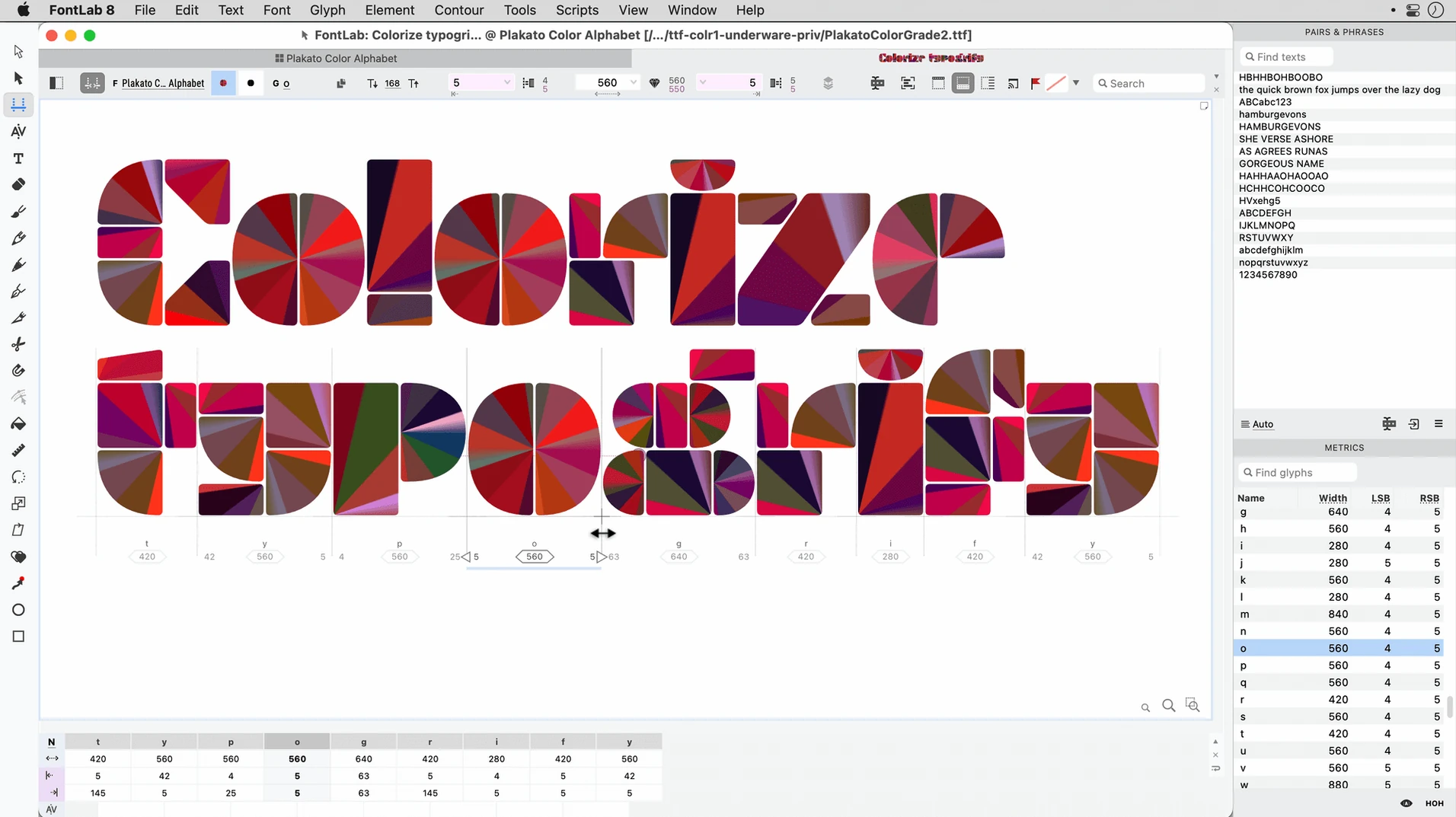
Spacing and kerning make the difference between a typeface and a bunch of letters. Batch transformation of glyphs applies consistent sidebearings or stem weight adjustments across an entire character set in one pass. With more than 200 undo levels, you can chase a visual rhythm knowing no experiment is permanent.
Prepping for the World
Fonts need to speak more languages than you do. Built-in support for Arabic and Hebrew, combined with a robust glyph viewer, lets you verify right-to-left shaping and diacritic stacking inside the editor. When the export dialog hits zero, you're holding a high-quality font ready for any layout engine.
Opening a Legacy VFB and Adding Vietnamese Diacritics
Tuesday, 9:14 AM. A client sends over an old FontLab Studio 5 file with a note: “Can you modernize this and add Vietnamese support?” I open FontLab 8.4.3.8984, drag the .vfb into the window, and the glyph grid populates. First pass — check the vertical metrics against the new brief. The cap height needs to drop by 40 units. I select the uppercase range in the Font window, open the Transform panel, and run a batch scale. Done in one move, not 26.
Next, I pull the Vietnamese diacritic combos from the encoding list. The editable code pages mean I’m not stuck with someone else’s idea of what “Latin Extended” includes. I mark the missing glyphs, copy the base letters, and drop the new composites into place. The drag-and-drop placement lands each one at the correct Unicode point without me typing a single codepoint.
By 11:00 I’m in the spacing zone. The client’s original kerning is uneven, so I clear the legacy pairs and rebuild. I set up a few class-based pairs for the new diacritics, then run the batch transformation to tighten the sidebearings on the lowercase. The render bar fills, the preview updates, and I can see the texture improving in real time.
Before lunch, I save a working copy. The undo stack sits somewhere past level 40 — I’ve tried three different ampersand alternates in context and gone back twice. No crash, no freeze. Just the quiet confidence of a tool that doesn’t punish experimentation.
Will FontLab 8 Open Your Old Studio 5 Files?
People looking at a fontlab 8 free download usually ask the same three things. First: “Does this replace FontLab Studio 5, or do I need both?” Yes, it replaces it. FontLab 8 is the direct successor, and it opens old Studio 5 files. You don’t need the old app running alongside. Second: “Will my existing fonts survive the import?” In my experience, outlines and metrics come through intact. The formats matter less than the tool’s ability to read them — and it reads OpenType, TrueType, Type 1, AAT, and Mac TrueType without a converter. Third: “How long until I’m productive?” If you’ve ever drawn a vector in Illustrator, the pen mechanics feel familiar immediately. The font-specific stuff — encoding, hinting previews, class kerning — takes a week or two of real projects before it becomes muscle memory.
Reviving a Legacy Serif
A friend sends over a mid-2000s TrueType font that’s been stretched through three different conversion tools. The outlines are lumpy, the kerning table is a disaster, and the copyright string still credits a designer who left the industry. The task: clean it up and produce a working OpenType file.
I open the font directly. The glyph viewer shows exactly where the old conversion tools added unnecessary points. I select all glyphs and use the vector drawing tools to remove excess nodes. For the worst offenders — the lowercase e and the uppercase S — I redraw the curves from scratch. The new outlines snap to the same sidebearings as the originals, so the spacing doesn’t collapse.
Next, I rebuild the kerning. The old pairs are random, so I wipe the table and start fresh with class-based pairs. The batch transformation applies consistent adjustments to the most common pairs — Th, To, Ty, Wa, We, Wo. I preview the changes in the built-in editor and tweak the class definitions until the rhythm feels even.
Finally, I update the naming fields and export. The result is a clean OpenType font that a layout engine can parse without warnings. The whole job takes an afternoon, and most of that time is spent making aesthetic decisions, not fighting the software.
The Old Workshop With Every Tool on the Wall
Against Glyphs, the difference is temperament. Glyphs is a calm, modern drafting table built for Latin-first designers who want things tidy. FontLab is the old workshop with every tool on the wall. If you need Arabic or Hebrew shaping checks, FontLab’s built-in support feels more direct. Glyphs gets there too, but the path is longer. For most Latin typefaces, both work. For legacy files and multi-script chaos, FontLab has the edge.
Against RoboFont, the story flips. RoboFont is a blank canvas — you bring your own extensions and build your own workflow. FontLab ships with that workflow already installed. If you love scripting and want a pet tool, RoboFont is great. If you want to open a client file and start working without writing Python first, FontLab is the pragmatic choice.
Against FontForge, there’s no real contest. FontForge is free and does the job, but it feels like a terminal with a UI attached. FontLab’s drawing tools, undo depth, and the way the preview updates during batch transformations put it in a different category. Anyone searching for fontlab for mac is making a decision about how much frustration they’re willing to trade away.
FontLab 8.4 lands with 500 improvements over the initial version 8 release, and a staggering 900 over FontLab 7. The focus is refinement across the board—smarter drawing tools, faster interpolation, and a more responsive interface when handling large character sets.
Also fixed: a handful of SVG import quirks and a rounding error in the Transform panel.
- macOS 10.14 or later
- Intel processor
Questions I actually get
Is FontLab 8 just an upgrade from FontLab Studio 5?
Yes. FontLab 8 is the direct successor and a completely modernized application, not a parallel product.
Can I see my changes as I work?
Absolutely. The built-in font viewer and editor updates live, so you always see the actual rendered glyph, not an abstract wireframe.
Notes from the edit bay · 0
Sign in or get an edit-bay pass to leave a note.
No notes from the edit bay yet. They go up after I read them.