
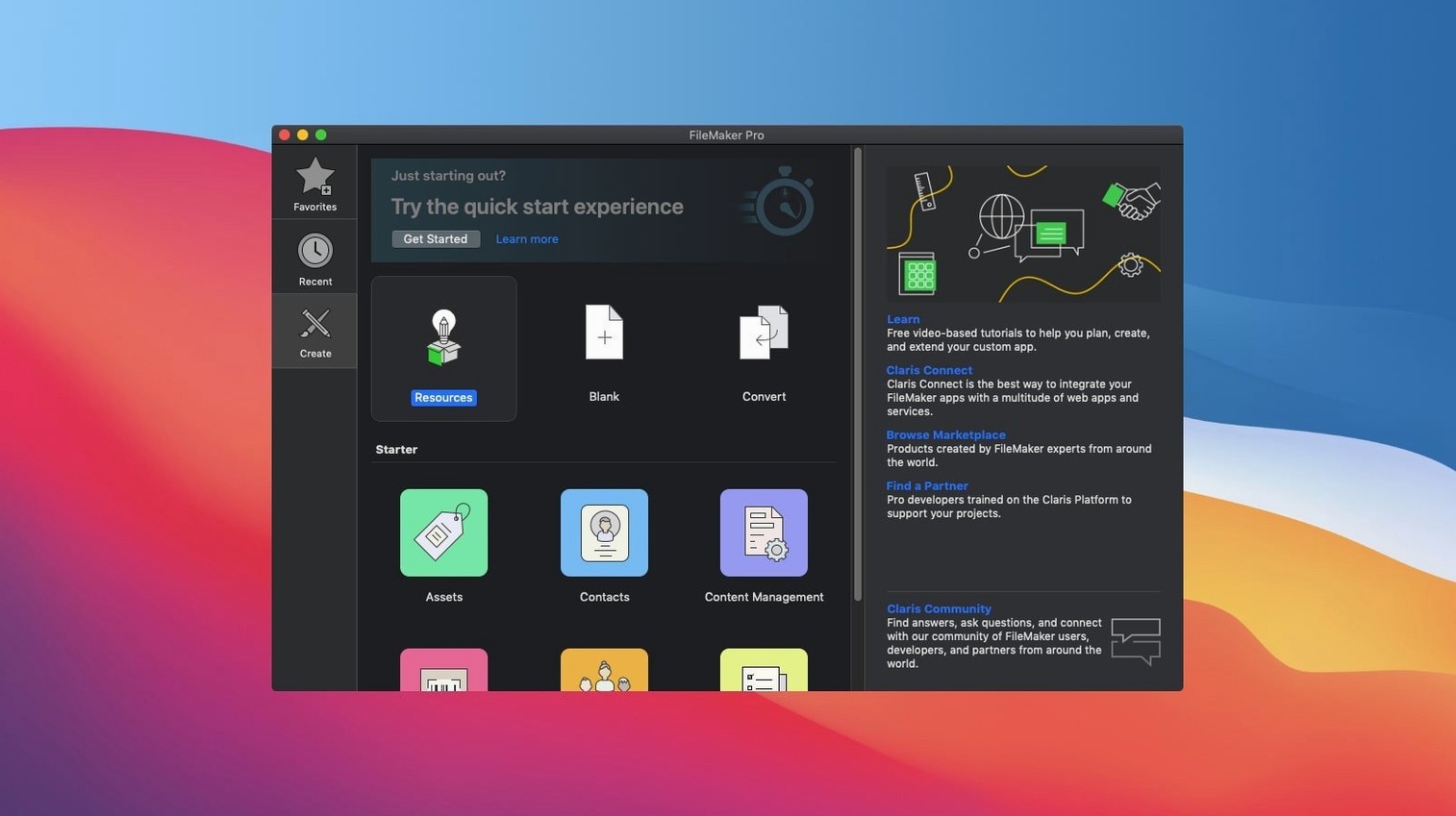
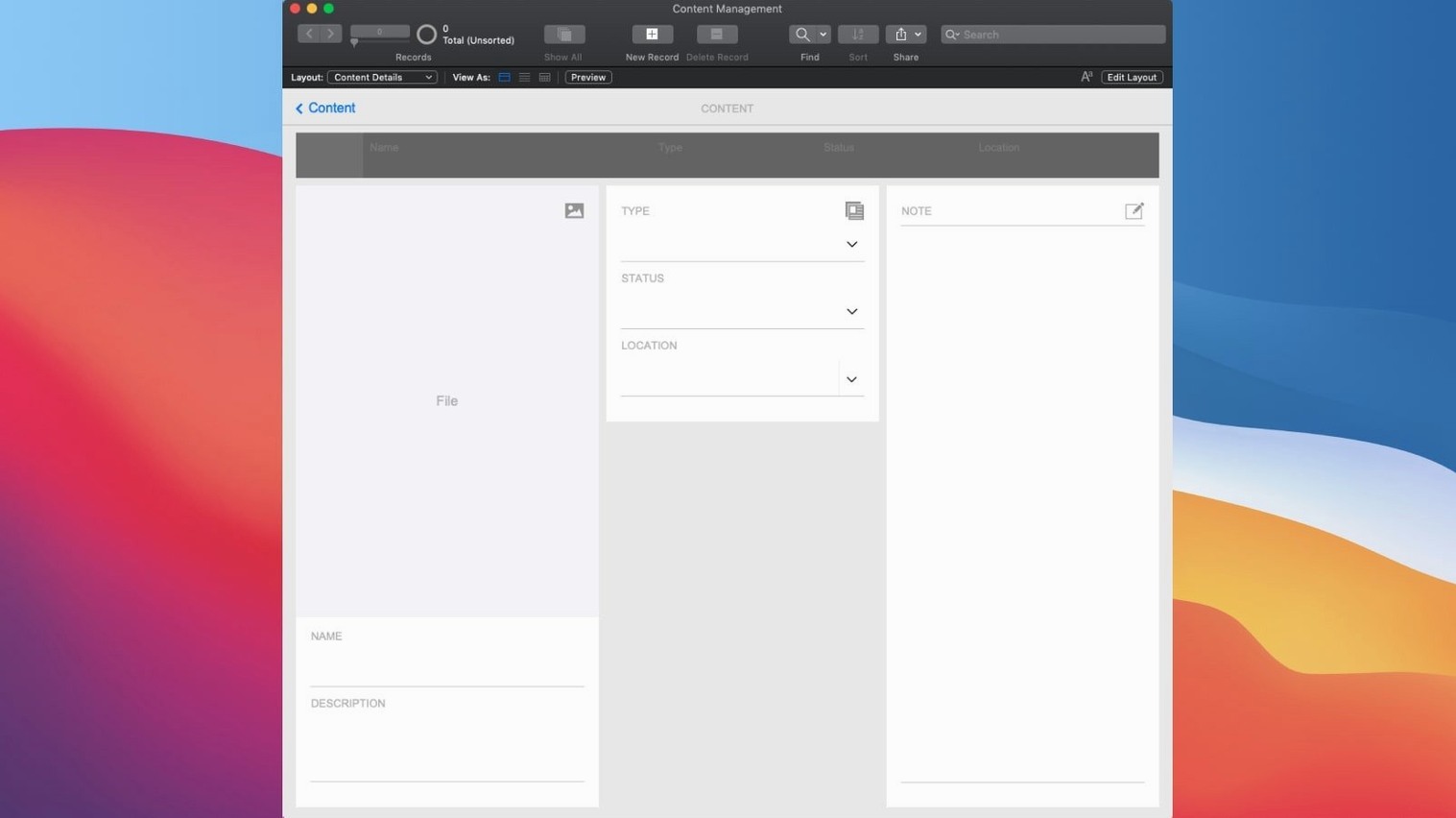
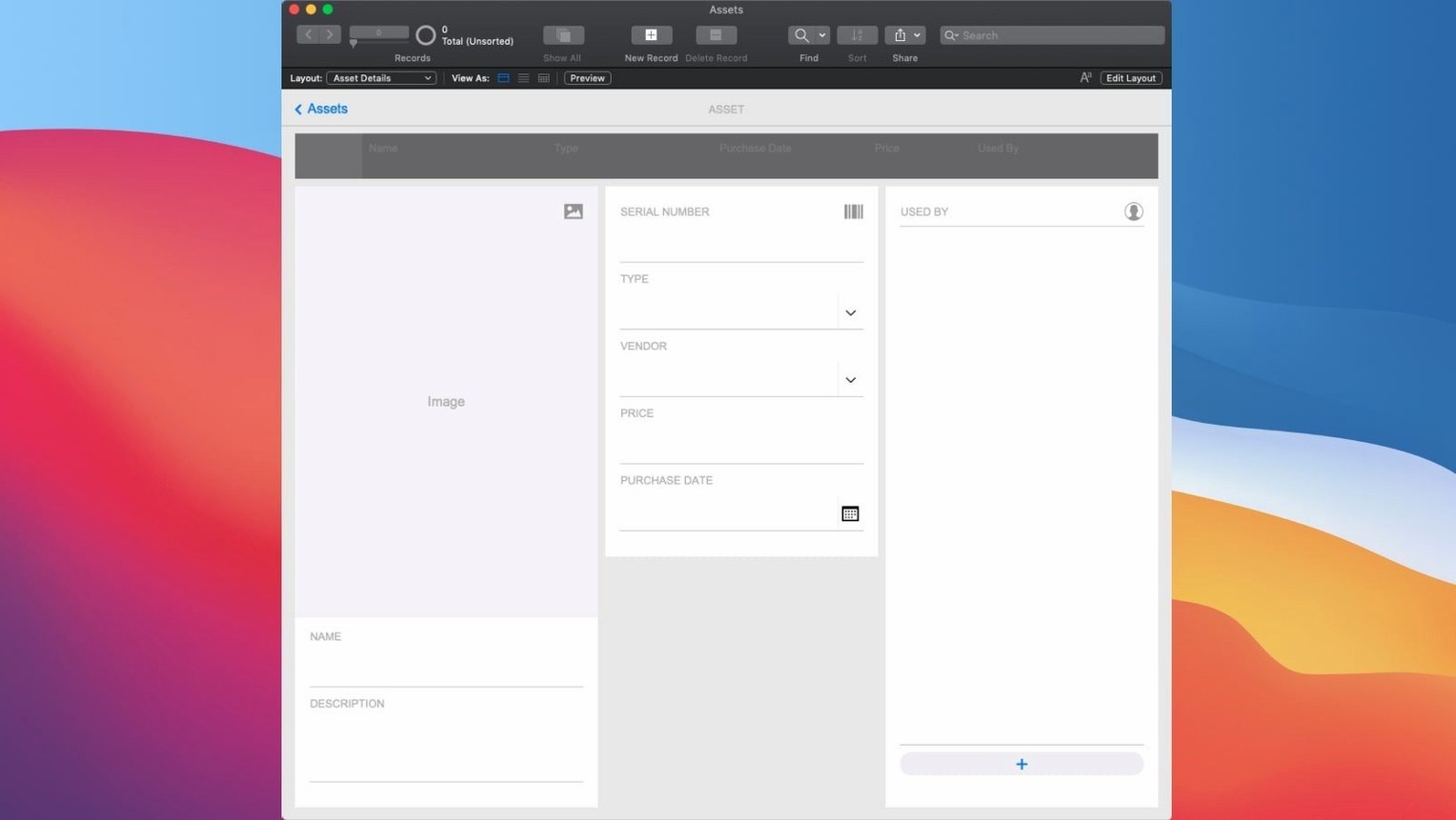
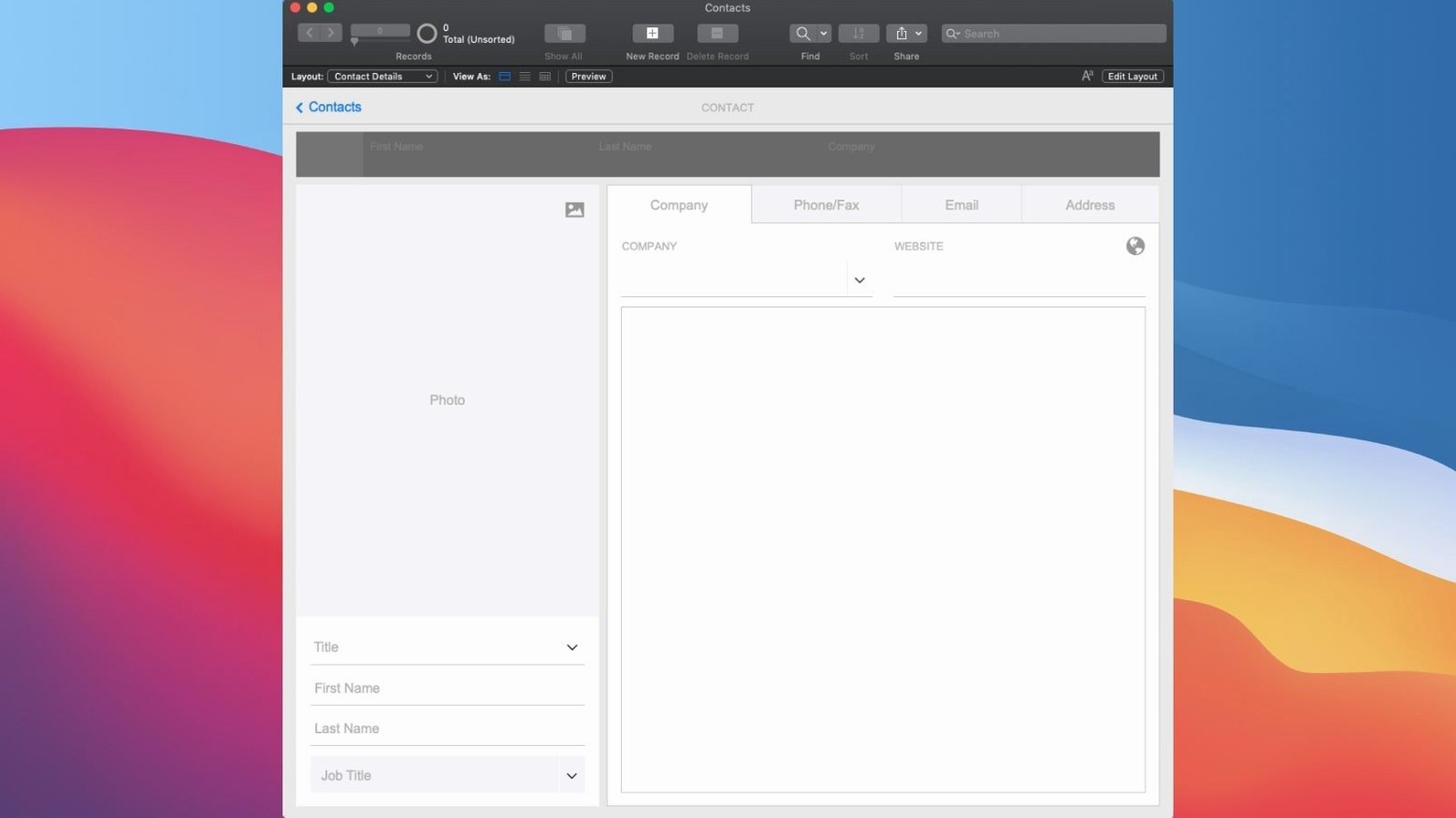
A small production company needs a tracking system for gear checkouts. Spreadsheets are getting chaotic—dates get missed, and nobody knows who had the lav mic last. In FileMaker Pro, I start with a blank form, drag a few fields into place, and within an hour the core logic is done. I create a table for equipment, another for crew, and a layout that links them. The relationship means selecting a camera kit instantly shows its checkout history. By lunch, I've added a button that fires off a script to flag overdue items and send a notification. That's the rhythm here: think of a workflow, build it, hand it off. The app lives on the office server, but the crew can pull up the same data on their phones during a shoot. No web framework, no waiting on a dev cycle.
Skip the SQL—Build Your Own CRM or Inventory Tracker
- Building relational databases without writing SQL from scratch.
- Teams that need a shared custom tool on Mac, Windows, and iOS simultaneously.
- Quick prototyping of internal business apps—inventory, CRM, project tracking.
- Leveraging the new semantic find to search through notes or descriptions in plain language.
Your App Lives Inside FileMaker Pro, Scripts and All
- Custom apps you build are opened in FileMaker Pro; it's the development and runtime environment.
- Designing a truly polished layout with complex scripts still requires learning the platform's calculation engine.
Stop Treating It Like a Giant Excel Sheet
The first week with FileMaker Pro usually reveals the same handful of wrong turns. The big one: treating it like Excel with extra steps. People dump everything into a single table with forty fields, then wonder why reports get weird. FileMaker rewards thinking in relationships from the start—separate tables for contacts, projects, line items, and so on. You'll save yourself a rebuild later.
Another classic is ignoring the layout's context. A field that looks fine in one layout suddenly shows the wrong record's data in another. That's almost always because the layout is based on the wrong table occurrence. Before you add fields, check what the layout is actually pointing at. It's the single most common source of "why is this value wrong?" posts in forums.
Beginners also over-script. They'll write a ten-step script to do what a single relationship and a calculated field handle automatically. Script triggers fire on every keystroke or record change, and soon the file feels laggy. Let the relationship graph do the heavy lifting first; bring in scripts when you need user interaction or multi-step logic.
And don't skip the calculation dialog's function list. Functions like ExecuteSQL, While, and JSONSetElement cover ground people reinvent badly with nested If chains. The function reference is right there in the dialog—spend ten minutes browsing it before writing a monster expression.
The Five-Person Team That Knows Their Workflow Better Than Any Consultant
Small teams with an owner-operator feel gain the most. A five-person shop doesn't have a dedicated IT department, but someone there knows the actual workflow better than any outside consultant. That person can build a quoting tool, a job tracker, or a client portal in FileMaker Pro faster than they could explain the requirements to a developer.
Field technicians and event crews also win. The mobile sharing means a lighting tech can pull up a venue's power specs on an iPhone while standing at the breaker panel. The desktop client gives the office full layout design and reporting. Same data, different access points, no export-import dance.
Mac users who already live in a mixed-platform world—say, a design studio with Macs in the creative department and Windows boxes in accounting—find FileMaker Pro's cross-platform file format quietly essential. The app you build on a Mac runs unchanged on the Windows side. That's rarer than it sounds.
Trigger Scripts from a Folder Action or AppleScript
FileMaker Pro plays well with the Mac's built-in automation pieces. AppleScript and Automator can trigger FileMaker scripts or pull data out of fields, which makes it possible to glue a FileMaker database to other tools. A folder action can watch a shared drive, grab new files, and call a FileMaker script to log them into a content library. No middleware required.
For data exchange, the calculation engine handles JSON natively, so talking to web APIs from inside a script is straightforward. You can POST to a project management tool, receive JSON back, and parse it into fields. The same goes for importing—FileMaker's import engine maps JSON, XML, or CSV sources into tables without a separate ETL step.
Exporting to Excel or PDF remains the easiest handoff to non-FileMaker users. Layouts designed for print can be saved as PDFs directly from a script, which is how a lot of small shops generate invoices or work orders. The PDF lands in the same folder every time, and the script can name it based on the invoice number.
macOS Spotlight can search inside FileMaker files if the file is open, but the real integration is Quick Look. Select a record in a list view, hit the space bar, and you get a fast preview without switching layouts. It's a small thing that saves a surprising amount of clicking.
Why That Search Crawls on 100,000 Records
Slow finds on large tables. If a find crawls on a table with a hundred thousand records, the field probably isn't indexed. Check the field's storage options and make sure indexing is on for fields you search frequently. Unstored calculations used in finds will always be slow—consider storing the result or adding a helper field.
Container fields eating disk space. Storing images or PDFs inside the database bloats the file quickly. Switch the container field to store a file reference instead of the file itself, or move attachments to external storage. The file will stay lean and backups will finish before lunch.
Script triggers firing too often. If a layout feels sluggish, open Script Workspace and check what triggers are attached. A trigger on OnRecordLoad that runs a complex script will fire every time you move between records. Move heavy logic to buttons or a scheduled server script instead.
Relationships that won't match. Two fields that look alike but don't connect are usually a data-type mismatch. A text field won't match a number field, even if both contain "42". Check the field types in Manage Database and align them.
Semantic find returning odd results. The AI-based semantic search works best on text-heavy fields like notes or descriptions. If it's pulling up irrelevant records, try narrowing the search to specific fields rather than the whole layout, or rephrase the query with more concrete terms.
Open a Template, Study the Relationship Graph, Then Break It
Start with a template. Not because it's perfect, but because it shows you how a working file is structured. Open one of the built-in templates, switch to Manage Database, and study the relationship graph. Then break something on purpose—delete a field, remove a relationship—and see what errors surface. That's the fastest way to learn what the file actually depends on.
Build a scratch file just for experiments. A throwaway database with three tables and a couple of layouts gives you a safe place to try calculation functions, script steps, and the new AI features like Perform Semantic Find without risking real data. When something works, copy the logic into your main file.
Set up a daily backup early. FileMaker Pro can save a copy of the file on close, or you can write a short script that exports a backup to a separate drive. Do this on day one, before the file holds anything valuable. The habit is easier to start at the beginning than after a crash.
Finally, if you're searching around for a Mac build of the app, you'll see variations in search results—filemaker pro 17 download, filemaker pro 16 advanced download, and similar older versions still float around in search queries. The current version is the one you want, and the package handles installation and activation without extra steps.
The big shift in version 21.0.1 is AI integration. You can now configure an AI account and use it for semantic operations. The new Perform Semantic Find command reads the intent behind a search, not just the keywords. A pair of script steps—Insert Embedding and Insert Embedding in Found Set—let you store vector data directly inside records. Also added: Set AI Call Logging to track what the AI features are doing under the hood.
- macOS 10.14 or newer
- Intel or Apple Silicon Mac
Questions I actually get
What does the Perform Semantic Find feature do?
It lets you search for records using the meaning of your query instead of exact field matches, powered by the new Configure AI Account settings.
Can apps I build in FileMaker Pro be used on an iPhone?
Yes, custom apps support real-time sharing on mobile devices, desktop, and the web, either locally or hosted in the cloud.
Does this version run natively on Apple Silicon?
Yes, FileMaker Pro supports both Intel and Apple Silicon Macs.
Notes from the edit bay · 0
Sign in or get an edit-bay pass to leave a note.
No notes from the edit bay yet. They go up after I read them.