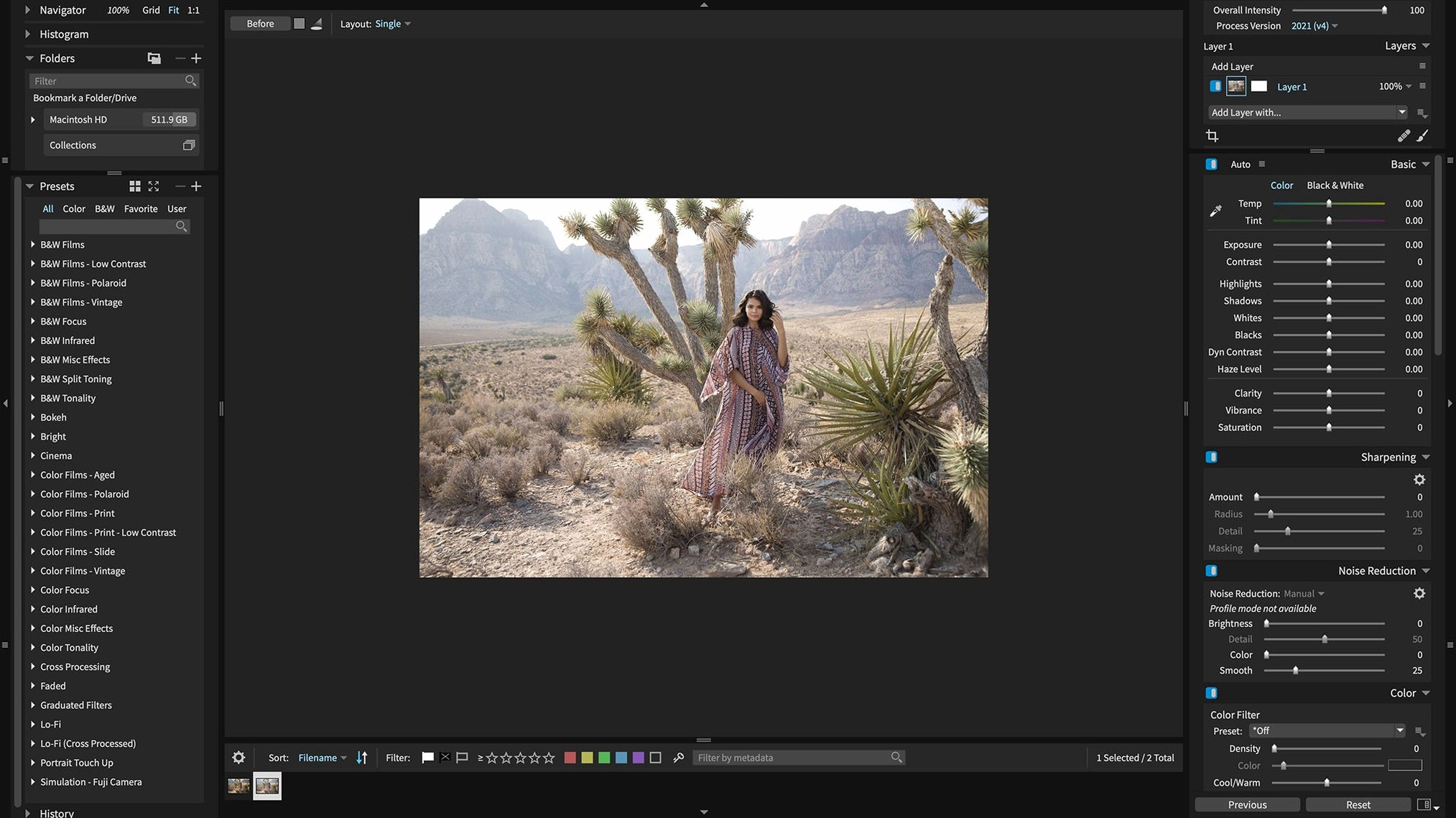
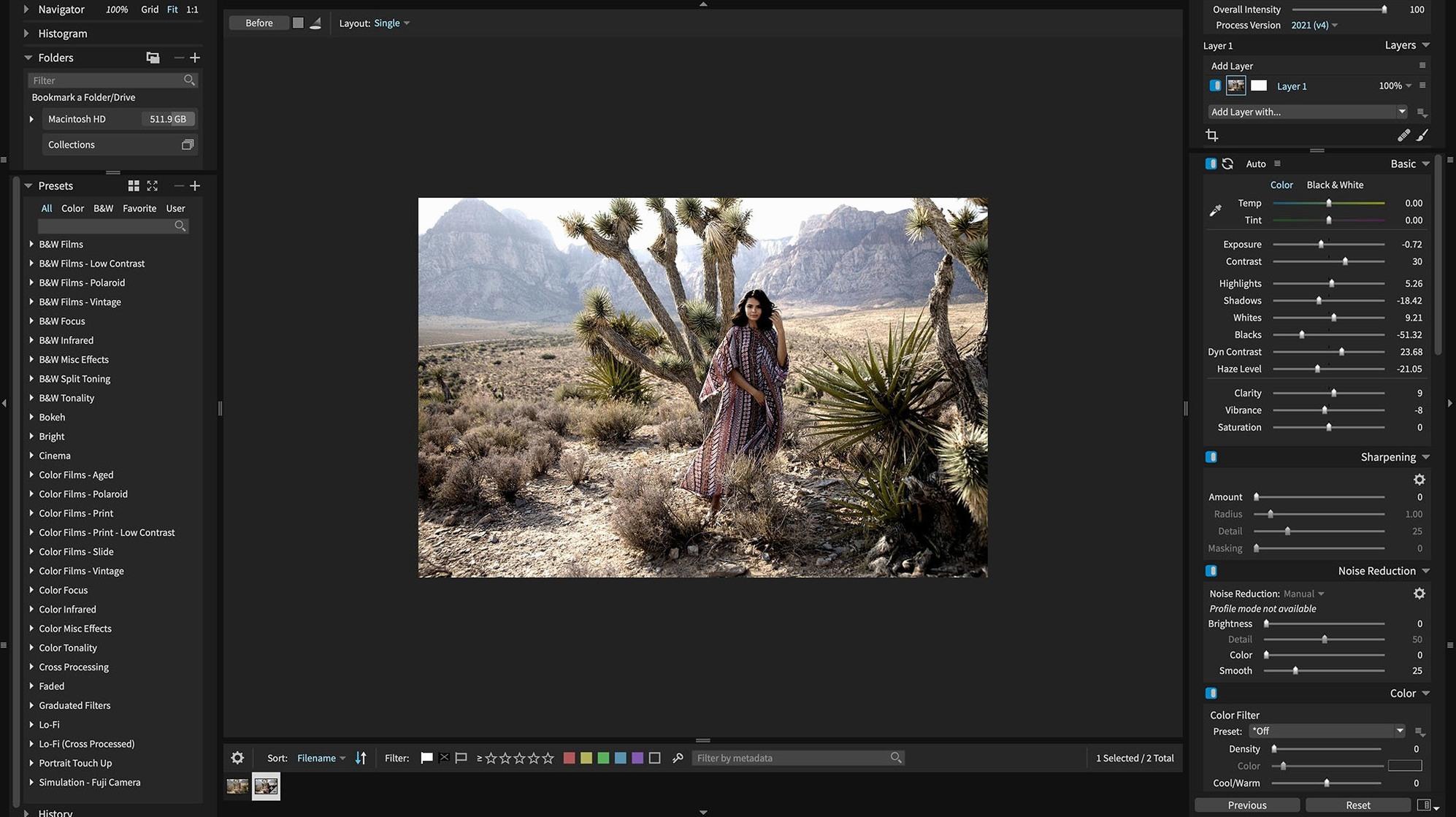
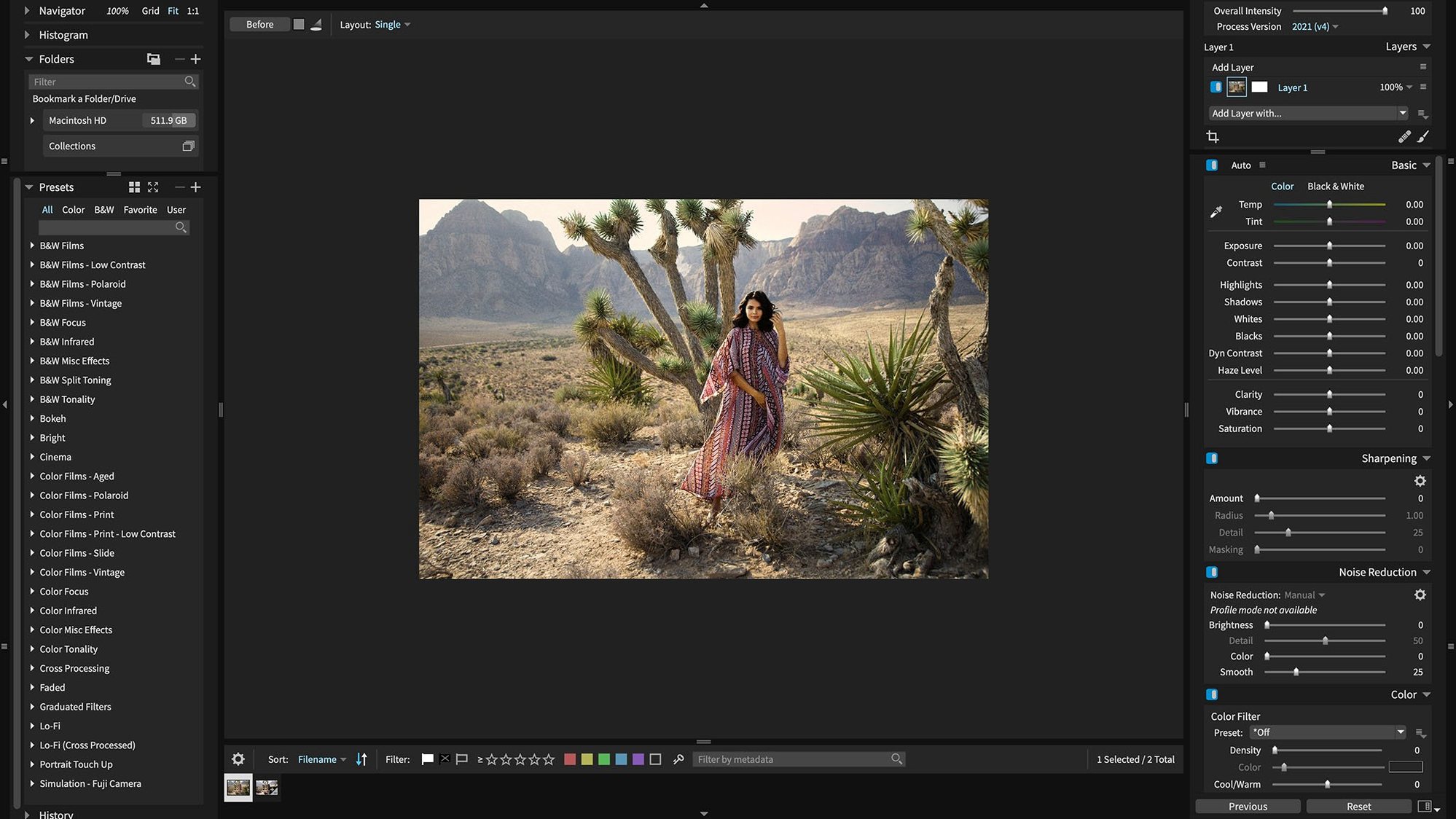
Version 7.3.0 tidies up a few rough edges that editors kept bumping into. It fixes the corrupt rendering on Sony A7 IV lossless compressed RAWs, squashes a crash tied to black and white film presets, and adds HEIC support for current iPhones. Under the hood, it also expands camera support for the Panasonic Lumix G95D, Lumix S5 IIX, and Sony RX100M7. For a working editor, that means fewer detours back to a manufacturer’s converter just to get a file open.
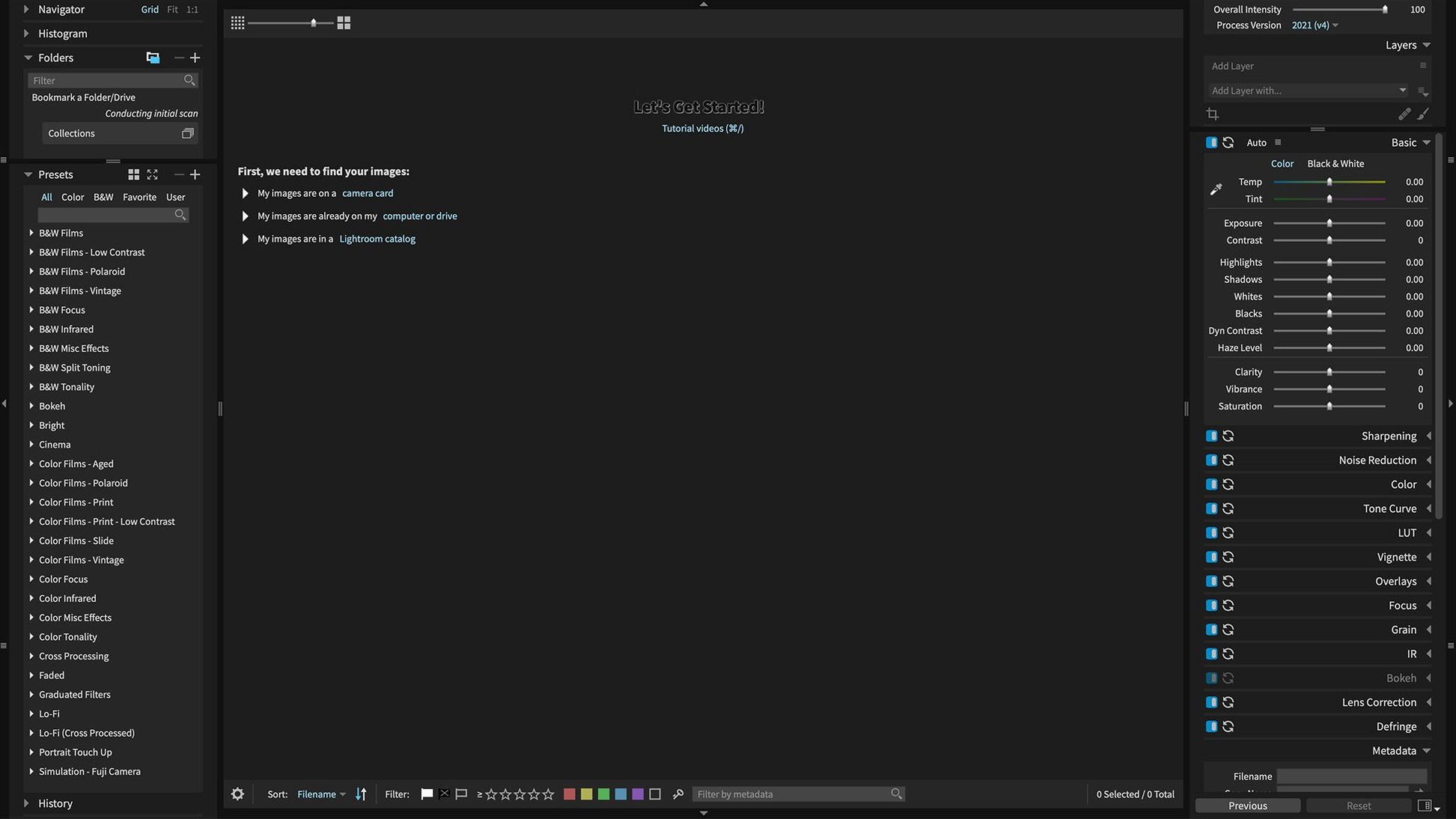
In a typical session, Exposure X7 sits at the intersection of three lanes:
- The RAW bus. Non-destructive develop tools run on the original file. You pull highlights, push shadows, and adjust white balance without ever flattening a pixel.
- The masking track. 3D color masking lets you isolate a skin tone or a sky in a single pass, which saves round-trips to a pixel editor for basic corrections.
- The organization job. Keywords, collections, and smart collections keep a shoot sortable. You can cull and tag inside the same window where you grade.
- The plugin lane. When Lightroom Classic or Photoshop owns the master file, Exposure runs as a plug-in and hands the rendered layer right back to the host.
- The look-dev pit stop. Over 500 presets give you a quick starting point for a grade, and they’re all customizable—so a preset becomes a first draft, not a final answer.
The job decides which lane you take. A wedding editor might lean hard on the library and preset lanes. A compositor pulling a clean plate probably lives in the masking track. Having all of it under one roof means you move from ingest to export without closing the application and losing your place.
Flip GPU Acceleration to Metal for Snappier Masking
Out of the box, Exposure X7 defaults are sensible, but a few tweaks immediately tighten the feedback loop. Head to Preferences and flip the GPU acceleration toggle to Metal if you’re on Apple Silicon—the viewport refresh during masking feels snappier, especially with 3D color masks active on high-res RAWs. Under the File Handling tab, switch the RAW rendering default from the generic Adobe DNG profile to the camera-matching profile for your body. It pulls skin tones closer to what you saw on the back of the camera, which cuts down on corrective slider work later.
Another overlooked checkbox: “Write sidecar XMP files by default.” Turn it on. If you ever need to rebuild a catalog or move a project between machines, those sidecars carry every edit, keyword, and crop. No sidecars means you’re one corrupted database away from redoing a grade. While you’re in Preferences, bump the Cache size to at least 20 GB if you have the disk space. Previews generate once and stick around, so scrubbing through a 1,000-frame timelapse sequence won’t trigger a full reload every time you nudge the playhead.
Option-Drag Any Slider to Freeze the Preview
Some shortcuts don’t advertise themselves. Hold Option while dragging any develop slider, and Exposure temporarily disables the automatic preview update—release the key to see the result instantly. It’s a small thing, but on a slower machine it stops the UI from bogging down mid-adjustment. In the masking panel, right-clicking a mask thumbnail reveals a “Feather from Edge” command that works off the mask’s own boundary, not a fixed pixel radius. For hair or foliage, it’s faster than painting a refinement.
Keyboard-only users will want to memorize two combos. Cmd-Option-F toggles full-screen preview without any chrome, which matters when a client is looking over your shoulder and you need a clean frame. Shift-Cmd-E brings up the Quick Export menu directly; version 7.3.0 already fixed the crash tied to reordering those presets, so it’s safe to customize a one-click export recipe for proofing. Also, the preset browser search bar accepts partial names and tags—typing “0.25 x7” pulls up any preset with a quarter-stop exposure bump in its metadata, though most people never think to search by numerical increment. Give it a shot when you’re hunting a subtle lift without scrolling through fifty film stocks.
A Retoucher’s Fifteen-Minute Pass
A portrait retoucher opens a folder of 300 headshots from a corporate gig. Step one: Smart Collection filters everything shot with the 85mm lens and ISO above 800—those need the most cleanup. A one-click automatic adjustment lands exposure in the ballpark, then a 3D color mask isolates the background’s cool office-gray tones. Dragging the temperature warmer on just the wall behind the subject takes twelve seconds per frame and keeps skin untouched. The same mask gets feathered from the edge with a right-click.
Next, the retoucher layers a Kodak Portra 400 preset at 60% opacity on a non-destructive layer, blending it with the original to soften contrast without losing the shirt’s texture. Keywords like “CEO,” “Q4,” and “headshot” are batch-applied across the culled selects. Quick Export spits out 16-bit TIFFs to a client folder while the retoucher pours coffee. No round-trip to Photoshop, no render queue babysitting. The whole pass—cull, grade, mask, export—stays inside one window, and the sidecar XMPs mean the edits travel if the project moves to a different Mac later. For anyone who tried an exposure x7 download to escape subscription fatigue, this is the kind of workflow that makes the switch stick.
The 7.3.0 update is a reliability release that also widens the door for a few new cameras. It adds raw support for the Panasonic Lumix G95D, Panasonic Lumix S5 IIX, and Sony Cyber-shot DSC-RX100M7, and you can now open HEIC photos straight from current iPhones. Translation passes refreshed the Chinese, German, French, and Japanese localizations.
Also fixed: corrupt rendering of Sony A7 IV lossless compressed raw files, a crash when applying black and white film presets, and a crash that hit the Quick Export menu after re-ordering export presets.
- macOS 10.13 or later
- 64-bit Intel or Apple Silicon Mac
Questions I actually get
Does Exposure X7 work as a plug-in for Lightroom and Photoshop?
Yes. It can run as a standalone editor or as a plug-in for Adobe Photoshop, Adobe Lightroom 6, and Adobe Lightroom Classic CC.
Can I edit iPhone photos in Exposure X7?
Version 7.3.0 added support for opening HEIC photos from current iPhone models, so you can bring phone shots directly into your workflow.
What languages is the interface available in?
The interface is localized in English, German, and French.
Notes from the edit bay · 0
Sign in or get an edit-bay pass to leave a note.
No notes from the edit bay yet. They go up after I read them.