Prep the Frame
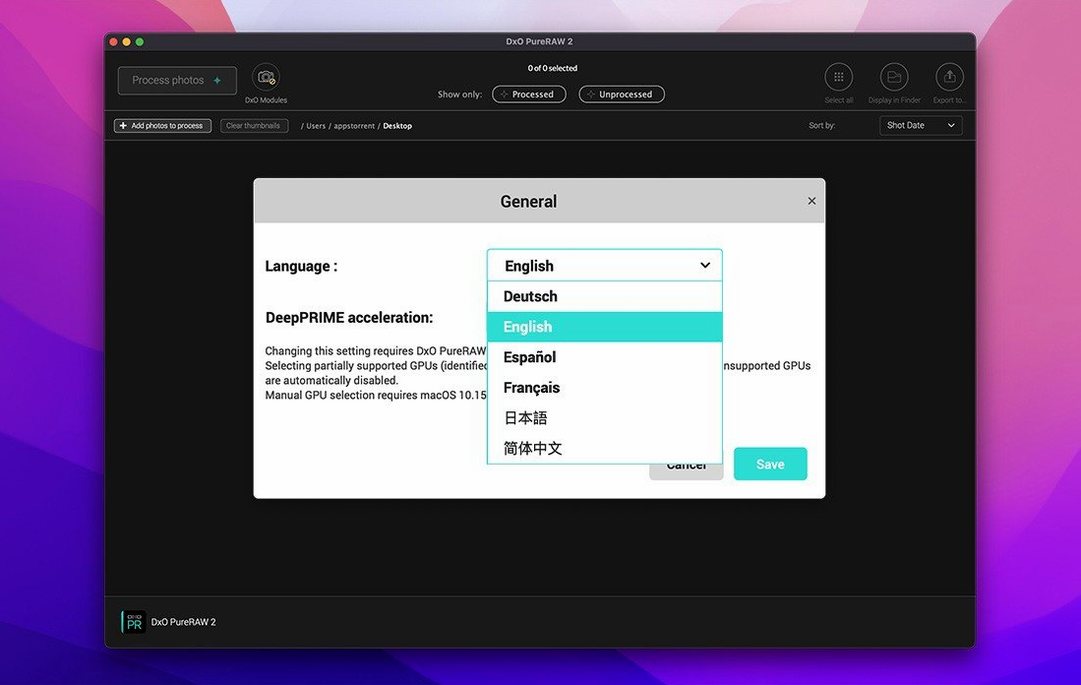
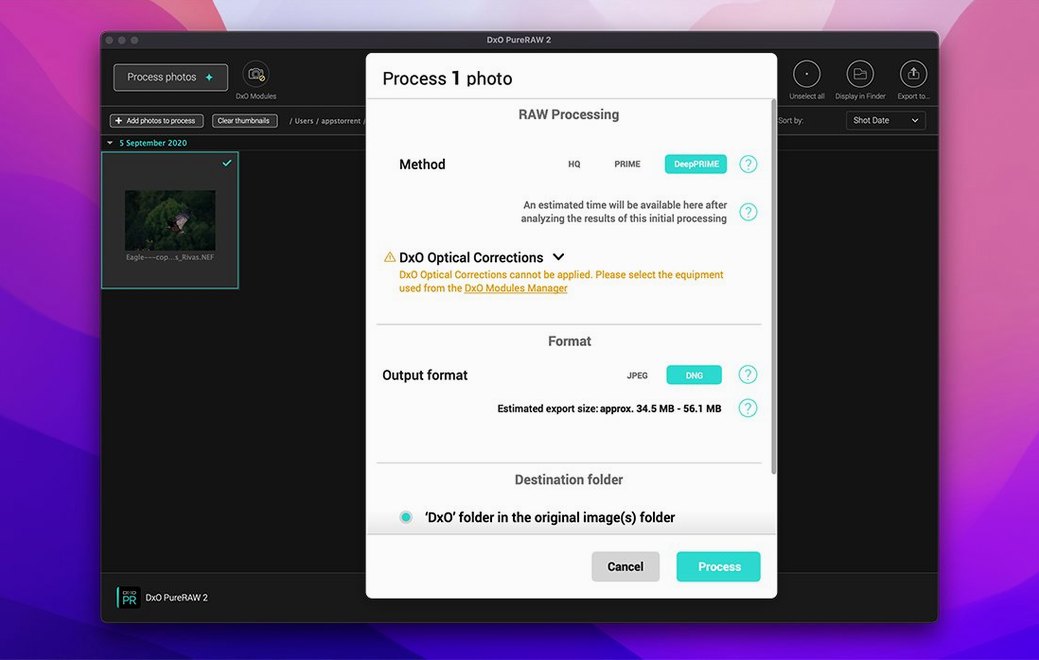
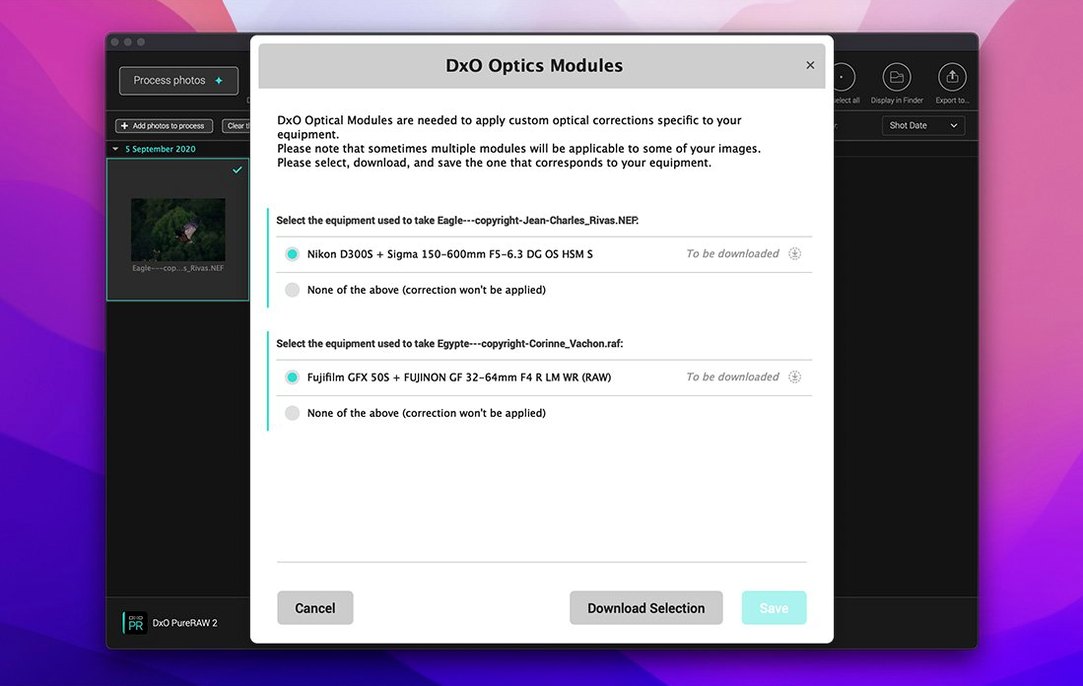
Photographers who want a clean starting point before Lightroom or Capture One reach for it. PureRAW 6 demosaics and denoises your RAW files into a linear DNG, so your editor never chokes on sensor noise or soft corners.
Nuke the Dust
The AI-powered dust spot removal scans the frame for those tiny sensor specks that ruin a sky. It maps them out automatically, saving you from a tedious round of spot-healing in post.
Lock the Color
DxO Wide Gamut is the working color space now. That means saturated reds and deep blues don't clip on the way to your editor — the gamut stays wide until you decide to squeeze it.
2,000 Frames Return as Clean DNGs While You Walk Away
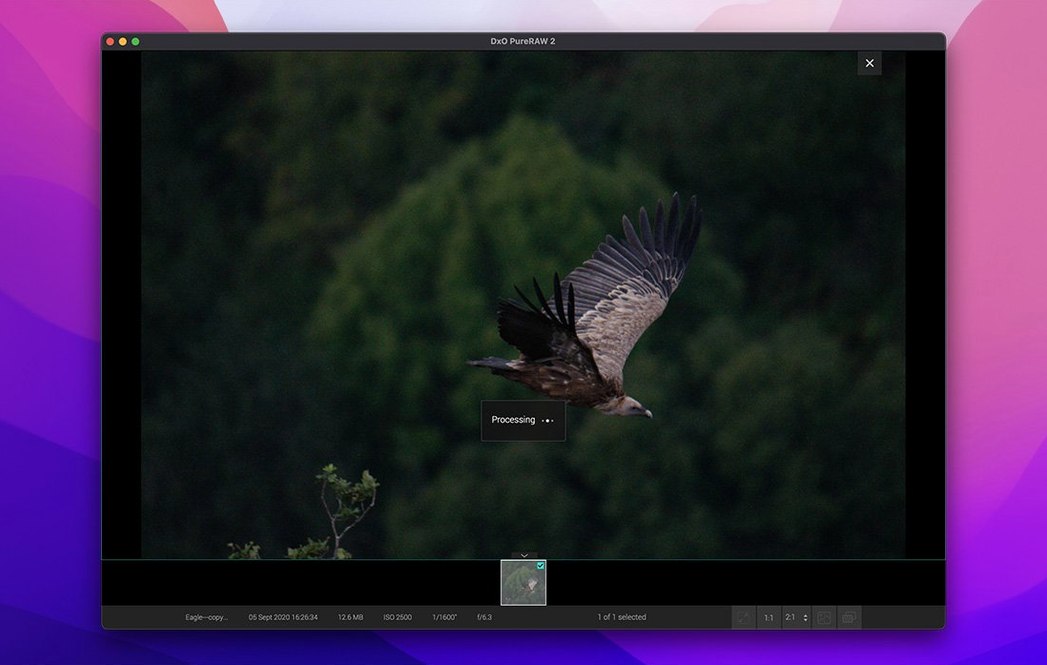
High-volume event photographers notice the difference first. A wedding shooter with 2,000 frames from a dimly lit reception can queue the whole batch, walk away, and return to clean DNGs where skin tones hold together and the noise pattern doesn't look like sandpaper. Wildlife photographers working at ISO 6400 or higher on a crop sensor get the strongest lift — DeepPRIME XD3 pulls feather detail and fur texture out of what looked like mush on the camera LCD. Landscape shooters with older glass benefit too: corner softness that the lens profile can't fully correct gets a helping hand before the file ever reaches a gradient mask.
Studio photographers tethered to a MacBook Air appreciate that the M1 build stays responsive during batch parallelization. The app leans hard on the Neural Engine, so the fans rarely spin up even when you drop a hundred 45-megapixel RAF files on it. Hobbyists who shoot with Fuji X-Trans sensors are another natural fit — the demosaicing quirks that trip up generic converters are handled natively, without the wormy artifacts that show up in some editors.
Linear DNGs Shed 30–40% Without Touching Pixel Data
The high-fidelity DNG compression option landed quietly but reshapes the disk-space math. You can now write linear DNGs that shed 30–40% of their weight without touching pixel data — meaningful when a single shoot generates 50 GB of intermediates. The dust-removal AI got a bump in detection accuracy on low-contrast backgrounds, so specks near horizon lines or stitched in cloud edges flag more reliably.
Under the hood, the parallelization engine spreads the load more evenly across performance and efficiency cores on Apple Silicon. Early builds could leave the efficiency cores idle; version 1.6 keeps them fed, which shortens a large batch by several minutes. X-Trans rendering saw a subtle sharpening tweak — less haloing on high-contrast edges like bare branches against snow.
Upstream of Lightroom, It Hands Back DNGs That Feel Native
PureRAW is not a catalog, not a pixel editor. It lives upstream of everything. The typical flow: mount a card, dump the RAWs into a folder, point PureRAW at it, and get back DNGs that Lightroom sees as native. Lightroom's AI denoise becomes redundant, so you disable it and save the render time. Capture One users can skip the default noise-reduction sliders entirely — the DNG arrives pre-cleaned, and any sharpening you add in C1 rides on a file that isn't fighting grain.
The macOS integration is straightforward. The app respects your color-managed display profile, so what you see in the preview window matches what lands in the DNG. Finder Quick Look won't always show the full Wide Gamut color, but the embedded preview is accurate enough for culling. If you use a watched folder or an Automator script, you can wire it into a DxO PureRAW 6 torrent setup's ingestion routine without babysitting the GUI. For editors who composite stills in DaVinci Resolve, the linear DNG format plays nicely with ACES workflows — no gamma guesswork when the clip hits the timeline.
It also plays well with dxo pureraw 6 macos free workflows where the goal is a lightweight tool that doesn't duplicate catalog duties. You keep your existing library structure, your star ratings, your collections. PureRAW just hands back a cleaner negative, and your editor stays fast because it isn't grinding through demosaic-and-denoise calculations on every preview render.
- macOS 15.7 Sequoia or later
- Apple M1 or Intel Mac with AMD Radeon Pro RX5700
- 8 GB RAM
- 6 GB available disk space
- 1280 × 768 display
Questions I actually get
Does it work on Apple Silicon?
Yes, the build is universal — it runs natively on Apple M1 and newer chips, plus Intel Macs with the required AMD Radeon Pro RX5700.
What macOS version do I need?
You need macOS 15.7 Sequoia at minimum, with 8 GB of RAM and 6 GB of free disk space.
What's the install process?
You mount the downloaded disk image and run the standard installer — no extra hoops.
Notes from the edit bay · 0
Sign in or get an edit-bay pass to leave a note.
No notes from the edit bay yet. They go up after I read them.