It runs on any Mac that can handle macOS Catalina (10.15), natively on both Intel and Apple Silicon processors. If your machine is still chugging along from the last half-decade, you're in good shape.
The Tools You Actually Come Back For
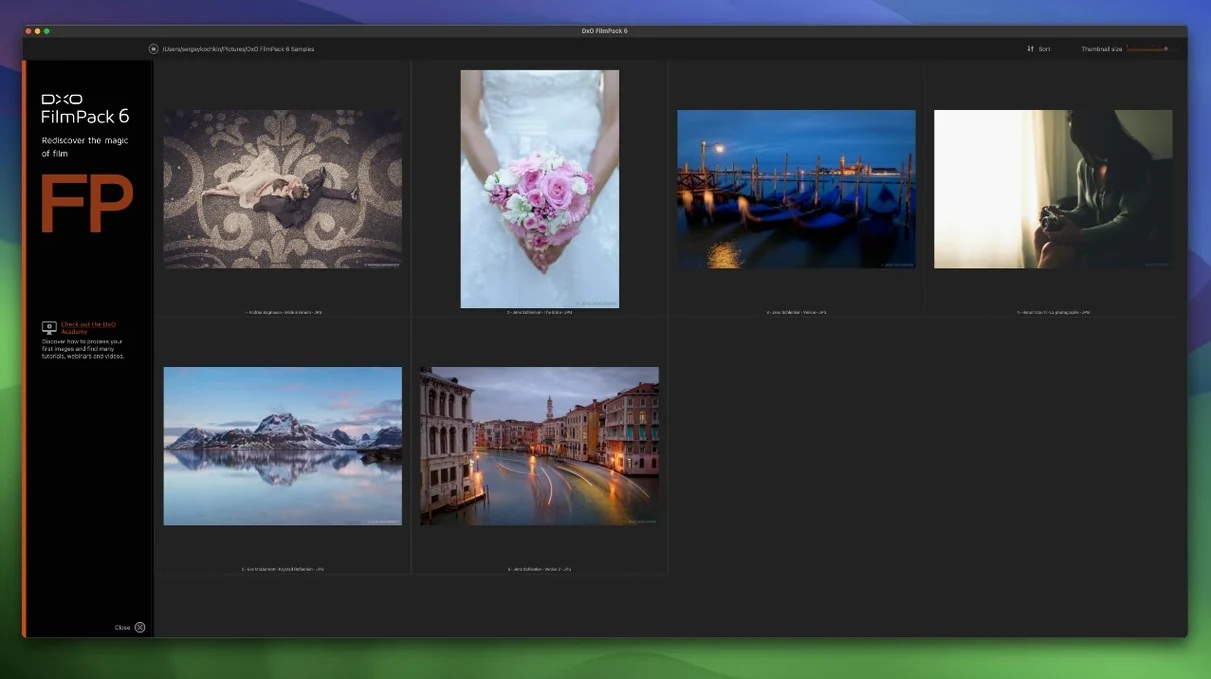
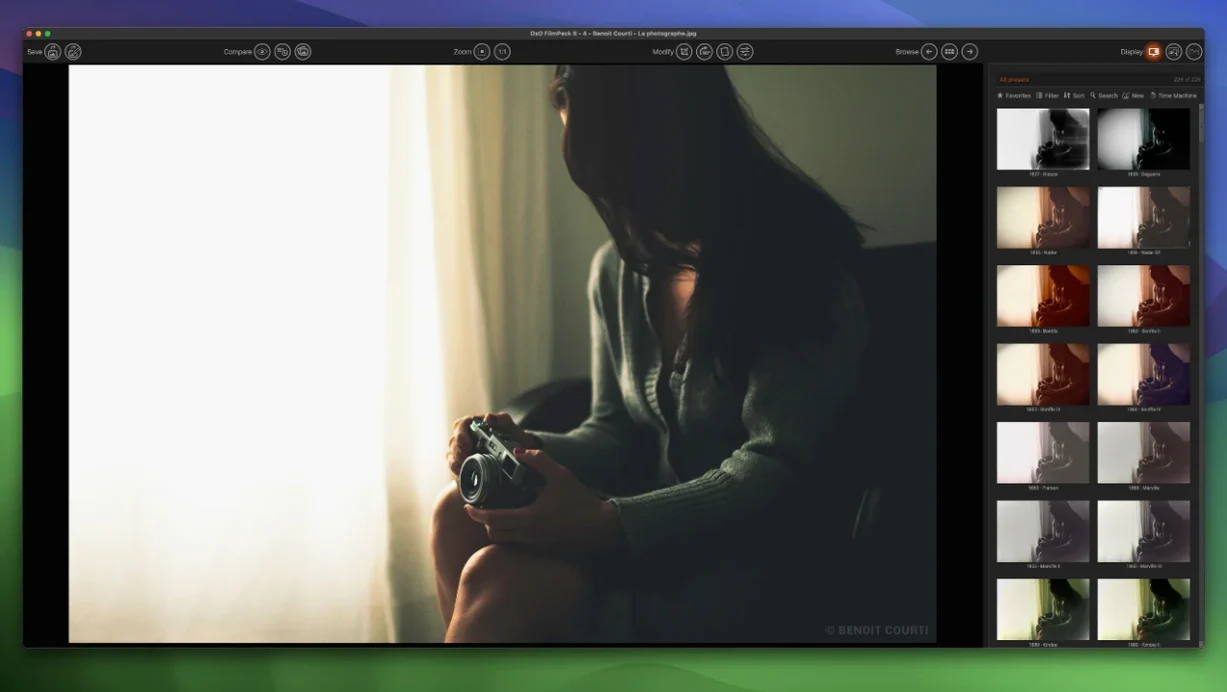
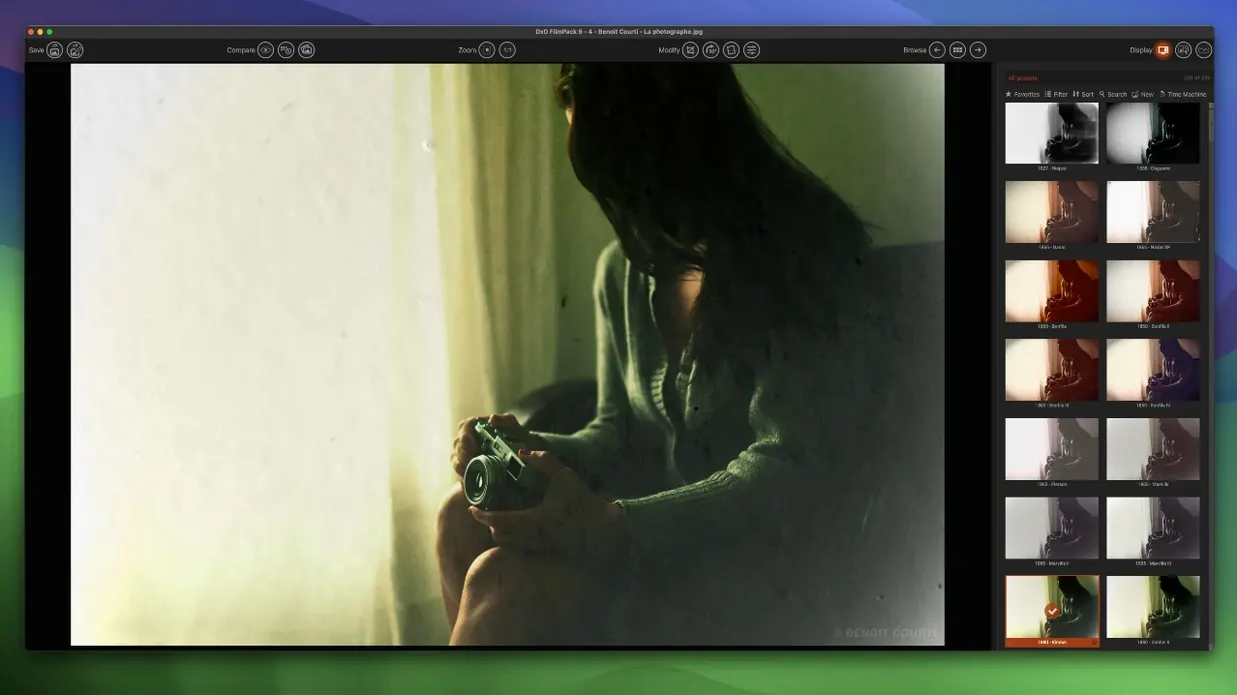
The preset browser is fine for a quick look, but the real workflow lives in the customisation panels. Here's where an experienced editor sets up shop:
- Scanned Film Optimization — new in version 8, this tackles the muddy shadows and odd color casts you get from a flatbed scan. It pulls cleaner detail out of a TIFF without making the grain look like digital noise.
- Time Warp mode — lets you scrub through a simulation's intensity on a single slider. Crank it from a clean digital file all the way to a heavily stylized cross-processed look, and watch the grain structure shift in real time.
- Automatic Color Protection — keeps skin tones and memory colors (blue sky, green grass) locked down while a film stock goes wild on the rest of the palette. Less masking, fewer layer tricks.
Does It Stand Alone or Lean on Lightroom?
FilmPack can live on its own, but it's built to slide into a stack. It connects as a palette inside Adobe Photoshop and passes files back and forth with Lightroom Classic. If you use DxO PhotoLab 9, the whole engine integrates there too, sharing noise reduction and optical corrections before a frame ever touches a grain profile. The vignetting corrections are automatic and lens-specific, so you aren't painting a fake falloff over an existing optical one. It's a rendering tool that knows it's part of a pipeline, not the whole show.
Why Do Previews Stutter After That Torrent Install?
First launch after a DxO FilmPack 8 Mac torrent install, the preset previews can feel sluggish for a beat. That's the engine scanning your lens profiles. Let it finish once and it won't bother you again until you add a new body.
If a TIFF comes in looking desaturated, check whether you dumped a calibrated wide-gamut file straight into the standalone app without an embedded profile. FilmPack respects the profile, but a missing tag defaults to sRGB assumptions that flatten the reds. Re-export from Lightroom with the profile baked in and the color snaps back.
The grain engine is heavy. On a Retina display at 200% zoom, a strong Tri-X or Delta 3200 simulation will slow the render bar on older Intel machines. Drop the preview quality to Draft while you dial in the look, then switch back before export. Same goes for Time Warp scrubbing — smooth on M-series chips, a little stuttery on a 2019 iMac.
One quirk: the Scanned Film Optimization tool works best on flat, low-contrast TIFFs. Feed it an already-edited JPEG with crushed blacks and it'll fight you. Back off the contrast in your raw converter first, then let FilmPack do the heavy lifting.
Sensor-Tuned Grain vs. One-Size-Fits-All Profiles
FilmPack vs. VSCO presets. VSCO lives inside Lightroom profiles and leans on Adobe's rendering engine. FilmPack brings its own calibration data per camera sensor, so the grain and color mapping are tied to your specific body, not a generic profile. That matters most in the shadows, where VSCO presets tend to smear and FilmPack keeps the texture distinct.
FilmPack vs. Nik Collection Silver Efex. Silver Efex is the black-and-white specialist with unequaled control-point local adjustments. But for color stocks, FilmPack's library is deeper and its color-protection logic more refined. If color film is your thing, FilmPack covers more ground. If you exclusively do monochrome, Silver Efex still has an edge.
FilmPack vs. Dehancer. Dehancer is a Resolve/Photoshop plugin built by colorists, and its halation and bloom are gorgeous. FilmPack counters with lens-aware corrections and a lighter system footprint. On a MacBook Air, Dehancer can choke a timeline; FilmPack runs without complaint. Different priorities: Dehancer for video finishing, FilmPack for stills that need to print clean.
Batch-Editing Weddings Without Masking a Single Face
Wedding and portrait photographers who batch-apply a consistent film look across hundreds of frames will lean hard on the Lightroom integration. The automatic color protection saves hours of skin-tone masking, and the lens-specific vignetting corrections mean the film falloff looks intentional, not like a cheap overlay.
Fine-art printers working from scanned film benefit from the new Scanned Film Optimization tool more than anyone. A clean Epson scan of Portra 400 still carries the scanner's color bias; FilmPack strips that out and lets you rebuild the palette on a neutral foundation.
Photo editors who came up shooting film but now work digitally — the kind of person who still has a fridge drawer full of Fuji Superia — will find the Time Machine feature genuinely useful. It maps 14 eras of photographic history onto their files without turning the interface into a history lesson. A DxO FilmPack 8 crack that streamlines the setup gets them straight to matching a 1970s Kodachrome look on a modern Sony file, which is exactly where the fun starts.
Time Warp mode is the headliner — a single slider that ramps a file from clean to heavily stylized, grain and all, without juggling a dozen settings. The new Scanned Film Optimization tool gets flatbed TIFFs looking closer to a darkroom print. Also fixed: full Photoshop palette integration, so you can work without leaving the app, plus 15 fresh film emulations to round out the library.
- macOS 10.15 (Catalina) or later
- Intel or Apple Silicon Mac
Questions I actually get
Can DxO FilmPack 8 process scanned film files?
Yes, it handles TIFF files and includes a dedicated Scanned Film Optimization tool in version 8 to clean up shadows and color casts from scans.
Notes from the edit bay · 0
Sign in or get an edit-bay pass to leave a note.
No notes from the edit bay yet. They go up after I read them.