Five independent 3D groups. That's a session's worth of control right out of the gate. A typical job starts by importing a client's OBJ model directly into After Effects. No round-tripping to a dedicated 3D app. You drop that model into a scene, assign a texture, and the Open GL engine gives you an immediate, textured preview while you animate.
1. Build the scene with groups. Assign the model to Group 1. Use Group 2 as a separate reflection layer or a different object altogether. The render order stays predictable even when you push the layers.
2. Scatter with the particle array. This isn't just a cloner. Animate a logo reveal by distributing hundreds of metallic fragments that snap back into place. The array system manipulates scale, position, and rotation per particle based on a single set of keyframes.
3. Final polish and render. Dial in motion blur and depth of field right inside the plug-in. The improved engine chews through particles faster than previous builds. Hit render, and the whole scene stays inside the AE pipeline, so comp tags and adjustment layers work as they should.
Where it fits: it turns After Effects into a fast layout and animation tool for 3D objects, skipping the export-import dance for short-form motion design and VFX shots that need to hit a deadline.
Snags That Catch You Off Guard
The OBJ import is rock solid until you feed it a model with non-standard scale. Files that look tiny or enormous in the viewport usually come from apps that export in centimeters while Element 3D expects meters. The fix lives right in the Scene Setup panel — dial the import scale before you start scattering particles. Much faster than rescaling every group afterward.
Texture paths breaking between machines is another classic. If you hand off a project to another artist or move the media drive, Element 3D will throw up missing-texture warnings. The plug-in stores absolute paths by default. A quick habit: keep all model textures inside a single folder alongside the AE project file, then re-link once from the Material Editor. The plug-in remembers relative paths from that point for the rest of the session.
And the one that burns the most time? Group order confusion. Five groups sounds straightforward, but the z-sort between objects in different groups doesn't always match what your eye expects, especially with transparent materials. When a glass object in Group 2 clips through a solid in Group 1, swap their group assignments instead of fighting the opacity settings. The render order follows group numbering, bottom to top.
Full-Resolution Scrubbing Finally Works on Older Macs
Version 2.2.3 tightened the OpenGL pipeline considerably. Scenes that used to stutter during timeline scrubs on older Intel machines now cache frame previews more aggressively. The practical difference: you can animate camera moves at full resolution without dropping to quarter-res preview, even with three or four particle arrays active.
The improved engine also handles multiple simultaneous emitters without the frame-drop spikes that appeared in earlier 2.x releases. Motion designers stacking a background particle field behind a foreground cloned object will notice the viewport stays smoother during RAM preview generation. The update didn't add new features — it sanded down the rough edges that made complex scenes feel fragile.
Also fixed: a texture memory leak that crept up after long editing sessions, and intermittent crashes when swapping 3D models into groups that were already emitting particles.
Option-Click Copies an Entire Material in One Shot
Double-clicking a material slot in the Material Editor opens the texture picker, but holding Option while you click copies the entire material — textures, bump maps, and reflection settings — to another slot in one shot. Great for building variations without re-assigning every parameter.
The particle array's Random Seed slider accepts typed values higher than its visible range. If the default 0–100 spread feels limiting for a dense scatter, type in 500 or 2000 directly. The distribution patterns keep working. Useful when you need genuinely unrepeatable-looking debris or confetti.
And if you are pushing a shot that mixes 3D elements with live footage, turn on Matte Reflection inside the group's render settings before you render the shadow pass. It bounces footage colors into reflective surfaces without needing a separate environment map, which saves a compositing step when the floor needs to catch a subtle blue spill from the plate.
Where It Talks to Everything Else
Element 3D lives inside After Effects, so it inherits AE's relationship with the rest of the Adobe stack. Animated masks from Photoshop or Illustrator comps drive the particle array's emission area when you set the emitter type to Layer. Change a mask keyframe in the pre-comp, and the 3D particles follow — no re-export, no re-link.
It also plays nicely with Cinema 4D files, which matters on projects where a 3D generalist hands off assets. Import a C4D model directly, and the plug-in preserves the object hierarchy as separate groups. You don't get lights or animation from the C4D file, but the geometry and UVs stay intact. For motion graphics teams splitting work between a dedicated 3D artist and an AE compositor, that handoff skips the OBJ conversion step entirely.
On the macOS side, Element 3D doesn't directly touch Finder tags or Quick Look, but it does respect AE's Collect Files command. When you archive a project, the collected folder pulls in model textures alongside the footage. One less manual hunt when the project comes back from the dead six months later.
And a studio trick: use AE's Watch Folder script to auto-render shots that rely on heavy 3D particle work. Set up the scene with Element 3D, drop the comp into the render queue, and let it chew overnight. The OpenGL engine on Intel architecture doesn't need CUDA or Metal — it runs fine on the built-in graphics, so even older Mac Pros stay productive while you sleep.
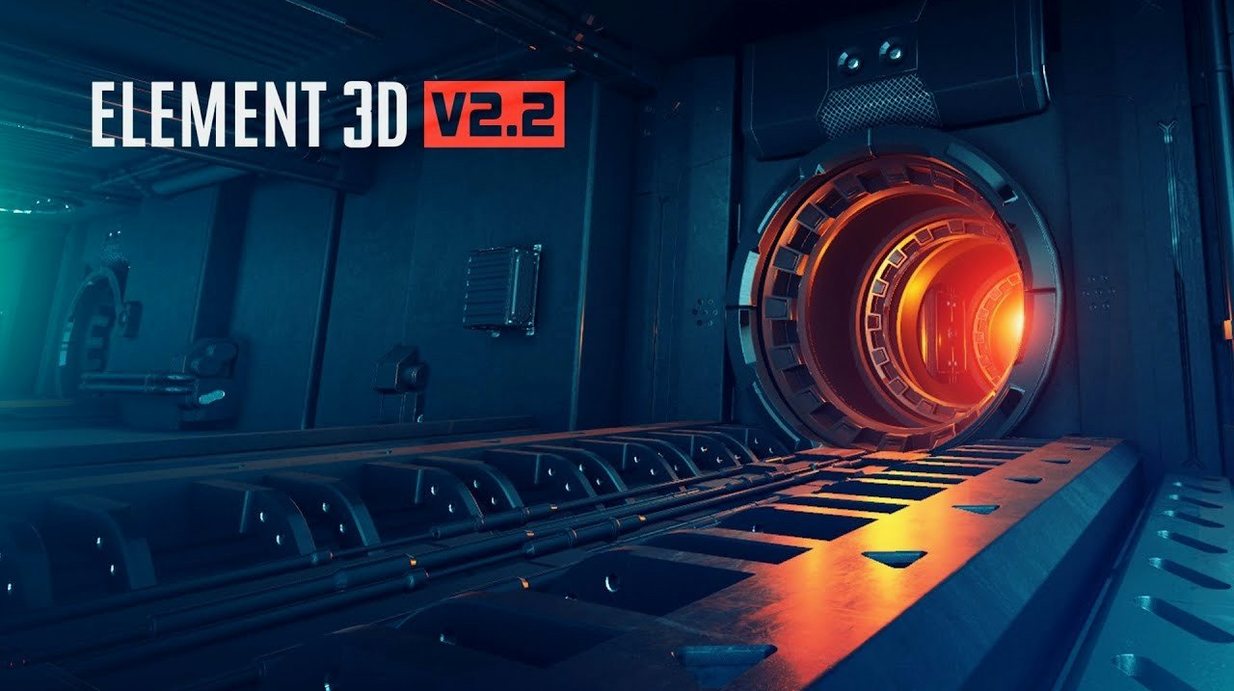
Version 2.2.3 is a targeted update for the V2.2 engine. The focus is on its core identity: a fast Open GL 3D renderer and object-based particle plug-in that keeps playback fluid during heavy layout sessions.
Also fixed: stability under the revised rendering engine that drives the particle array and group system.
- Intel processor
- Adobe After Effects
- Interface: English
Questions I actually get
Can Element 3D import OBJ files?
Yes, OBJ is the native import format for bringing 3D geometry directly into Adobe After Effects with this plug-in.
What is the particle array system?
It's a high-performance system that clones, manipulates, and distributes 3D objects, letting you create complex motion graphics from a single model.
Does it use a separate render engine?
It uses a fast Open GL 3D rendering engine inside After Effects, which is designed for the real-time feedback a motion design session requires.
Notes from the edit bay · 0
Sign in or get an edit-bay pass to leave a note.
No notes from the edit bay yet. They go up after I read them.