Version 7.3.0 lands with some overdue housekeeping. Expanded camera support opens the door for HEIC photos from the latest iPhones, and the translation pass gives Chinese, German, French, and Japanese interfaces a proper polish. Under the hood, a corrupt rendering bug for Sony A7 IV lossless compressed raw files is now squashed—alongside glitches with 8-bit ProPhoto RGB and grayscale images.
One App for Culling, Rating, and Building a Look
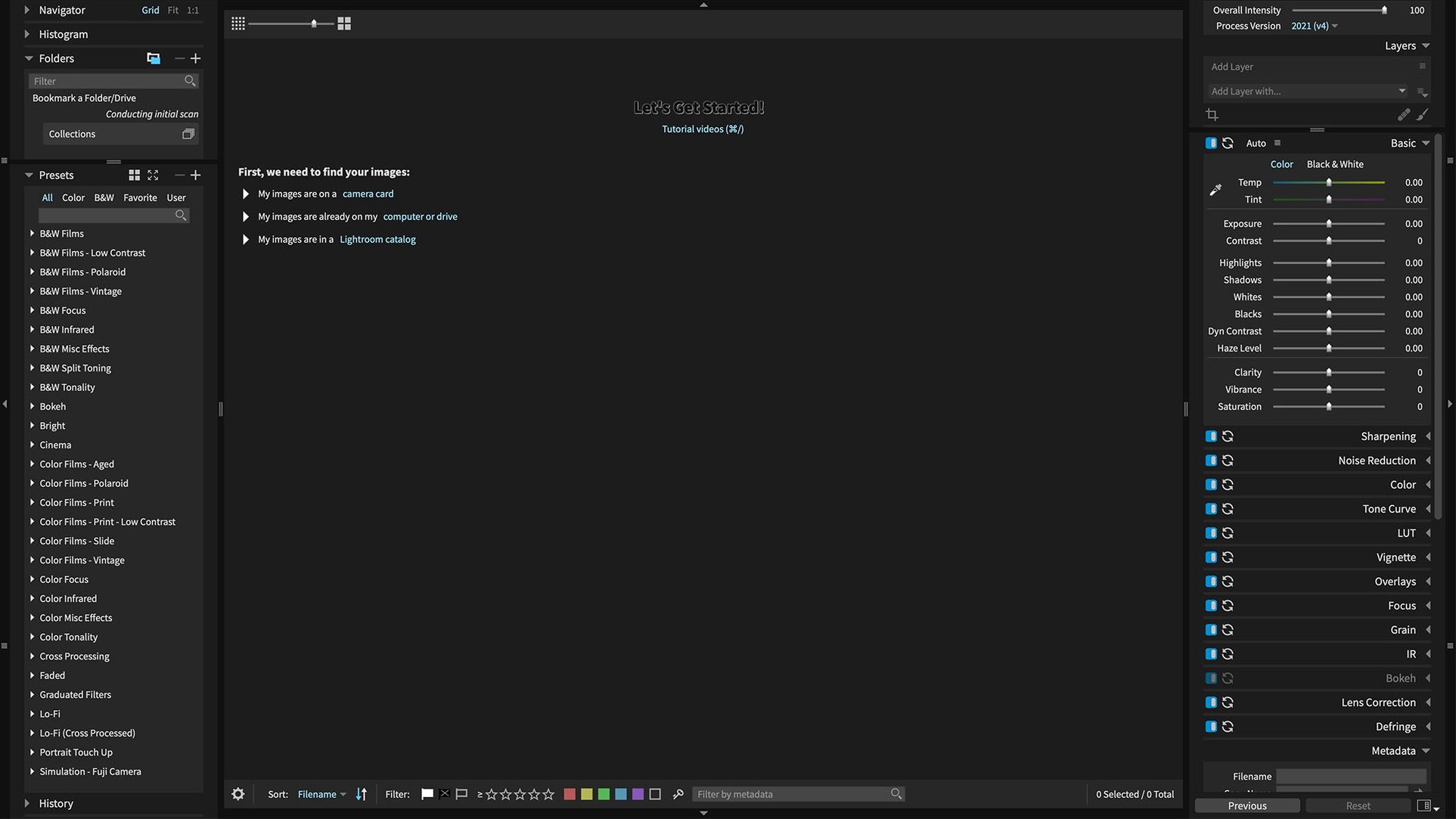
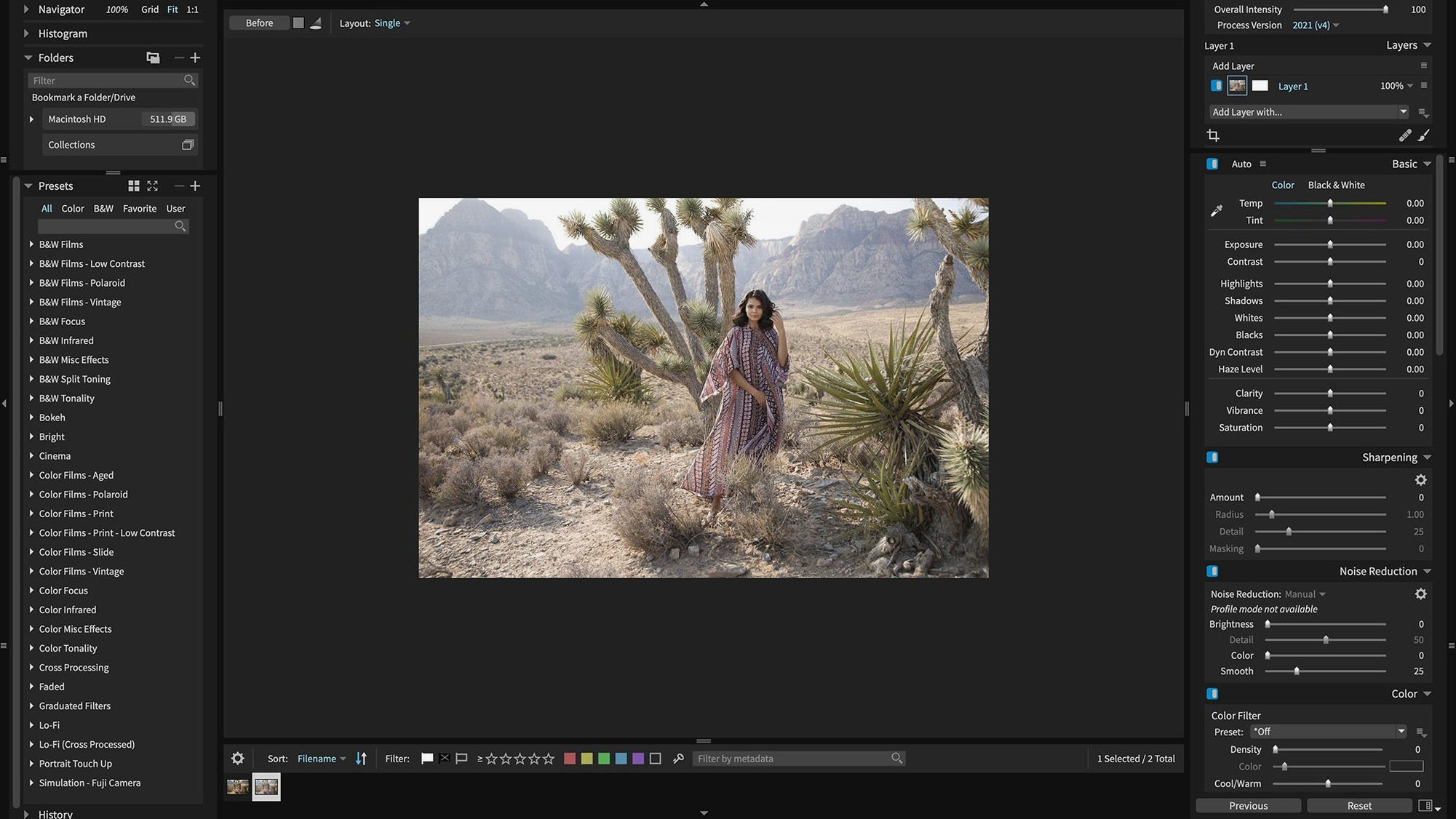
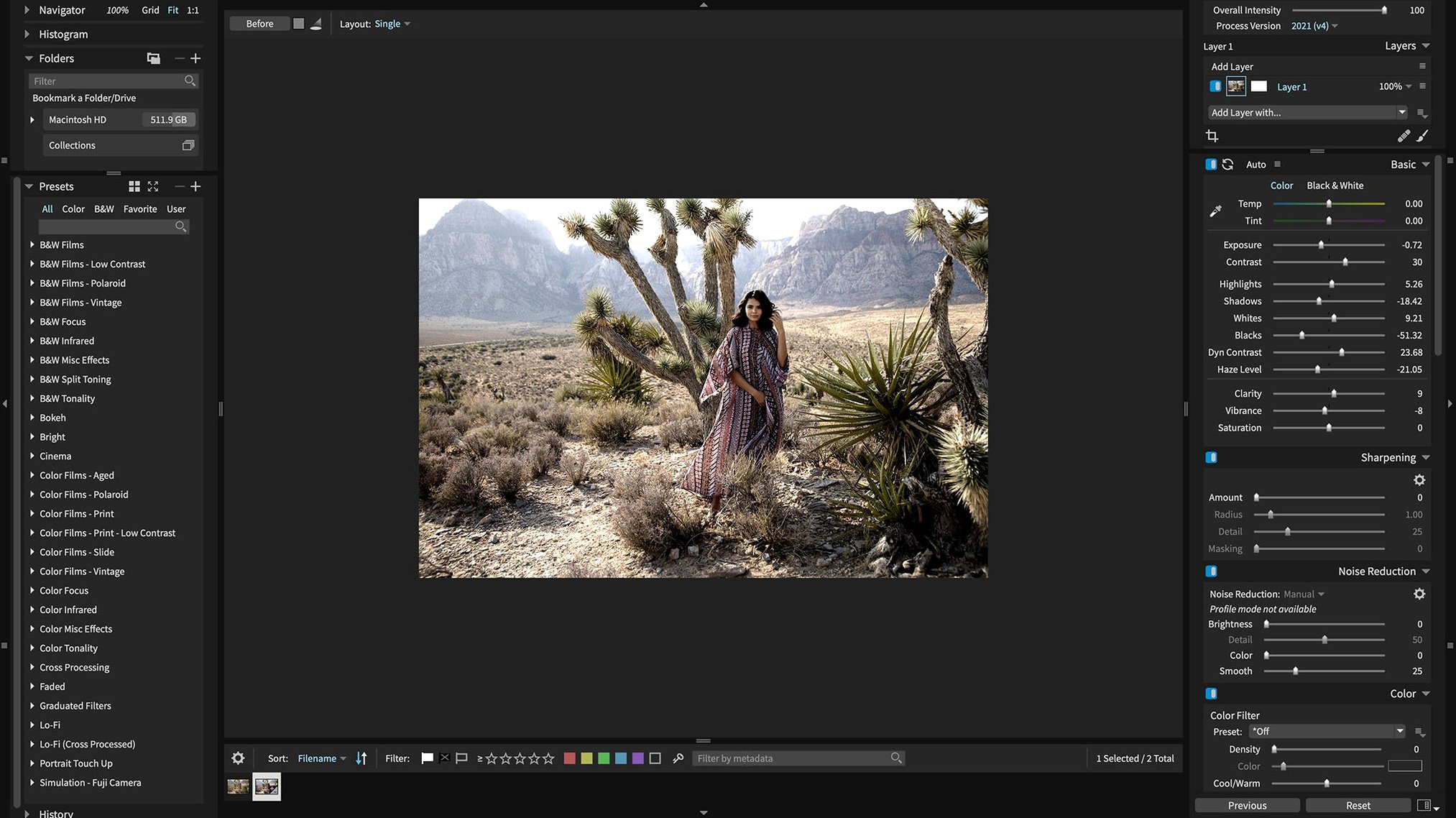
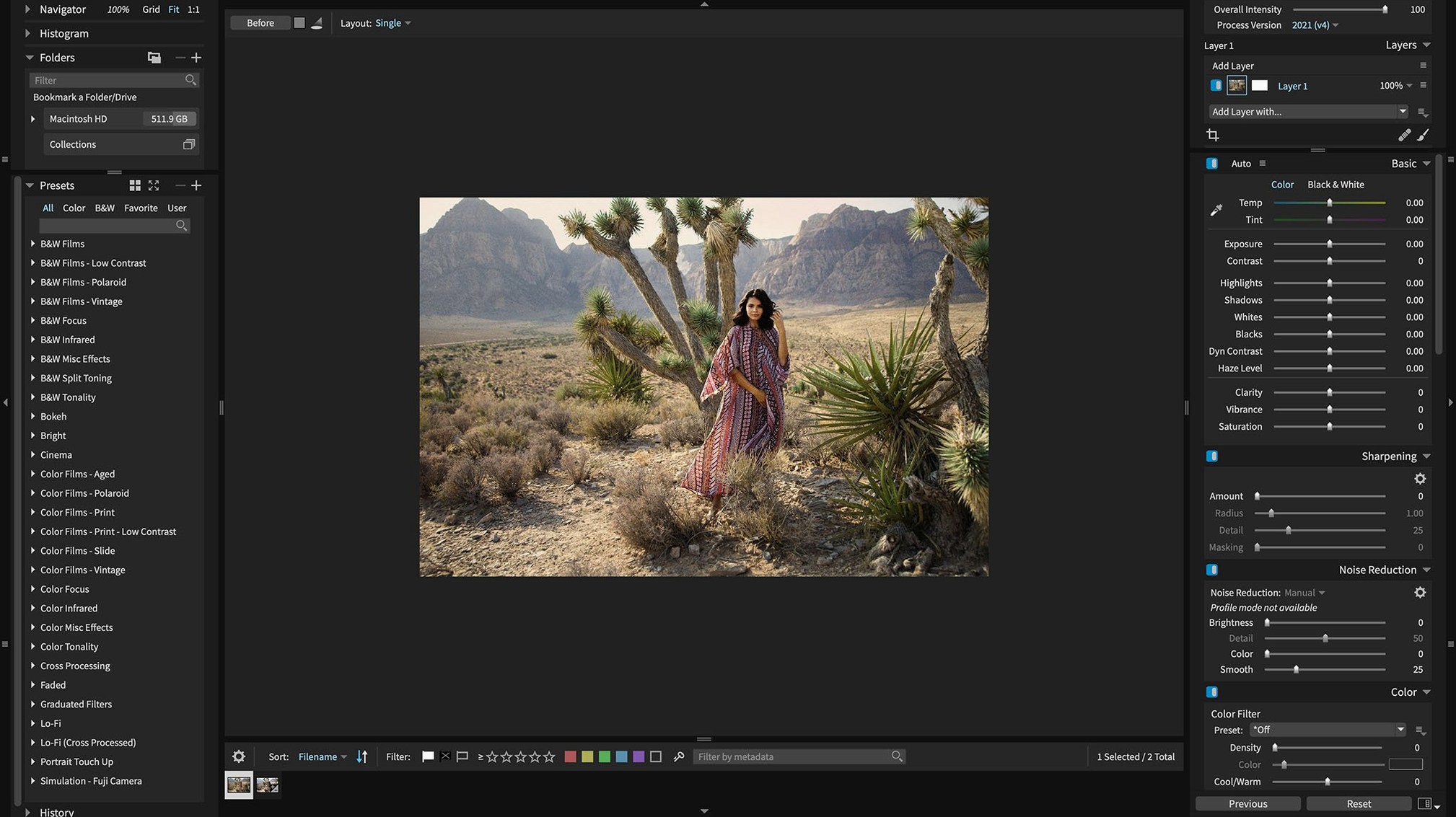
Exposure X7 is my first stop for culling and color. It works as a standalone organizer and non-destructive RAW editor, so I can rate, keyword, and apply a look without ever launching a second app. The preset panel shows a live preview of every style before you commit—huge when you’re staring down a deadline and need a direction fast. The bundle also ships Blow Up 3 and Snap Art 4. Blow Up handles layered files without flattening, which keeps a Photoshop round-trip clean, and Snap Art turns a still into painted artwork with a few clicks.
A Single Hub for RAW Processing and Library Chores
Editors who want one hub for raw processing and library chores. The non-destructive pipeline means you can experiment with grain, exposure, and color shifts, then walk it all back. Presets stay organized with folder tools built right into the interface, so a growing collection doesn’t become a scrolling nightmare. If you’re keywording a shoot on set and need to deliver selects before wrap, the standalone mode gets it done without another app in the chain.
Five Minutes Before the Client Sees It
A wedding photographer dumps 800 shots onto the desktop at 11 p.m. She needs twenty selects with a consistent warm film look by morning. Inside Exposure X7, she flags keepers with the keyboard, then drags a folder of custom presets across the batch. The preview window updates instantly—she catches a blown highlight on frame 47, dials back the exposure half a stop, and moves on. No waiting for a catalog to build. No round-trip to an external editor. At 12:15 a.m. she exports JPEGs to a client gallery folder and closes the lid.
Plug Into Photoshop or Lightroom Without Breaking Sync
The plugin route keeps Exposure in sync with an existing Photoshop or Lightroom pipeline. Apply your base grade in Exposure, send a layered PSD to Photoshop for retouching, and Blow Up 3 handles any final enlargement without flattening first. macOS tags and Finder comments carry keywords into Spotlight, so a search for "bride_smile" surfaces the right frame without reopening the catalog. Retina support means the loupe view stays sharp on a 5K display, which matters when you're checking focus at 100 percent. And because the app respects system color profiles, what you see matches what you drop into a layout or a video timeline.
Three Mistakes That Trip People Up
Treating the preset panel like a one-click finish line. Presets preview beautifully, but they're a starting point. I watch people stack three heavy grain overlays and wonder why skin tones turned to sandpaper. Dial back the strength slider and check the histogram.
Ignoring the Randomize tool. The dirt, light leak, and texture overlays ship with dozens of variations, but most new users pick the first one that looks moody and stop. Hit Randomize a few times—you'll land on something subtler that fits the frame better.
Forgetting Blow Up works on layered files. I've seen a designer flatten a 32-bit TIFF before resizing because they didn't realize Blow Up 3 preserves layers. Don't bake your adjustments into a single slab; keep the stack intact and resize last.
Expanded camera support and HEIC compatibility for current iPhones lead the 7.3.0 update. The interface now speaks refreshed Chinese, German, French, and Japanese.
Also fixed: corrupt rendering of Sony A7 IV lossless compressed raw files, 8-bit ProPhoto RGB images, and grayscale images.
- macOS 10.13 or later
- Apple Silicon and Intel Macs
Questions I actually get
Can I use Exposure X7 without a host application?
Yes, it runs as a standalone photo editor and organizer. You can cull, keyword, and edit raw files without launching anything else.
Does the bundle include tools beyond photo editing?
It includes Blow Up 3 for enlarging layered and raw images, and Snap Art 4 for turning photos into painted artwork.
Notes from the edit bay · 0
Sign in or get an edit-bay pass to leave a note.
No notes from the edit bay yet. They go up after I read them.