
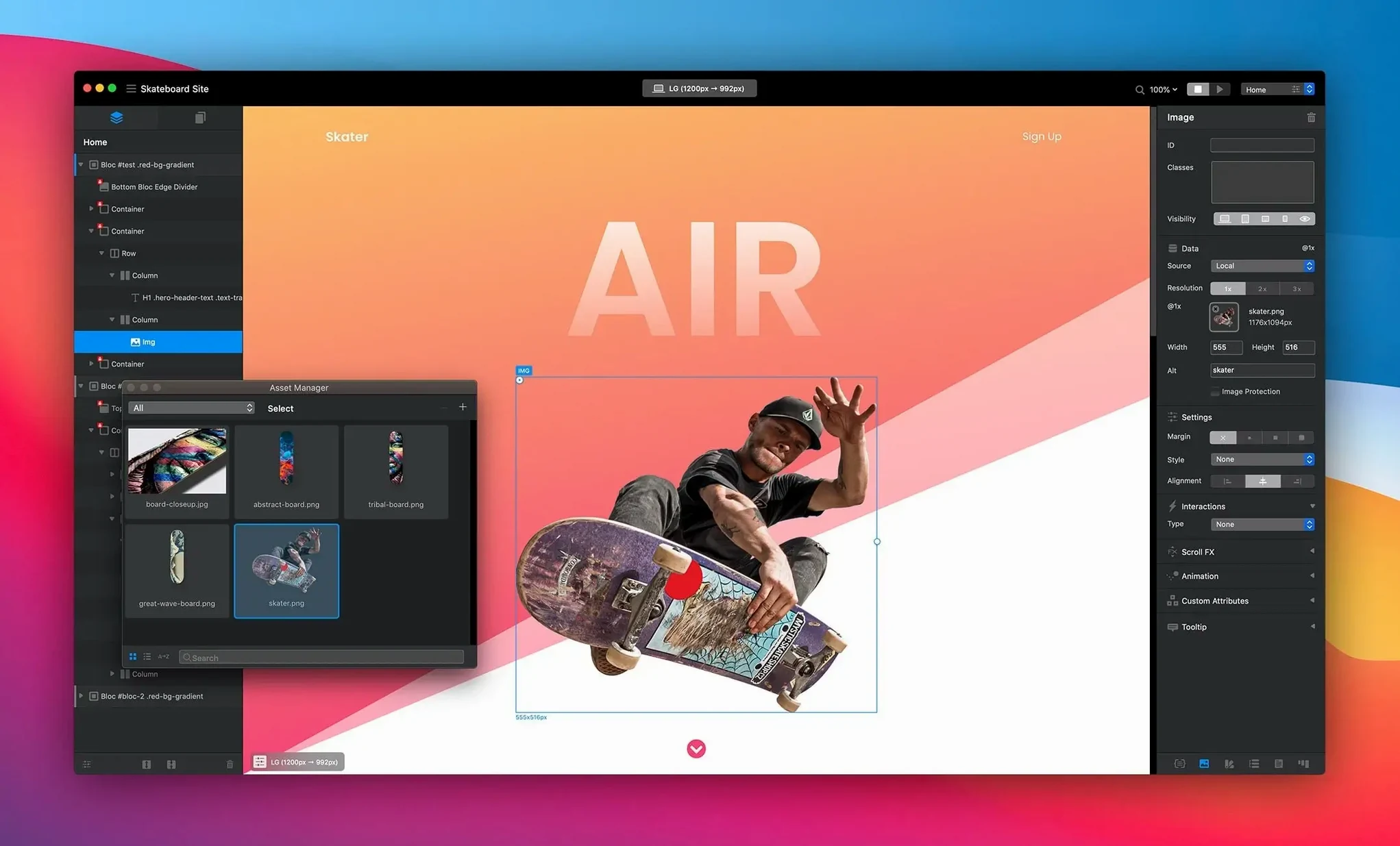
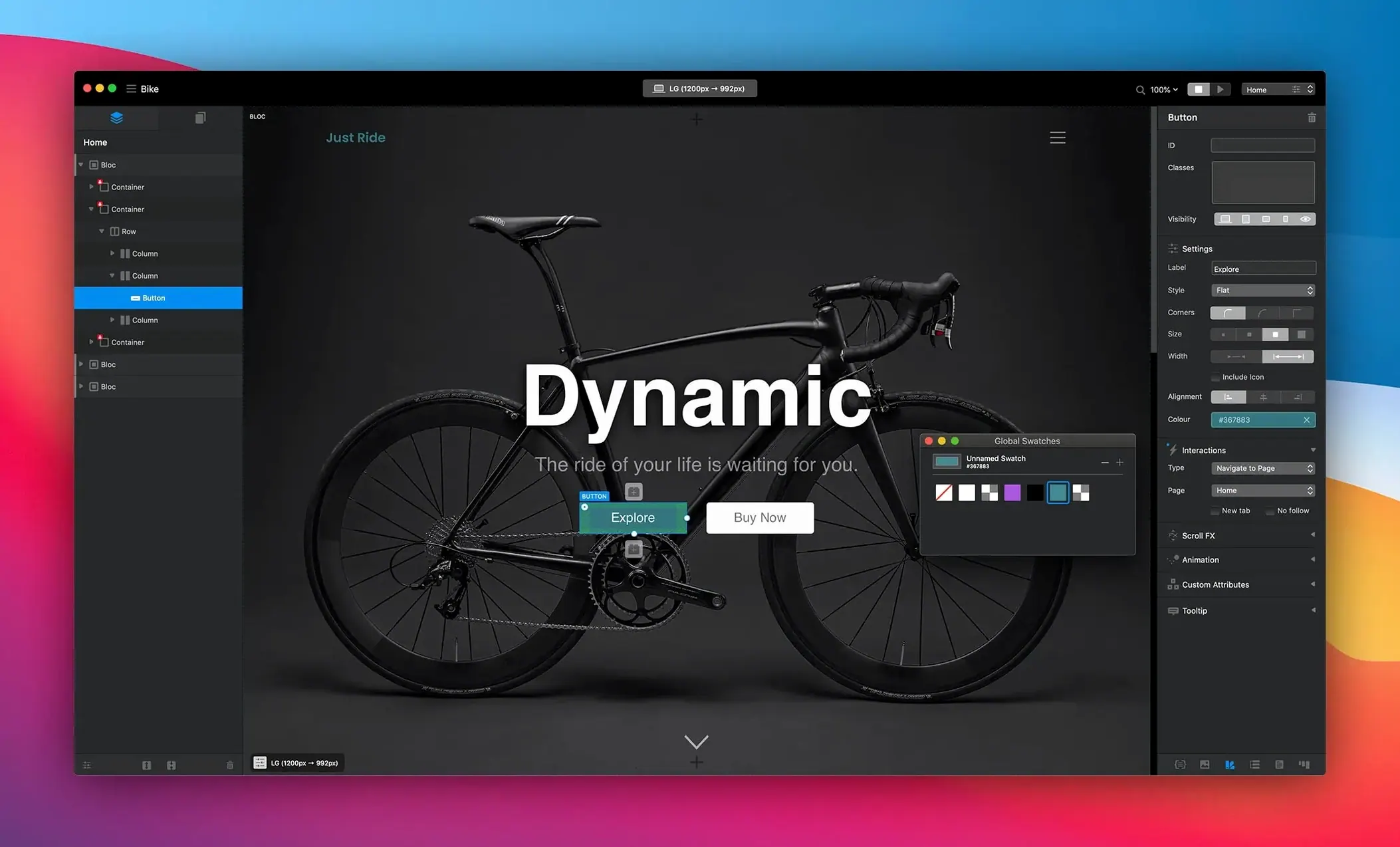
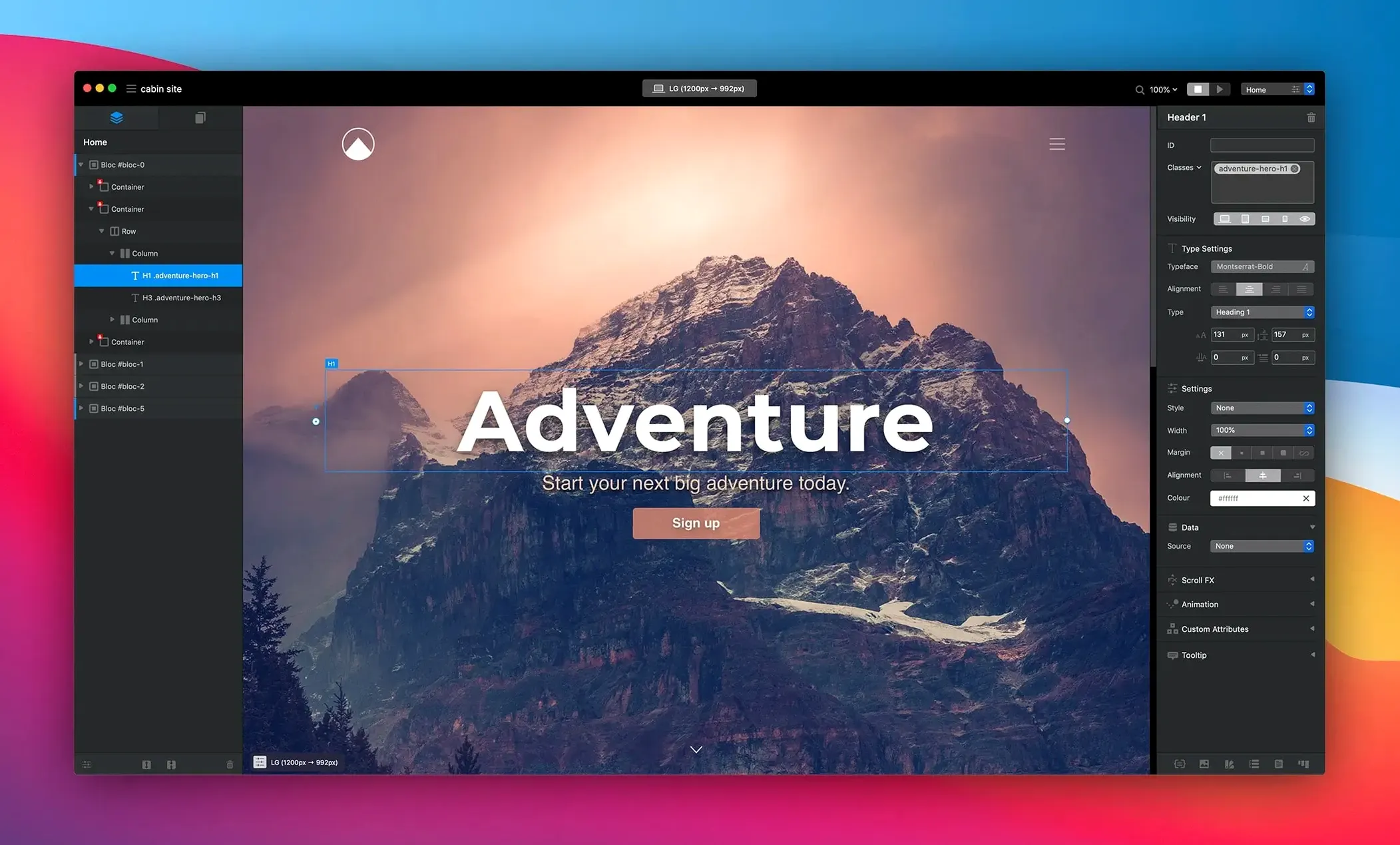
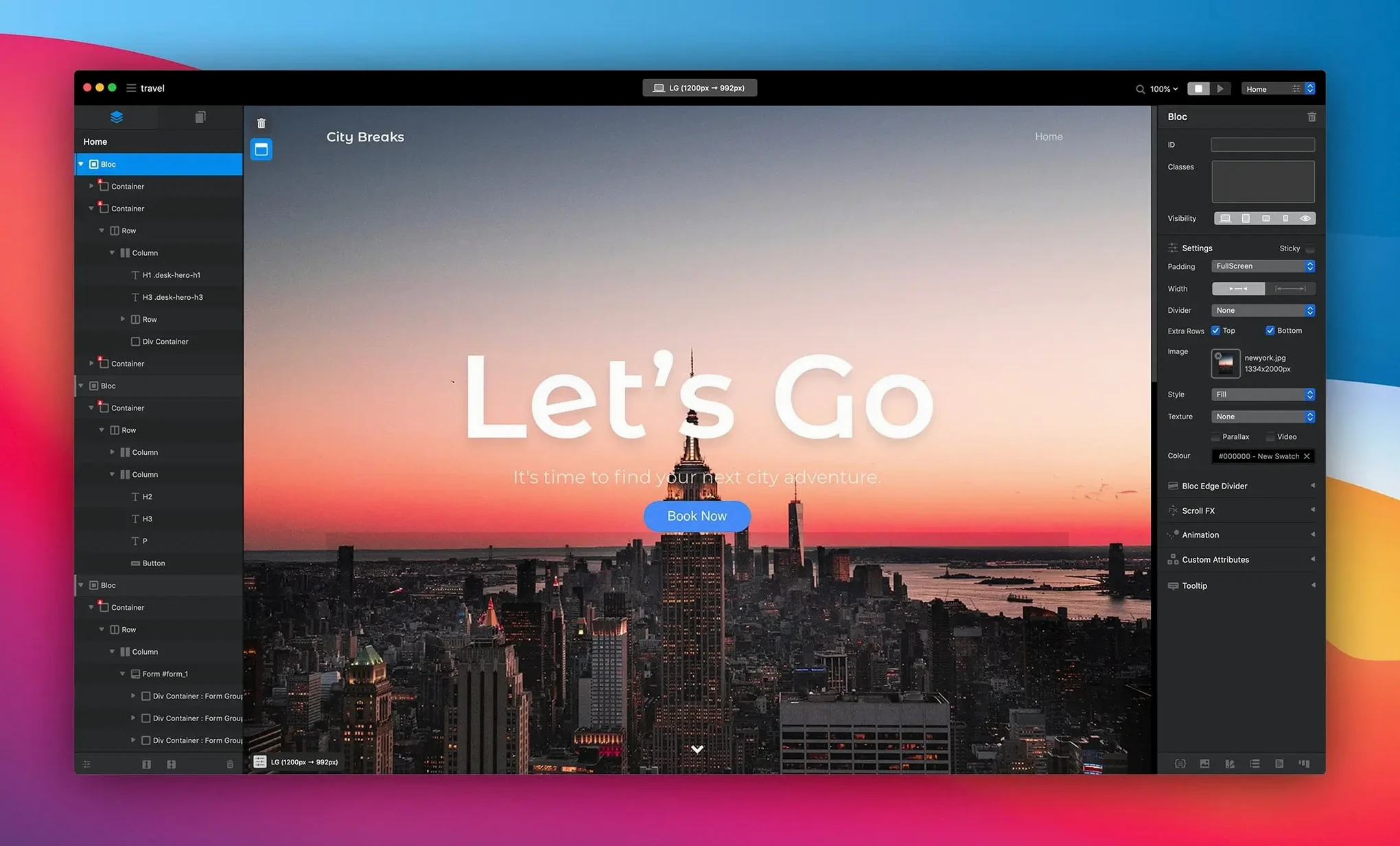
Version 6.3.3 lands as a tidy-up release, squashing the kind of bugs that interrupt a build. A hamburger menu would glitch after toggling a navigation Bric, checkbox states wouldn't stick in the app, and the inspector could show options that didn't belong to a selected radio item. Those are gone now, along with a few redundant alerts when setting padding inside a Bloc group. The core hasn't shifted — it's still the same block-based Mac builder that gets a site from a blank canvas to a finished page without touching code.
Who Needs This Update Most?
Anyone who relies on the inspector panel for precise control. Seeing incorrect options for a radio button or a missing selected state on a checkbox breaks the visual feedback loop. This patch puts that trust back so the interface reflects exactly what you built.
Where Does the Block Workflow Shine?
Building a page feels like stacking sections. You drag pre-built Blocs — headers, galleries, footers — and tweak them with global swatches and one-click animations. Drawing mode lets you sketch a layout and watch it become a responsive container, which is a huge time-saver when a client wants a custom grid yesterday.
Hooking into a CMS When a Flat Site Isn’t Enough
It does. Blocs for macOS exports clean static sites, but it also hooks into third-party CMS platforms when a project needs a blog or a news feed. You’re not locked into a proprietary backend if the job outgrows a flat site.
Snags You’ll Hit and How to Get Past Them
A blank Bloc group refusing to accept padding? That one’s finally patched in 6.3.3, but the class-name collision still trips people up when they duplicate a Bric, rename the class in one place, and miss it in another. The browser preview looks fine because of cached styles — until you clear it and watch the layout collapse. Open the Class Manager, sort by name, and kill any leftover duplicates. Five minutes now saves a two-hour head-scratch later.
The hamburger menu vanishing act was another repeat offender before this update. Even now, if you nest a navigation Bric inside a container and toggle the Bric type, the breakpoint visibility sometimes resets. Check the visibility panel for every screen size before you start styling the links. It’s the first place I look when a client says “the menu just… disappeared.”
Shrink the Default Gutter Before You Place Your First Bloc
The default grid gutter is wider than most modern layouts want, so head into Project Settings > Layout and drop it down to 15px or 20px early. Changing it after you’ve placed forty Blocs is a tedious re-snapping job. While you’re there, switch the default font stack from the system fallback to your actual body typeface — otherwise every new text element spawns with a face you’ll have to override manually.
Turn on Global Swatches before you set a single color. It’s not on by default for new projects, and retrofitting a palette onto a half-built site means hunting down every button, border, and background that used a direct hex value. The same goes for the animation easing curve — the default linear movement reads as mechanical. Set it to ease-out once and every one-click animation inherits it.
Dragging a Full-Section Bloc for a Job a Bric Handles Better
Reaching for a Bloc when a Bric would do the job better. New users drag a full-section Bloc for a small call-to-action bar, then wonder why the spacing fights the content above. Brics nest inside Blocs and give you a tighter container — use them for anything that doesn’t span the full viewport width. The drawing mode loves Brics; sketch a narrow strip and watch it become a tidy inline group instead of a row that stretches edge to edge.
Another one: ignoring the Custom CSS Class field entirely. blocs 6 torrent builds respond beautifully to this workflow, and it’s the difference between a site that looks cookie-cutter and one where you tweak a hover state without touching the generated output. Assign a class to a button, hop into the code panel, and write two lines. You’re still not coding the whole page — just seasoning it. And stop previewing only at desktop width. The responsive breakpoints are there for a reason; a hamburger menu that behaves at 1440px can crumble at 375px if you never check the tablet breakpoint’s visibility rules.
Several inspector gremlins got evicted. Checkbox selected states now display correctly inside the app, and radio button selections no longer trigger wrong options in the inspector. A hamburger menu display bug after toggling the navigation Bric is fixed. Also fixed: multiple alerts firing when setting Blocs padding to fill inside a Bloc group.
- macOS 11 or later
- Apple Silicon or Intel Mac
Notes from the edit bay · 0
Sign in or get an edit-bay pass to leave a note.
No notes from the edit bay yet. They go up after I read them.