
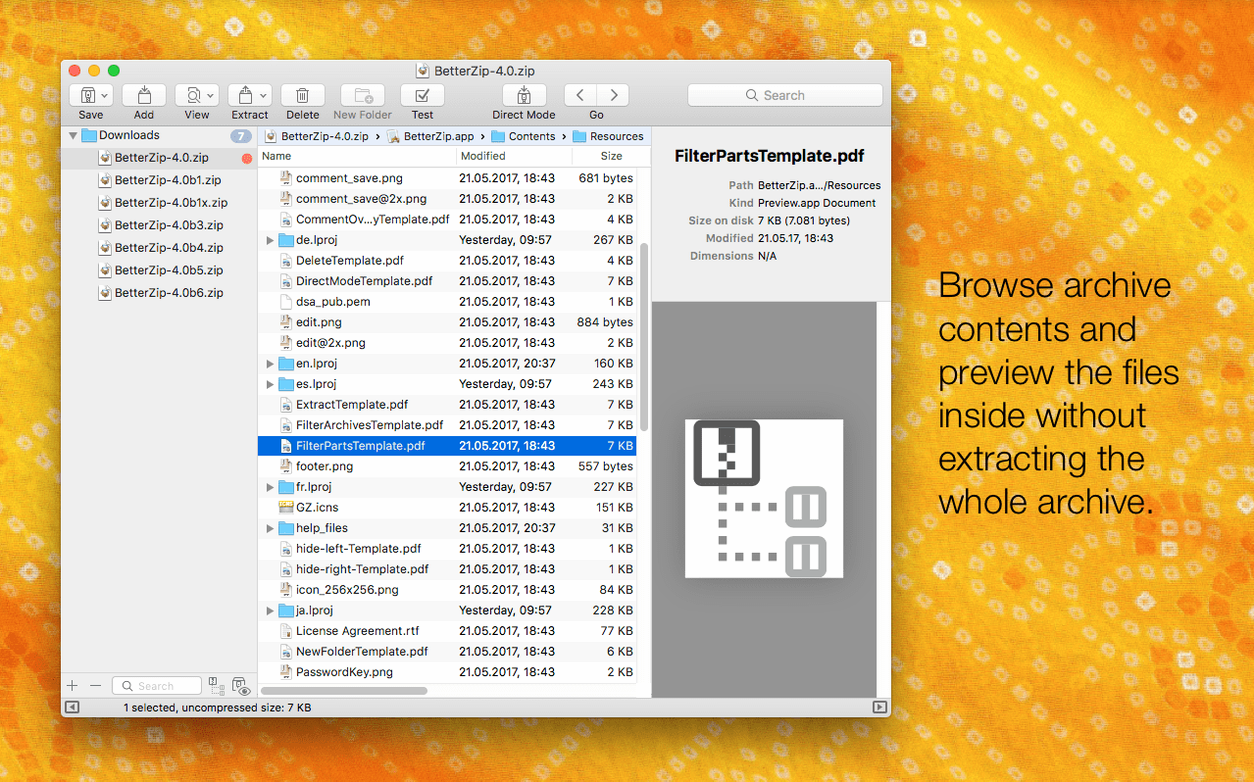
Video editors who deal with client asset drops, photographers juggling zipped proof sheets, and anyone who lives inside the Finder but hates the mess of expanded archives — that's who gravitates toward BetterZip. It's not a default-utility replacement as much as a control surface for when the built-in Archive Utility feels too hands-off. You open a ZIP, 7z, or RAR and see exactly what's inside before committing to an extraction. You can drag files out individually, delete the ones you don't need, or add new items right into the archive without a full re-compress.
Where it fits in a working day is the moment between receiving a compressed folder and actually using its contents. BetterZip sits there as a preview panel and a lightweight editor. You can add Finder comments to ZIP and RAR entries so a collaborator knows which logo revision is which. The operations queue means you can line up a batch of extractions or compressions and walk away — no progress dialogs to babysit. For anyone pulling assets from ISO disk images, the app extracts those too, treating them like any other archive.
The encryption side covers AES-256, so password-protecting a folder of contracts or rough cuts is a few clicks. AppleScript support lets you weave it into a Final Cut Pro post-export routine or a folder-action workflow. And if your system runs in English but you think in German or Japanese, version 6.0.6 lets you switch the interface language independently.
It's the tool you keep in the Dock not because you use it every hour, but because when a multi-part RAR or a 7z file arrives, you don't want to stop and figure out how to open it. BetterZip already knows.
Drop It on the Dock and Right-Click to Peek Inside
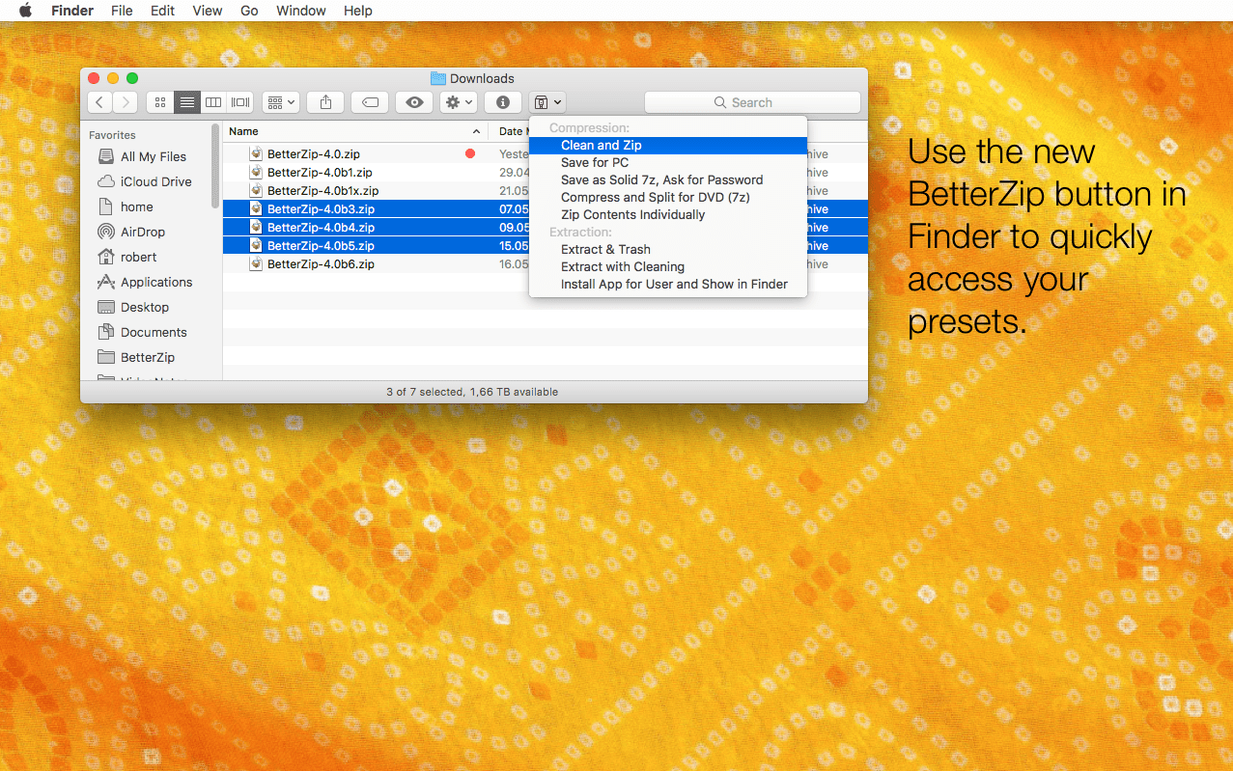
Drop BetterZip onto the Dock immediately. The first week is about muscle memory — right-click an archive in Finder, pick the BetterZip service, and see the contents pop open without unpacking a single file. That alone changes how you handle asset deliveries. You stop extracting entire folders just to peek at a readme or a single image.
Second habit: set the Quick Look trigger. In BetterZip's preferences, enable the Finder extension so hitting the spacebar on any archive shows you the file list and a preview of the selected item. No launching the full app. For a photographer receiving five zipped contact sheets, that's the difference between a two-minute triage and a fifteen-minute extraction slog.
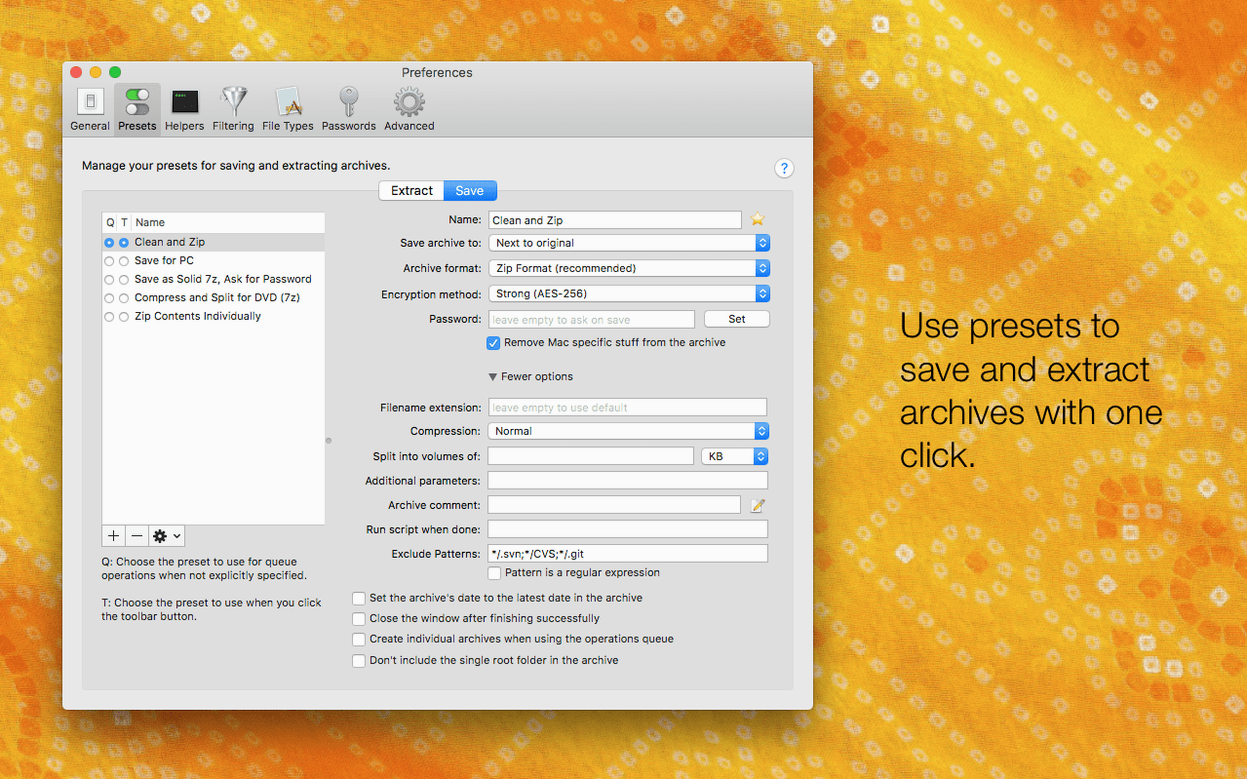
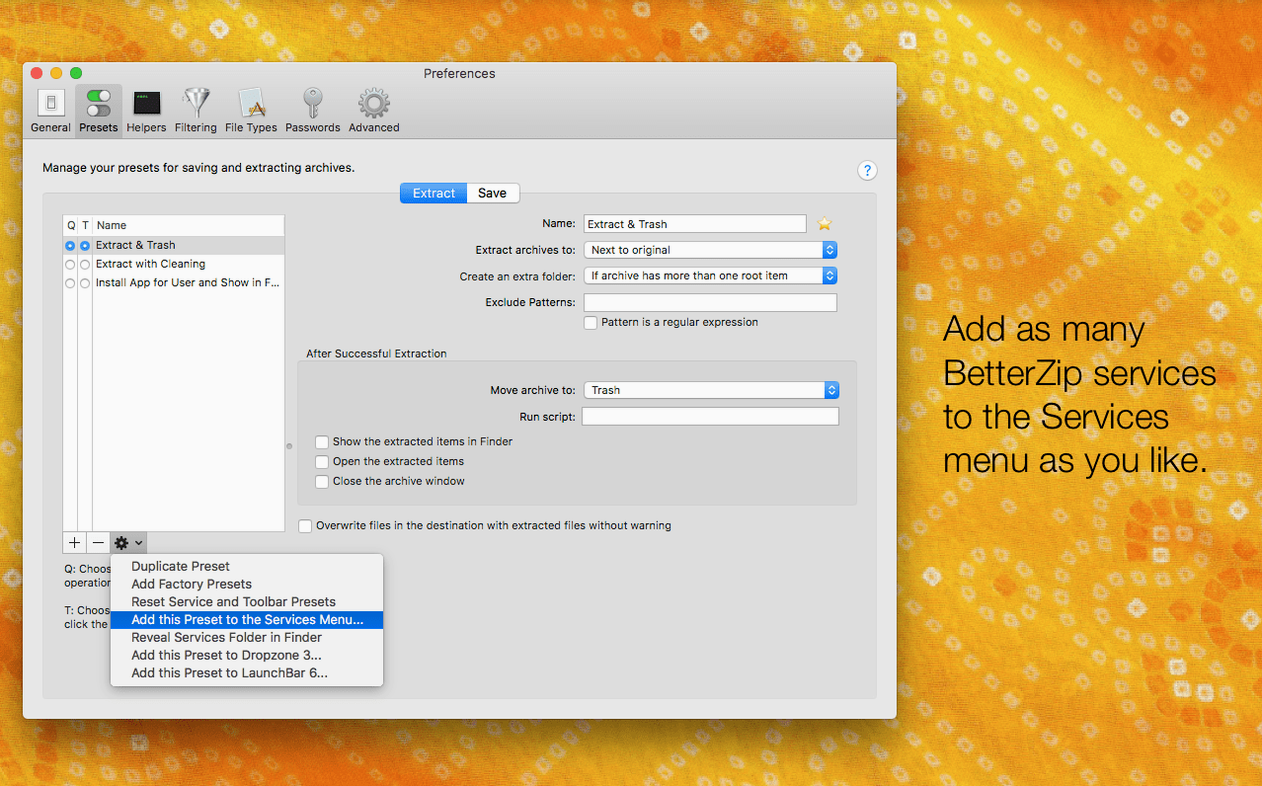
Third: configure a preset for your most common scenario. If you routinely send password-protected ZIPs to clients, save a preset with AES-256, a generated strong password, and no macOS metadata. Name it "Client Delivery." Two clicks instead of six every time. The preset also avoids the metadata leakage that version 6.0.6 specifically addresses — those .DS_Store and __MACOSX crumbs that Windows recipients love to complain about.
Opening a 4 GB 7z Without Unpacking a Single Frame
A freelance editor gets a WeTransfer link from a director. It's a .7z file — four gigabytes of B-roll, a RAR'd folder of reference stills, and an ISO of the old project drive. BetterZip opens the 7z without breaking a sweat. She previews three clips via Quick Look, decides one isn't usable, and deletes it directly from the archive. The RAR gets dragged to a separate window where she renames the stills folder to match her project structure. The ISO mounts from inside BetterZip, and she pulls only the project file she needs. Forty-five minutes of unpacking, sorting, and Finder cleanup — gone. She's already in the timeline.
Under the Hood: Speed and Stability
The 7z helper update to v26.03 in version 6.0.6 matters more than it sounds. On Apple Silicon, those assembler optimizations shave seconds off every large decompression — and when you're handling 20GB archives of camera originals, seconds stack into minutes. The unrar and zstd library bumps keep extraction stable with files created on newer Windows builds, which is where a lot of RAR traffic still originates.
Resource use is modest. BetterZip idles around 60 MB of RAM when open with an archive in view. During a compression queue of a dozen folders, it spikes briefly and then drops back. It doesn't peg the CPU during background operations the way some archivers do when scanning large 7z files; the queue manager throttles sensibly. The rare crash fixed in 6.0.6 involved communication with external helper tools — those background processes that handle the actual compression algorithms — so the update is worth grabbing if you've seen any odd quits in earlier builds.
One thing that helps daily stability: the app doesn't keep a lock on archives it's not actively modifying. You can open a ZIP, browse it, close the window, and the file is immediately movable or deletable in Finder. No "file in use" friction. That's the kind of detail you appreciate after the tenth time an assistant has to resend something because your tool held onto it.
BetterZip 6.0.6 adds an option to run the app in a language different from your system setting — handy for multilingual setups. There's also a new toggle to skip restoring macOS metadata during extraction when you need clean files. The 7z helper jumps to v26.03 with Apple Silicon assembler optimizations for snappier compression on M-series Macs. Also fixed: a rare crash tied to external helper tool communication, and the bundled zstd and brotli tools got a refresh.
- macOS 13.5 or newer
- Apple Silicon or Intel Mac
Questions I actually get
Can BetterZip edit archive contents without extracting the whole thing?
Yes, you can add, delete, and rename files directly inside an archive, and you can add Finder comments to ZIP and RAR entries without a full extraction and re-compress cycle.
What archive formats does BetterZip support?
It supports more than 30 formats, including ZIP, 7z, RAR, TAR, and ISO disk images, for both extraction and editing where the format allows.
Notes from the edit bay · 0
Sign in or get an edit-bay pass to leave a note.
No notes from the edit bay yet. They go up after I read them.