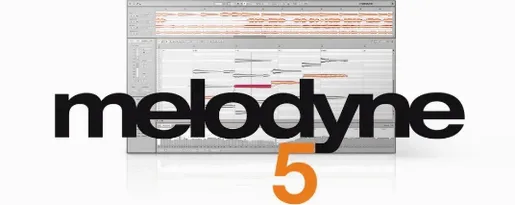
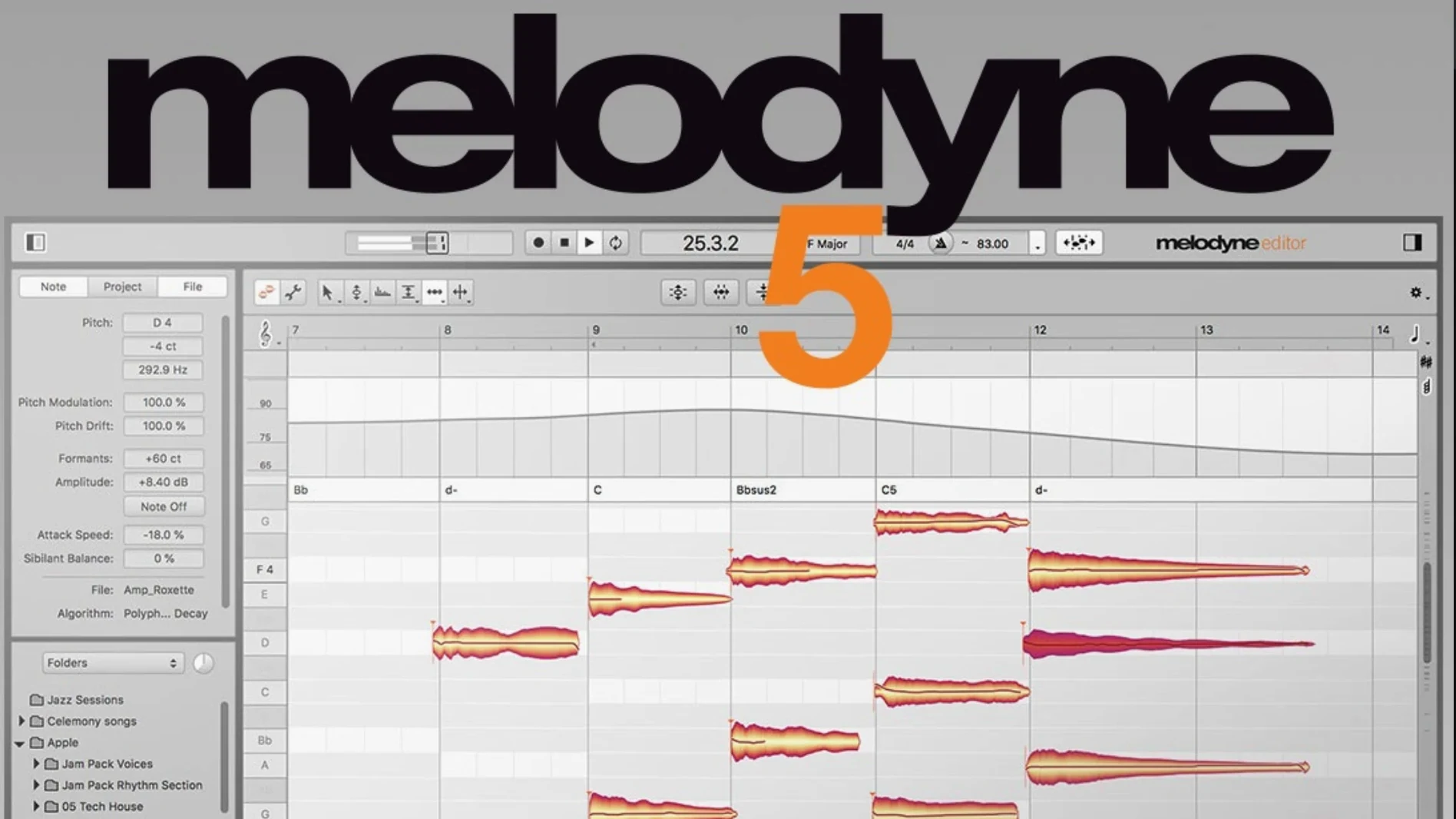
A vocal comp lands on your timeline, and the singer clipped a few notes flat in the second chorus. You insert Melodyne on the track, let it analyze, and a minute later you're dragging blobs up to pitch without leaving your DAW. That's where it sits: on individual tracks, occasionally on a bus when you need to retune a summed background stack, but rarely on the master. It's a note-level editor, and it works best when it hears one source at a time.
- Tuning a lead vocal or a monophonic sample to the key of the composition.
- Pulling apart a guitar chord and nudging the third up a cent without re-tracking.
- Hand-editing the volume of a plosive syllable that a compressor missed.
- Reshaping the timing of a double-tracked line so the consonants lock.
- Analyzing breath and intonation on a vocal take before it hits the mix chain.
The Percussive Pitched algorithm handles material that sits between a note and a transient—think tablas, tuned toms, or a marimba part that needs a few bars cleaned up. It won't replace your clip gain or fader rides, but when the problem is a single note that's too loud or a harmony that drifted, Melodyne puts the fix right on the blob. On a tight deadline, that means you're not sending stems back for a recall.
Switch the Default Algorithm Before You Import Anything
Out of the box, Melodyne makes a few assumptions about how you want to work, and a couple of them slow me down. Hit the preferences before you load a single piece of audio.
Switch the default algorithm. Melodyne ships with “Melodic” as the fallback, which makes sense for most vocal work, but if you live in drum editing or sampled percussion, set it to Percussive or Percussive Pitched instead. You can still override per-transfer, but the default saves you from re-analyzing that floor tom three times because the wrong algorithm stretched the transient.
Kill the grid lines on the note editor. The background piano roll is helpful on day one, but after a week it's visual noise. Uncheck Show Note Grid under the View menu and let the blob colors carry the pitch information. Your eyes move faster when there's less to parse.
Set the pitch grid snap to chromatic, not scale-aware. Scale-aware snapping sounds smart until you're editing a blues vocal that deliberately bends the third. Chromatic snap plus manual fine-tuning gives you control without fighting the software's idea of what's "correct." Switch it in the Note Editor's pitch grid dropdown.
Turn off automatic formant correction for monophonic signals. Melodyne ties formant shifting to pitch moves by default, and on a male vocal shifted up a third, the result sounds chipmunk-adjacent. Disable it in the algorithm preferences, then re-enable per blob only when you need that effect intentionally.
Increase the analysis sensitivity for quiet sources. If you work with whispered vocals, fingerpicked acoustic parts, or any material recorded below -18 dBFS, bump the sensitivity slider in the Algorithm pane. The default misses quiet notes; a small nudge catches them without false triggers.
The Pre-Mix Correction Layer Between Comping and EQ
Melodyne isn't a mixer, and it's not a channel strip. Think of it as a pre-mix correction layer—the thing that happens after comping and before EQ.
With your DAW's pitch correction. Logic's Flex Pitch, Cubase's VariAudio, and Studio One's built-in tuning all do a version of what Melodyne does, but none of them match the polyphonic detection or the formant tool. I keep Melodyne as a dedicated insert on critical tracks and let the DAW's lighter tools handle quick touch-ups on doubles and ad-libs. ARA bridges the gap: Logic and Studio One users get direct transfer without the old real-time recording workaround.
With iZotope RX. RX handles broadband noise, clicks, and mouth de-clicking; Melodyne handles pitch, timing, and note-level volume. The workflow order matters. Clean the audio in RX first, bounce a dry version, then analyze in Melodyne. Reversing the order means Melodyne re-renders on every tweak and you lose the RX fixes unless you commit them.
With vocal chains. Melodyne should sit first in the insert stack, before any compression or EQ. A compressed signal masks the transient detail it needs for accurate note separation. If you're working in ARA mode, the DAW handles this routing automatically—the ARA extension grabs the raw audio before any other plugin touches it.
With macOS features. The Universal Binary means no Rosetta penalty on Apple Silicon. Audio Units, VST3, and AAX all work, so you're not locked to a single DAW. If you use Logic's Selection-Based Processing, you can bounce a short region through Melodyne as a standalone edit without inserting it on the whole track—useful when only one phrase needs fixing.
Snags People Hit, Fixed
“Melodyne won't play back in sync.” Nine times out of ten, the DAW's delay compensation is fighting the plugin's internal latency. In ARA mode, this disappears because there's no plugin buffer. In traditional insert mode, check that your DAW isn't reporting a compensation mismatch; a quick bypass-engage cycle usually resets it. If not, bounce the corrected audio and disable the plugin—don't chase a sync gremlin through a session.
“The transfer is missing notes.” You dragged audio into Melodyne and half the blobs didn't show up. Check the algorithm selection. Polyphonic material analyzed as Melodic drops anything it can't identify as a single pitch. Switch to Polyphonic or, for instruments with clear transients and pitches, Percussive Pitched. If the source is genuinely polyphonic and still sparse, lower the note separation threshold in the Algorithm panel.
“Edits sound warbly or phasey.” You moved a note farther than the algorithm can stretch cleanly. The Fix: shorten the note separation distance so Melodyne doesn't try to smooth across too large a gap, or use the Note Separation tool to manually split a blob that's actually two notes. For vocals, check that the formant tool isn't overcorrecting.
“Opening Melodyne crashes the session.” The 5.4.2 update addressed a specific crash on open, but if you're still seeing it, the culprit is usually another plugin in the chain that doesn't release memory properly. Load Melodyne on an empty track first, then drag it to the problem channel. macOS Sequoia users should confirm they're on the 5.4.2 build, which specifically targets Sequoia compatibility.
“Trackpad scrolling is jumpy.” Pre-5.4.2, two-finger scrolling in the Note Editor felt like it was attached to rubber bands. The update revised this entirely. If you're still seeing stutter, increase the scroll speed in Melodyne's preferences rather than in macOS System Settings—the two can conflict.
First Days Survival Kit
Install Melodyne on a Friday session that doesn't have a client deadline. The worst place to learn it is during a revision round with the mixer waiting.
Start with a single vocal track, no harmonies. Load it, let it analyze, and do nothing but move individual notes by a semitone. Hear what a clean correction sounds like. Then try over-correcting—pull a note a fourth up—so you recognize the artifacts when you hear them later.
Get comfortable with the Note Assignment Mode. Double-click a blob, and Melodyne shows you exactly which pitch it detected. If it guessed wrong (a B became an A#), you can reassign it manually. This is the skill that separates a tuned vocal from a robotic one.
Learn the Fade Tool on day two. Note-based fades aren't a gimmick. A hard consonant that pops out of a mix can be faded in over 20 milliseconds without touching your DAW's clip gain or a separate de-esser. Click the Fade Tool, drag the edge of a blob, and listen.
Save a default preset with your algorithm and grid preferences. Melodyne remembers per-instance settings, but a default preset means every new transfer starts with your workflow, not Celemony's.
Don't touch the Leveling Macro until you understand manual amplitude edits. The macro evens out note volumes automatically, and it's easy to over-apply it and flatten every dynamic a singer made on purpose. Edit three or four notes by hand first so you know what the macro is doing.
Fixing a Flat Chorus and Loose Bridge Timing at 11 PM
The lead vocal for a pop track landed at 11 PM with a note: “chorus two feels flat, also the bridge timing is loose against the piano.” I opened the project in Logic, on a Mac Studio running Sequoia. The raw vocal sat on track 12, no processing yet.
I inserted Melodyne in the first slot of the channel strip. ARA kicked in automatically—no real-time transfer, just the audio already analyzed and blobs spread across the Note Editor within seconds. The key was B-flat minor, and Melodyne detected it correctly from the chord track I'd already mapped.
Chorus two, bar 33. The word “stay” on beat three was thirty cents flat. I zoomed in with a two-finger pinch, grabbed the center of the blob, and tugged it up until the pitch readout hit zero. The formant correction tried to compensate—I heard it thin out—so I opened the Note Inspector, zeroed the formant shift, and let the pitch change stand on its own. The note now sat in the chord without sounding processed.
The bridge was a timing issue. The phrase “I can't go back” dragged behind the piano's eighth notes. I switched to the Timing Tool, selected all four syllables, and quantized to 1/8 with a 70% strength. Full quantization sounded robotic; 70% tightened the consonants without erasing the push-and-pull of the performance. Two syllables still lagged, so I nudged them manually with the Option key held down for fine control.
One plosive “p” on “place” jumped 4 dB louder than the surrounding notes. The Fade Tool let me pull the attack back by twelve milliseconds—enough to soften the burst without losing the consonant entirely. Then I selected the whole phrase and applied the Leveling Macro at 40%. It brought the quieter syllables up just enough that the compressor on the next insert wouldn't have to work as hard.
Before I bounced, I soloed the track and listened to the edits in isolation. No warbling, no phasing, no blobs assigned to the wrong pitch. I exported the corrected audio to a new track, deactivated the Melodyne instance to free up CPU, and sent the session to the mixer by midnight. The whole edit took twenty-two minutes, and most of that was listening.
The 5.4.2 update tunes up the fundamentals. Trackpad scrolling is smoother, and a crash that could trigger when opening Melodyne in ARA or plug-in modes is squashed. Also fixed: optimizations and adaptations for macOS Sequoia so the UI and processing stay quick on the latest OS.
- macOS 10.12 or later
- Intel or Apple Silicon Mac (Universal Binary)
- English interface
Questions I actually get
Can Melodyne edit individual notes inside a chord?
Yes. Its polyphonic detection can separate the sounds within a chord, letting you adjust the pitch, timing, or volume of a single string or voice independently.
Does version 5.4.2 run natively on Apple Silicon?
Yes. The Mac build is a Universal Binary, so it runs natively on both Intel and Apple Silicon processors without Rosetta translation.
What does the Percussive Pitched algorithm do?
It's designed for sounds that have a pitch but a strong percussive attack, like tuned drums or plucked instruments, giving you note-based control where a standard algorithm would struggle.
Notes from the edit bay · 0
Sign in or get an edit-bay pass to leave a note.
No notes from the edit bay yet. They go up after I read them.