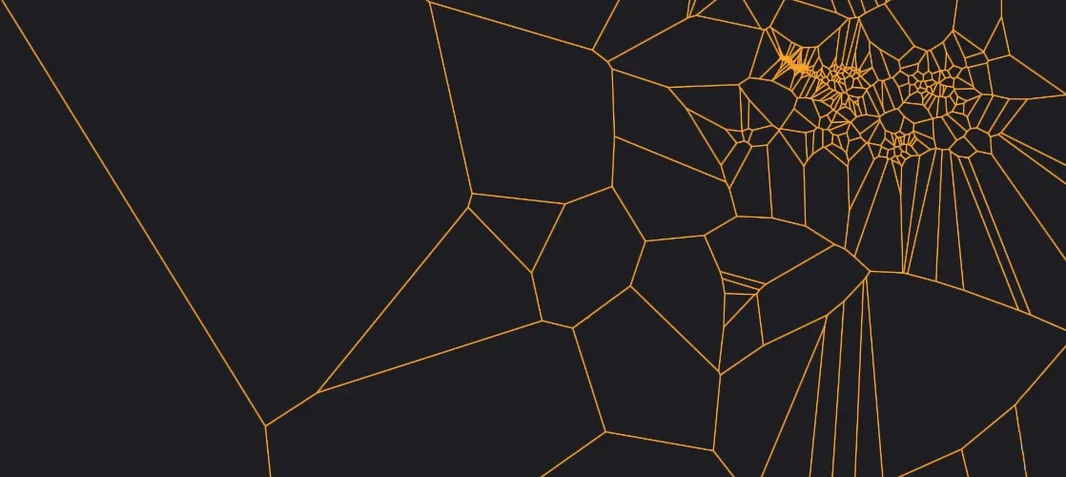
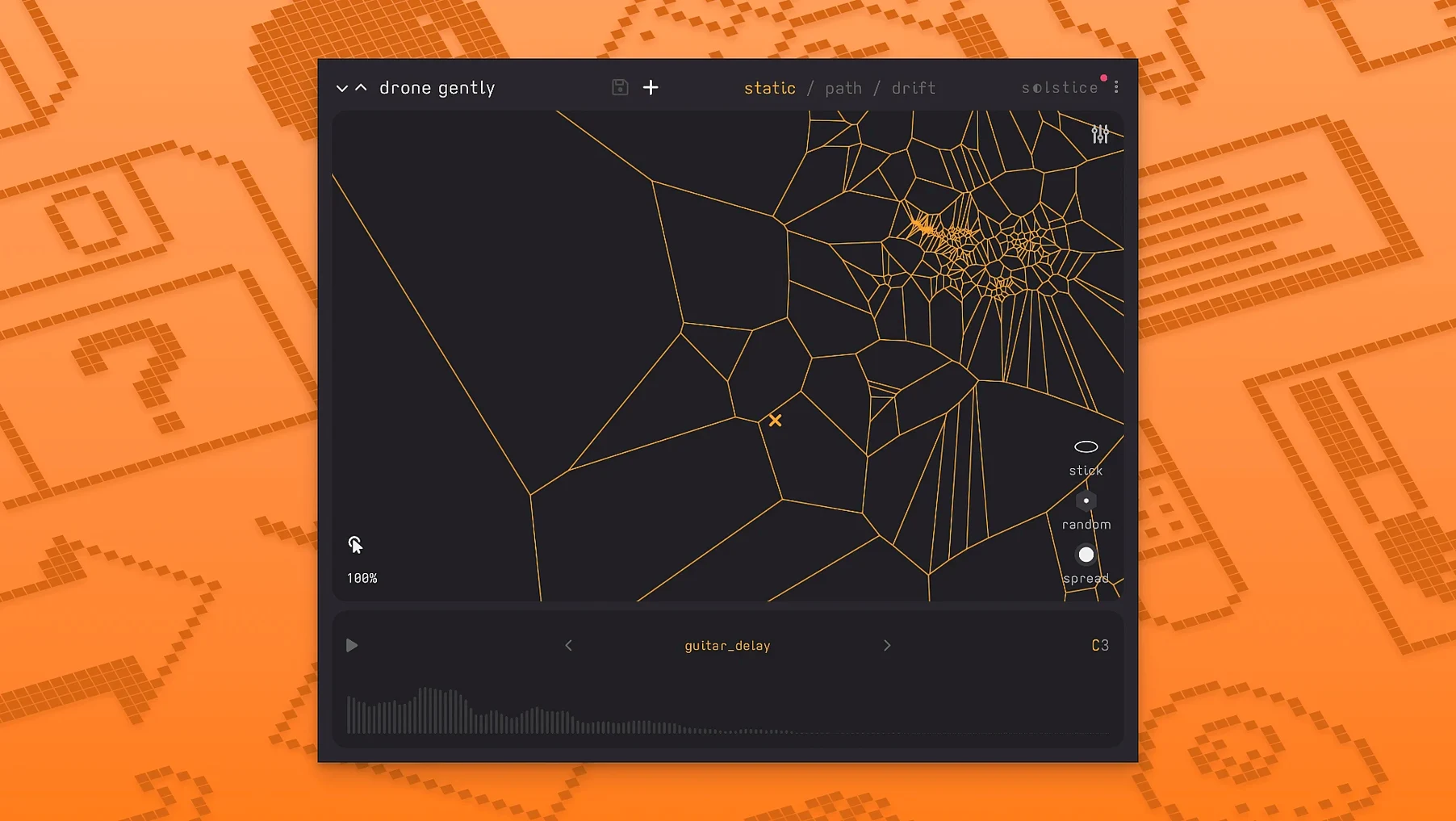
Hit the Bloom knob hard and the high end doesn't just get brighter — it scatters into glassy overtones that feel detached from the source. Solstice isn't a conventional sampler; it rebuilds your audio as a navigable terrain. Drag the cursor and you morph through timbres instead of switching between them.
Sound Map — The core. Clusters similar timbres into dense regions, so a kick drum's transient and its boom sit in different neighborhoods. Drag to glide; automate the drift to wander.
Auto Root Note Detection — Drops the sample at its actual pitch center. No hunting middle C before you play a melody.
Spectral Effects — Five ways to warp the map itself. Texture adds grain, Tilt skews the harmonic balance, Flutter introduces rapid pitch instability, Stretch smears time, and Bloom opens up the top end into airy artifacts.
MPE Support — Per-note pressure and slides now bend individual grains, so a LinnStrument or Seaboard pulls the map in multiple directions at once.
Feed It Textured Field Recordings, Not Pure Synth Tones
Don't open a synth. Open a field recording — rain on a fire escape, a drawer sliding shut, a half-second of guitar feedback. Solstice builds its best maps from material with internal texture. A pure sine wave gives you a flat, boring landscape; a sample with grit, noise, and shifting harmonics creates regions worth exploring.
Set the drift speed low on day one. Let the cursor crawl across the map at a pace your ears can track. You'll learn what each zone does to the timbre before you try to perform it. Manually dragging feels intuitive once you've heard where the interesting neighborhoods live.
Map the Y-axis of the drift to a filter or the Bloom amount. Now the automatic movement isn't just changing timbre — it's opening and closing the spectral effects as it travels. Two bars of a drone can stretch into four minutes of shifting texture without touching a fader.
Cursor Parked on One Pixel Plays the Whole Sample
"It's just playing the original sample." You're probably sitting on one pixel of the map. Solstice doesn't trigger samples — it reads the spectral snapshot at your cursor position. Zoom out with the map size control or hit randomize position once. The sound should shift immediately.
CPU spikes when the map is dense. High-resolution analysis on a ten-minute stereo file creates a lot of spectral data. Bounce the processed output to a new track early, or reduce the analysis window before loading. Solstice runs the engine in real time; it's not streaming from disk.
Drift sounds robotic. The default drift path is a straight vector. Draw a custom curve in the drift editor, or modulate the drift speed with a slow LFO from your DAW. Irregular movement sounds organic because it mimics how a human hand wobbles.
MPE isn't responding. Confirm your DAW track has MPE input enabled — Solstice sees it, but your DAW may be stripping per-note data before it reaches the plugin. In Ableton Live, that means "MPE" in the track's MIDI From dropdown, not just "All Ins."
It Sits Next to Your Sampler, Not Inside It
Does it replace a sampler, or sit next to one? Next to one. Solstice doesn't do multisamples, velocity layers, or round-robins. Throw a Kontakt piano in and it'll make a spectral smear of the whole instrument. Use it for the pads, the beds, the weird transitional sounds a traditional sampler can't pull off.
What's the learning curve if I've never used a spectral tool? Shallow to start, deep to master. Loading a sample and dragging the cursor takes two minutes to grasp. Learning which spectral effect to reach for in a mix, and how the five effects interact when stacked — that's the long game. The manual covers the signal flow clearly.
Will it run on an older Intel MacBook? Yes, as long as it's on macOS 12 or later. The analysis pass hits the CPU harder than playback, so bounce early on an older machine. Apple Silicon handles real-time spectral processing with noticeably less fan noise.
Loading Full Songs Creates a Homogeneous Soup
Loading full songs. A three-minute mastered track contains too much spectral information for a useful map. Solstice tries to analyze everything — drums, bass, vocals, reverb tails — and the map becomes a homogeneous soup. Start with short, isolated sounds: a single chord stab, a vocal breath, a percussive hit with a long decay.
Ignoring the auto root note. Without it, the map sits wherever the sample's pitch happens to land, and every MIDI note you play is off-key relative to your project. The detection isn't flashy, but skipping it turns a beautiful pad into a dissonant mess.
Stacking all five spectral effects at once. Texture plus Flutter plus Stretch plus Tilt plus Bloom, all at 50% — that's not a sound design choice, it's a blur. Each effect works on the same spectral data; they compound. Dial one in, listen, then add a second sparingly. The Saturation and Glue section can pull a diffuse map back into focus when things get washy.
Forgetting the drift can be automated. People treat the drift like a screensaver — set it and forget it. Record the X/Y position as automation in your DAW instead. You can write precise moves that follow your song structure, pulling the timbre toward brightness in a chorus and toward darkness in a breakdown. The same tool that generates happy accidents also rewards deliberate control.
Basic MPE support is the headliner — per-note gestures finally talk to the sound map. Also fixed: MTS-ESP microtuning support and five new spectral effects: texture, tilt, flutter, stretch, and bloom.
- macOS 12 or later
- Apple Silicon or 64‑bit Intel Mac
Notes from the edit bay · 0
Sign in or get an edit-bay pass to leave a note.
No notes from the edit bay yet. They go up after I read them.