
Ready for Apple Silicon, Intel, and macOS 26 Tahoe
Unite Pro runs on any Mac that has macOS 15 or later, natively supporting both Apple Silicon and Intel 64-bit processors. It is also designed for macOS 26 Tahoe, so it is ready for the next OS cycle.
Build a Project Tracker App
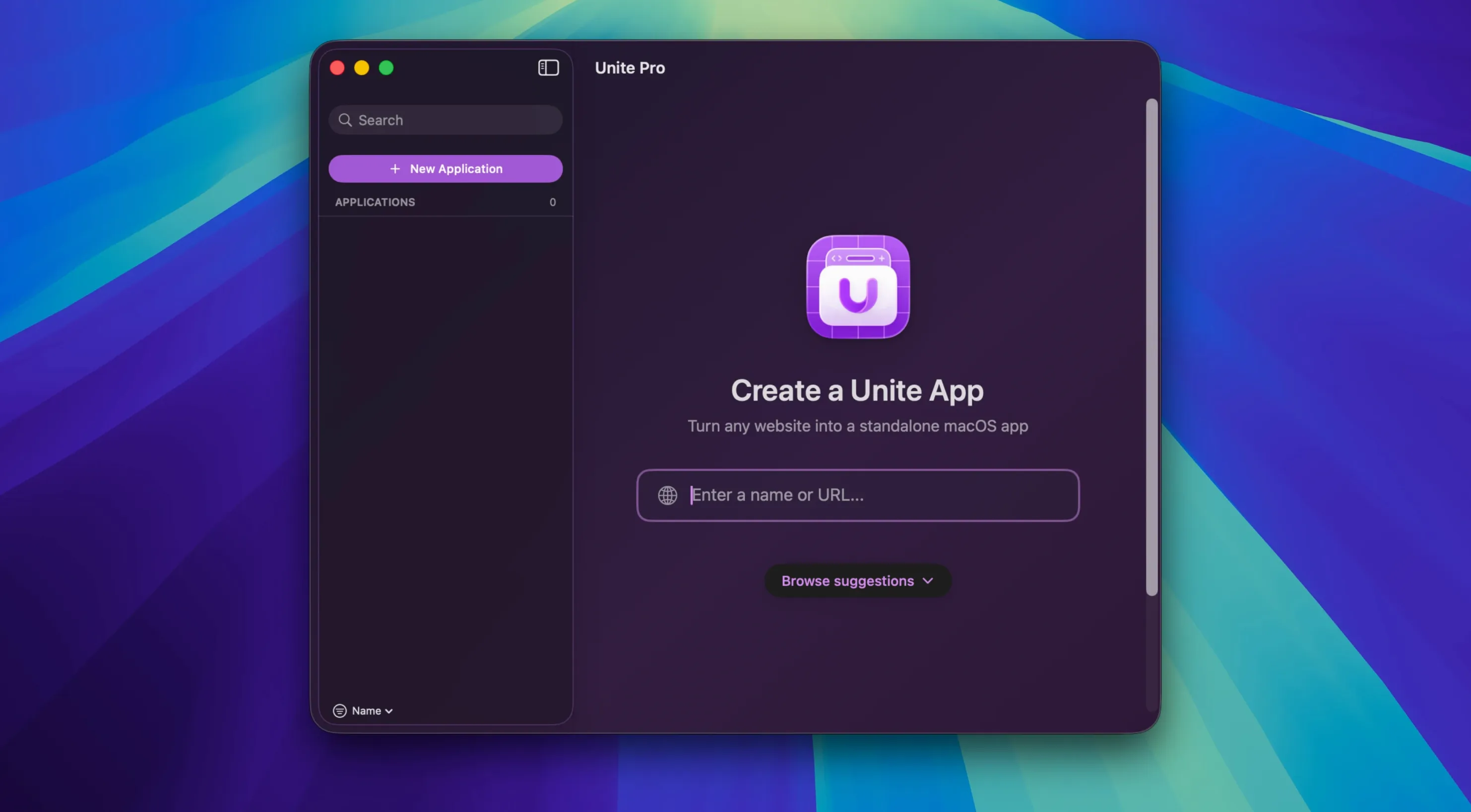
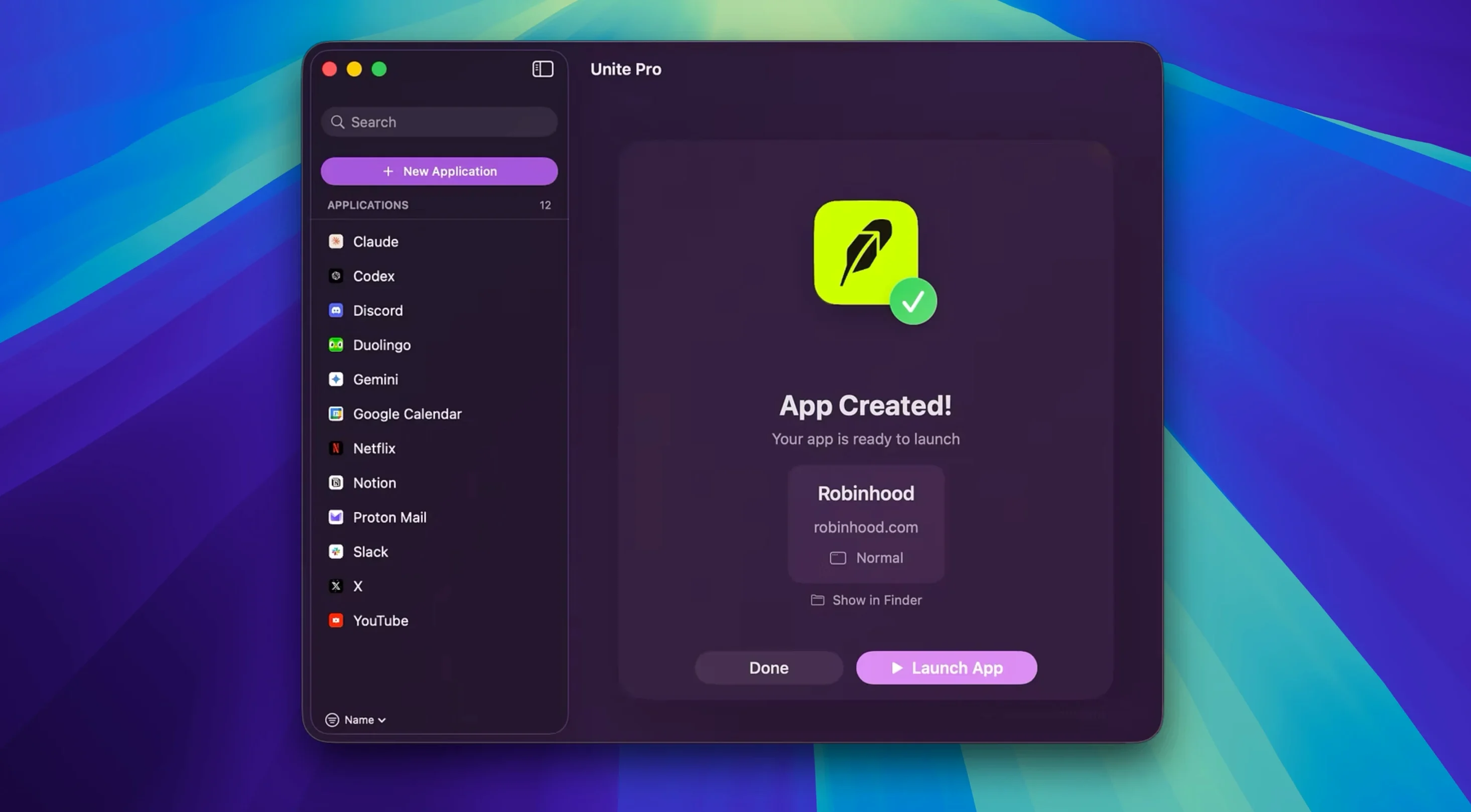
I point Unite at my team’s cloud-based project board, give the app a name, and hit create. Seconds later, I have a self-contained app with its own icon in the Dock, its own cookie jar, and zero risk of a stray browser logout breaking my workflow.
Pin Your Email to the Menu Bar
Version 1.8 added a default email client mode, so I make a Gmail app and set it to handle mailto links. I then pin the app to the menu bar; clicking the tiny icon drops a compose window into view without dragging me away from a render in Final Cut.
The macOS-Native Take on Wrapping Websites
Unite Pro isn't the only tool that wraps websites into desktop apps, but it takes a distinctly macOS-native approach. Here's how it reads against two alternatives I've kicked around on set and in the suite.
Unite Pro vs. Coherence X
Coherence X is built on Chromium and can feel closer to Chrome in dev tools, but that also means heavier memory use per app. Unite Pro leans into WebKit and the system's own rendering engine. The result: lighter individual app instances, better battery behavior on a MacBook Pro, and a tighter fit with macOS features like menu bar pinning and Touch Bar support. Coherence gives you more granular control over the browser engine settings; Unite Pro gives you an app that behaves less like a wrapped site and more like something the Finder expects.
Unite Pro vs. Flotato
Flotato's pitch is speed and simplicity — install a site as a lightweight app in seconds. It's great for quick reference tools, but it doesn't offer custom user scripts, custom styles, or the default email client mode that version 1.8 introduced. If you just want a floating mini app, Flotato works. If you need an app that intercepts mailto links, remembers its own download folder, and supports notification plumbing, Unite Pro is the more serious tool.
Unite Pro vs. Safari's 'Add to Dock'
Safari's built-in 'Add to Dock' creates a shortcut that shares Safari's cookie storage and extensions. That's fine for a casual web app, but it's not a separate instance. Unite Pro spins out a truly independent app — separate cookies, separate settings, no cross-contamination when you sign into multiple accounts on the same service. For anyone juggling a personal and work Gmail account side by side, that isolation alone justifies the switch.
Always-On Notion, Frame.io, Calendar, and Slack Apps
I tend to build three or four Unite Pro apps for a project and never close them. One for a shared Notion workspace, one for a frame.io review link, one for the production calendar, and one for Slack. Each sits in its own Space on macOS, so a three-finger swipe moves me between communication, review, and scheduling without a single browser tab in sight.
The default email client mode also plays nicely with other apps. Once a Gmail or Outlook Unite Pro app is set as the mailto handler, clicking an email link in Final Cut's sharing inspector or in a Numbers spreadsheet opens a compose window in that specific app — not a new tab buried somewhere in Safari. It's a small thing that deletes a step every time it happens.
And because each app is a standard .app bundle, they work with Shortcuts, Alfred, and Raycast without extra configuration. I trigger a script that opens my project board Unite Pro app via a hotkey, and it appears like any other Mac app in the app switcher.
Define a Download Folder Before Invoices Cross Paths
Right after you create your first app, open its preferences and do three things.
- Set a dedicated download folder. The 1.8 update remembers your last chosen location, but defining a per-app default keeps invoices from a billing app out of your general Downloads pile.
- Enable menu bar mode for always-on tools. Email and calendar apps benefit from this immediately. A click in the menu bar drops the window into view; another click or a swipe away hides it. No Dock clutter.
- Check the notification permissions. By default, a Unite Pro app can fire macOS notifications, but you'll want to confirm they route to the right Notification Center setting. I keep Slack in the "Deliver Quietly" lane so it doesn't interrupt playback.
Version 1.8 quietly fixes one of my biggest friction points: mailto links. You can now set a Unite email app as the default client, and clicking a link opens a pre-filled compose page instead of Apple Mail.
Also fixed: download prompts now remember the last folder you chose, so saving file after file finally behaves the way you expect.
- macOS 15 or later
- Apple Silicon or Intel Mac
- Designed for macOS 26 Tahoe
Questions I actually get
Can I use custom styles or scripts in a Unite app?
Yes, you can inject your own CSS and JavaScript. The app supports custom user scripts and styles, giving you full control over how the site looks and behaves inside its standalone wrapper.
Does each app I create keep its own settings and logins?
Absolutely. Every app gets a completely separate container for cookies and settings, so you can stay logged into multiple accounts on the same service without them interfering.
What languages does the Unite Pro interface support?
The interface is available in English, German, Spanish, Italian, Portuguese, and French.
Notes from the edit bay · 0
Sign in or get an edit-bay pass to leave a note.
No notes from the edit bay yet. They go up after I read them.