A supervising sound editor lands a 5.1 short film mix at 9 AM — delivery is 5 PM. The OMF from Premiere is a mess of nested clips. Dialogue needs RX in the same timeline, the director wants a laser blast in a specific Atmos bed, and the score still has a wrong chord in bar 42. Nuendo 15 on macOS is where all of that lands, gets fixed, and leaves the building.
One Session, Every Discipline
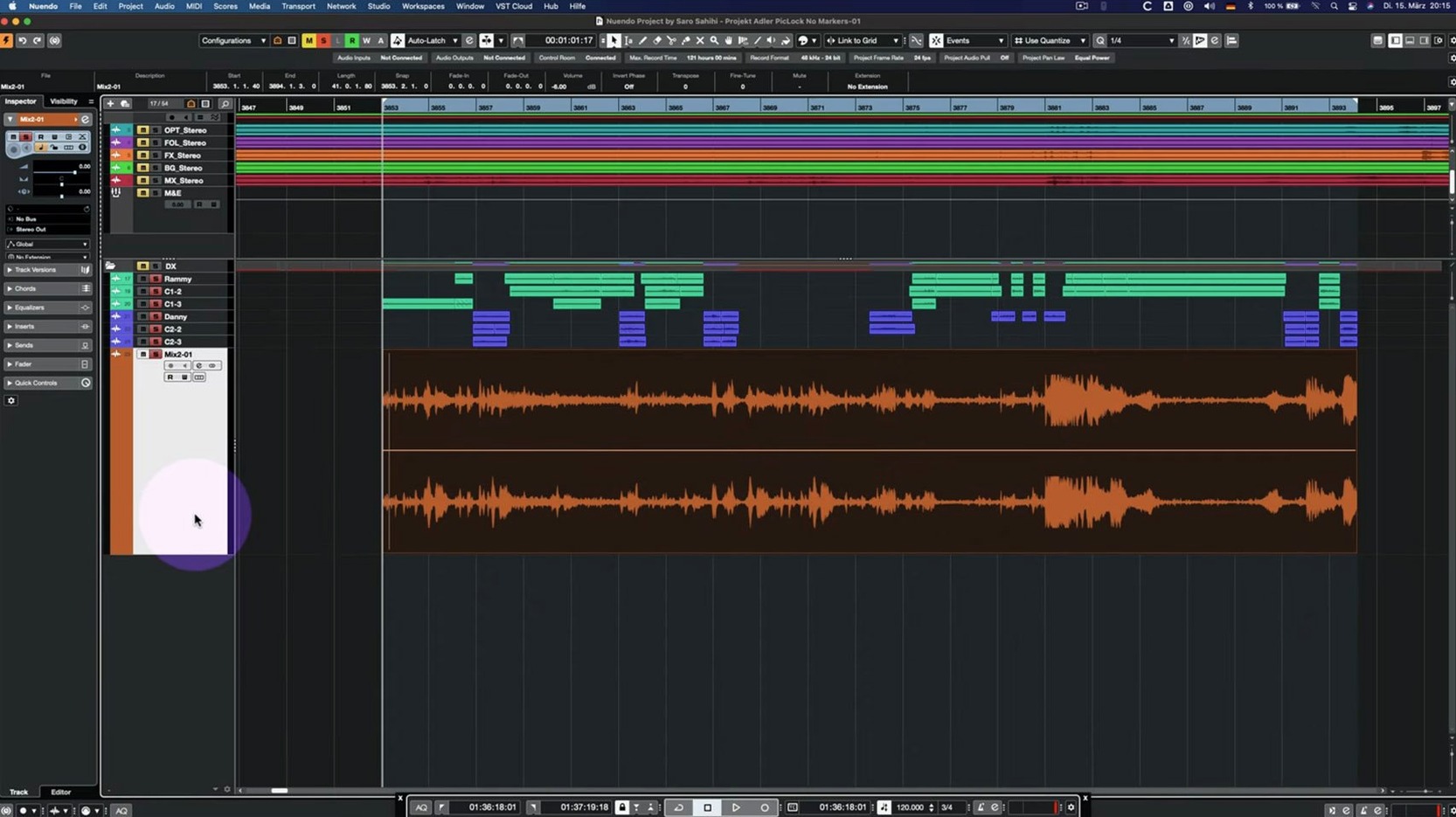
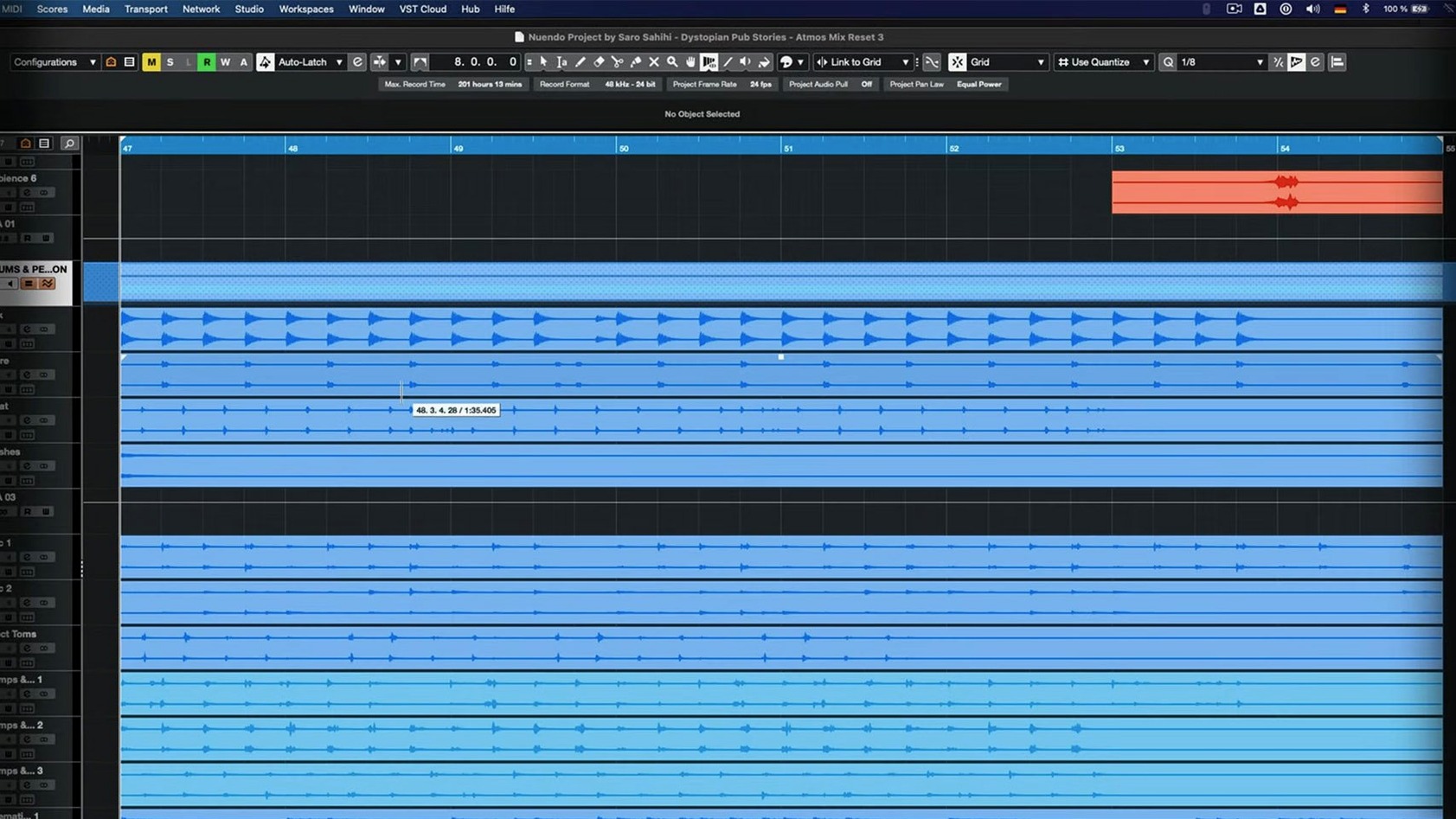
The real strength isn't a list of features — it's how the tools chain together when the clock is ticking. The editor drags the OMF onto the timeline. Direct Offline Processing gets applied to the dialogue track without bouncing a single file; the VST Bass Amp fix in 15.0.30 means the interface stays out of the way. A loud footstep gets tamed with the Multiband Envelope Shaper, and since it's bypassed when idle, the session doesn't choke. Folder tracks with Group Channel routing handle the stem prints logically. The composer's MIDI cue comes in; Quick Link handles the routing without a patchbay headache. A locked global track in the Score Editor doesn't break the session — that was fixed too.
Native Apple Silicon Mixer Built for DCP Stem Printing
Nuendo 15 runs native on Apple Silicon, so the render bar moves fast when printing stems for the DCP. It's not a music creation DAW moonlighting in post — the entire mixer, the Game Audio Connect 2 workflow, and the Analyzer track changes point directly at picture and interactive audio. If your day is ADR, Foley, and object-based panning, this is the hub that doesn't need a translator.
When Another App or macOS Feature Picks Up the Baton
Nuendo doesn't live in a bubble — it's the heavy lifter that hands off work to a half-dozen other tools during a real session. Picture lock comes from Premiere or Media Composer as an AAF or OMF. The video track inside Nuendo stays in sync via Blackmagic Desktop Video, spitting picture out to a client monitor while the audio stays in the box. I've watched re-recording mixers run Nuendo's ADR taker straight into a separate RX standalone window for spectral cleanup of a lav mic, then bring the cleaned file back onto a new lane with the Comp Tool, all while keeping the original take safely muted underneath.
On a Mac, the integration with Core Audio means aggregate devices are straightforward when you need 64 channels out to a Dolby Atmos renderer. The Dolby Atmos Production Suite connects directly — Nuendo sends beds and objects, the renderer spits back a binaural fold-down for headphone checks. During a game audio sprint, audio gets exported as individual assets via Game Audio Connect 2, and those WAV files land right in FMOD Studio or Wwise without a single manual rename. When the session wraps, the final stems hit Apple's Compressor for the ProRes master or get packed into a DCP with third-party tools. No one app does it all, but Nuendo is the one that knows exactly what the next app in the chain needs.
A Tuesday Morning Session, Step by Step
The assistant editor drops an AAF from Resolve into a shared folder at 7:42 AM. I'm pulling it into a template before the coffee finishes brewing. The template already has stem buses printed — dialogue, effects, music, and a 5.1 master — with the Group Channel routing patched into folder tracks exactly the way the 15.0.30 update intended.
First move: open the AAF, map the imported tracks to the template. Track archives from a previous episode come in cleanly; the import settings improvements in this build mean the routing doesn't scramble. I spot-check sync with the reference video on a Blackmagic output. Good.
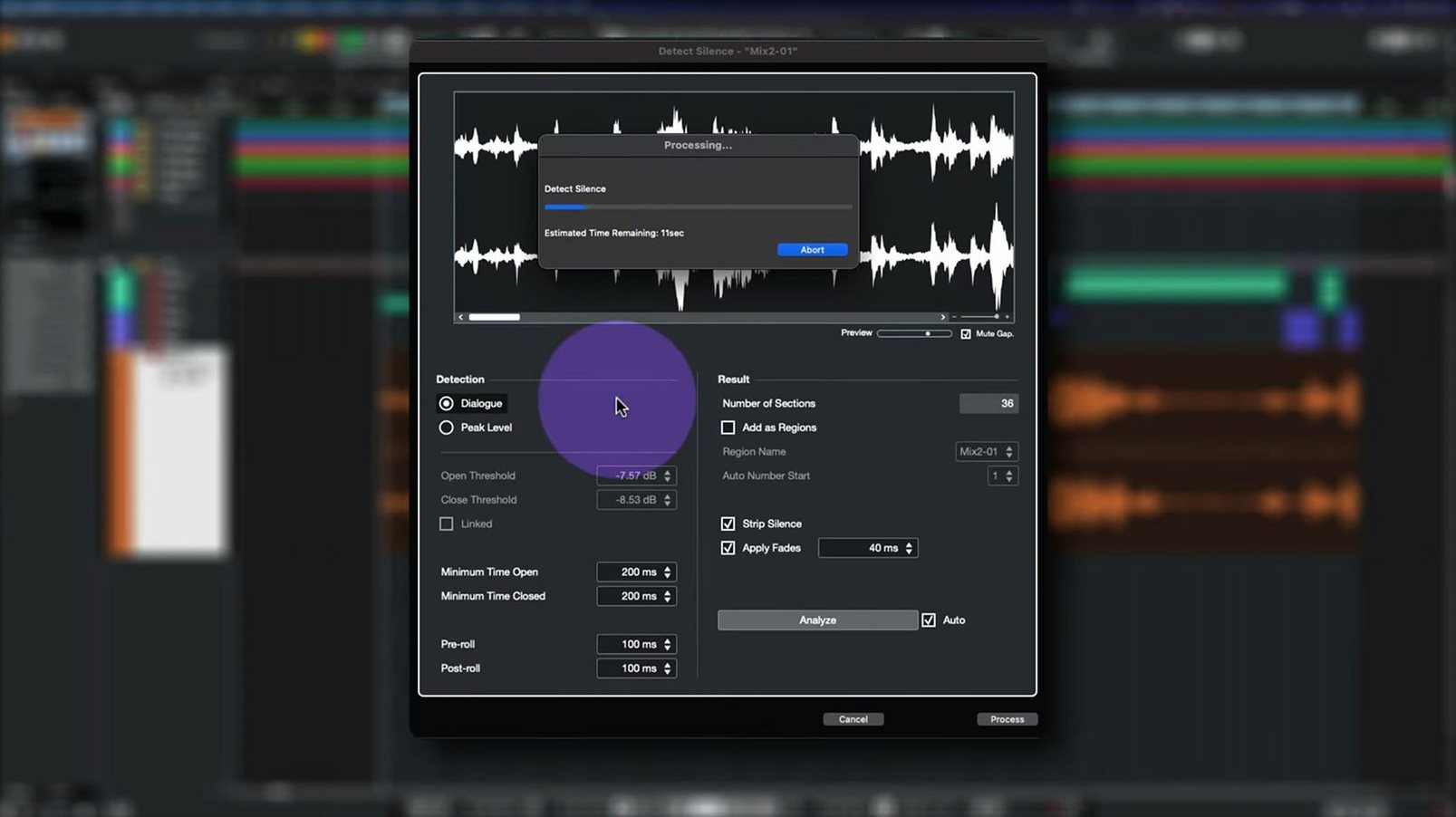
The dialogue editor's notes are open in a second display. A lav mic on the lead actor has a 60 Hz hum that cuts through the scene. I open Direct Offline Processing on the dialogue track, drop in a high-pass EQ and a de-noiser, apply it non-destructively. The VST Bass Amp interface glitch that used to flicker when chaining offline processes is gone — the panel stays solid. I move on.
Three scenes over, a door slam clips the preamp. The Multiband Envelope Shaper catches the transient and tames the tail. Since the plug-in is sitting bypassed on the other 14 tracks, the CPU barely blinks. Meanwhile, the composer sends a MIDI cue that needs a string line nudged up a minor third. I open the Score Editor on the locked global track, make the change, and nothing breaks — the lock holds, the notes shift, the session stays stable.
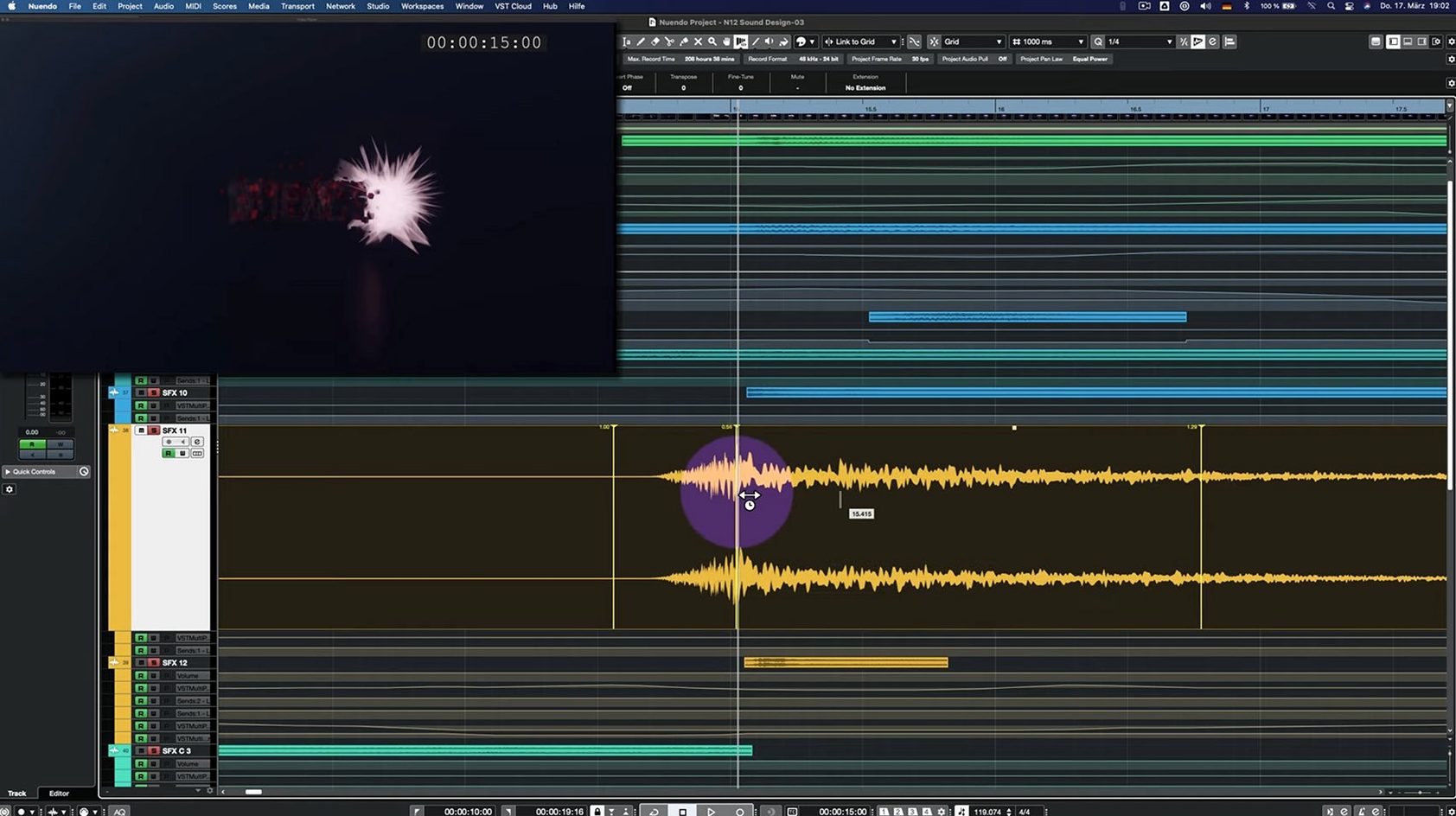
By 11 AM the director walks in for a review. We run the reel, he wants a specific laser blast moved into the top rear height channel. I grab the object in the ADM Authoring window, pan it up, re-render the bed. The Analyzer track confirms the level stays within spec. We print a binaural headphone mix right there, he nods, and I bounce the stems for the DCP house. The session closes at 11:47. The render bar finishes before lunch.
Where ADR Cue Sheets and Loudness Logs Are Daily Tools
A music producer who occasionally drops a sound effect into a Logic session doesn't need Nuendo. But the post-production crowd — the ones who live inside ADR cue sheets, object-based panning, and loudness compliance logs — they're the ones who feel every design decision. Dialogue editors who cut eight hours of production audio a week get direct value from the offline processing chain and the lane-based comping system. Game audio leads who need to export 400 variations of a footstep with metadata intact lean on Game Audio Connect 2 daily. Re-recording mixers running a stage with a D-Command or S6 know that Nuendo's EUCON adoption isn't an afterthought — the faders map the way you expect.
Immersive audio specialists — the people building Ambisonics soundscapes for VR or mixing in 7.1.4 for a streaming feature — live inside the ADM Authoring window and the renderer integration. That's a niche, but it's a growing one, and Nuendo built its mixer around that exact demand before most DAWs even had height channels. If your day starts with a picture lock and ends with a deliverable spec sheet, the fit is obvious.
Opening Pro Tools Sessions Without Pro Tools
"Does it open Pro Tools sessions?" Not natively — but AAF and OMF imports cover the ground. Track-based import maps most automation, clip gains, and panning from a Pro Tools export. If you're working with a Pro Tools house, you'll be exchanging AAFs, not session files. The workflow friction is low.
"Will my Mac handle it without a DSP box?" If you're on Apple Silicon, yes — native processing means the session runs on the CPU without a dedicated PCIe card or external DSP. A MacBook Pro from 2021 forward can run a full 5.1 mix with plug-ins, no sweat. The performance optimization for bypassed plug-ins in 15.0.30 keeps the session responsive when you're not actively processing every track.
"Is the learning curve brutal?" If you've worked in any modern DAW, the transport and editing feel familiar within an hour. The depth lives in the post-specific tools — the ADR taker, the Analyzer track, the object-based panning. Those take time. But you don't need them all on day one. A dialogue editor can ignore the game audio tools entirely.
"Can I pull a nuendo mac build without extra hardware?" Yes. The installer handles both Intel and Apple Silicon binaries in one package. No additional audio interface is required if you're mixing in the box; Core Audio handles the routing to headphones or desktop monitors. External I/O comes into play when you need calibrated monitor control or multi-channel output to a stage.
Analyzer track changes and updated Folder track routing with Group Channel behavior headline this build. Imported track settings and archives are more reliable now. Quick Link and MIDI port handling got tightened up.
Also fixed: the Comp Tool with Group Editing, the Score Editor when a global track is locked, and the Direct Offline Processing interface for VST Bass Amp or VST Amp Rack. The Multiband Envelope Shaper plug-in now optimizes performance when bypassed.
- macOS 11 or later
- Apple Silicon or Intel Mac
Questions I actually get
What got fixed in the Nuendo 15.0.30 update?
The patch addressed several areas: the Direct Offline Processing UI for VST Amp plug-ins, Comp Tool behavior with Group Editing, Score Editor handling of locked global tracks, and a performance optimization for the bypassed Multiband Envelope Shaper.
Notes from the edit bay · 0
Sign in or get an edit-bay pass to leave a note.
No notes from the edit bay yet. They go up after I read them.